1. When the print looks fine in the RIP but wrong on the board
One of the most common frustrations is a job that previews well, yet comes off the flatbed with banding, dull colour or uneven solids. In many cases the printer is not the only cause. The media may have dust, the vacuum may not be holding the board evenly, or the job setup may not match the actual board thickness. On rigid signage, a small lift at one corner can change the print gap enough to affect the finish.
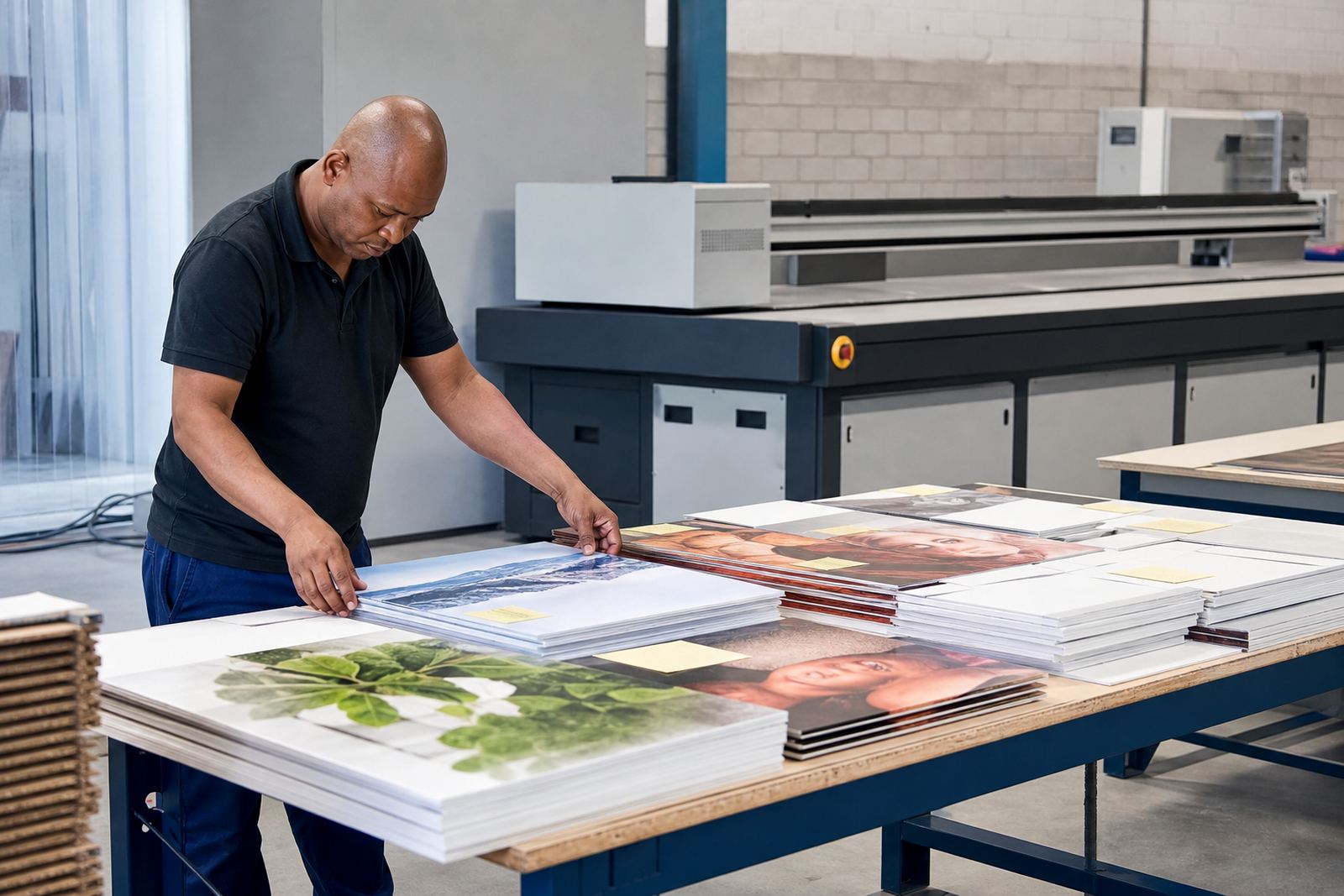
Before blaming the machine, check the simple points first: the board should be flat, clean and suited to UV curing. A bowed PVC sheet, a damp composite panel or a scratched acrylic face can all show problems that look like printer faults. In humid areas such as Durban, boards stored too close to an open roller door can absorb moisture and behave differently from the batch tested earlier in the week.
- Confirm the substrate is dry, clean and cut to size.
- Check whether the job file matches the actual media thickness.
- Inspect the vacuum zones and make sure the board is sitting level.
- Review the print pass and curing settings before re-running the job.
2. Banding, streaks and lines that show the printer is fighting the material
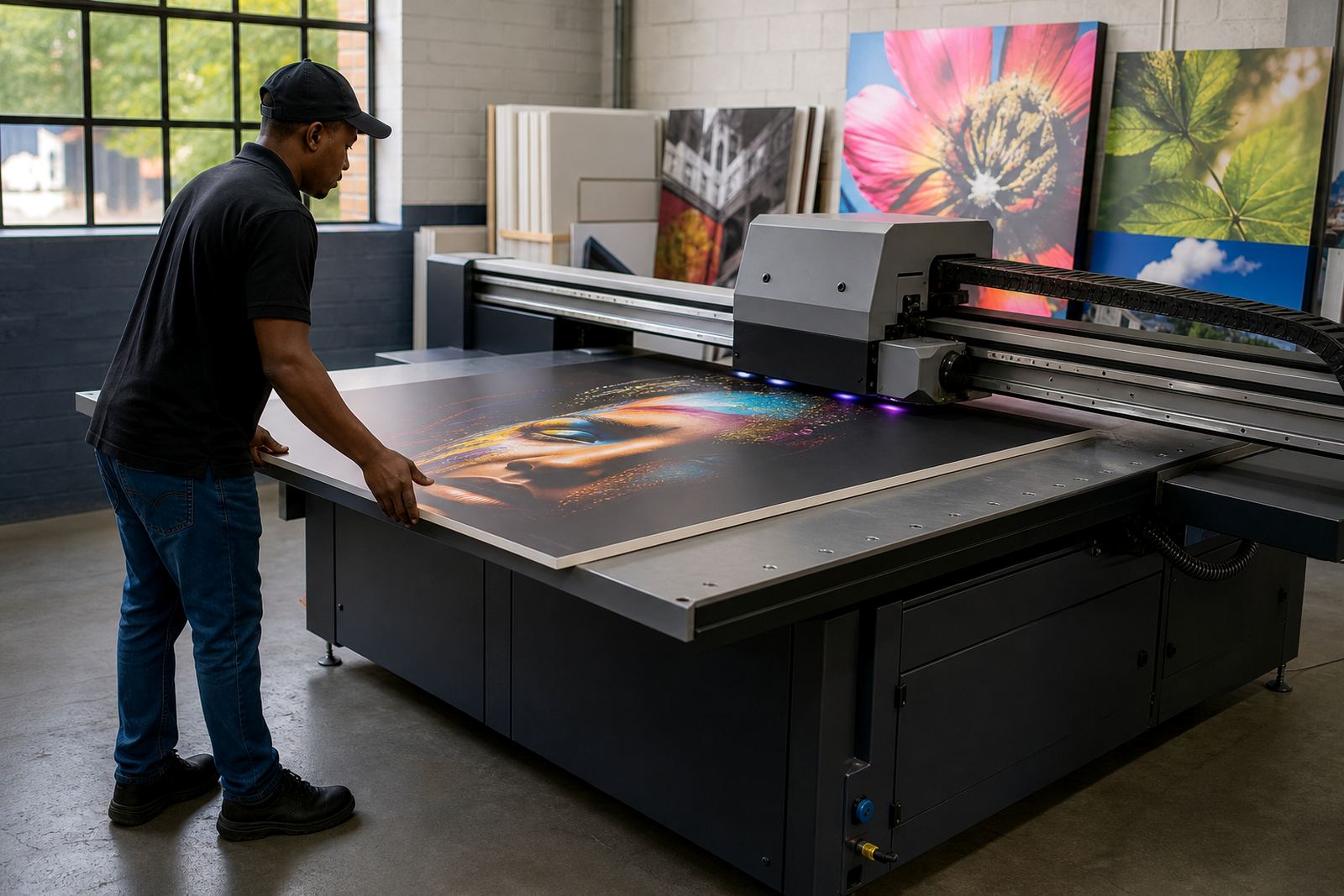
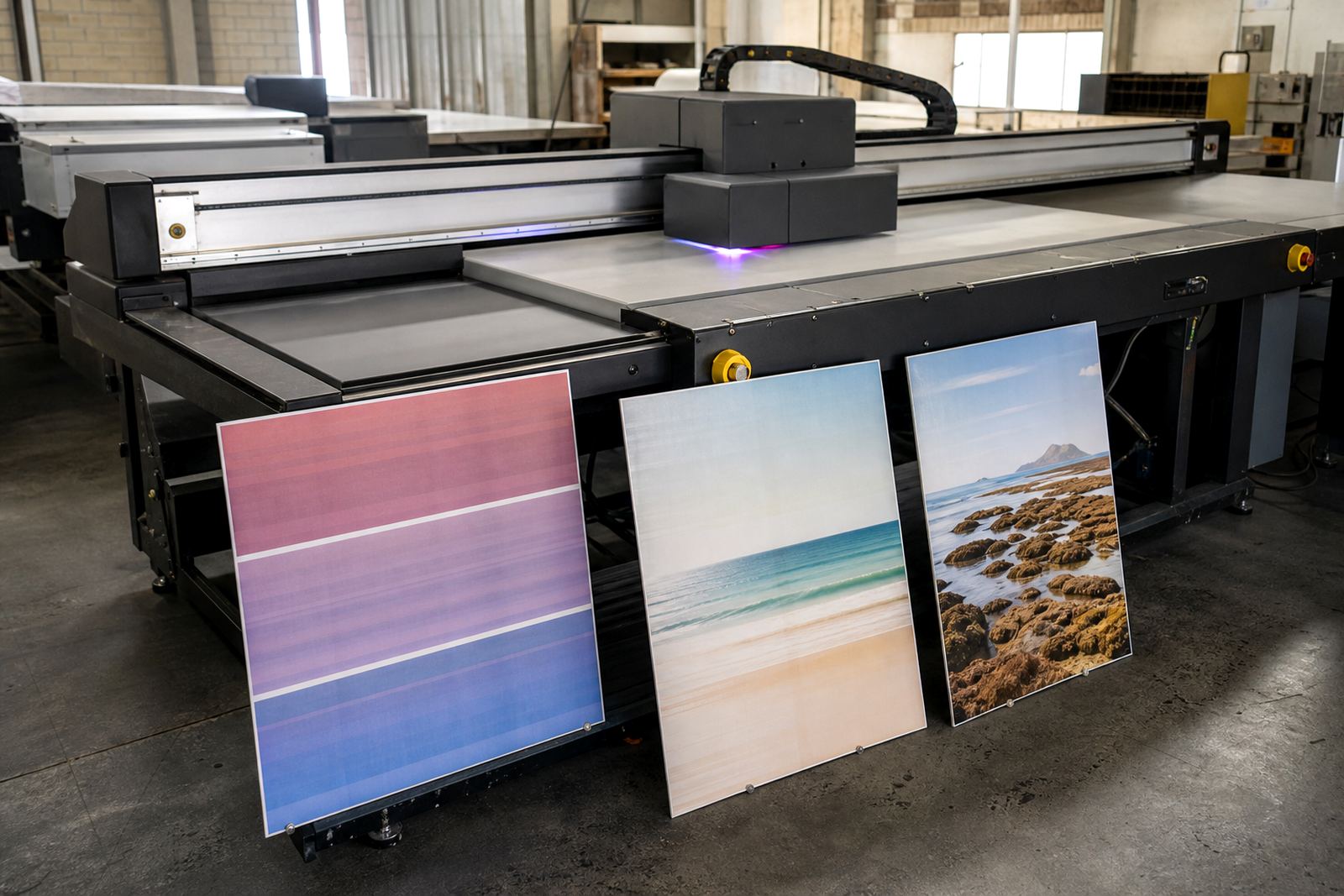
Banding usually shows as repeated lines across the print, while streaks often point to a blocked nozzle set, a dirty carriage path, or a setup problem in the workflow. On flatbed UV jobs, banding can also come from head height being too high, a board that is slightly warped, or a pass setting that is too aggressive for the media type. If the same issue appears on several jobs, it is worth checking the whole chain from ink handling to printer maintenance.
In practical terms, this is where preventive maintenance saves money. A short daily clean, correct storage of inks and regular checks on air movement around the printer can prevent repeat faults. Load shedding can also interrupt a job mid run, so operators need a proper restart routine. If curing starts unevenly after a power cut, the next board may show a visible change in gloss or tone, and that is not something you want on retail signage.
- Keep the print area free of dust and loose scraps from trimming.
- Do a nozzle check before long production runs.
- Store inks according to the supplier’s handling guidance, away from heat.
- Use a restart checklist after power interruptions or machine pauses.
3. Poor adhesion, chipping and prints that do not survive handling
Adhesion complaints are common on rigid boards that will be cut, drilled or mounted after printing. If the ink sits on the surface instead of keying in properly, it may chip at edges or lift where the board is scored. This often comes down to the wrong media, poor surface preparation, or curing that is too light or too aggressive for the material. A print can look good on day one and fail once installers start fixing it to a frame.
Local conditions matter here. Coastal humidity, dusty workshops and boards handled with bare hands can all cause trouble. For a business in Germiston sending work to Pretoria, Cape Town or Gqeberha, the same artwork may perform differently if the substrate batch changes. That is why media testing should be part of the workflow, not something done only when a complaint arrives.
Good practice includes testing ink on offcuts, checking tape pull resistance where relevant, and allowing the board to cool properly after printing before packing or cutting. If the print is going into a busy retail space or an outdoor promo zone, the handling stage is just as important as the print stage.
4. Colour shifts, dull panels and why the same file can look different on another job
Colour variation is one of the hardest issues for clients to explain, because the artwork may appear correct on screen but different on the final board. In flatbed UV printing, this can happen because of ink density, media colour, curing intensity or the way the file was prepared. A white board and a grey board will not show the same result, even when the design is identical.
Colour guidance helps, especially when a customer expects a repeat order to match a previous run. It is not enough to save the file and hope for the same result later. The operator needs to know which substrate was used, how the board was stored, and whether any settings changed between runs. Even a small change in cleaning, head height or ink film can shift the tone enough to matter on branded signage.
- Record the media type and supplier batch for repeat jobs.
- Keep approved samples for future reference.
- Use the same workflow settings where possible on reprints.
- Check the effect of curing on gloss and perceived colour before approving production.
5. Edge lift, overspray and finishing problems after printing
Some defects are only obvious once the board is trimmed, mounted or installed. Edge lift can happen when the print sits too close to the cut line, or when the substrate flexes during finishing. Overspray or fuzzy edges may come from incorrect file setup, poor masking of the print zone, or a mismatch between artwork size and actual board size. These are not dramatic failures, but they can make a clean job look rushed.
For sign makers working under municipal rules, neat finishing matters. Street-facing signage, site boards and promotional displays are often judged first by the finish, not the artwork. A good workflow should include bleed allowances, trimming checks and a clear handover from printing to finishing. If the print is being mounted in a shopping centre or office park, the last thing you want is adhesive marks or chipped corners showing on site.
Production teams should also look at storage after printing. Freshly printed boards need sensible handling, especially in warm Gauteng workshops where stacked sheets can mark each other if packed too soon. Simple things save time, and prevent rework later on.
6. The value of training, maintenance and a simple check before every shift
Most recurring print defects are not random. They follow a pattern in the workflow, and that means they can usually be reduced with better training, planned maintenance and clear responsibility at each stage. An operator who knows how to read a nozzle check, a warehouse team that stores media correctly, and a technician who tracks repeat faults will catch problems early.
At a Germiston base serving Johannesburg, Pretoria, Durban, Cape Town and Gqeberha, the practical answer is not more guesswork. It is a steady process that covers printer installation, site preparation, operator training, workflow planning, breakdown support and remote support when needed. If a board looks wrong, the team should be able to ask: was the media right, was the file right, was the printer ready, and was the finish handled correctly? That simple sequence clears up a lot more than people think.
For day to day work, a short pre-shift check helps keep production moving and reduces avoidable waste. It also keeps the conversation honest when a client asks why one job was perfect and the next one was not. In most cases, the answer is in the process, not just the printhead.