Start With Clean, Flat Boards Before They Reach the Table
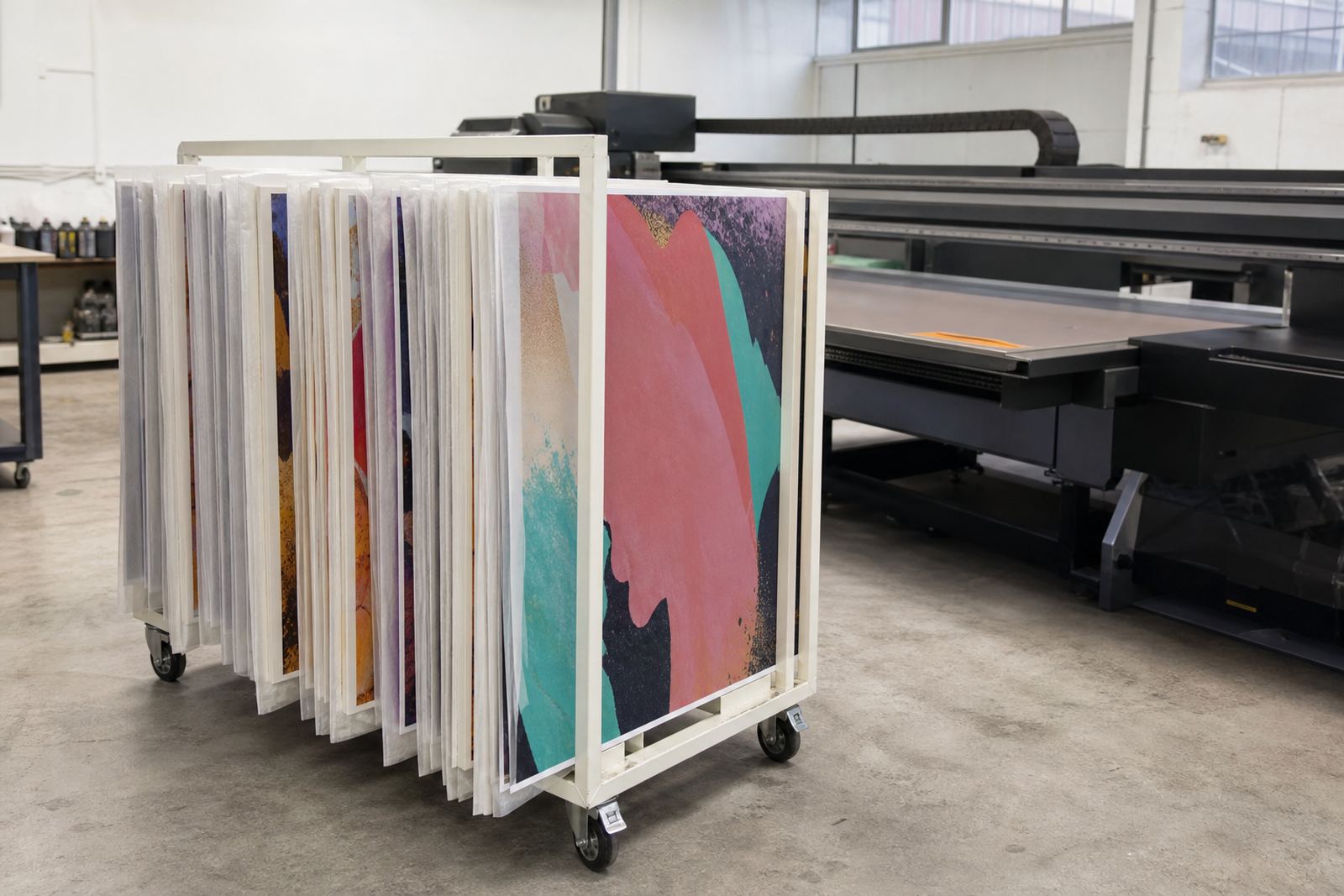
Board loading problems often begin off the machine, not on it. If the sheet is bowed, dusty or still holding packing grime, it can shift during placement and affect registration from the first pass. In a Germiston shop or on a Cape Town site with coastal humidity, always check that rigid media has been stored flat and covered. Moisture can make some boards curl at the corners, while dust and loose fibres can cause small marks that show up once the ink lands.
Before loading, inspect each sheet for dents, chipped edges and lifted laminate. If a board has been cut on a site and the edge is rough, handle it with care because loose fibres can transfer onto the table surface or into the print area. Keep the loading zone clear and dry. A clean staging area matters just as much as the printer itself.
- Store boards flat, off the floor and away from direct sun.
- Wipe loose dust before loading, especially on foam board and fluted board.
- Reject sheets with severe bowing or damaged corners.
- Let cold boards acclimatise if they arrived from a truck in winter.
Measure, Mark and Square the Sheet Before It Goes In
One of the simplest ways to avoid waste is to square the board before it reaches the print area. Even a small skew can affect placement on runs with multiple panels, cut lines or white ink underlays. Use a straight reference edge and confirm the sheet size before loading, especially when working with mixed media like PVC, acrylic, honeycomb board or corrugated rigid stock.
For jobs in Johannesburg and Pretoria where quick turnaround is common, it helps to mark the print side and the lead edge clearly with a soft pencil or removable label. That way the operator does not waste time guessing which side faces up. If the board is large, get two people to lift and guide it. A single person can end up dragging one corner, which leaves scuff marks or knocks the sheet out of square.
- Mark the print face and top edge before the job starts.
- Check width and length against the job ticket before loading.
- Use two people for large or awkward sheets.
- Keep a standard loading position so each operator works the same way.
Protect the Table and the Board During Placement
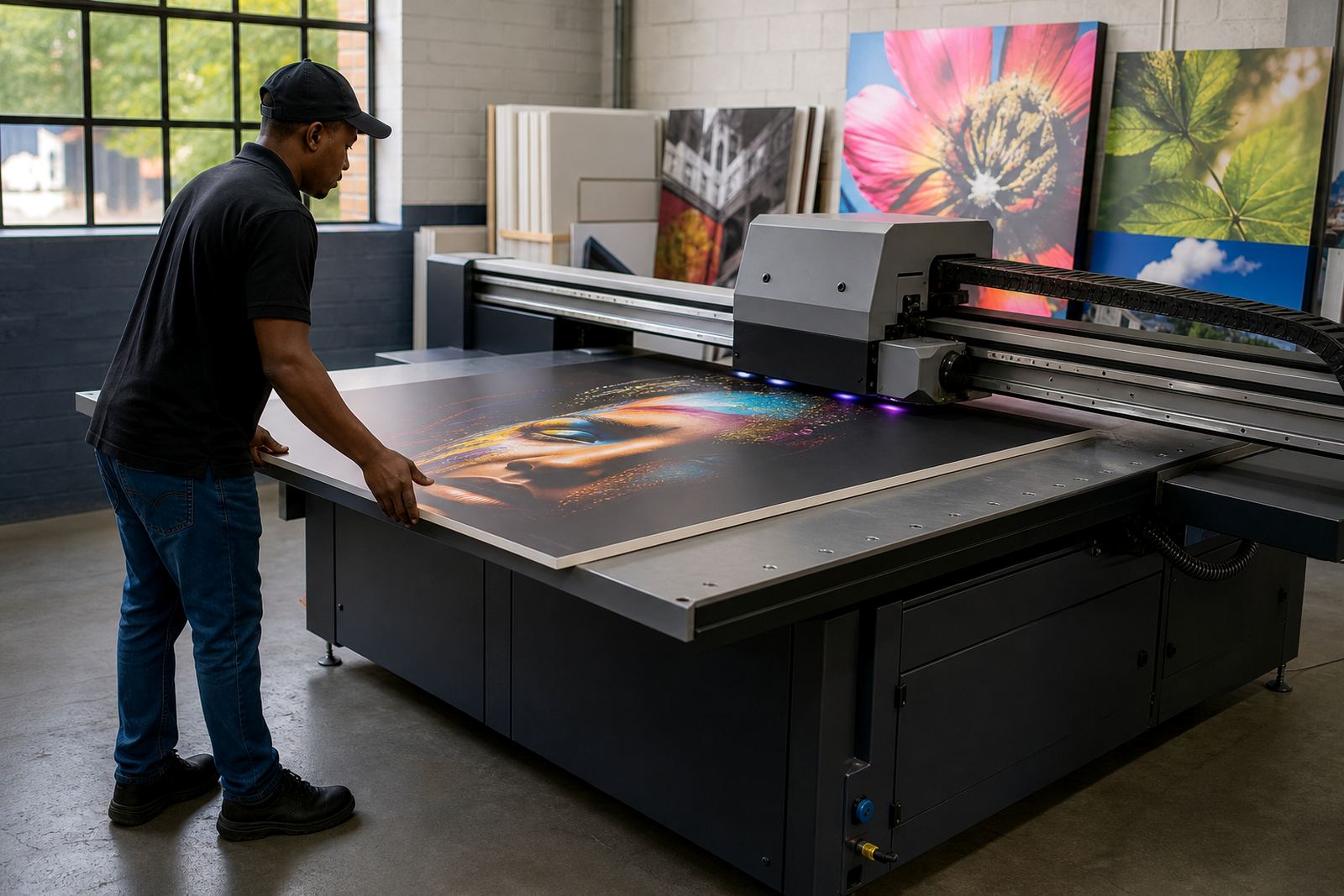
Rigid media should land gently and sit flat before the print begins. Do not slide a board across the table if you can lift it into position. Sliding can scratch the underside and leave debris behind, which later shows up as small bumps or uneven print areas. On some substrates, especially thinner boards, a rough slide can create edge wear that becomes visible after trimming.
Use a steady grip and lower the sheet in a controlled way. If the table has zones, stops or alignment marks, use them every time. Consistency matters more than speed. A rushed load can create a small lift at one corner and that is often enough to affect ink laydown on a full panel job. In a production environment, one minute saved at loading can cost far more later in reprints and cleanup.
- Lift, do not drag, the board onto the table.
- Check that the sheet sits flat across its full surface.
- Clear off offcuts, dust and adhesive crumbs before each load.
- Confirm alignment marks before starting a double sided or multi-panel job.
Match the Media to the Job, Not Just the Price
Flatbed UV printing can work across many rigid materials, but each medium behaves differently. Foam board is light and easy to handle, yet it can dent if clamped or pressed too hard. PVC sheet offers a different feel under load and may need extra care to avoid static and surface marks. Acrylic and glass look clean, but they show fingerprints and require careful handling. Fluted board is useful for signage and temporary displays, though the open flutes need correct direction and support.
When a board is chosen only because it is cheap, loading problems often follow. The right board gives a flatter print, cleaner edges and fewer surprises during finishing. For municipal and retail signage around Gauteng, the real question is not just whether the board fits the printer. It is whether it can survive transport, loading, print, drying and installation without distortion.
- Choose the board based on the final use, not only on cost.
- Check whether the substrate needs a print side, primer or special handling.
- Keep different media types separated in storage and in the loading area.
- Test unfamiliar boards before committing to a full run.
Set Up the Workflow So Loading Becomes Routine
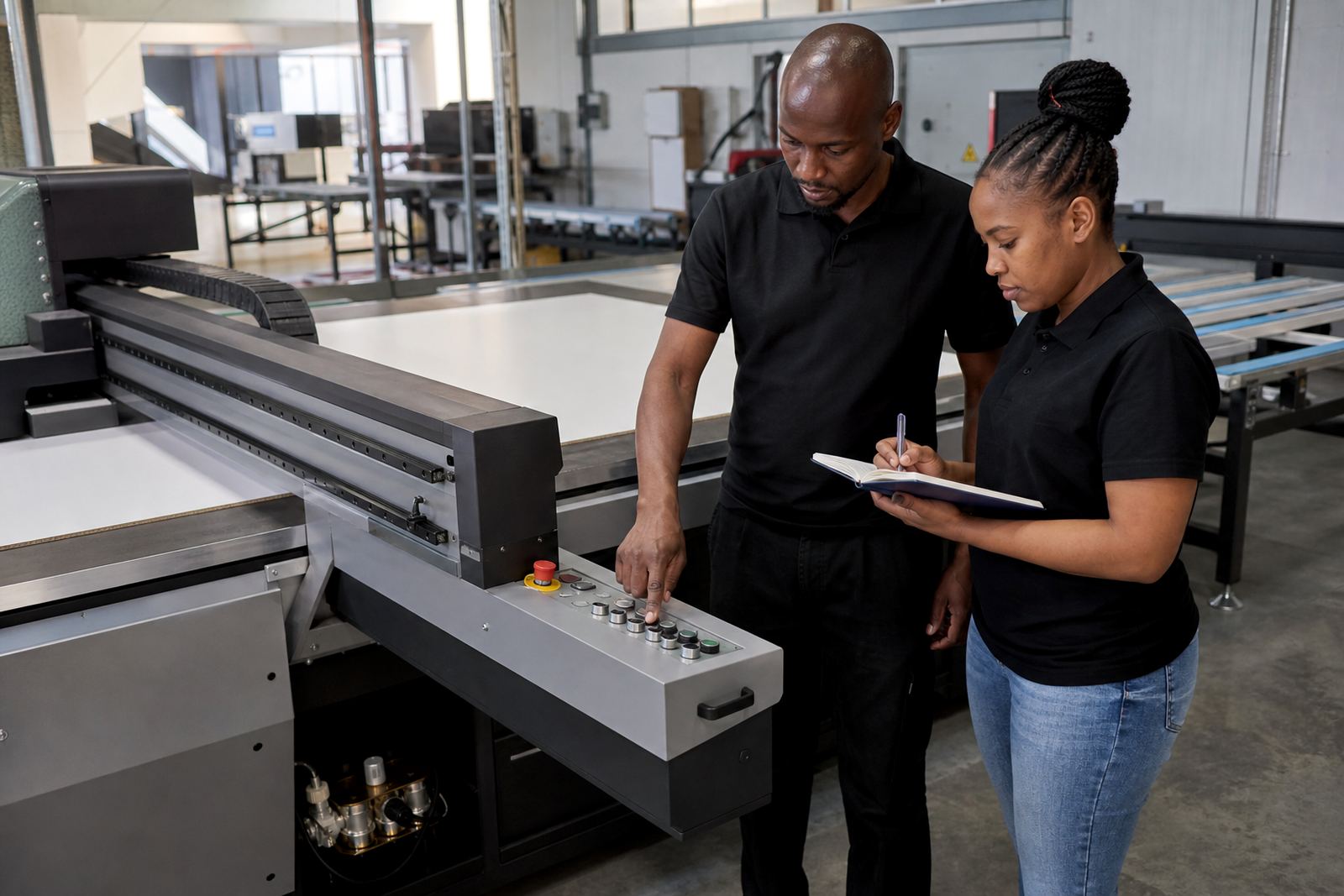
A good loading routine saves time and lowers the chance of damage. The operator, cutter and support team should all know where the boards are staged, how they are carried and which direction they enter the table. When the workflow is planned well, there is less backtracking and fewer missed boards. That matters on busy days when jobs are moving between Germiston, East Rand and Centurion support areas.
Build a simple sequence and keep to it: receive the media, inspect it, clean it, mark it, load it and confirm alignment before printing. If the job has special colour or white ink needs, note those before the board is placed on the table. Good workflow also helps when power interruptions or load-shedding affect the day. A paused job is easier to recover if the media is already labelled and staged properly.
- Keep a fixed loading order for every operator.
- Label jobs clearly before they enter production.
- Separate inspection, loading and finishing areas where possible.
- Plan around interruptions so boards are not left unattended on the floor or table.
Handle Printing Challenges Early, Not After the Sheet Is Damaged
Most board loading faults are small at first. A slight curve, a dusty edge or a misread lead side can turn into a print issue once the job starts. The best time to fix a loading concern is before ink reaches the substrate. If the board feels unstable, lift it off and check again. If the sheet keeps shifting, look at the table surface, the media itself and the loading method before blaming the print file.
For teams working across Durban, Cape Town and Gqeberha, humidity, transport vibration and site handling can all affect how a board behaves by the time it reaches the printer. That is why training matters. A trained operator spots problems early, asks the right questions and keeps the job moving. At Flatbed UV, we see better results when loading, colour guidance and maintenance are treated as one process rather than separate tasks.
Safer loading is not complicated. It is mostly about habits: keep the media clean, square and dry, and give every sheet the same careful treatment. Small discipline at the start usually means a cleaner finish at the end.