When Turnaround Times Start Slipping
The first sign is usually not a machine breakdown. It is a pattern. Jobs that once left the floor in one shift now take two, or operators are working late to keep up with boards, panels and signage runs. In Germiston and across Gauteng, many shops only notice the pressure when quotes are already late and delivery windows keep moving.
If your team is spending too much time waiting on curing, reworking a pass or loading the next sheet, the setup may be limiting output. UV printing for rigid media should support steady workflow, not force constant stoppages. Once the machine becomes the bottleneck, the shop starts losing margin on every job.
Look at what is happening week by week, not only on the busiest day. If a simple order now needs extra handling, extra drying space or extra staff to babysit the process, that is a clear warning sign.
When The Board Size Or Material Range No Longer Fits Your Work
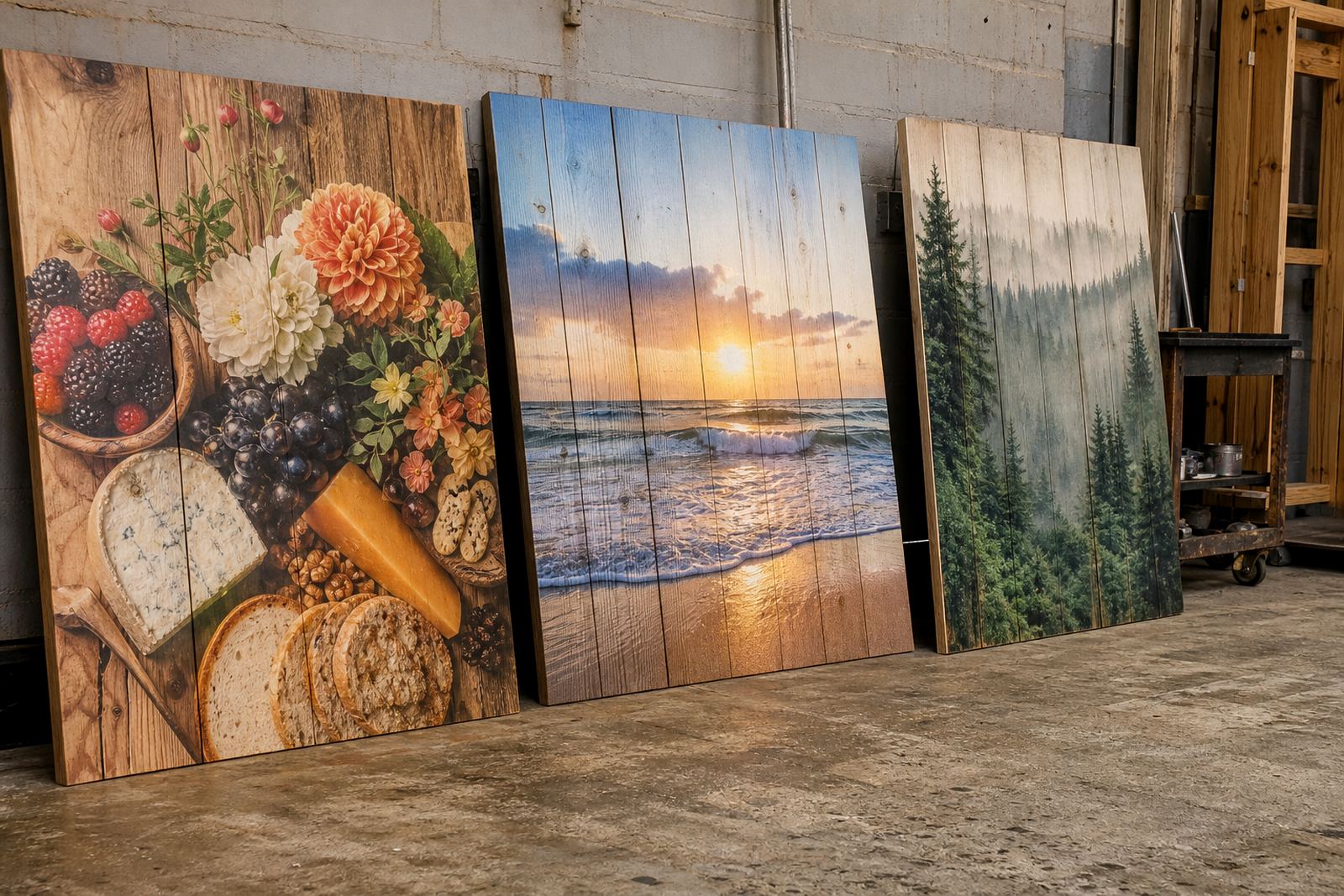
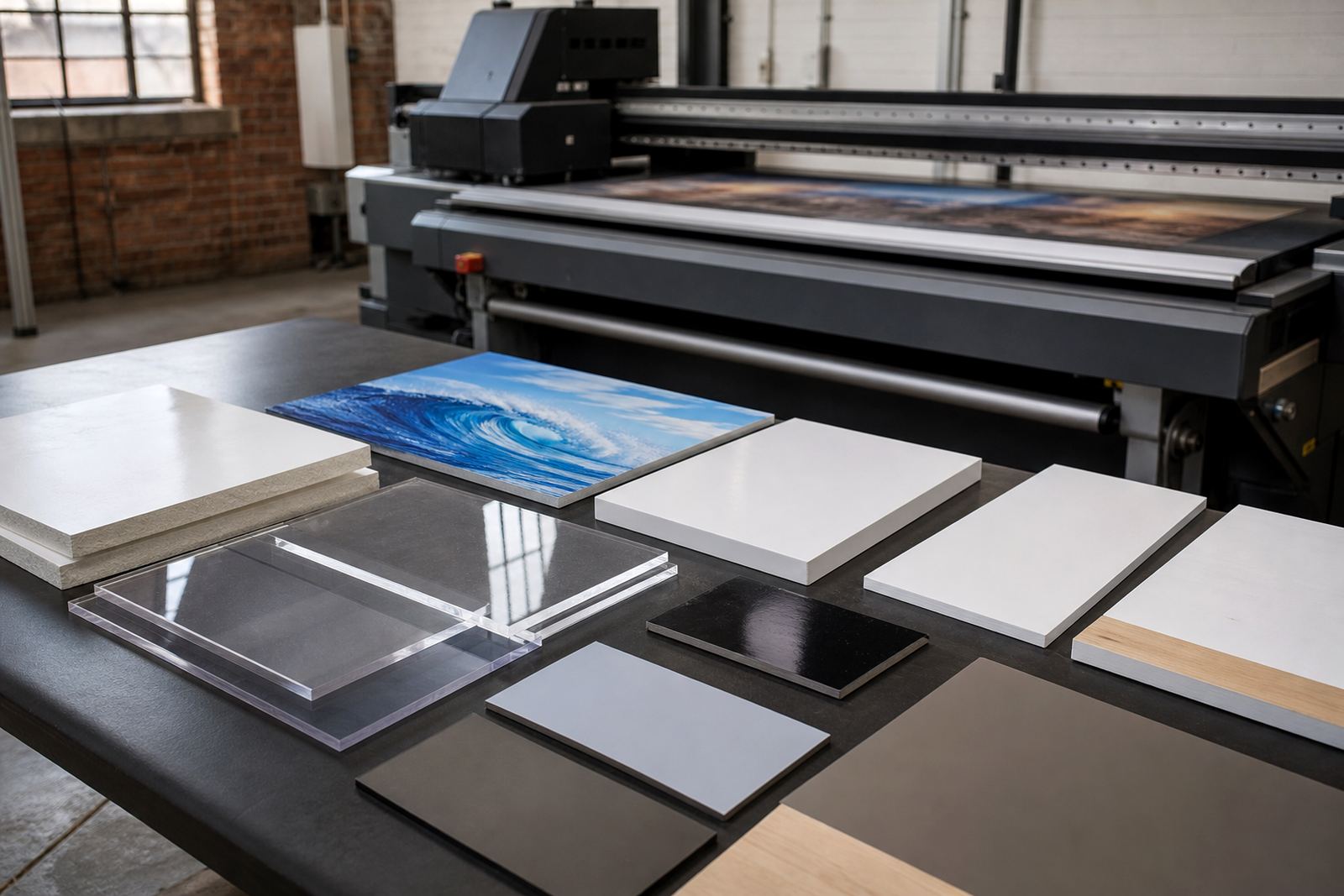
Many businesses start with a narrow mix of jobs, then grow into shopfitting, display panels, wayfinding and event signage. The problem is that the original equipment may not handle the board sizes, thicknesses or media types now coming through the door. That is when you start turning away work or splitting jobs across too many stages.
Flatbed UV printing is meant for rigid boards and signage materials that need direct printing with strong ink adhesion and decent visual impact. If your current setup is limiting the media you can run, or making it hard to print on the substrates your customers ask for, you are already paying for that limitation in lost orders.
- Boards need to be trimmed smaller than the job requires
- Some media scuffs, lifts or marks too easily during handling
- Artwork has to be redesigned to suit the machine instead of the job
- Outdoor signs need extra finishing to survive local weather
For coastal work in Durban or Gqeberha, material choice matters even more. Humidity, salt air and heat can expose weak ink systems quickly, so a setup that once looked adequate may now be costing you repeat work.
When Quality Complaints Keep Repeating
A machine does not have to fail completely before it becomes a problem. Repeated complaints about banding, poor colour consistency, adhesion issues or image dullness often point to ageing hardware, inconsistent settings or a workflow that has outgrown the equipment. If the same job looks different from one run to the next, the customer notices.
In signage, small defects show up fast. A retail panel with patchy colour, or an event board with poor detail under bright light, can undo the value of the whole order. Many businesses try to correct this with more passes, but that only adds cost and time without fixing the real issue.
It is worth asking whether the team is troubleshooting the same faults every month. If the answer is yes, a better approach is to review the full print process, from file preparation to ink handling and media testing. Sometimes the real problem is not one setting, it is an old setup trying to do a newer kind of work.
When Running Costs Start Climbing Faster Than Sales
Upgrade decisions are often financial before they are technical. If consumable use is rising, maintenance calls are becoming frequent, or waste sheets are climbing, the true cost of holding onto older equipment may be higher than the cost of replacing it. The machine may still print, but not efficiently.
That is why preventive maintenance and proper workflow planning matter. When a setup needs constant adjustment, more operator time and extra media to get the job right, the business loses on labour and material. For a shop in the East Rand or Centurion, those hidden costs can quietly eat into margins on every batch.
- More wasted boards from setup errors or registration problems
- Higher ink use because jobs need extra passes
- More downtime from repeat faults or part wear
- Extra labour spent on corrections, not production
When the sales team is busy but profit is flat, the print room usually deserves a closer look. A newer or better matched flatbed UV setup can support more predictable costs, which makes quoting and scheduling easier.
When Load-Shedding And Site Conditions Expose Weak Points
South African print shops have to work around realities that matter. Load-shedding, voltage swings, hot summer rooms and dusty industrial spaces all put pressure on equipment. A setup that worked fine in better conditions may begin to struggle once power interruptions and temperature changes become part of the daily routine.
If you are losing time after every outage, or the machine needs a long recovery before production can resume, that is a practical sign to review the current arrangement. Operators should not have to guess what will happen after the next cut. Stable workflow depends on equipment that can handle the environment it operates in.
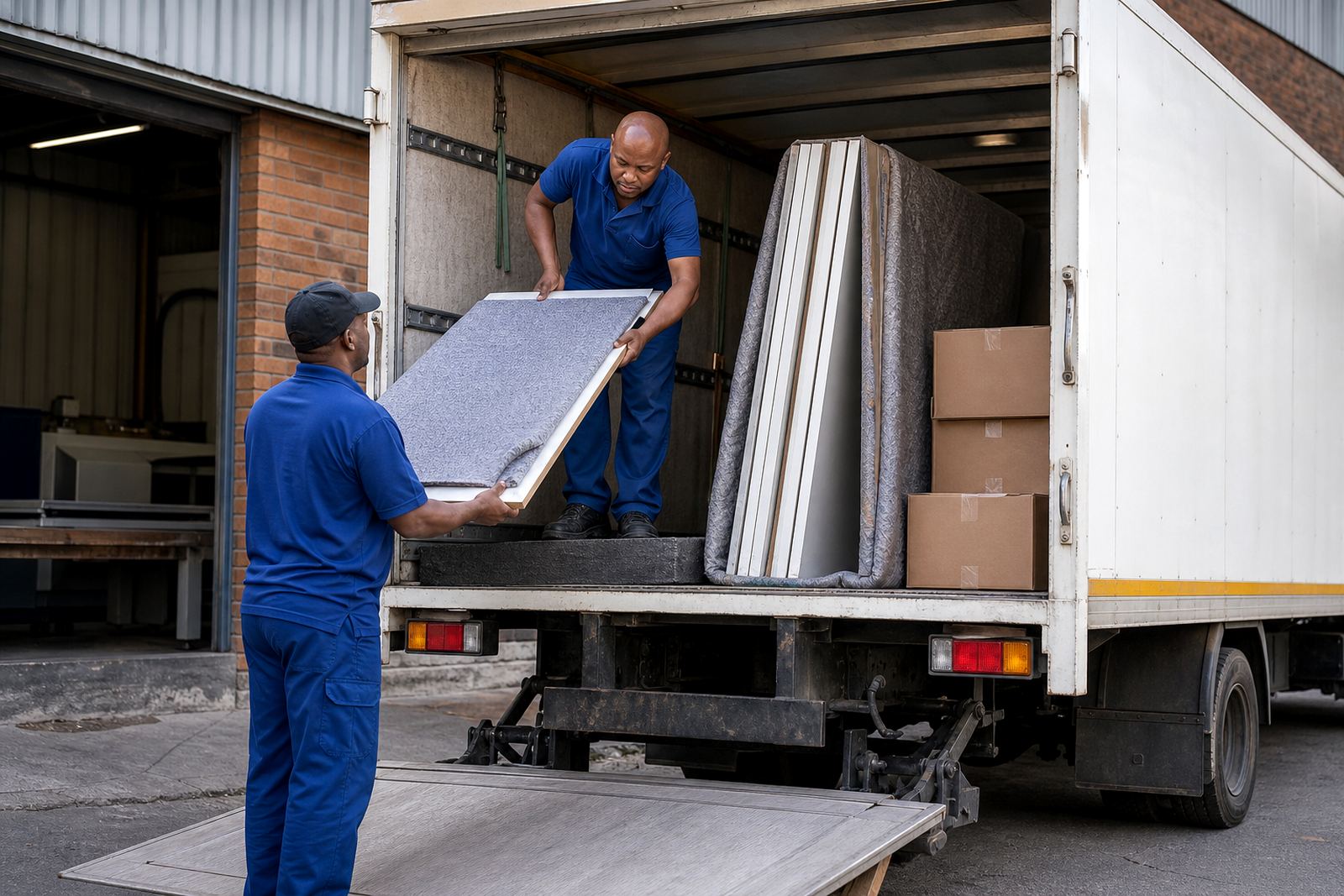
Site preparation is part of this decision too. Poor ventilation, limited floor space and awkward board movement can slow production even if the machine itself is still functional. In some cases the upgrade is not only about print capacity, it is about creating a better working flow for the team.
A Local Example From A Growing Germiston Shop
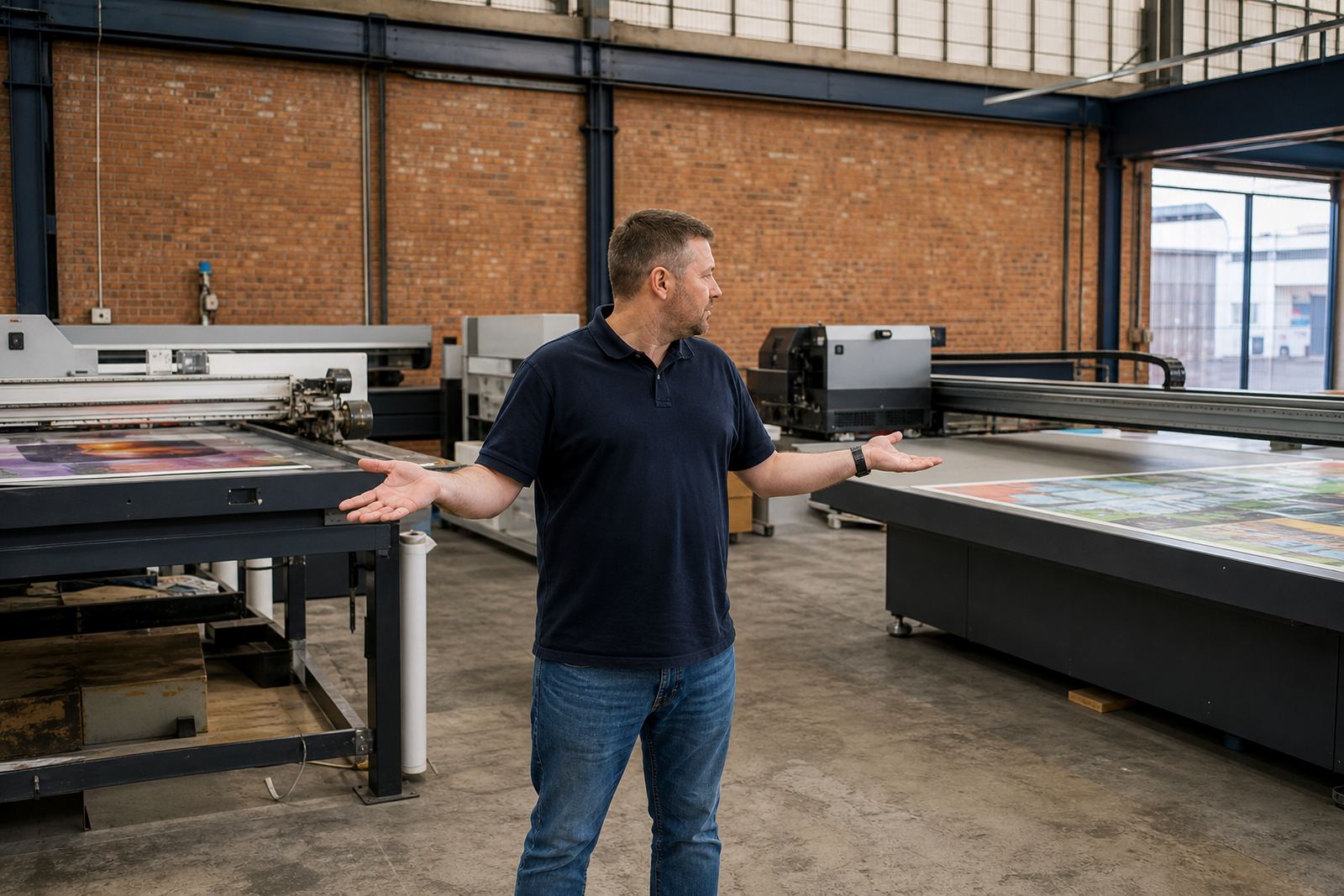
A common situation in Germiston is a sign shop that begins with smaller rigid board jobs for local businesses, then starts taking on larger retail and event work across Johannesburg and Pretoria. At first the team manages by stretching shifts and splitting work across days. Then the deadlines tighten and the same equipment that once felt sufficient begins to hold the business back.
What changes first is usually not demand, but pressure. Operators rush artwork changes, spend more time checking alignment and keep extra boards aside because the first run may need correction. That is when a simple upgrade conversation becomes a business decision. The goal is not bigger for the sake of it, but better matched to the work already coming in.
For many shops, the best time to upgrade is before customers start noticing delays. Once the pattern is clear, the business can plan installation, operator training and handover properly instead of rushing through the change.
- Review the jobs you want more of over the next 12 months
- Compare that against the media and board sizes you currently run
- Check whether your turnaround times are improving or slipping
- Look at support needs, including spares, training and maintenance
What To Check Before You Commit
An upgrade should solve a real problem, not create new ones. Before moving ahead, look at floor space, power requirements, board handling, operator skill levels and the kinds of media you plan to use. It also helps to plan for colour guidance, ink handling and production support, because the first few weeks after installation can shape long term results.
Businesses across South Africa often need help with site preparation, operator training and breakdown support after a new setup goes in. That is especially important where production cannot stop for long, or where remote support may be needed between visits. The right decision is usually the one that reduces daily friction and gives the team more control over output.
If your current setup is slowing growth, increasing waste or making it harder to meet deadlines, the upgrade question is already on the table. The sooner you assess it, the easier it is to protect margins and keep customers happy, without last minute pressure.