Why Dust Shows Up On Flatbed Jobs
Flatbed UV printing puts ink straight onto rigid media, so any dust sitting on the board, the table or the operator’s gloves can show up in the final print. On white boards, acrylic, PVC, fluted sheet and other signage stock, even a light speck can catch the eye once the ink cures.
Dust is not only about appearance. It can interfere with adhesion, create pinholes, and force a print to be cleaned or run again. In busy Gauteng workshops, where doors open and close all day and loading bays bring in grit, dust control has to be part of the workflow, not something added at the end.
Start With The Room Before You Start The Print
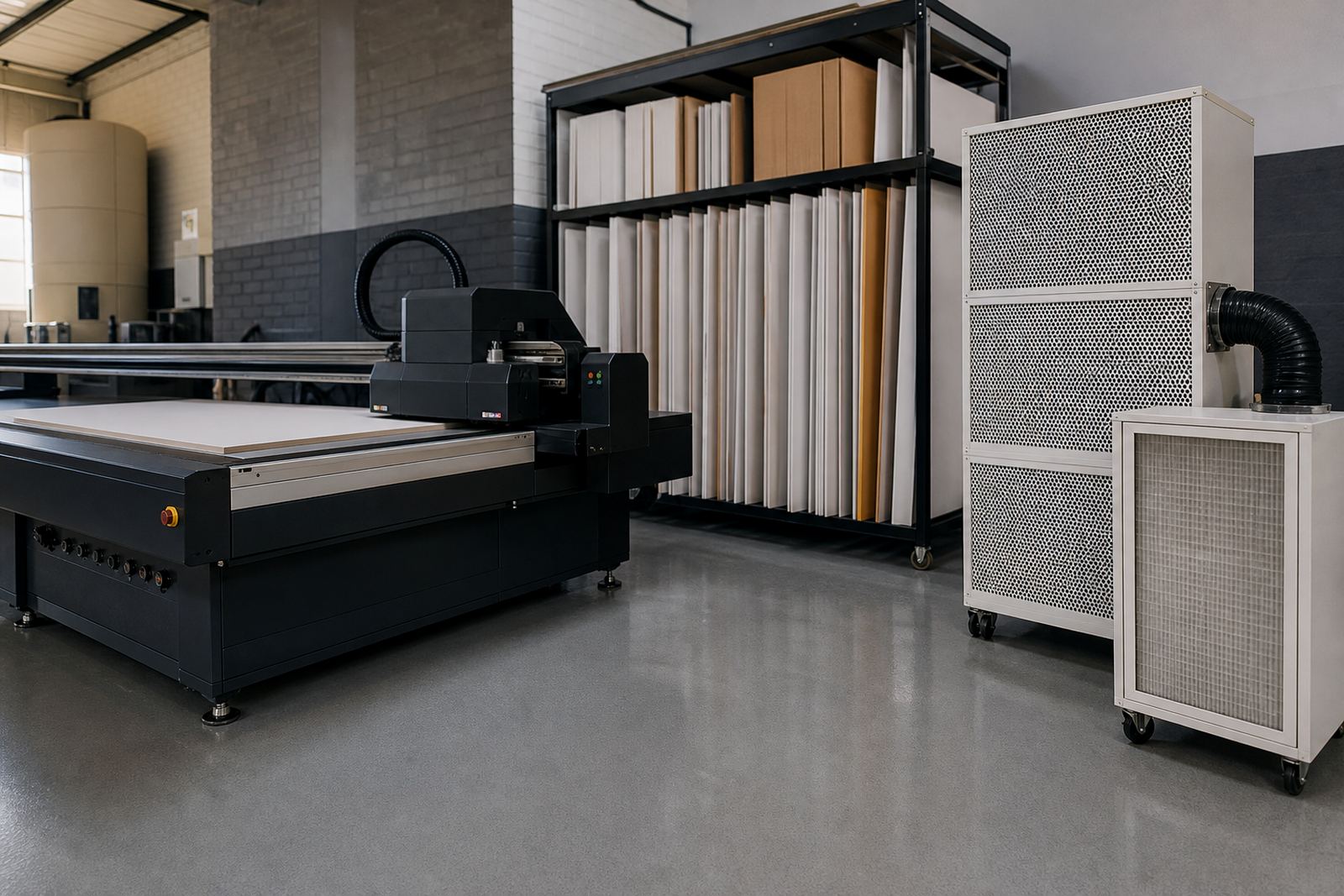
A print room does not need to be spotless like a lab, but it should be organised so dirt is not moving around with every job. Keep cutting, sanding and packing away from the printer area if possible. If boards are trimmed nearby, dust will settle back onto the same stock you are trying to print.
- Keep a simple clean and dirty zone in the workshop.
- Store boards flat and off the floor, wrapped where possible.
- Close doors when wind is blowing dust in from outside.
- Use mats or smooth floor finishes that are easier to sweep.
In places like Germiston and the East Rand, workshop dust can build up quickly because of traffic, industrial yards and open roller doors. A quick sweep is not enough if boards are lying on benches where grinding or packing takes place nearby. Small habits add up, and they cost less than a spoiled print run.
Handle Media So It Stays Clean
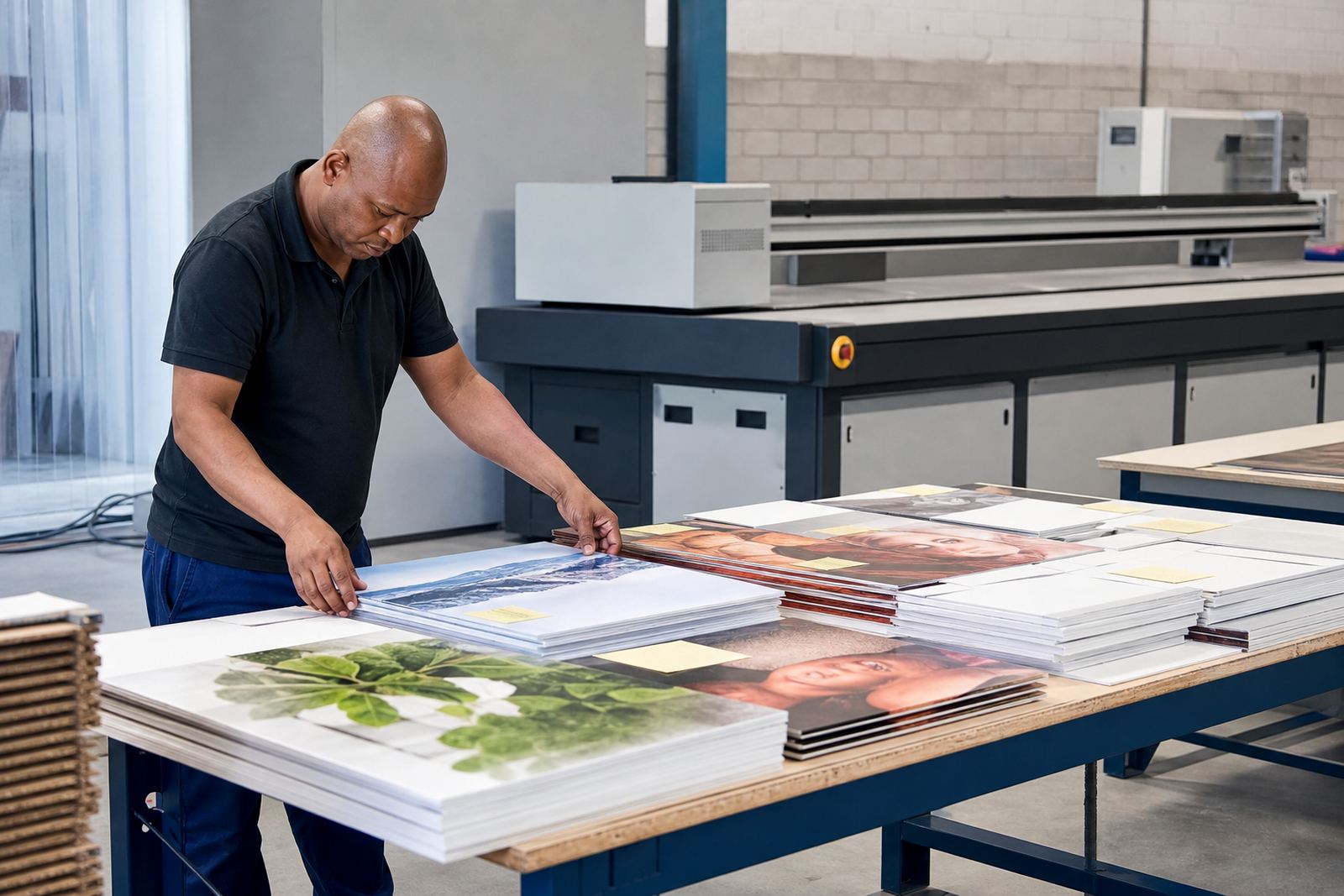
Most rigid media picks up dust from handling long before it reaches the printer. Boards carried with bare hands, stacked on rough pallets or slid across a dirty surface will pick up grit along the edges and face. That dust then moves into the machine, onto the vacuum table or onto the print surface.
Good handling starts when the stock arrives. Keep packaging intact until the boards are ready for use, then remove wrapping in a clean area. If a board looks dusty, wipe it down with the correct method for that media. Some surfaces can be cleaned lightly, while others need care so you do not leave lint or static behind.
- Use clean gloves when handling finished boards.
- Do not lean sheets against walls where dust collects.
- Check for edge dust after trimming, especially on fluted board and foam board.
- Keep cleaning cloths lint-free and replace them often.
Control Static, Air Movement And Humidity
Dust is often made worse by static. Certain rigid materials attract fine particles, especially in dry weather or in rooms with strong air movement. Fans pointed at the wrong angle can blow dust across the print bed, while air conditioners that are dirty themselves can push particles back into the room.
Humidity also plays a part. In coastal cities like Durban and Gqeberha, moisture can make some media behave differently, while inland sites may struggle more with dry air and static. There is no single setting that suits every site, so the practical answer is to watch how the room behaves across seasons and adjust the workflow. That might mean changing storage, cleaning frequency or the order in which boards are brought to the printer.
If dust keeps landing on the same area of the table, check the airflow before you blame the ink. The room may be telling you where the problem starts.
Build A Simple Pre-Print Check
A short routine before each job can prevent most dust-related faults. The aim is not to slow the operator down, but to catch problems before the print starts. This is especially useful when the shop is busy and people are moving between printing, packing and installation prep.
- Inspect the board face for dust, chips and fingerprints.
- Check the print table and vacuum area for loose particles.
- Confirm that the media is flat and not carrying debris on the underside.
- Run a quick surface clean where the media type allows it.
- Look over the file and print plan so the job only starts when the board is ready.
For shops printing signage for stores, events or municipal notices, a failed sheet can throw off the whole day’s delivery schedule. A 5 minute check can save far more time than a reprint and a recall.
Keep Inks And Cleaning Tools In Order
Dust control is not only about the board and room. Ink handling and cleaning tools also matter. Containers left open can collect particles, and cloths stored in the wrong place can put lint back onto the work surface. Keep consumables in sealed storage, label them clearly and use them in the same area each time.
When doing maintenance, avoid spreading dust from one part of the machine to another. Vacuum or wipe carefully, then inspect the table, carriage area and any guides before restarting work. If the printer stops due to load-shedding or a power interruption, use the restart time to check for settled dust rather than rushing straight back into production.
Operators should know which cleaning methods are safe for each media type and which ones are not. A quick fix with the wrong cloth can do more harm than the dust itself.
A Germiston Example That Still Applies Across South Africa
Take a workshop in Germiston that prints rigid boards for retail displays and directional signage. The team has a busy morning, with boards being cut, moved and printed in the same space. By midday, there is dust on the floor from trimming and packing, plus fine particles drifting in from the loading area. Prints start showing small marks that are easy to miss at first but obvious under shop lighting.
After tightening the routine, the team separates cutting from printing, stores boards off the floor, cleans the table before each shift and keeps the print room door closed when trucks are loading outside. The change is not dramatic, but it is steady. Less spoilage, cleaner sheets and fewer arguments over whether a mark came from the file or from the room. That is the sort of improvement that pays for itself without any fancy upgrade.
Whether the job is headed to Johannesburg, Pretoria, Cape Town or a smaller town along the route, the principle is the same: keep the print area cleaner than the rest of the workshop. It is a basic habit, but it gives you better odds on every rigid media run.