A compact flatbed UV setup for tight production spaces
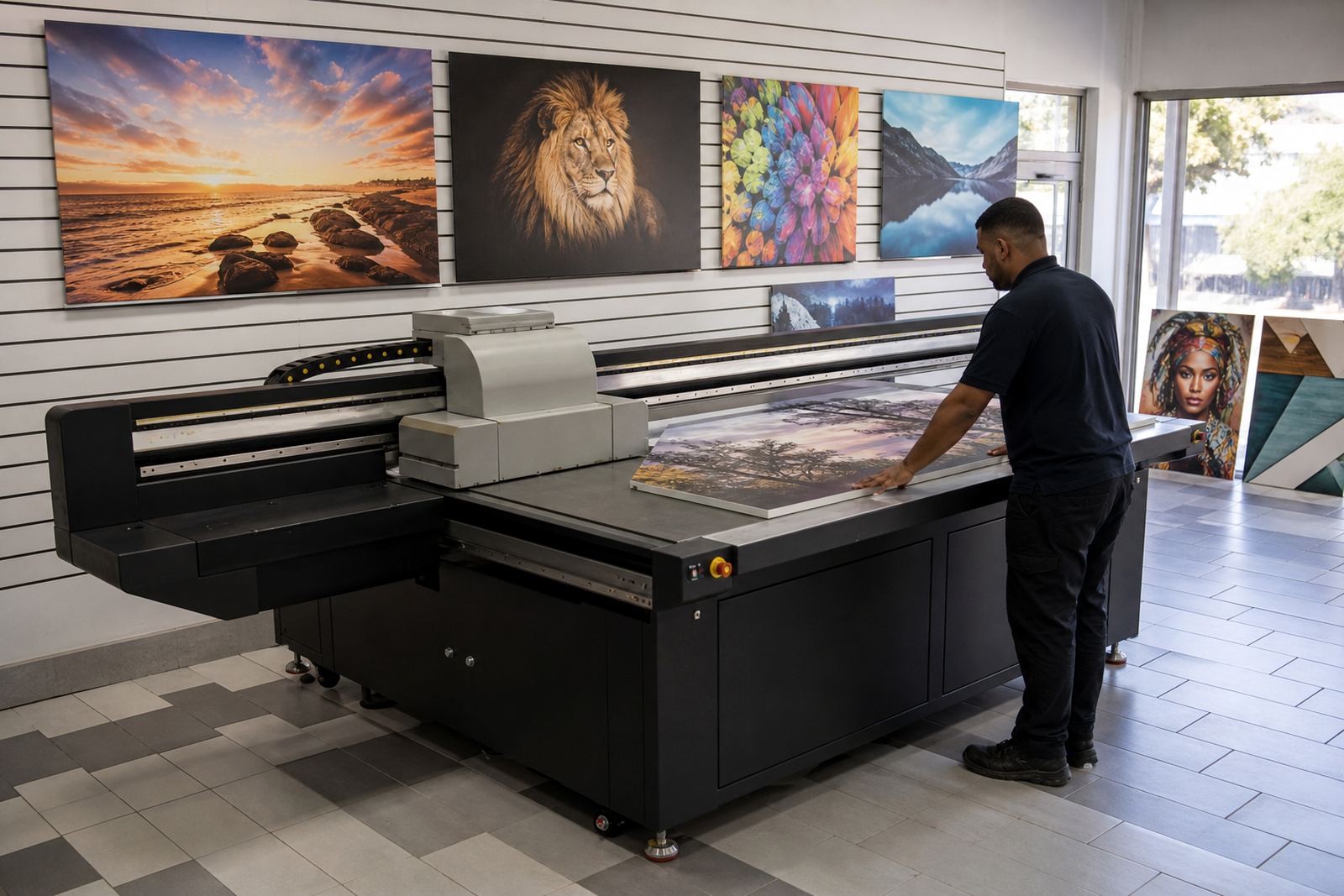
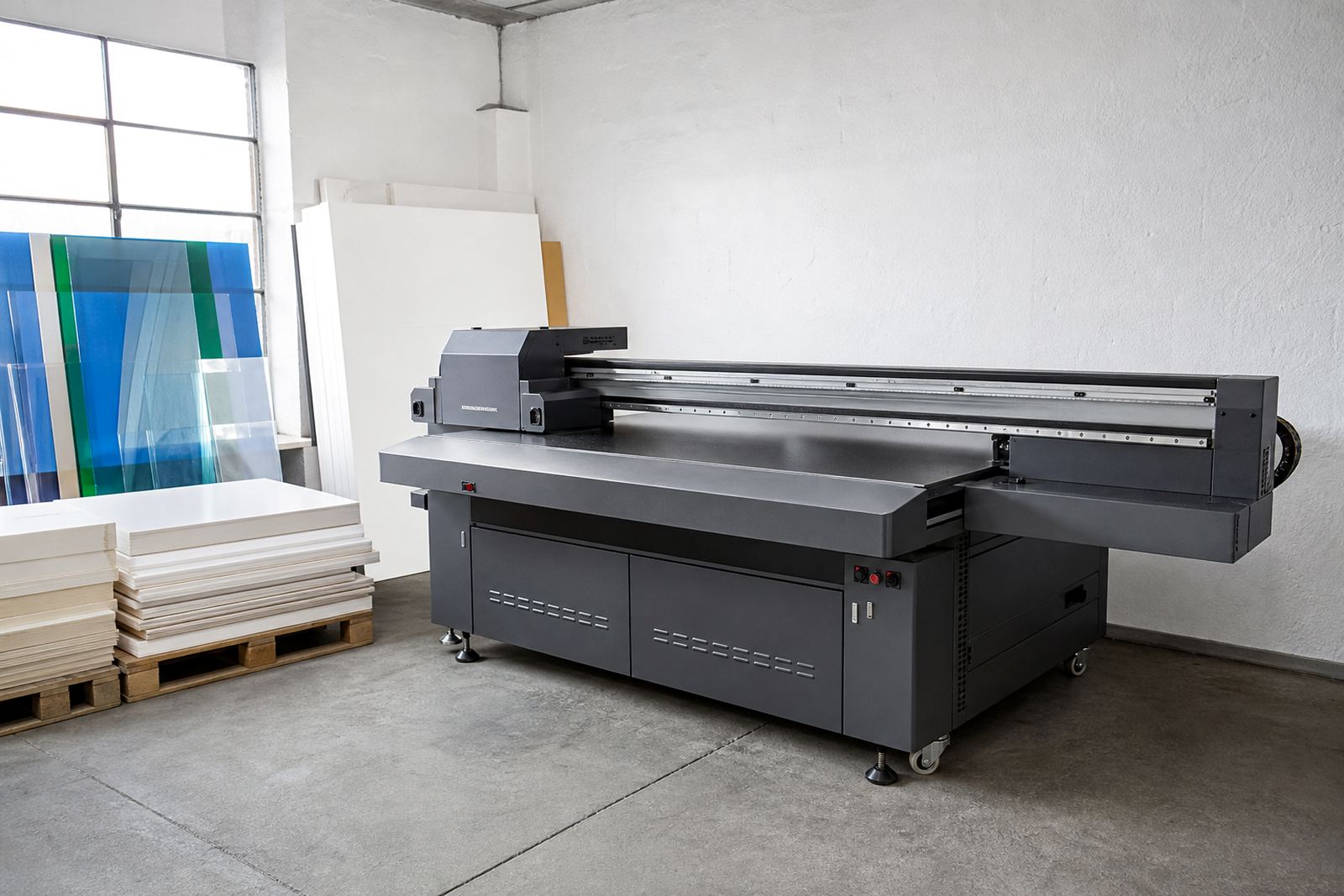
A compact UV flatbed printer is built for smaller workshops that still need direct-to-substrate printing on rigid boards, signs, panels and promotional pieces. It keeps the footprint manageable while still giving you the flatbed handling you need for clean placement, steady registration and repeatable output on short runs.
In practice, this kind of machine suits businesses that want to produce samples, proof pieces or daily signage without sending every job out. It is also useful where access is tight, such as shopfitters working from a back room, print rooms in industrial parks, or sign makers in Gauteng dealing with load-shedding and limited floor space. The workflow is simple enough for a small team, but it still needs proper setup and care. A compact unit is not a toy, it still needs correct media handling and good operator discipline.
Because UV ink cures on the surface, the printer can handle many rigid sheets and boards with less waiting time than some other methods. That helps when you need quick turnarounds for retail, event displays or one-off boards for local clients in Johannesburg, Pretoria or Durban.
Where a smaller flatbed UV printer earns its keep
This format works well when the job mix includes boards of different sizes, small display items and sample runs that need decent colour and clean text. It is a practical choice for sign shops, print studios, exhibition suppliers and in-house production teams that need direct printing without relying on larger, more power-hungry equipment.
It suits work such as:
- Rigid signage for indoor and outdoor use
- Point of sale panels and shelf headers
- Short-run branded boards for events
- Samples and proofs for client approval
- Personalised panels, labels and small display items
For coastal areas like Cape Town and Gqeberha, the key is to keep media dry and dust-free before printing. In humid conditions, board edges can curl and surfaces can pick up moisture, so storage and handling matter just as much as the print process. Inland, the issue is often dust and static, especially when boards move from the store room to the printer.
Typical print workflow, inks and media checks
A flatbed UV workflow is usually straightforward. You place the board on the bed, set the height, check alignment, run a test and then print direct onto the surface. Once cured, the print can move to trimming, drilling or fitting, depending on the job. For busy teams, the real value is consistency, because fewer handling steps generally means fewer mistakes.
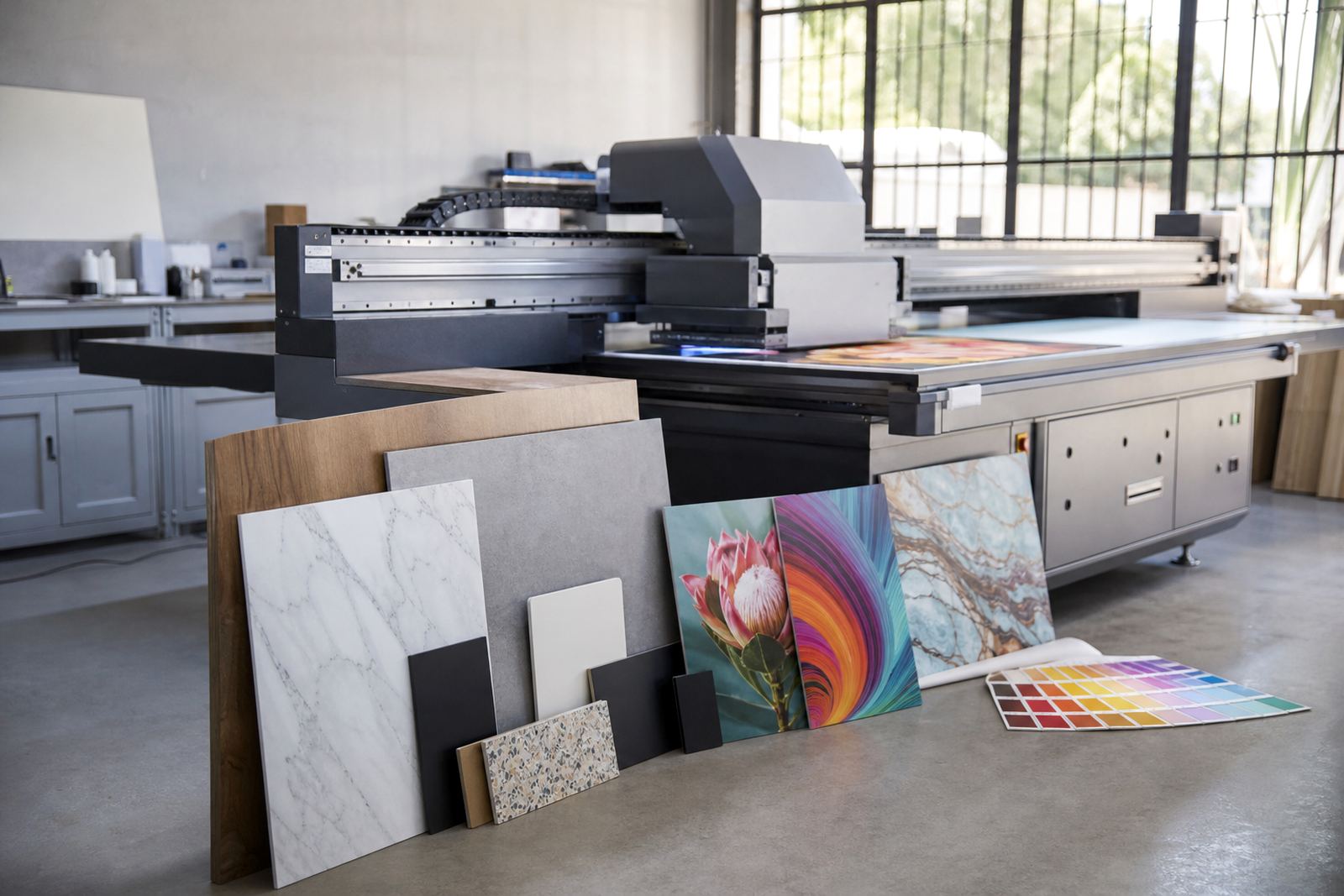
UV inks are selected for adhesion, colour and curing behaviour on the chosen material. Different substrates may need different surface prep, and some boards print better with a primer or careful cleaning before the job starts. Ink handling also matters, especially where rooms get warm or power supply is unstable. On some sites, proper shutdown procedures and restart checks are worth their weight in gold.
- Check whether the board surface is coated, textured or porous
- Confirm if the job needs white ink, varnish or standard process colour only
- Test adhesion on offcuts before running the full sheet
- Allow for curing, drying and finishing time in the job plan
Installation, power and site preparation in South African workshops
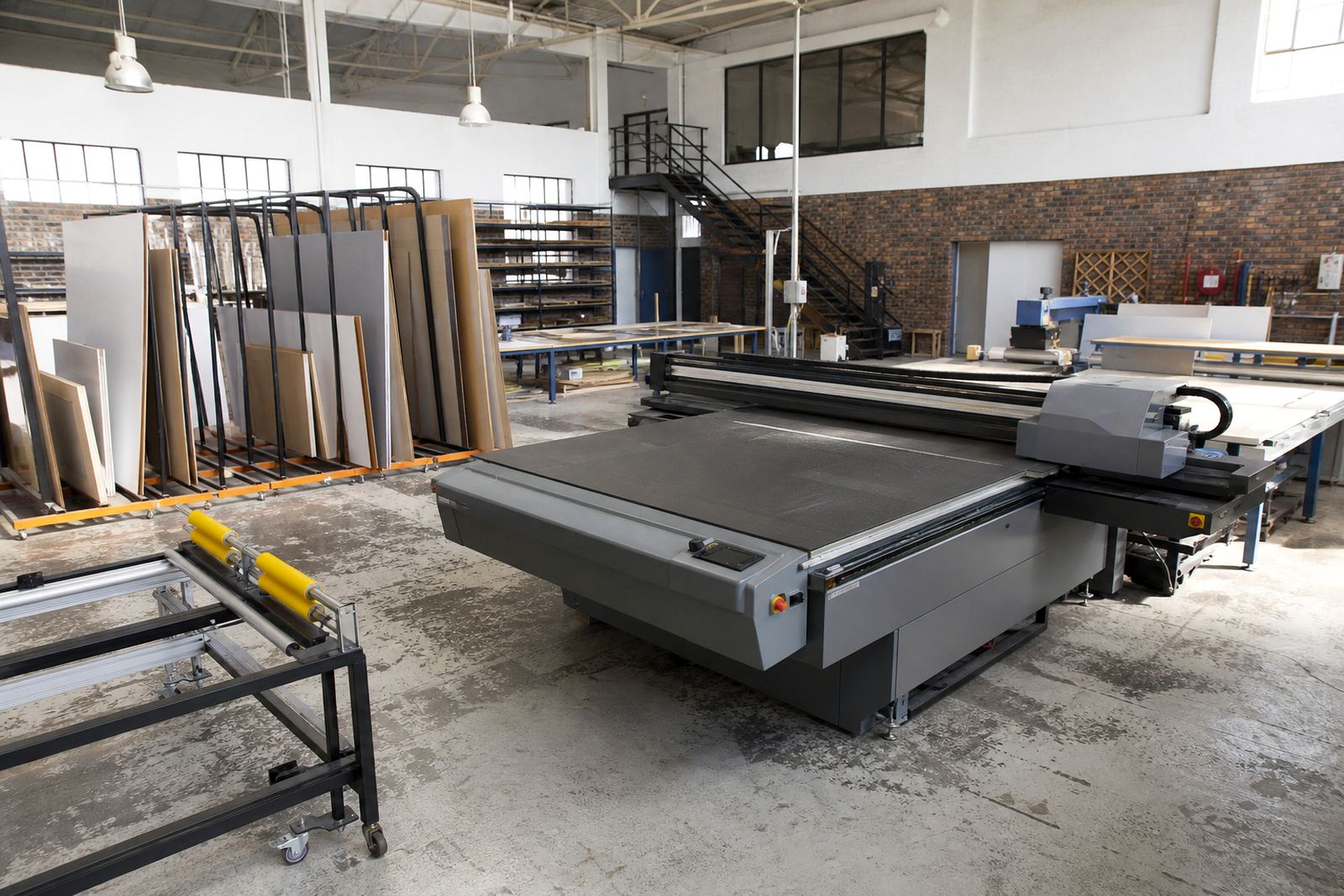
Before installation, the site should be level, clean and large enough to move materials safely around the printer. A compact machine may not need a huge room, but it still needs clear access for loading boards, servicing and ventilation. For Germiston, East Rand and Centurion sites, this often means checking door widths, floor level and where finished boards will be stacked before the printer arrives.
Power requirements vary by model, but a UV flatbed printer should be installed on a stable electrical supply with proper earthing and surge protection. If the site is affected by load-shedding, backup power planning becomes part of the conversation. Some operators also need air supply for related workshop tasks, or extraction if the room builds up heat and fumes. The aim is to keep the print room steady, not clever for the sake of it.
When we do site preparation and installation, the order matters: room check, access check, power check, then machine placement and calibration. That saves time later and reduces avoidable breakdowns.
Sizes, options and what to compare before ordering
Compact flatbed UV printers are usually chosen for their footprint, bed format and media handling rather than for pure volume. Some teams only need A2 or A1-style working areas, while others need a slightly larger bed for mixed signage work. The right option depends on the size of the boards you use most often and the type of finishing your team does after print.
When comparing options, look at the features that affect daily production more than the sales talk.
- Working area and usable print bed size
- Maximum media thickness and board weight handling
- Ink set configuration, including white ink or varnish where needed
- Vacuum table or hold-down method
- Height adjustment and head clearance
- Maintenance access and cleaning routine
It also helps to think about who will run the machine. If the team is small, you may want a simpler workflow with clear controls and basic training. If production is shared across departments, then colour guidance and job setup rules become more important so the printer is used properly and not left to guesswork.
Care, servicing and the checks that keep output steady
A compact UV printer needs regular attention if you want it to keep printing cleanly. Daily wipe-downs, nozzle checks and proper shutdowns are part of normal use. Ink lines, heads and curing components should be monitored, especially in dusty workshops or sites where the machine runs on and off through the day. A little routine care goes a long way, even if the job sheet is full.
Preventive maintenance is best planned before problems start. That means checking consumables, keeping spare parts coordinated, and watching for changes in print quality such as banding, poor adhesion or uneven curing. If a fault does appear, breakdown support and remote support can help identify whether the issue is mechanical, electrical or related to media handling.
Our service team works from Germiston and supports customers across Johannesburg, Pretoria, Durban, Cape Town and Gqeberha. We also help with operator training, media testing, ink handling help and production consulting, so the printer fits into the rest of the workshop instead of sitting there as a headache.
What to ask for when you request a compact UV printer
When you enquire, it helps to give practical details rather than vague ideas. Tell us what you print most often, the board sizes you handle, how much floor space you have and whether the printer will be used for samples, day-to-day signage or mixed production. That lets us guide you toward the right setup and the right service support.
Please also mention if your site has any of these conditions:
- Load-shedding interruptions or unstable power
- Limited access for delivery and installation
- High dust levels or coastal humidity
- Need for white ink or special finishing
- Existing workflow issues with alignment, colour or drying time
From there, we can help with printer installation, site preparation, operator training, workflow planning, colour guidance, preventive maintenance and spares coordination. If you are based in Germiston, Johannesburg, Pretoria, Durban, Cape Town, Gqeberha, the East Rand or Centurion, our support process is set up to keep the job moving without unnecessary delays.
Key facts
| Printer type | Compact flatbed UV printer for rigid boards and signage |
|---|---|
| Typical use | Sample work, short runs, point of sale, indoor and outdoor signage |
| Media handling | Rigid sheets and panels with flatbed placement |
| Ink options | UV-curable ink sets with colour and optional white |
| Workflow | Place, align, print, cure, then finish or fit |
| Support | Installation, training, service and remote help across South Africa |