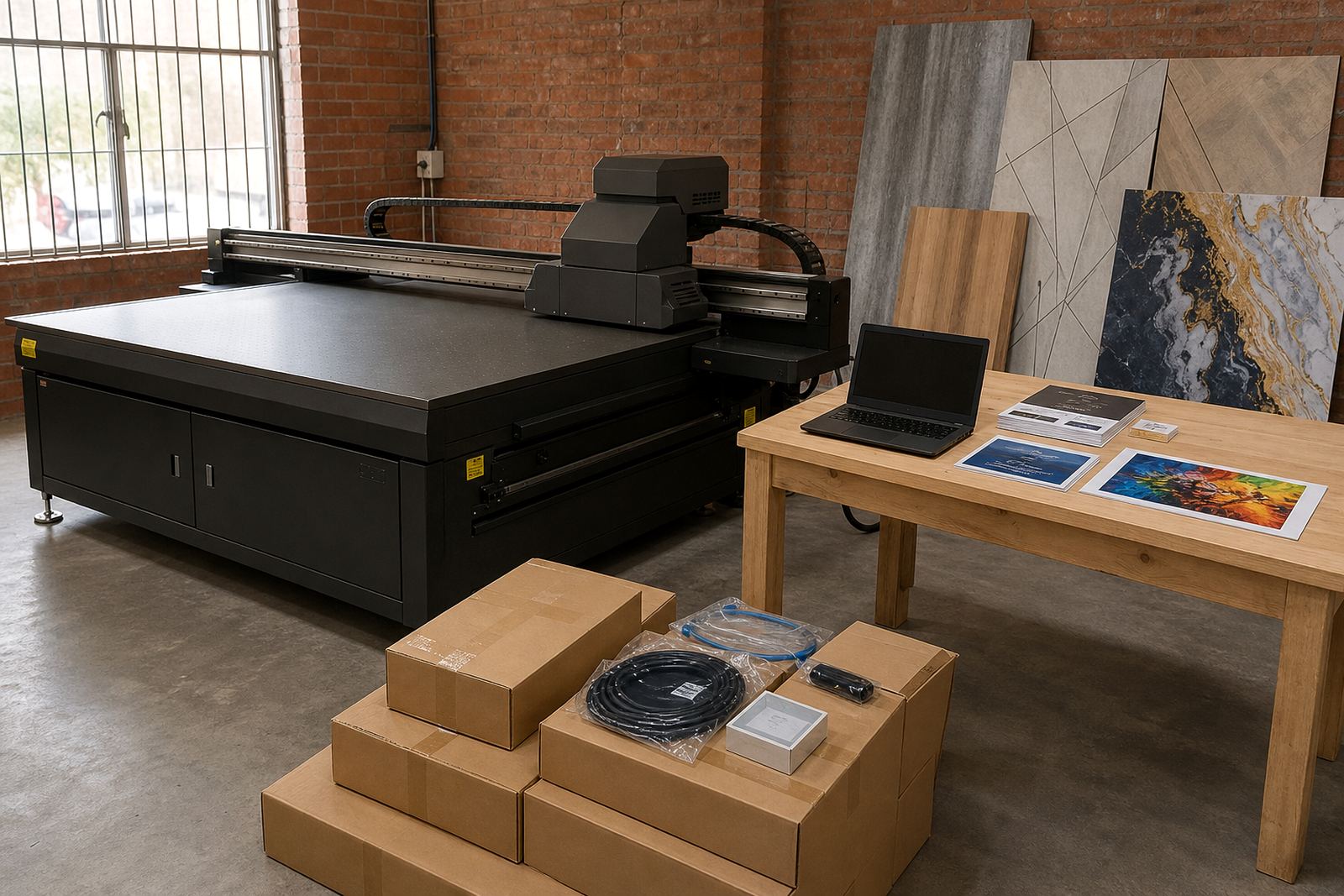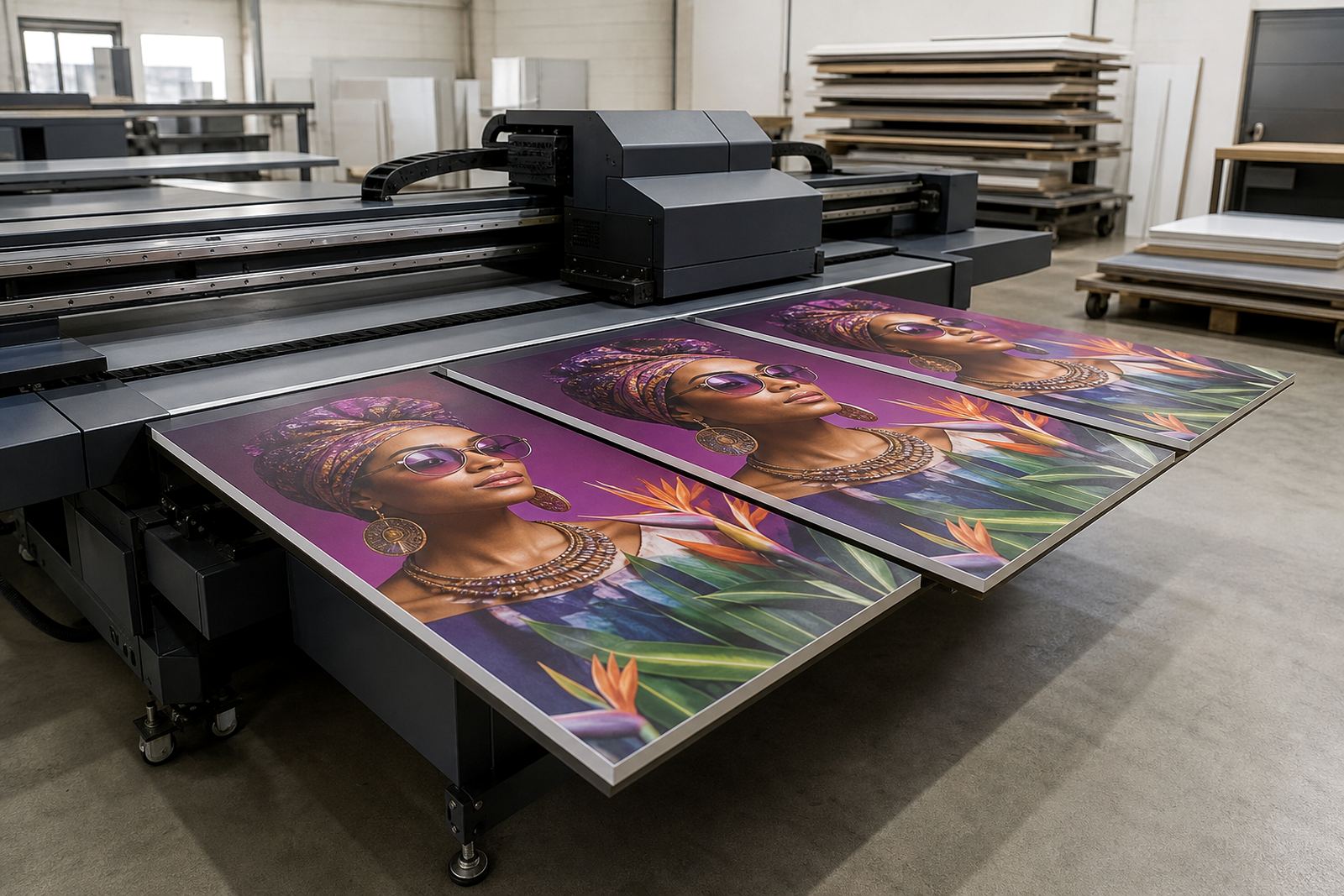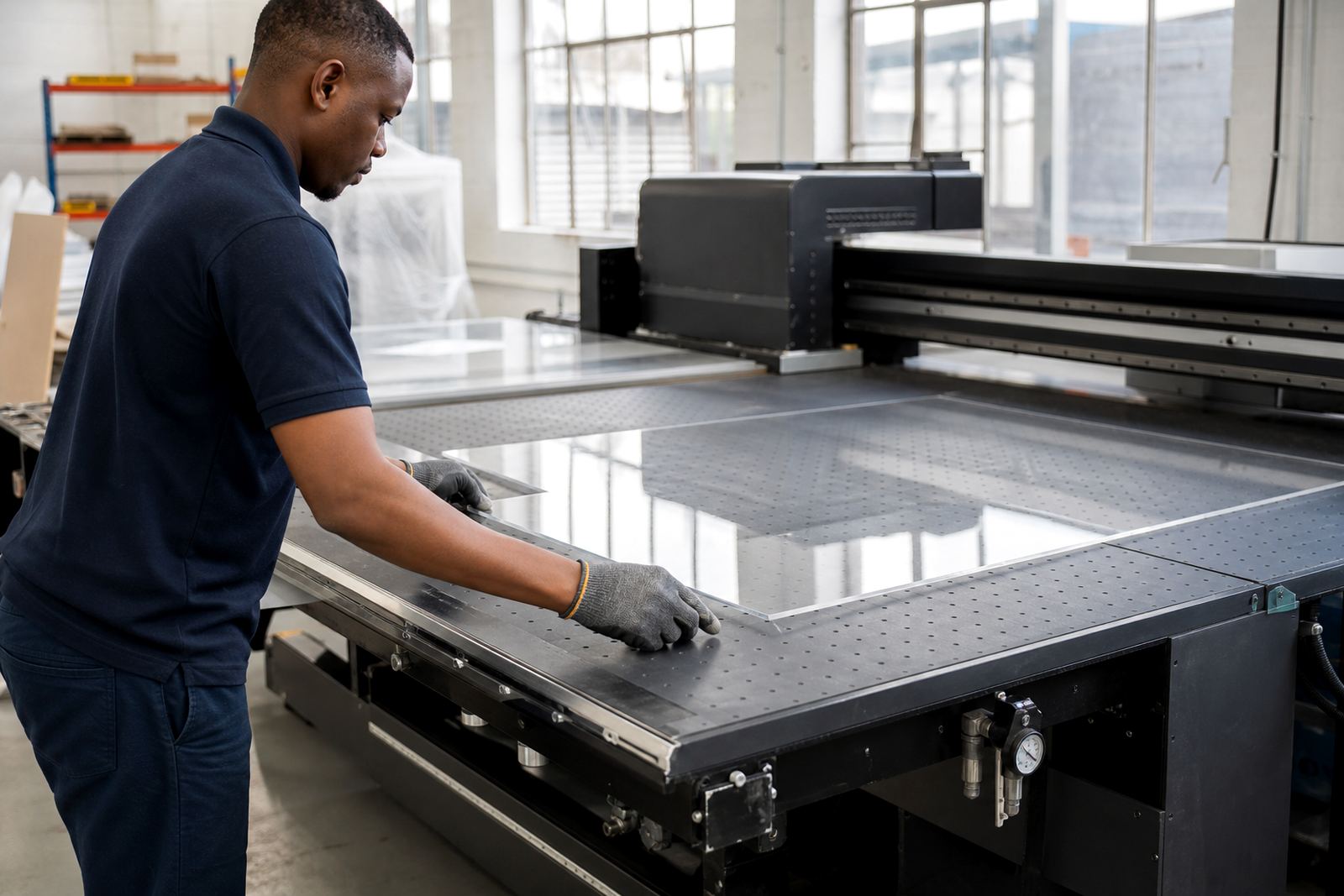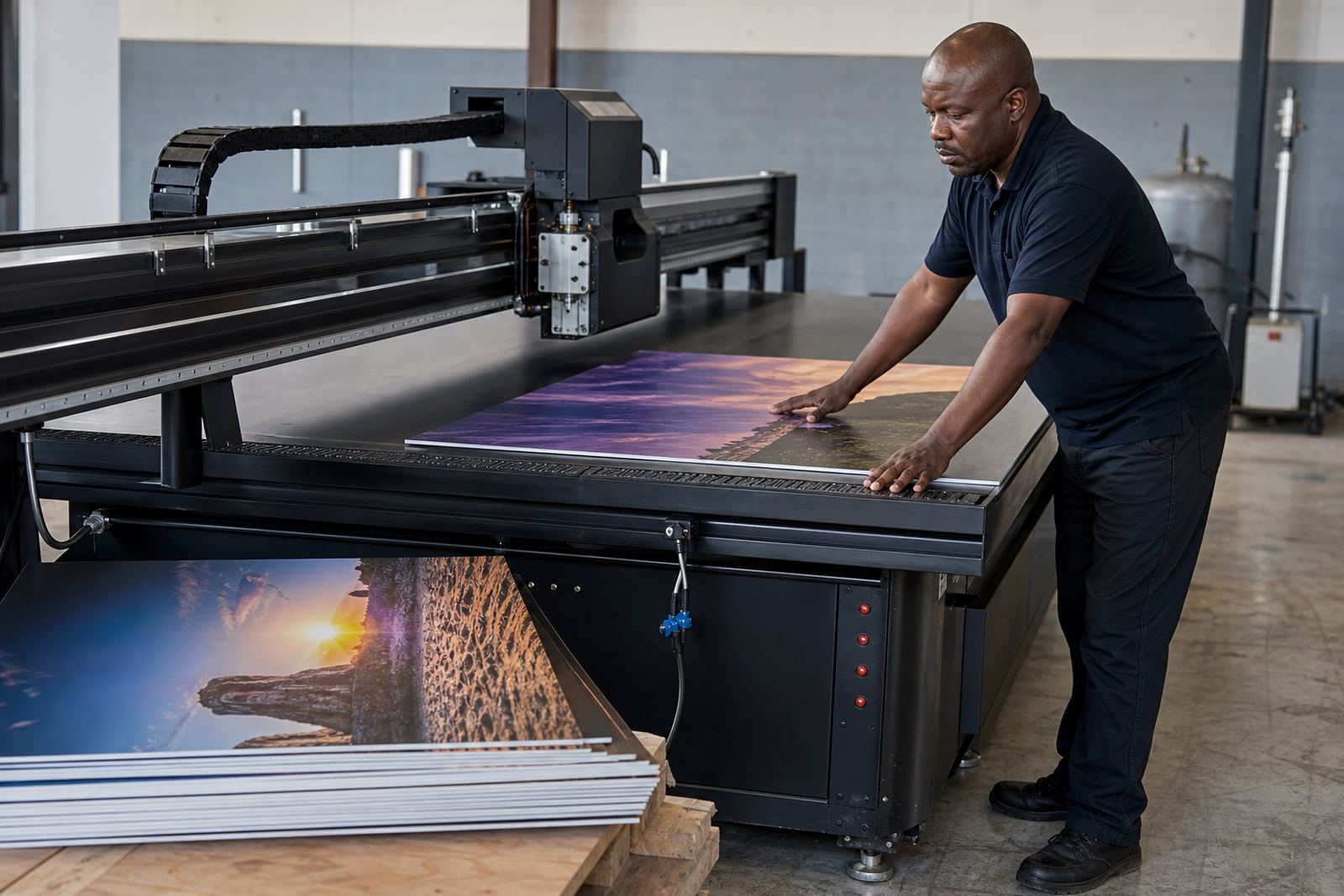
What an Entry Signage Printer Does on the Floor
An entry signage printer in the flatbed UV category is made for rigid media such as PVC board, foam board, acrylic, ACM, corflute and similar sign stock. It prints directly onto the surface, then cures the ink with UV light so the job can be handled, trimmed and installed with less waiting time than many solvent or water-based workflows.
This type of setup is a good fit when most of your work is signs, point of sale boards, directional panels, exhibition graphics and short-run display pieces. It is not only about speed, but also about keeping registration neat, colour consistent and the finish suitable for indoor and outdoor use. In Gauteng and along the coast, that matters because humidity, dust and handling can all affect the final result if the process is not managed well.
For busy teams, flatbed UV printing also helps reduce lamination on many rigid jobs. That saves time and material, though some applications still need a protective finish depending on traffic, sunlight exposure and customer requirements.
Typical Sizes, Board Types and Output Options
The right machine size depends on the boards you handle every week, the size of your workshop and whether you want to load a single sheet or multiple smaller panels at once. Entry signage setups are commonly chosen around the board sizes most used in South African signage and retail work, including standard sheets and custom cut panels. When space is tight, a smaller footprint can be easier to position in Germiston, Centurion or a shared production area where every metre counts.
Options often include vacuum hold-down for stable feeding, white ink for dark or clear substrates, and varnish or gloss effects where a client wants more contrast. Some jobs call for direct colour on white board only, while others need underprint, blockout or a layered build to keep text readable. If your work includes both flat signs and shaped panels, ask how easily the system handles board thickness, edge clearance and repeat placement.
- Rigid boards for retail and directional signage
- Flat panels for display stands and exhibition work
- Short-run promotional signs for branches and events
- Custom cut boards where repeat alignment matters
Where This Printer Fits Best in South Africa
This product suits print businesses, sign makers, branding shops and manufacturing teams that need signage output in a controlled workflow rather than high-volume industrial packaging. It is especially useful where customers want fast turnaround on boards for shopfronts, estate agents, construction sites, schools, clinics and municipal notices. Around Johannesburg and Pretoria, a lot of orders need same-week completion, and a flatbed setup can help when the artwork is ready and the board is on hand.
Along the coast, especially in Durban, Cape Town and Gqeberha, you should think about humidity, storage and dust control. Boards need to be kept flat and dry, and printed stock should not sit near open doors where damp air can affect finish or adhesion. In the inland areas, power interruptions and load-shedding also matter, so planning for clean shutdowns and restart routines is part of the workflow.
This is a practical choice if you want to keep more work in-house instead of outsourcing every rigid board. It also helps when you need to keep an eye on colour matching across repeated orders for the same client, since a predictable setup is easier to manage than a patchwork of different processes.
Installation, Power and Air Requirements
Before installation, the site needs level flooring, enough clearance for loading boards, and space for operator movement around the machine. A clean, well lit area with controlled dust is better than a cramped room near sanding, cutting or spray work. Site preparation should also cover access routes for bringing the unit in, especially where door widths, ramps or stairs are involved.
Power requirements vary by model, but a stable electrical supply is essential. Most flatbed UV systems need proper earthing and should be installed on a dedicated circuit where possible. If the workshop runs on backup power, check that the inverter or generator setup can support the load without causing fluctuations. These machines do not use gas for printing, but some installations may need compressed air depending on the configuration, so it is worth confirming the air supply and pressure needs before delivery.
- Dedicated, stable electrical supply with proper earthing
- Enough floor space for boards, access and safe loading
- Dust control and dry storage for media
- Backup power planning for load-shedding conditions
Care, Servicing and Daily Workflow
Like any print equipment, a flatbed UV printer works best when it is cleaned and checked regularly. Nozzle checks, ink path care, vacuum table cleaning and proper shutdown routines all help keep the print head condition steady and the output consistent. If the printer sits idle for long periods, maintenance becomes even more important, because dried ink and blocked channels can slow production and push up service calls.
Preventive maintenance should be scheduled around your production peaks, not only when a fault appears. That includes checking ink handling, cleaning stations, fans, filters and media alignment. Training matters here too, because operator habits can save money or waste it very quickly. A good workflow means the team knows how to load boards, set the height, manage curing and store media without warping. Small slips in setup can show on the final board, and that is where reprints cost real Rand.
Service support is also part of the product decision. If your team needs help in Germiston, East Rand, Johannesburg or further afield, it is useful to know who handles breakdown support, remote support and spares coordination when something stops the line.
What to Check Before You Place the Order
Before ordering, make sure the machine matches the work you actually sell, not only the jobs you hope to win later. Ask what media thickness can be handled, what print area you need, and whether the setup supports white ink, layered printing or special effects. If you print mixed board sizes, confirm how quickly the table can be changed between jobs and what that means for daily output.
You should also check installation timing, operator training, ink handling guidance and how breakdown support will work after handover. If your team is new to flatbed UV, workflow planning and colour guidance can save time during the first months. Ask about site preparation, media testing and whether service visits are available in your area, especially if you are operating in Durban, Cape Town or Gqeberha where travel and response times can affect production planning.
- Board sizes and thickness you plan to print most often
- Power supply and backup power plan on site
- Need for white ink, varnish or special effects
- Training, service and spare parts support after installation
- Space for loading, drying and finishing
Key facts
| Product type | Entry signage UV flatbed printer for rigid boards |
|---|---|
| Media | PVC board, foam board, acrylic, ACM, corflute and similar sign substrates |
| Ink system | UV curing ink workflow with colour, white and optional special effect use |
| Print style | Direct-to-substrate printing for signs, display boards and short-run panels |
| Site needs | Level floor, dry storage, dust control and a stable power supply |
| Support | Installation, operator training, maintenance, remote help and breakdown support |