Built for retail display work
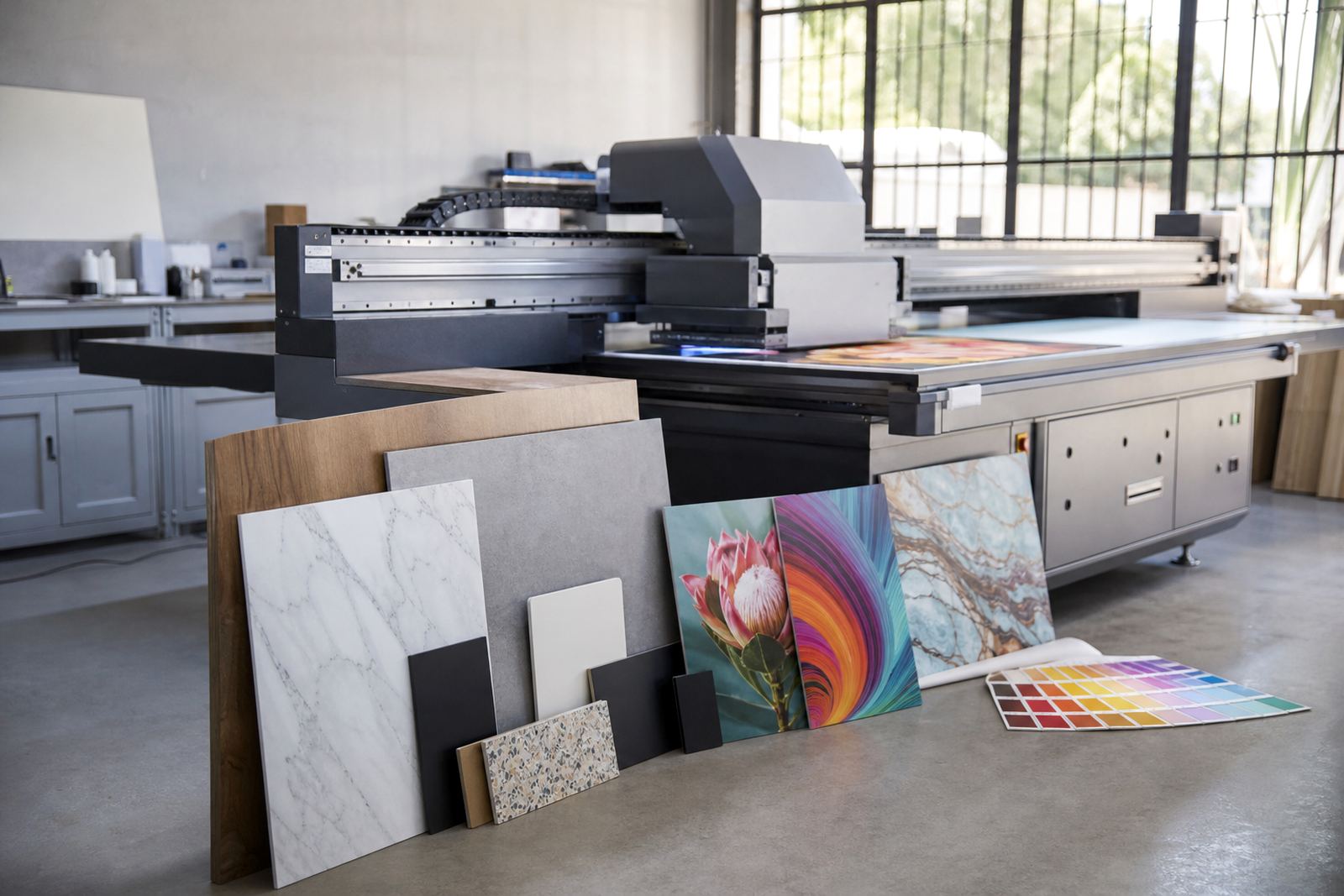
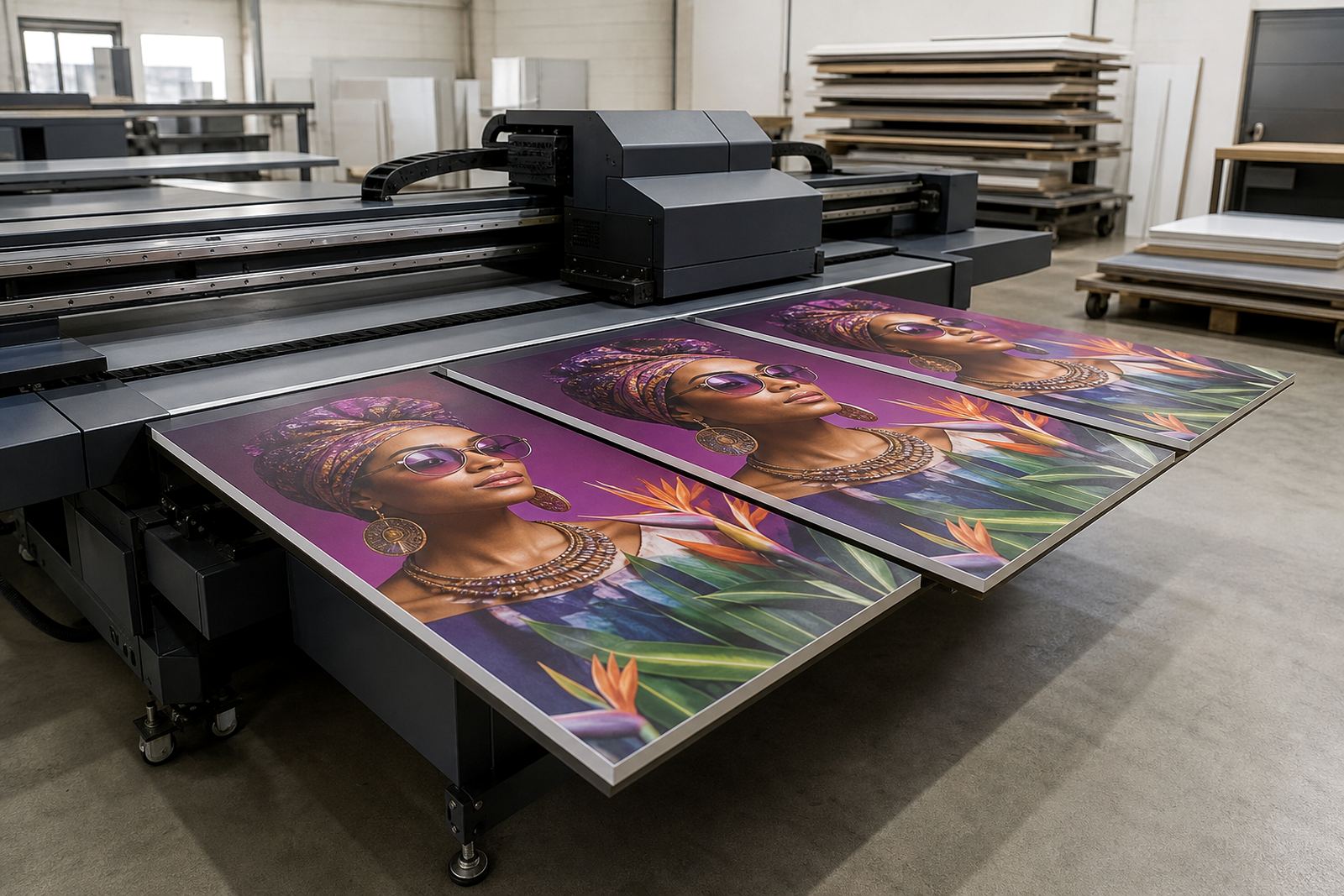
A retail display printer is made for printing directly onto rigid and semi-rigid media used in shops, showrooms and promotional spaces. That includes display boards, foam PVC, corrugated board, acrylic, aluminium composite, MDF and similar substrates used for short runs and repeat store rollouts. The aim is simple: produce board graphics that are clear, hold colour well and can be handled during fitting without extra drying delays.
UV printing cures the ink as it prints, so finished boards can move to cutting, packing or installation soon after output. That helps when stores in Johannesburg need a quick refresh before a promotion, or when a chain in Durban wants replacement panels after a price change. It also suits work where vinyl would be too slow, too soft or too prone to lifting on the edges.
For retail teams, this type of printer is often used alongside routing, trimming and mounting steps. The printer handles the visual part, while the rest of the workflow depends on accurate file prep, clean media handling and sensible storage of finished boards so they do not warp, mark or pick up dust.
Media, inks and finishing that suit shops
Retail display work asks a lot from the printing system. The ink must adhere well to the board, stay readable under store lighting and hold up to handling during installation. UV inks are chosen because they can be used on a wide range of rigid media without waiting for solvent evaporation, and they are useful where prints need a firmer finish for POS boards and shelf talkers.
Media choice matters as much as the machine. A smooth board gives sharper text and cleaner solids, while textured or recycled boards may need testing before a full run. For coastal areas like Cape Town and Gqeberha, humidity can affect storage and edge curl, so boards should be kept flat and sealed away from damp floors. In Gauteng, dust control and clean stacking are just as important.
- Promotional panels for entrances and aisle ends
- Shelf strips, price cards and category headers
- Display boards for windows, counters and free-standing frames
- Short-run campaign boards for launches, clearances and seasonal specials
- Rigid signage for indoor and covered outdoor use
When colour is critical, sample testing is worth the time. A quick media test will show whether a board needs primer, whether the ink sits well on the surface and whether the final finish meets the store standard before the full production run starts.
Sizes and configuration choices
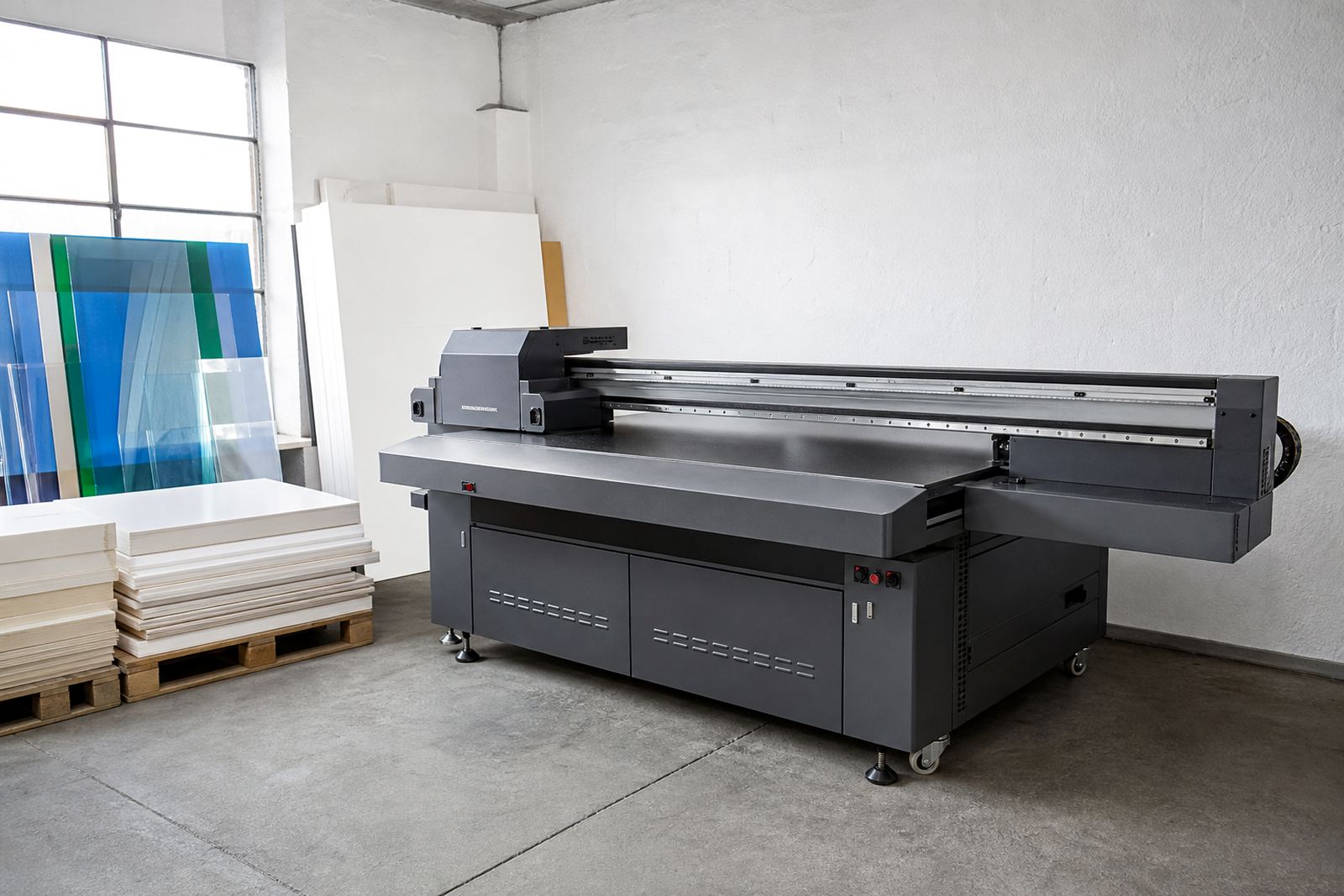
Retail display printers are supplied in different bed sizes and configurations so the setup can match the size of the boards being produced. Some shops need compact output for small counter cards and shelf visuals, while others need a larger bed for full display panels and repeated store graphics. The right choice depends on board dimensions, daily volume and how much floor space is available in the production area.
Flatbed UV can assist with printer selection based on the type of retail work being done, the available power supply and the handling space around the machine. If the job mix includes both small boards and larger signage, a wider bed may reduce joins and give better production flow. If the work is mostly short-run store material, a smaller footprint can be easier to manage and maintain.
- Bed size matched to board dimensions and cutting workflow
- Vacuum hold-down options for flatter print results
- White ink or primer use where substrates need added opacity or adhesion
- Configuration for gloss, matt or mixed-finish retail jobs
- Support for direct-to-board or layered print approaches
There is no single correct setup for every shopfitting team or print room. The better choice is the one that fits the board sizes you use most often, the media you buy regularly and the pace of your retail production schedule.
Where this printer fits in retail production
This printer suits retail suppliers, in-house store marketing teams, print shops and sign makers producing frequent board-based graphics. It is useful when stores need consistent branded panels across branches in Johannesburg, Pretoria, Durban, Cape Town, Gqeberha and surrounding areas such as Centurion and the East Rand. It also helps where each campaign needs a different message, but the board size and finishing method stay the same.
Typical uses include shelf signage, aisle headers, window boards, free-standing promotional panels, menu boards, counter displays and category markers. Because the output is direct to board, it can reduce extra mounting steps for many jobs. That can make production simpler when orders are small but urgent, which is common around promotions, month-end changes and festive trading periods.
Retail print work often runs under tight deadlines and limited storage. A printer like this gives teams the option to print as needed, rather than holding large stocks of pre-made boards that might be out of date by the time they are fitted. That said, the files still need checking before printing, because a spelling error on a board is expensive to fix after lamination or cutting.
Installation, power and site preparation
Site preparation is part of getting good results from a flatbed UV printer. The room should have enough space for loading boards, moving finished work and keeping operators clear of the print area. A level floor matters, as does stable power. Load-shedding can interrupt a run, so power protection and planned shutdown procedures should be discussed before installation. In some sites a backup power solution may be needed, depending on the production schedule and how often the machine is used.
Ventilation and temperature control are also important. UV printing does not usually need the same drying room as solvent systems, but heat, dust and poor airflow can still affect print consistency. For locations near the coast or in busy industrial zones, the setup should also consider humidity, airborne dust and storage space for boards and inks. If the site has a generator or inverter system, it should be checked against the equipment load before commissioning.
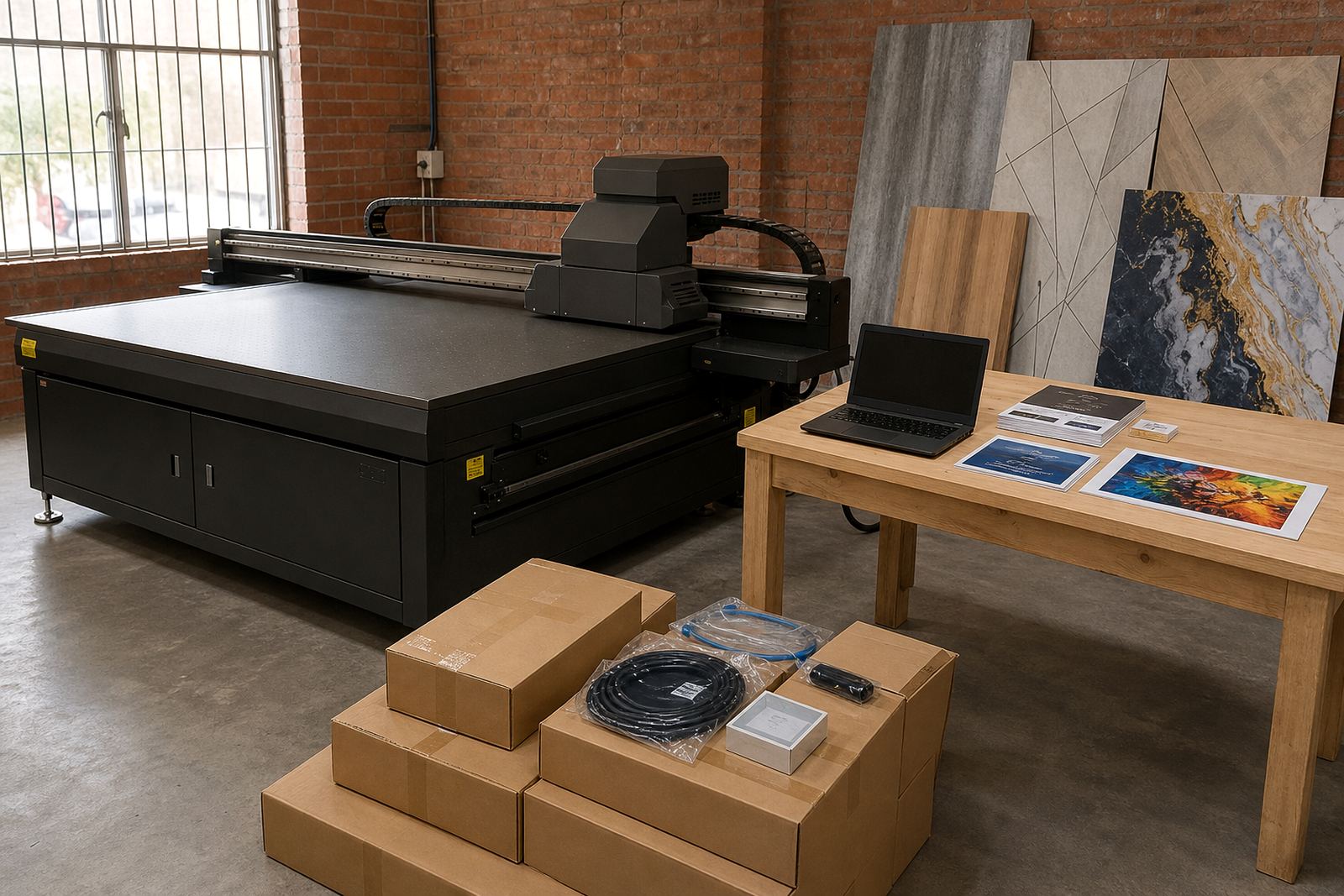
Installation support includes layout guidance, operator handover and practical workflow planning. That covers where boards are stored, where finished prints are packed and how the operator moves from file to print to inspection without clutter building up around the machine. A tidy setup saves time and cuts mistakes.
Care, servicing and daily checks
A retail display printer works best when the team keeps to a simple daily routine. Clean the bed, check the board surface for dust and keep the ink area tidy. Print heads, capping areas and moving parts need regular attention, and nozzles should be checked before large runs so issues are caught early. If a machine sits idle for too long, ink behaviour can change and service calls become more likely.
Preventive maintenance is better than waiting for a breakdown in the middle of a promotion job. A service plan should include inspections, cleaning, performance checks and advice on ink handling. Operators should also know how to store media flat, how to handle boards with coated surfaces and when to stop a run if the print quality starts drifting. A small fault on one panel can repeat across a whole batch if it is ignored.
- Keep boards flat and dry before printing
- Check alignment and print quality at the start of every shift
- Store inks correctly and avoid old opened stock
- Clean dust from the bed and surrounding area daily
- Book servicing before the machine shows a problem, not after
Flatbed UV supports preventive maintenance, breakdown support, remote support and spares coordination from Germiston, with service across South Africa when needed.
What to check before you order
Before ordering, it helps to confirm the board sizes you use most often, the type of finish expected by your customers and the volume you print in a normal week. You should also know whether the work is mainly indoor retail, covered outdoor signage or a mix of both. That affects media choice, ink use and the level of colour consistency required across repeat jobs.
It is also worth checking how the printer will fit into your current workflow. Will the boards be printed flat and then routed? Do you need white ink for coloured or clear substrates? Will you be printing small sign sets or larger campaign runs? These questions help avoid buying a machine that looks suitable on paper but does not match the real production line.
When you are ready to compare options, Flatbed UV can help with printer installation, operator training, colour guidance, media testing and production consulting. Clients usually reach the team through the enquiry form on the contact page, and support is available for Germiston, Johannesburg, Pretoria, Durban, Cape Town, Gqeberha, East Rand and Centurion.
Key facts
| Printer type | Flatbed UV printer for rigid boards and signage |
|---|---|
| Primary use | Retail display panels, shelf visuals, promotional boards and store signage |
| Compatible media | Foam PVC, corrugated board, acrylic, aluminium composite, MDF and similar rigid substrates |
| Ink system | UV-curable inks for direct-to-board printing |
| Typical workflow | File check, media testing, print, cure, inspect, trim and install |
| Support coverage | Installation, training, servicing and breakdown support across South Africa |