Start With The Jobs You Want To Print
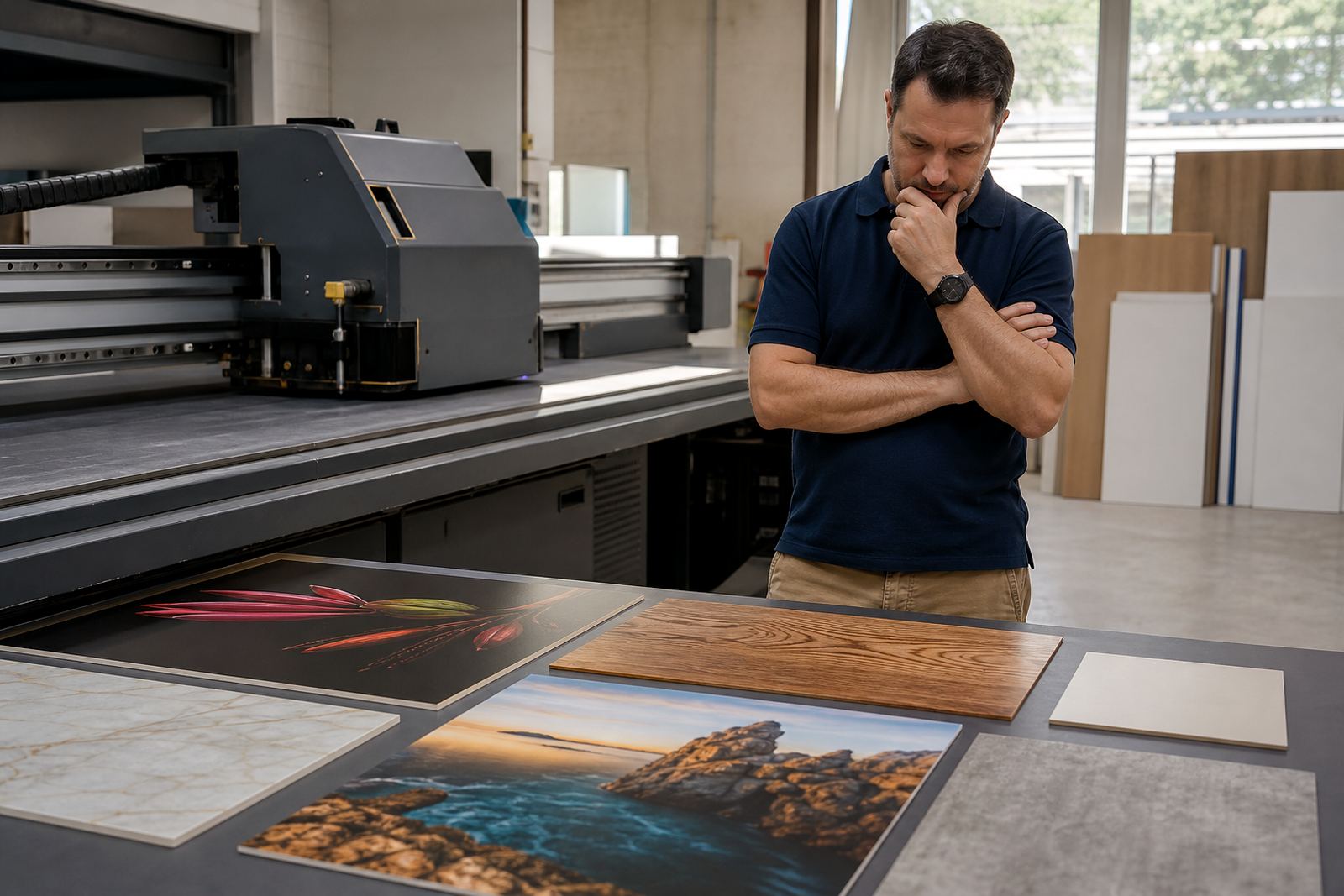
Before you compare printers, list the work you want to take on in the first 6 to 12 months. A starter flatbed UV setup for shop signage is often very different from one meant for acrylic displays, foam board, PVC sheet or timber panels. If you mainly print small runs for local retailers, event panels or internal branding, your priorities will be speed of changeover, clean registration and simple handling. If you expect heavier boards or more frequent production, you will need a stronger workflow and better support around loading, curing and finishing.
It helps to write down the common board sizes you use, the number of sheets you expect per day, and whether you will print one side or both sides. This also tells you what kind of media storage, cutting space and drying area you need. A good first purchase should match real orders, not just the biggest job you hope to land next year.
Check The Floor, Power And Access First
Many first-time buyers focus on print quality and then forget the room itself. Flatbed UV printers need level flooring, clear access for delivery, enough space for boards to move safely, and stable power. In Germiston and across Gauteng, many production spaces deal with load-shedding, so you need to think about backup power, surge protection and how the machine will behave during interruptions. If you are in a coastal area such as Durban, moisture and salt air can affect stored media and exposed parts, so dry storage matters.
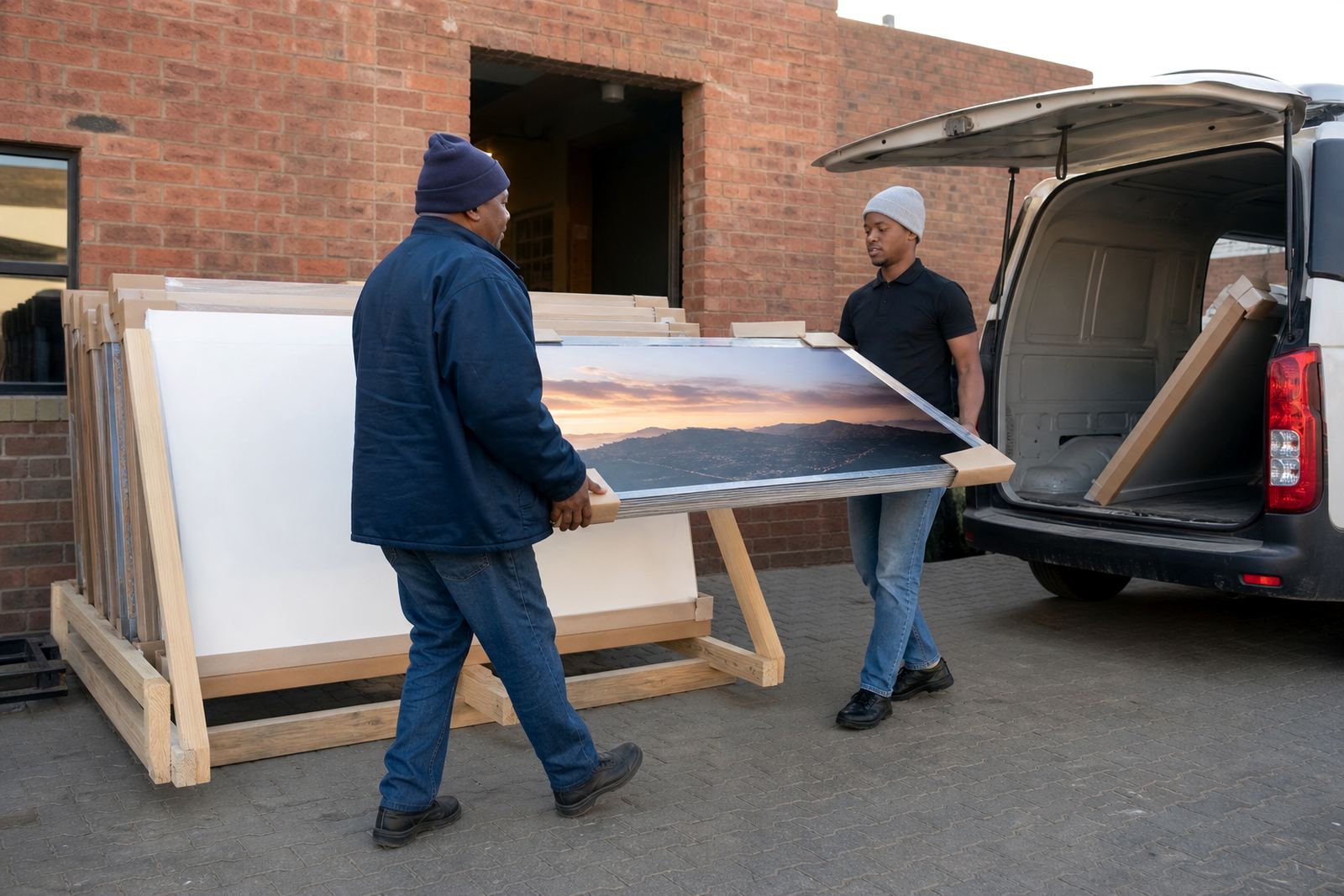
Measure the full route from gate to production floor, not only the print area. Check door widths, turning space and whether the machine can be brought in without removing frames or shelving. Allow for operator movement around the bed, because awkward access slows production and increases mistakes. It is worth planning the space properly from the start rather than squeezing in later. A tight room quickly becomes a bottleneck.
- Measure door widths, passages and ceiling height
- Confirm floor level and weight support
- Plan for power backup, surge protection and safe shutdowns
- Leave space for boards, cleaning and finished stock
- Keep media away from heat, dust and moisture
Understand Inks, Media And Curing Choices
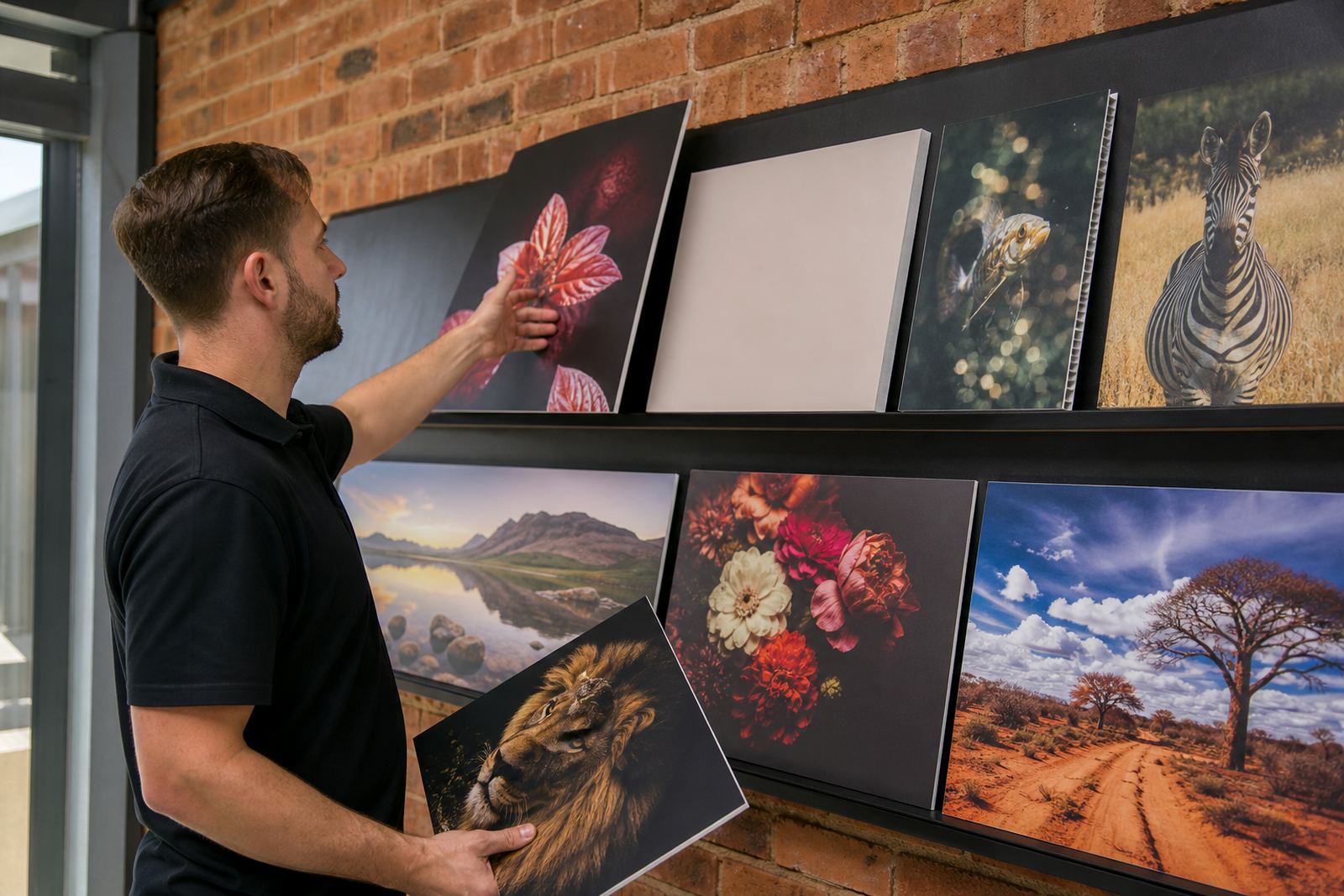
Flatbed UV printing works by curing ink directly onto the surface of a rigid sheet or board. The best results come from matching the ink system, the media and the intended use. Some boards take print well straight away, while others need testing for adhesion, colour finish and durability. For outdoor signage, you want a result that holds colour and resists handling. For indoor point-of-sale work, you may need smooth solids, sharp text and a neat finish under shop lighting.
Ask about the type of inks used, how they behave on different substrates, and whether special handling is needed for coated or uncoated surfaces. It is also important to know how the printer manages white ink, if that is part of your work, and how the system handles cleaning and daily maintenance. Ink handling is not complicated, but it does require discipline. Skipping basic checks can lead to clogged heads, wasted media and poor colour from job to job.
- Test your most common boards before committing
- Ask how the ink behaves on glossy, matt and textured surfaces
- Confirm drying and curing behaviour for your daily workload
- Check cleaning routines and storage needs for inks
- Set up a simple incoming media check before production starts
Choose A Workflow That Your Team Can Keep Up With
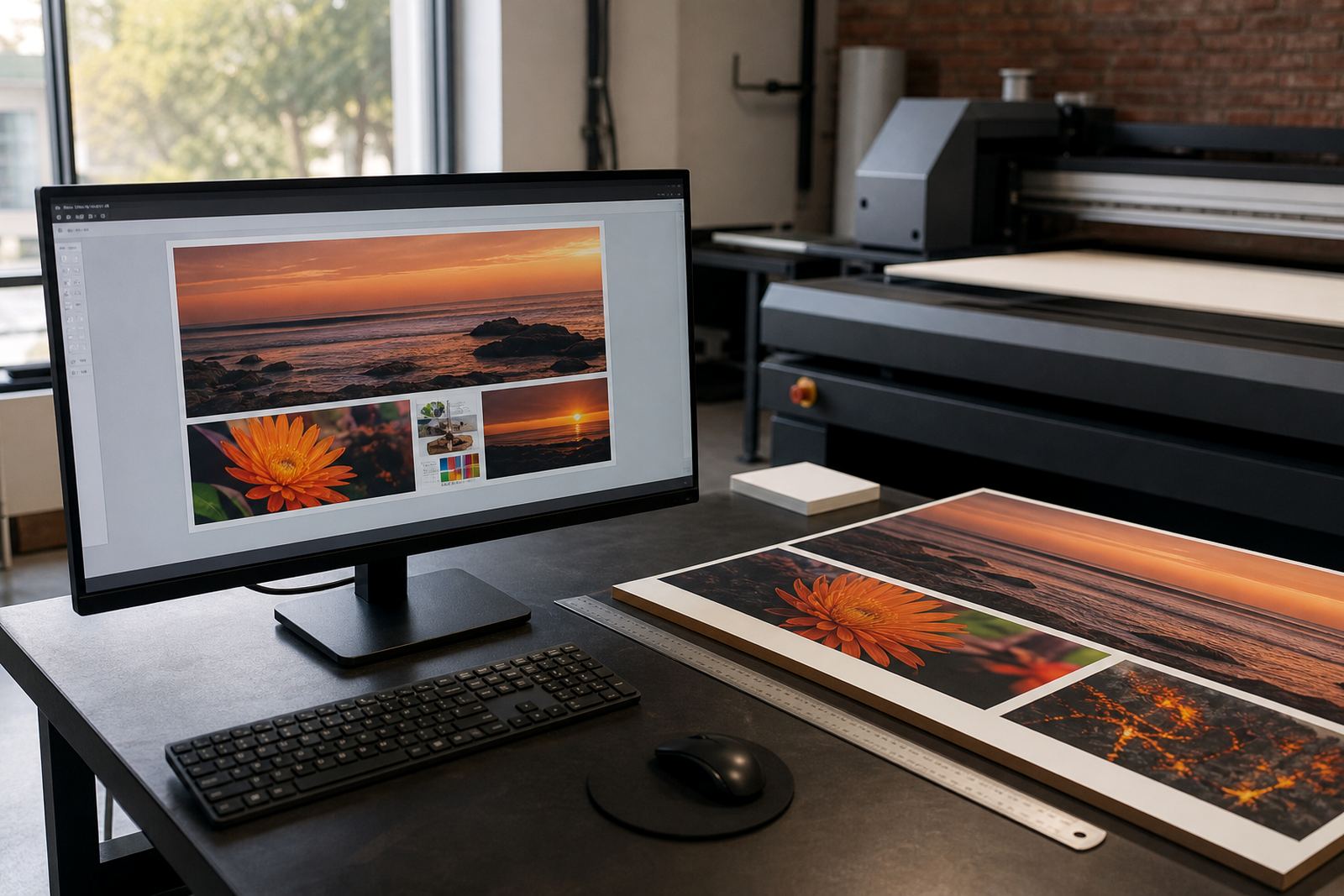
A flatbed printer is only one part of the system. You also need a clean workflow for artwork checks, file preparation, media loading, print approval and finishing. If the process is too technical, your staff will slow down or make avoidable mistakes. For a first setup, keep the steps clear and repeatable. That way new operators can learn quickly, and production stays steadier when someone is off sick or busy on another job.
Think about who will receive the artwork, who will approve colour, who will load the board and who will check the finished sheet before packing. A simple job card can prevent confusion. It should show the substrate, size, quantity, side to print, colour notes and any finishing requirement. Keep one person responsible for the final sign-off. That alone can save a lot of reprints, especially when jobs move between sales, design and production. Clear workflow planning matters more than people expect.
- Set one file naming system and use it every day
- Agree on a checklist for artwork, media and finishing
- Assign one person to approve colour before a run starts
- Keep a record of test prints for repeat orders
- Build in time for cleaning, maintenance and changeovers
Ask For Training, Support And Spare Parts Planning
Your first flatbed UV printer should come with support that matches your level of experience. Installation is only the start. Operator training, site preparation, colour guidance and preventive maintenance all help you avoid costly downtime. If your team is new to rigid board printing, they will need hands-on guidance on loading, cleaning, ink checks and basic troubleshooting. That support becomes even more important when you are working under pressure to meet event deadlines or retail launch dates.
It is also wise to ask how breakdown support works, what can be handled remotely, and how spares are managed when something needs attention. In production, small delays add up fast. A clear support process means your team knows who to call, what information to keep ready, and how to keep jobs moving while an issue is being sorted. In South Africa, where suppliers and customers can be spread between Johannesburg, Pretoria, Durban, Cape Town and Gqeberha, quick response and practical advice matter.
Our Germiston base supports buyers across South Africa with installation, site preparation, training, workflow planning, media testing, ink handling help and production consulting. The goal is to make the first purchase less risky and more productive from day one.
Use This First-Buy Checklist Before You Commit
A first flatbed purchase is easier when you compare each option against the same list. Keep your focus on what you will actually use, not only the sales pitch. If a printer fits your space, your media, your team and your support needs, it is much more likely to earn its keep. Do not rush this part. A few extra checks now can save you months of frustration later.
- Does the machine suit the boards and signage you print most often?
- Is the floor space, access and power supply ready?
- Have you tested the inks on your main media types?
- Can your team follow the workflow without confusion?
- Is training included and does it cover real production tasks?
- Do you have a clear plan for maintenance, support and spares?
- Will the setup still work if load-shedding or downtime interrupts production?
If you can answer yes to most of these, you are in a strong position to buy with confidence. For buyers in Germiston, Johannesburg, Pretoria, Durban, Cape Town and Gqeberha, the right first setup is the one that prints cleanly, fits the room, and can be supported properly. That is what turns a purchase into a working part of the business, not just a machine on the floor.