Start with the final size and finished shape
Before you open a layout, confirm the final trimmed size, the board thickness and whether the job needs drilled holes, slots, radius corners or an irregular cut line. On flatbed UV work, the print area and the cut area need to line up properly because rigid media does not forgive loose artwork setup. If the file is even a few millimetres off, the finished sign can look uneven once it is mounted.
Use the final size from the start, not a smaller mock-up that gets stretched later. When the board will be mounted in a frame or fixed to a wall, allow for the fixing method and any hidden edges. For outdoor signs in places like Germiston, Pretoria or Durban, it also helps to plan for wind load, heat and moisture from the beginning.
Set up your bleed, safe area and cut marks
Bleed is there to protect the edges, while the safe area keeps text and important logos away from the trim line. On rigid boards, a neat bleed makes the difference between a clean edge and a white sliver showing after cutting. Keep the bleed consistent around the full job and make sure any background colour or image extends past the trim line.
- Add bleed on all sides, especially where the board will be trimmed close to the artwork.
- Keep all critical text and logos inside a safe area.
- Mark the cut line clearly if the job will be cut after printing.
- Check that folds, holes or slots are shown on a separate layer or clearly noted.
If a design has borders, treat them carefully. Borders close to the edge can reveal small shifts in finishing, so it is better to give them more breathing room. That matters even more on wide boards used for retail displays and event panels.
Build artwork for flatbed UV inks and rigid media
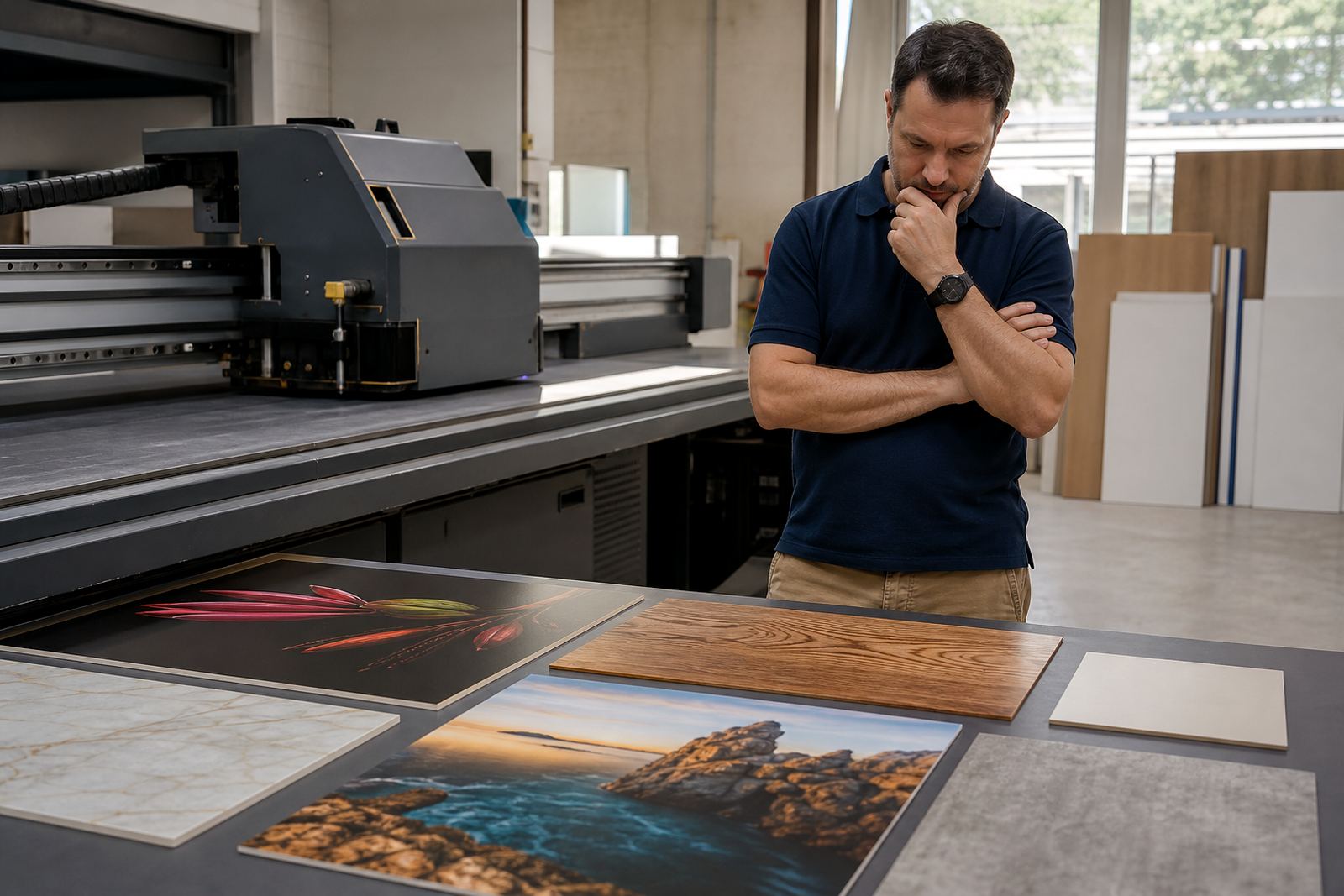
Flatbed UV inks cure quickly on the surface of the media, so the artwork should be prepared for a process that rewards clean shapes, solid fills and well managed colour. Some rigid boards absorb more light than others and some have a smoother face than others, which can change the final look. A file that looks fine on screen may print differently on foam board, PVC sheet, acrylic, corrugated plastic or composite board.
Keep rich blacks controlled, avoid very thin reversed text and be careful with low contrast details on textured media. If the design uses small type, thin rules or fine line art, test it first on the actual board type. Coastal humidity in places like Cape Town and Gqeberha can also affect stored media, so artwork should be matched to properly conditioned boards where possible.
- Use the correct colour mode set for print production.
- Keep line weights strong enough to hold on rigid substrates.
- Avoid transparency effects that can shift unexpectedly on press.
- Test special effects, overprints and knockouts before production.
Choose images and colour with print quality in mind
Photos need enough resolution for the final output size, especially on large boards viewed up close. A small web image stretched across a shop sign will show softness, blockiness or colour break-up. As a practical rule, start with original artwork or high resolution image files and keep them linked properly, not copied from messaging apps or screenshots.
Colour should be checked against the actual substrate and intended lighting. Indoor signage under cool LED light can look different from outdoor panels in full sun. If the job includes brand colours, request a colour reference early and keep the workflow consistent from file setup through to print approval. Small differences are easier to fix before the job reaches production than after.
- Use high resolution source images for all large-format jobs.
- Check colour consistency across logos, backgrounds and text blocks.
- Review how the design reads under indoor and outdoor light.
- Keep spot colours clearly named if the workflow uses them.
Prepare text, fonts and layouts for production
Fonts should be easy to read at the final viewing distance. For rigid signage, especially direction boards and retail panels, avoid overly thin typefaces or crowded spacing. Convert text to outlines when the workflow calls for it, and keep a live copy of the text separately in case changes are needed later. One small spelling error on the file can cause a costly rerun, so proof carefully before release.
Keep the layout tidy and consistent. Align elements properly, remove unused layers, and name files clearly so the production team can find the correct version quickly. If a job has multiple panels, number them in sequence and keep each panel matched to the right orientation. Simple file discipline saves a lot of back-and-forth on busy production floors.
Use a practical preflight checklist before you send the file
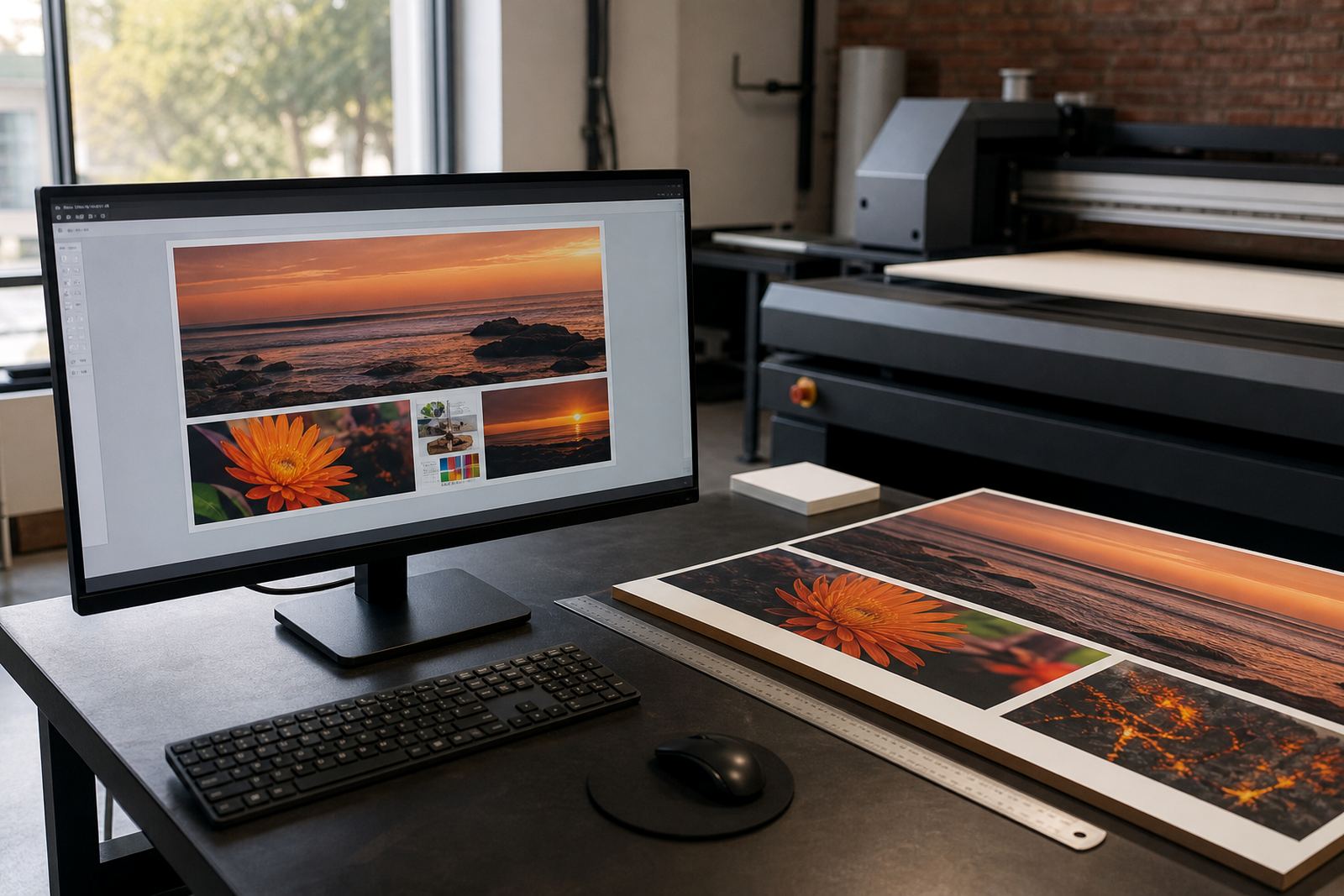
A short preflight check catches most of the issues that slow down flatbed UV jobs. Before sending artwork, confirm that the file opens correctly, the images are linked or embedded properly, and the final size matches the brief. It is also worth checking overprint settings, transparencies, crop marks and any special finishing notes.
- Final size confirmed and measured in the correct units.
- Bleed and safe area added correctly.
- Images sharp enough for the finished size.
- Fonts handled correctly and text proofed.
- Cut lines, drill holes or special notes clearly marked.
- File version named clearly for production use.
If you are preparing work for multiple branches, retail rollouts or municipal signage, keep a single approved master file and avoid editing different copies across teams. That helps keep colours, sizes and wording consistent from Johannesburg to Durban, and from Cape Town to Gqeberha.
When to ask for help before printing
If the artwork includes unusual shapes, mixed materials, heavy coverage, small text or a finishing method you have not used before, ask for input before the job goes to press. It is better to confirm the file setup than to discover a problem after the boards have been printed and trimmed. That is especially useful for new installers, first-time signage buyers and teams managing tight turnaround times.
Flatbed UV production works best when the artwork, media and finishing steps are planned together. A good file gives the printer a cleaner path, reduces waste and helps the final result stay true to the original brief. For larger rollouts or repeat work, it also helps to keep notes on what media, size and setup worked best last time.
If you need guidance on preparing a file for rigid boards or signage, use the enquiry form on the contact page and include the size, substrate type and intended use. A clear brief makes the whole workflow easier from the first proof to the finished board.