Map the board route before you move a single sheet
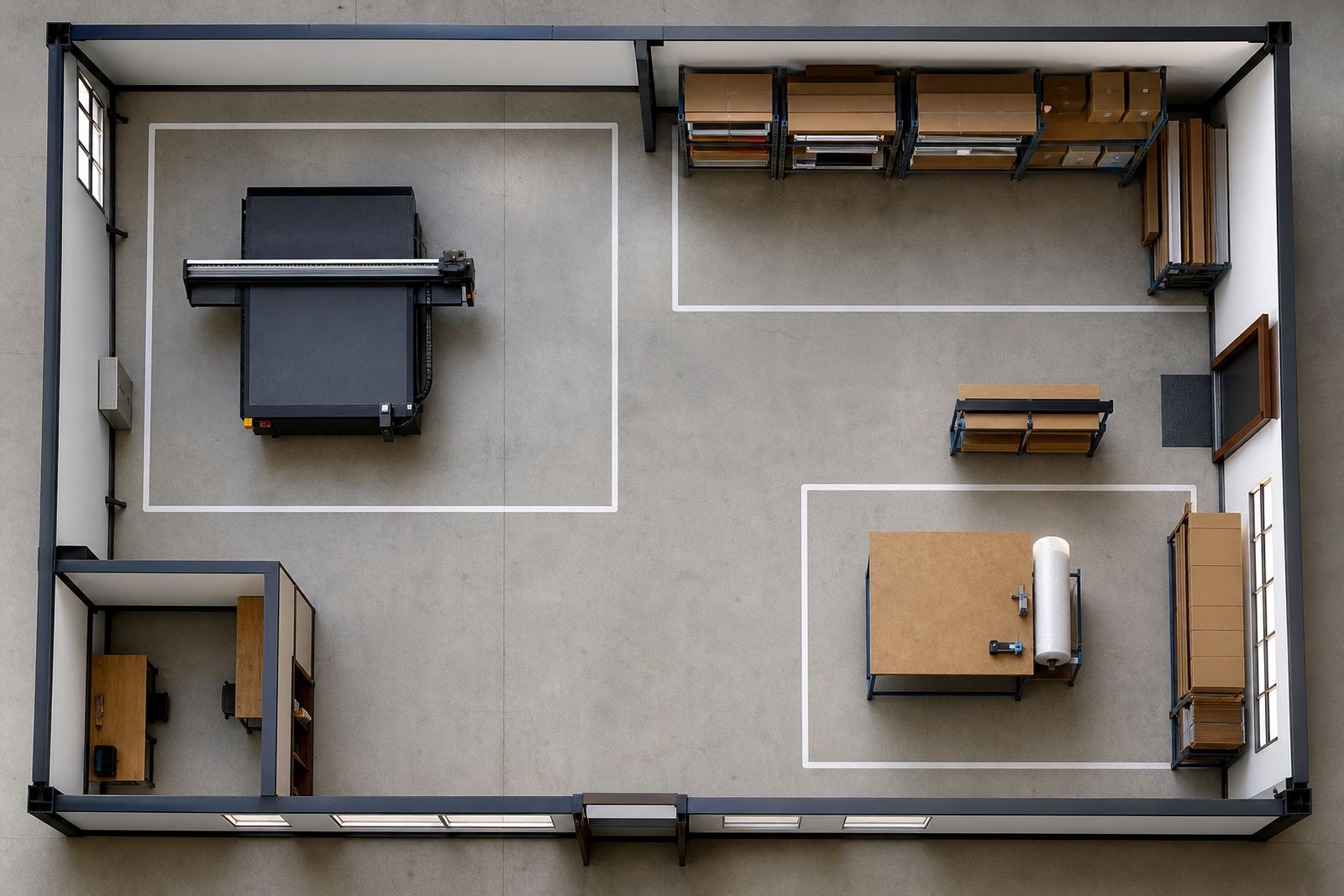
Start with the path that rigid boards will take through the space. Large sheets need room to be unloaded, checked, stored, printed, cured, trimmed and packed without crossing paths with people or other jobs. In a busy Gauteng printroom, the best layout is usually the one with the fewest turns and the least lifting. That keeps the workflow cleaner and helps protect edges and corners from chips.
Think about how boards arrive from the supplier. A straight route from the delivery point to short-term storage is better than carrying stock through finishing areas. If you work with foam PVC, ACM, acrylic, corrugated plastic or other rigid media, keep each type clearly marked so operators do not waste time hunting for the right stack. A simple floor plan can save many errors later.
- Leave enough space for board trolleys and hand movement around stacks.
- Keep the delivery path separate from the print and finishing areas.
- Mark areas for accepted stock, work in progress and finished jobs.
- Use clear labels for media type, thickness and job number.
- Keep walkways free of clamps, offcuts and packing material.
Set up the print zone for clean handling and steady output
The print zone should be easy to clean and simple to supervise. Flatbed UV printing works best when the board sits flat, the surface is free of dust and the operator can load and unload without strain. Good lighting matters. So does a floor that can handle foot traffic, pallet movement and regular cleaning after sanding or trimming. In coastal areas like Durban and Gqeberha, keep an eye on humidity and dust, because both can affect how stock is stored and handled.
Plan for power, extraction where needed, and enough room around the printer for access during setup and service. If your site has load-shedding, think through what happens to queued jobs and partially prepared boards. A clear print schedule and a safe shutdown routine are important. Do not crowd the machine against a wall if operators still need to load boards from the side or back. Leave service access open, even when the room feels full.
- Provide consistent lighting over the loading area and control panel.
- Keep cleaning cloths, wipes and media prep items close by but off the floor.
- Reserve space for test boards and colour checks.
- Make sure electrical points are placed for safe cable runs.
- Allow access for maintenance, training and breakdown support.
Build a finishing area that protects edges and people
Finishing is where many jobs are damaged, even after a clean print. Boards need a place for curing, trimming, routing, drilling, packing and storage. If the finishing area is too tight, people start carrying sheets at odd angles, which leads to bent corners and scratches. A sensible layout keeps finishing tools close together but separate enough that one job does not interfere with another.
Make sure the finishing bench height suits the team. If your crew is cutting and packing all day, poor height soon leads to fatigue. Keep sharp tools stored safely, and separate waste offcuts from finished boards as soon as possible. For outdoor signage, the final check should include edge condition, fixing points and whether the board is ready for site installation. A small mistake here can cost a return trip later on.
- Keep trimming, routing and packing areas close but not cramped.
- Use flat racks or stands for boards that still need drying or cooling.
- Store sharp tools, blades and drill bits in a fixed location.
- Check edges, corners and mounting holes before dispatch.
- Keep packaging materials dry and off the floor.
Plan ink, media and colour checks around daily production
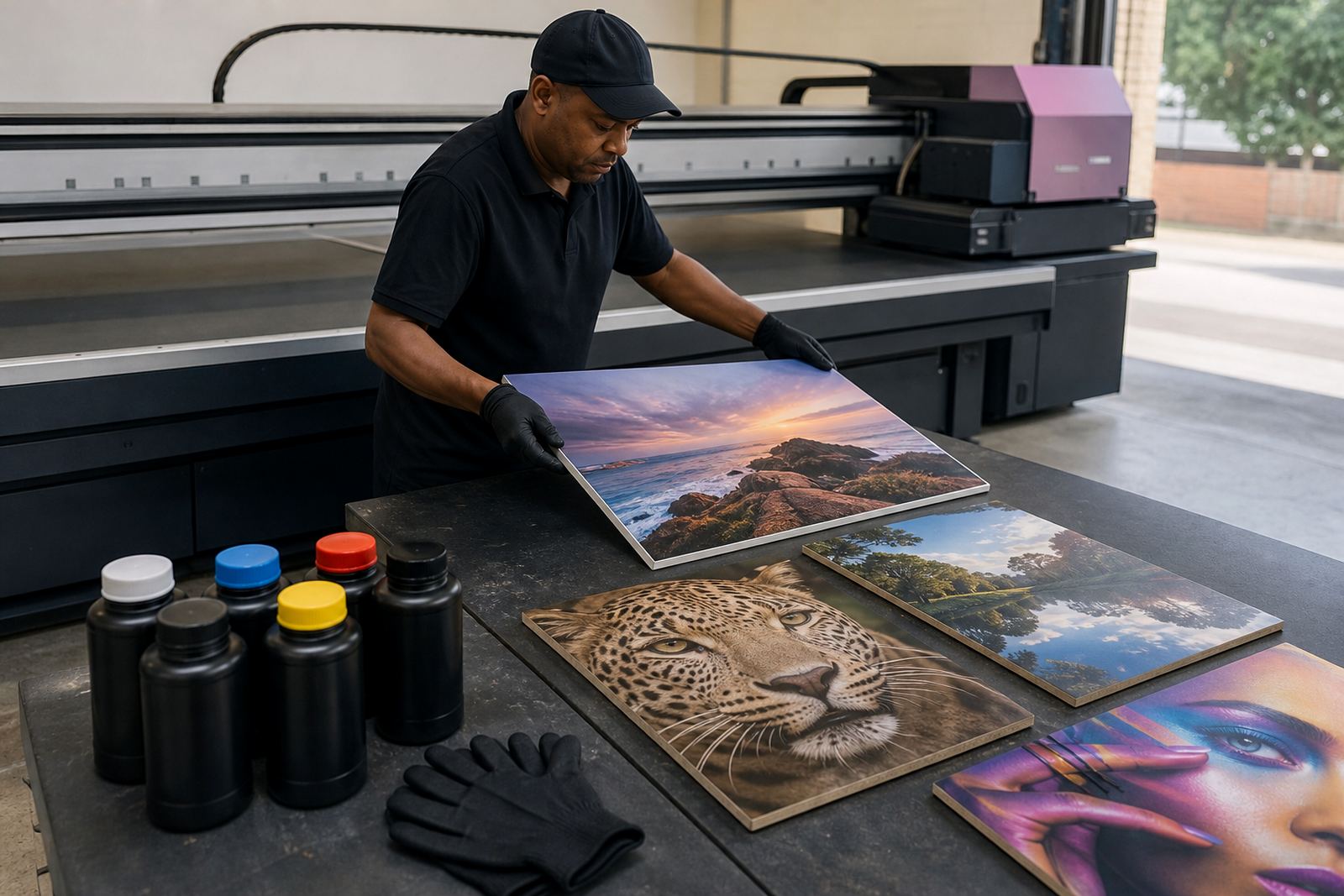
Flatbed UV printing depends on how ink, media and workflow are managed. Different rigid boards can react differently to handling, print adhesion and curing, so it helps to set a routine for testing before full production starts. Use sample pieces when you change media, especially if you are moving between indoor display work and outdoor signage. The goal is to catch issues before a full run is underway, not after it has been packed.
Ink handling needs care. Keep containers sealed, follow the correct mixing or circulation steps where relevant, and make sure operators know what to do if a batch has been standing over a weekend. Colour guidance should be part of the workflow, not a last-minute fix. A simple approval process helps everyone stay on the same page and reduces rework. If your production includes retail panels, event graphics or point-of-sale boards, build time for checks into the schedule from the start. It saves money and stress.
- Test new boards before moving into full production.
- Record approved settings for repeat jobs and common media.
- Keep a clear process for colour approval and sign-off.
- Store inks and media according to the supplier guidance.
- Allow time for reprints when a job needs adjustment.
Train operators to load, print and pack with care
Training is one of the best ways to protect your printer, your stock and your margins. Operators should know how to load boards square, check alignment, spot surface issues and handle finished work without marking it. If your team changes often, keep the training simple and repeatable. Short written steps work better than memory alone, especially on busy days when several jobs are moving at once.
A practical training plan should cover the full job flow from receiving the board to packing it for dispatch. It should also include what to do when a sheet is warped, dusty or not suitable for print. That decision must be made early, not after setup is complete. In our experience, the printroom runs better when one person is clearly responsible for each stage and there is no guessing about who must check what.
- Loading and unloading without bending boards.
- Surface inspection before print starts.
- Safe handling of cured prints and fresh edges.
- Basic fault reporting for colour, adhesion and feed problems.
- Job notes for repeat work and customer approvals.
Keep maintenance and support built into the workflow
A printroom works better when maintenance is part of the plan rather than an emergency. Preventive checks, cleaning routines and spare parts coordination help keep downtime down. If you have a site in Germiston supporting work across Johannesburg, Pretoria, Durban, Cape Town or Gqeberha, it makes sense to keep records for each machine and media type so service calls are easier to handle.
Remote support can solve many day-to-day questions, but only if your team keeps clear notes on the issue, the media used and the job stage where the fault appeared. A simple logbook or digital register is enough. Include date, operator, media, ink set and any corrective action taken. This makes future troubleshooting far quicker and helps with preventive maintenance planning. It also makes life easier when the printroom gets busy and nobody wants to repeat the same problem twice.
If you are laying out a new room or improving an existing one, build the system around safe movement, clear storage and repeatable checks. That is what keeps board printing practical, even when the jobs pile up and the day gets noisy.