Before Power-Up: Check the Room, Power and Safety
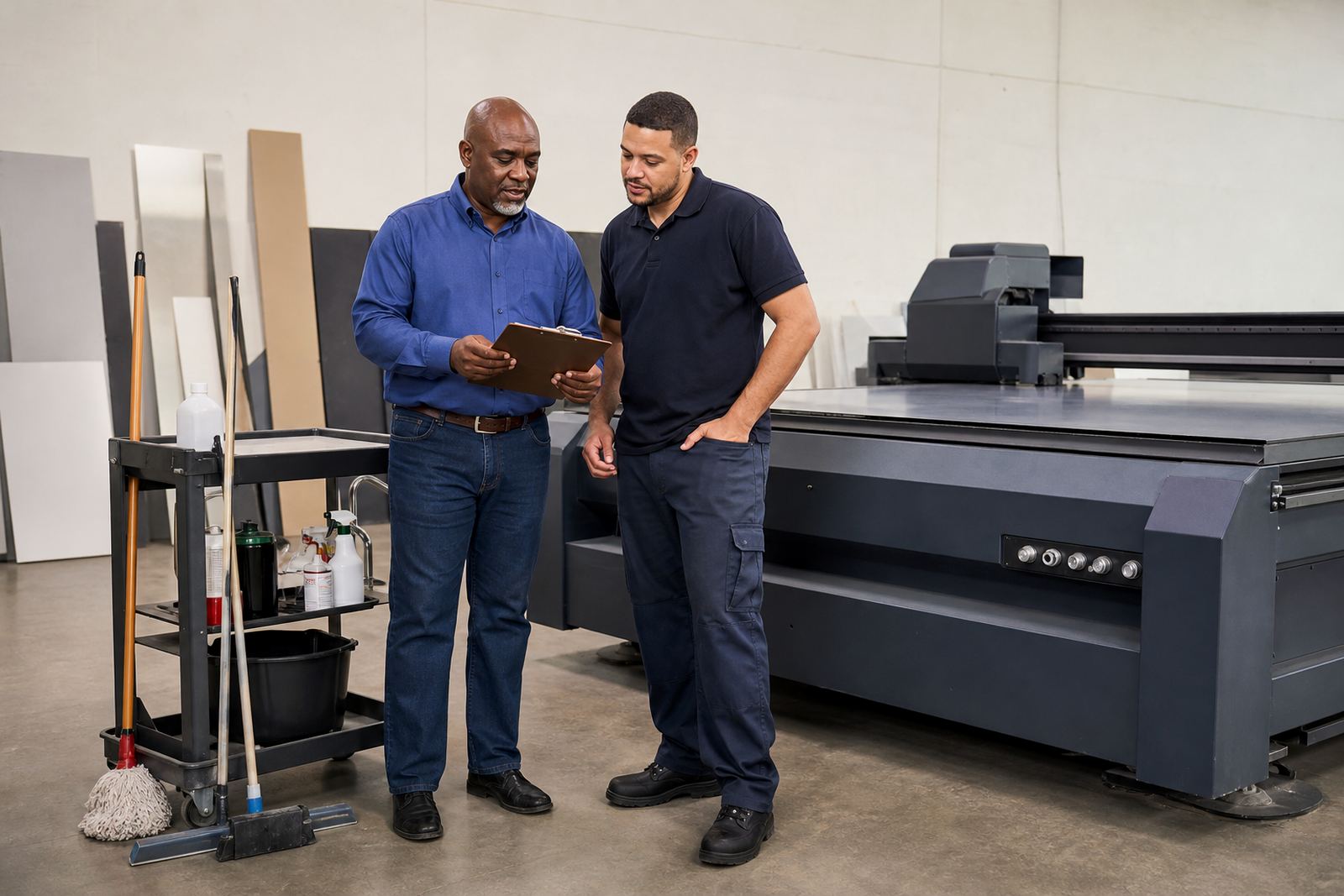
Start with the space around the machine. A flatbed UV unit needs a clean floor, clear walkways, and enough room for boards to move in and out without scraping edges. In Germiston and other industrial areas, dust can build up quickly, so do a visual sweep before switching anything on. If your site runs on generators or inverter support during load-shedding, confirm that power is stable before you begin warm-up or any test cycle.
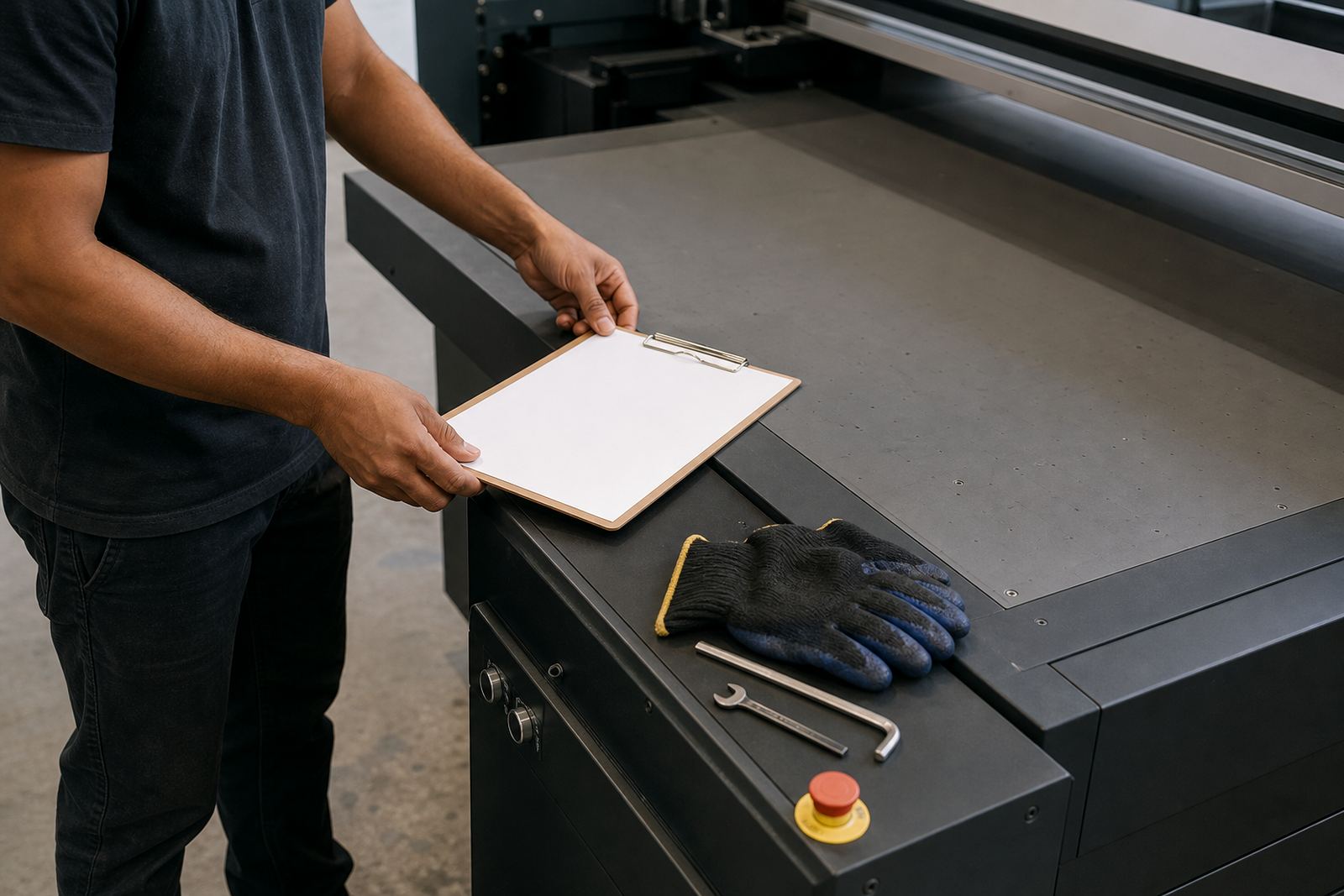
Check that emergency stops are visible and easy to reach. Make sure no loose tools, tape rolls or offcuts are left on the table, and look over guarding, covers and access points. If the machine is in a coastal area like Durban or Gqeberha, pay extra attention to moisture and corrosion on exposed metal parts. A quick wipe down in the morning can prevent small issues from becoming shutdowns later in the day.
- Clear the floor around the printer and loading area
- Check that ventilation and extraction are working
- Confirm power is stable and the machine is correctly isolated if needed
- Inspect emergency stops, covers and guards
- Remove dust, tape scraps and any loose items from the table
Ink Readiness and Basic Fluid Checks
UV printing depends on clean, well managed ink handling. Before the first job, confirm that each ink channel is ready, caps and lines are seated properly, and there are no signs of leaking or dried residue around the print area. If your team stores consumables in a warm room, let them settle at a sensible temperature before use. Cold mornings in Pretoria or winter starts in Cape Town can affect how smoothly equipment comes up to working condition.
Check expiry dates, batch labels, and whether any containers have been open longer than intended. If a cartridge, bottle or reservoir looks cloudy, contaminated or underfilled, do not push it into production just to save time. It is better to stop and sort the issue than print a full run with streaks, weak colour or poor adhesion. A few minutes spent now saves boards, vinyl and labour later, which is the point of the exercise.
- Confirm all channels are supplied correctly
- Look for leaks, dried ink or residue near caps and lines
- Check expiry dates and general condition of consumables
- Make sure containers are sealed and stored properly
- Do not continue with doubtful ink quality or contaminated stock
Media, Board and Surface Checks Before the First Print
Flatbed UV work is only as good as the board or rigid sheet being loaded. Before printing, inspect the media for warping, dust, oil marks, moisture and edge damage. A board that looks flat at a distance may still have a slight bend once it is on the table, so run your hand over the corners and edges. For signage work in Johannesburg or Centurion, this is especially important when boards have been stored near open doors or in variable warehouse conditions.
Match the media to the job and confirm that the surface is suitable for UV adhesion. Some materials need cleaning, some need a primer or other preparation, and some should be tested before full production. Do a small sample if the job is sensitive, especially for outdoor signs, retail display panels or high-contrast graphics. If there is any doubt, pause and test. That small delay is cheaper than redoing a whole set of panels.
- Inspect boards for warping, chips, dust and moisture
- Confirm the surface suits the print and finishing plan
- Clean the media where needed before loading
- Test a sample on new or uncertain material
- Keep spare sheets dry, flat and off the floor
Nozzle Check, Alignment and First Test Pass
Once the machine is powered and the consumables are ready, run the usual startup checks for print quality. This includes a nozzle check, alignment review and a short test pass where the operator can confirm image position, colour response and curing. Do not skip this step on a busy morning. Even when the printer looks ready, a minor blockage or slight misalignment can cause a long shift of repeated fixes.
Keep a printed test board or reference strip from the previous good run if your workflow allows it. That makes it easier to compare changes from one day to the next. Look for banding, missing nozzles, overspray, uneven gloss or any sign that the cure is not taking evenly across the board. If there is an issue, solve it before the main job starts, not after a stack of boards has already been wasted.
- Run the nozzle check and inspect the result closely
- Confirm alignment and registration before production
- Print a small test piece and compare it to your normal standard
- Check for banding, colour drift or curing problems
- Only release the main job when the test is acceptable
Workflow Planning for the Day Ahead
A tidy startup is not only about the machine, it is also about the day plan. Confirm what jobs are due, which boards need urgent attention, and how much table time is already booked. If you are handling signage for multiple sites across South Africa, plan the run order so that quick jobs do not interrupt larger ones again and again. Good sequencing saves time and keeps the operator from constantly stopping and starting.
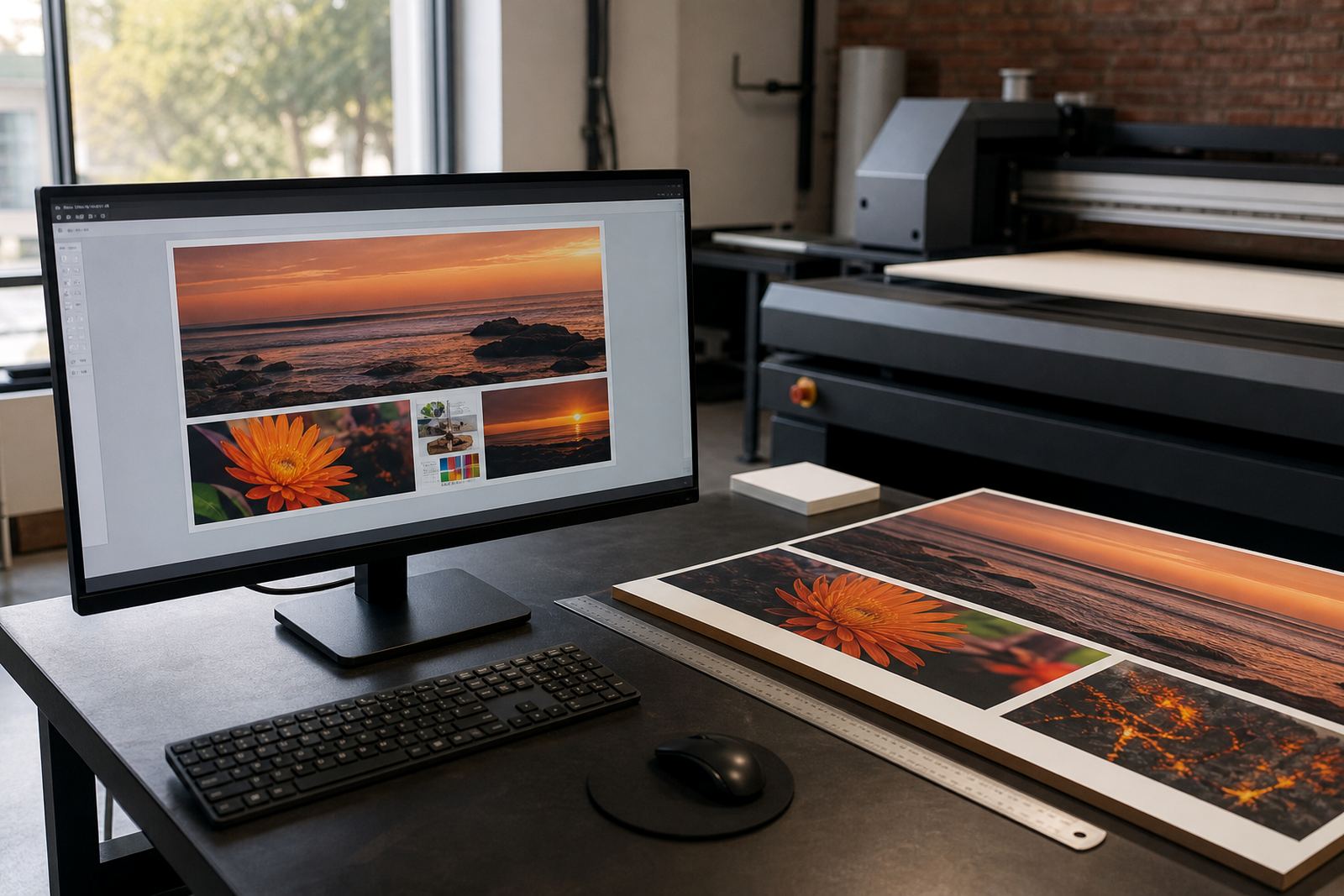
Speak to sales, production support and the client side before any long run begins if there are changes to colour, substrate, finishing or collection times. In a busy shop, the fastest way to create rework is to assume the brief has stayed the same. Make sure files, artwork notes, finishing instructions and delivery details are all in the right place. A clear start means fewer calls later, and less confusion in the afternoon when everyone is under pressure.
- Confirm the job list and production order
- Check artwork notes, sizes and finishing instructions
- Plan board loading and offloading before printing starts
- Keep urgent reprints and sample jobs clearly marked
- Agree on any changes before the first board is printed
When to Stop and Call for Support
Not every issue should be handled by guesswork. If the printer shows repeated faults, if ink lines will not stabilise, or if boards keep failing the same way after basic checks, stop the job and ask for help. It is better to lose ten minutes than to keep pressing on and damage media, heads or the workflow for the rest of the day. This matters even more when you are running time-sensitive work for clients in Pretoria, Durban or Cape Town.
Keep a simple record of what happened, what the machine displayed, what the operator changed, and whether the issue improved. That information helps technical support work faster, whether the call is handled on site or remotely. Good notes also make preventive maintenance easier, because recurring patterns become visible sooner. If your team gets into the habit of writing down small faults, you will catch bigger ones before they turn into stoppages.
Flatbed UV printing works best when the start of the shift is calm and methodical. A proper startup routine protects the machine, the boards and the people using it, and it keeps production moving with fewer surprises. That is the real value of a checklist.