Start With a Maintenance Routine That Matches Your Production
Maintenance planning should follow how often the printer runs, what media you print and where the machine is installed. A shop in Germiston handling daily board work will need a tighter routine than a smaller operation running a few jobs a week, while coastal sites may need extra attention to humidity and dust control. The aim is not to over-service the machine, but to keep every key part in check before small issues become downtime.
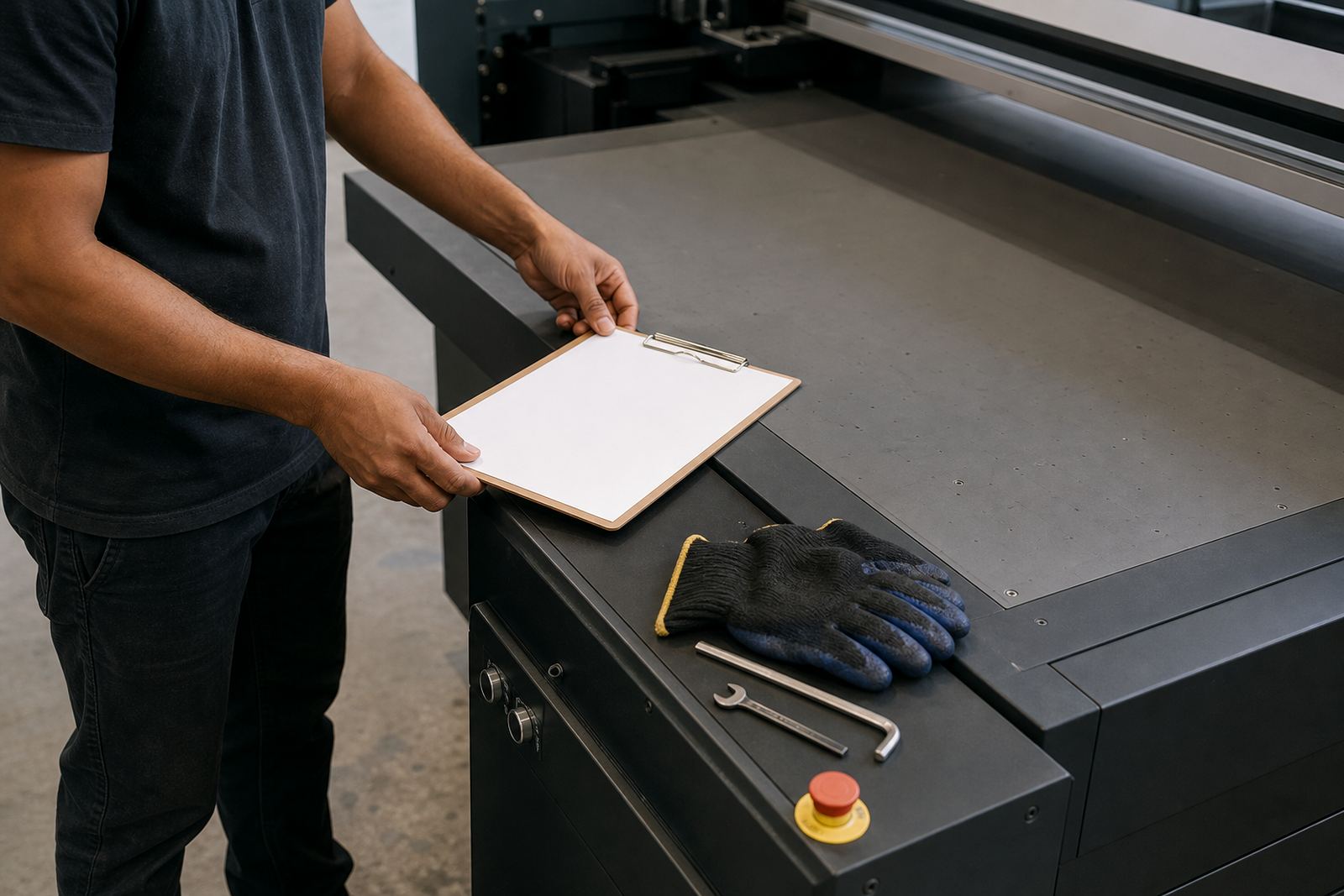
It helps to divide tasks into daily, weekly and monthly actions. Keep the list near the printer, mark off each item, and make sure the same person is accountable each shift. If more than one operator is involved, the handover should include what was cleaned, what was checked and any warning signs. That simple habit reduces missed steps and saves time later.
- Daily: clean surfaces, inspect nozzles, check media paths and confirm ink levels.
- Weekly: review alignment, wipe dust from accessible areas and check curing output.
- Monthly: inspect hoses, cables, filters and moving parts for wear or build-up.
Daily Checks Before the First Board Goes In
Start each day with a short walk-around before production begins. Look for dust around the table, media scraps near the print area, loose boards, spills and any sign of dried ink. In South African workshops, power cuts and generator changeovers can interrupt a job, so it is wise to confirm that the printer has recovered properly before sending the next sheet through.
Check the condition of the print heads, wipers and capping area according to the machine’s normal procedure. Make sure the ink system is circulating as intended and that there is no obvious staining or seepage. If the room has been open overnight, check whether temperature or humidity has shifted enough to affect curing or adhesion.
- Confirm that the bed is clean and free of debris.
- Check for blocked nozzles or uneven test patterns.
- Inspect ink levels and note any channel that drops quicker than normal.
- Verify that the board or substrate is flat, dry and suitable for printing.
Weekly Care That Prevents Unplanned Stops
A weekly clean-out should go beyond surface wiping. This is the time to remove build-up from accessible areas, inspect belts or guides where relevant, and confirm that movement is smooth. If you are printing a range of rigid materials, small particles from boards can collect in corners and around the media path. Left alone, that dirt can lead to marks, skew or inconsistent feeding.
Use the weekly slot to compare output against a known good sample. If colours are drifting, banding is appearing or small details are soft, do not wait for the fault to become obvious. Record what changed, what media was used and whether a setting was adjusted. That record is useful for the technical team and also for internal training.
- Wipe down the print area using the correct cleaning method for the machine.
- Check that fans, filters and vents are not blocked by dust.
- Run a test print and compare it with the previous week’s sample.
- Look for unusual noise, vibration or slower carriage movement.
Monthly Inspection Points For Ink, Media and Motion
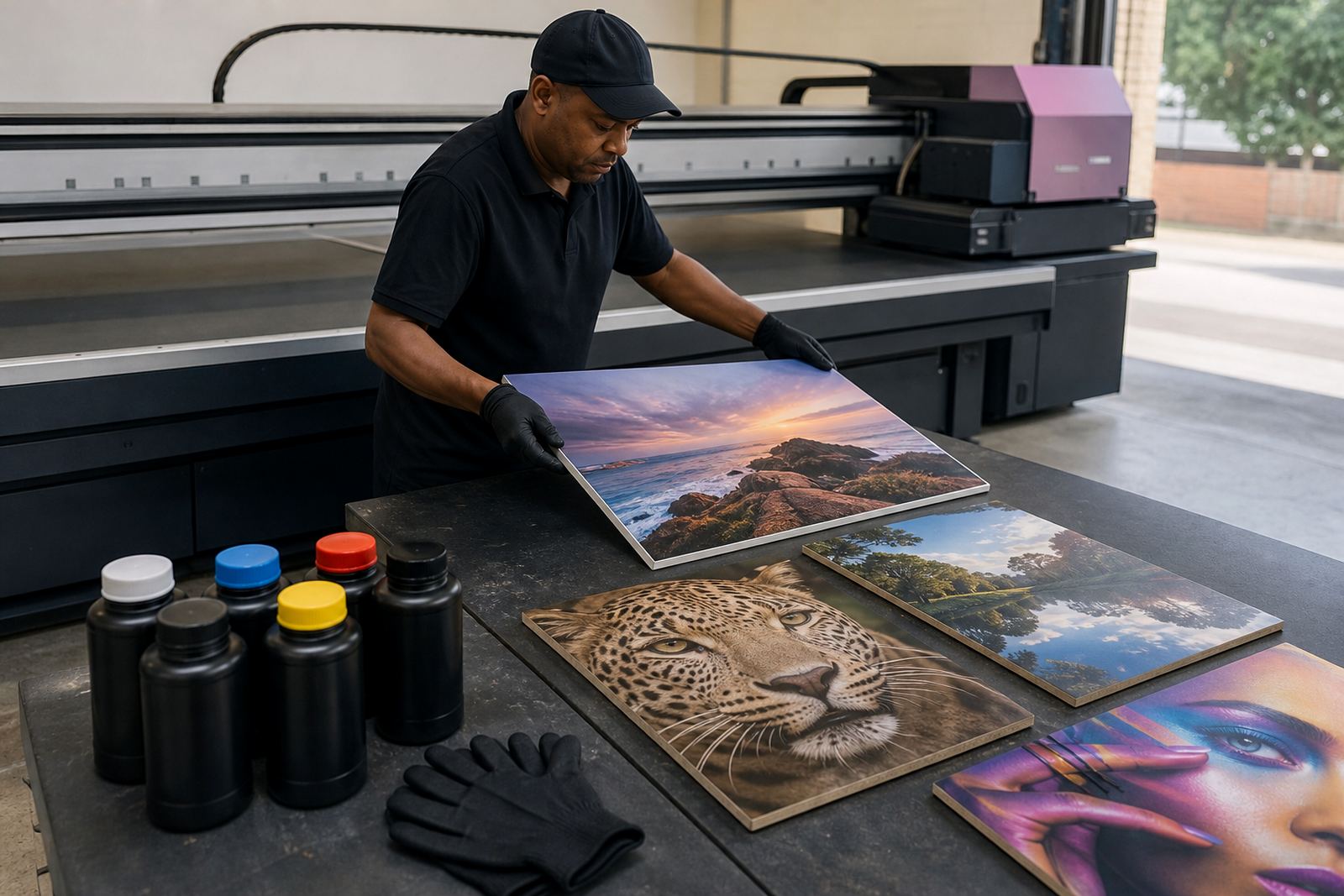
Monthly maintenance is where you step back and check the wider system. Review ink handling, storage and expiry dates, and make sure caps, seals and lines are in good condition. UV inks need care because poor storage, contamination or rough handling can affect print quality and curing. If your team keeps open containers near the printer, tighten that process immediately.
Media testing also belongs in the monthly plan. Rigid boards from different suppliers can react differently to ink laydown and curing, so it is worth running short trials when a new board type arrives. Check adhesion, surface finish, edge lift and colour response before moving into full production. This is especially important for outdoor signage where heat, wind and moisture can expose weak prep work.
- Review the condition of ink lines, filters and seals.
- Test new board types before committing to a full run.
- Check motion components for dust, looseness or wear.
- Confirm that the curing output still matches the media being used.
Build a Clear Record For Operators and Service Teams
Good maintenance planning depends on written records. A simple log book or digital register should show who did the check, when it was done, what was found and what action was taken. If the printer starts acting up after a load-shedding event, for example, the record should show whether the issue was present before the outage or appeared afterwards.
Keep the notes practical. You do not need long reports, just useful facts such as media type, ink batch used, the time of day, any alarms, and whether the room was hotter than normal. Over time, those notes help the production team spot patterns and plan service before a breakdown. This is also where training pays off, because a well trained operator notices small changes sooner.
For sites with more than one shift, assign one person to do the handover check. That step should include the printer state, cleaning completed, any warnings and whether the next job needs a colour or media adjustment. It sounds basic, but it prevents the usual mixups that slow production.
When to Call for Help Before a Small Fault Grows
Some maintenance tasks are routine, but others need technical support. If nozzles keep dropping out, ink flow is unstable, print quality changes across the same board, or the machine starts showing repeated errors, do not keep pushing through production. A small issue can become a larger repair if it is ignored for too long.
It is also smart to ask for help after a move, a major site change, or a power event that affects the printer and the surrounding equipment. Site preparation matters just as much as the machine itself, especially where floors are uneven, dust is present or the room needs better ventilation. Remote support can often resolve a planning question quickly, while on-site service is better when there is a physical fault or an adjustment needed on the printer itself.
At Flatbed UV, the Germiston base supports installations, operator training, preventive maintenance, breakdown support and production consulting across Johannesburg, Pretoria, Durban, Cape Town and Gqeberha. Clients across the East Rand and Centurion also use the enquiry form on the contact page to arrange support when they need a practical answer fast.
A Simple Checklist You Can Use Every Month
Use this final checklist to keep the routine consistent. Print it, pin it near the machine and update it after each inspection. If one item keeps coming up, treat it as a warning sign rather than a nuisance. That is often where the real savings are found.
- Daily surface clean completed.
- Nozzle check and test print done.
- Ink levels reviewed and recorded.
- Media path cleared of dust and scraps.
- Weekly output comparison filed.
- Monthly inspection logged with notes.
- Any colour drift, vibration or feed issue reported.
- Service or training follow-up arranged if needed.
A steady routine does not need to be complicated. It just needs to be followed properly, day after day, so the printer stays ready for real work instead of constant fixes.