How To Request A Technician Visit
Use the enquiry form on our contact page to book a service call. Include your site location, machine type, the fault or task, and any recent changes such as power interruptions, new media, ink changes or operator issues. The more detail you give, the quicker we can plan the right visit and bring the right spares or tools.
If your printer is down, say so clearly. If it is running but the print quality has changed, tell us what you are seeing, such as banding, uneven curing, poor adhesion or colour shift. A clear note saves time on site and helps us avoid back and forth.
- Location and contact person
- Brief fault description or service need
- Urgency level and preferred time
- Any recent maintenance or power events
What We Cover On Support Calls
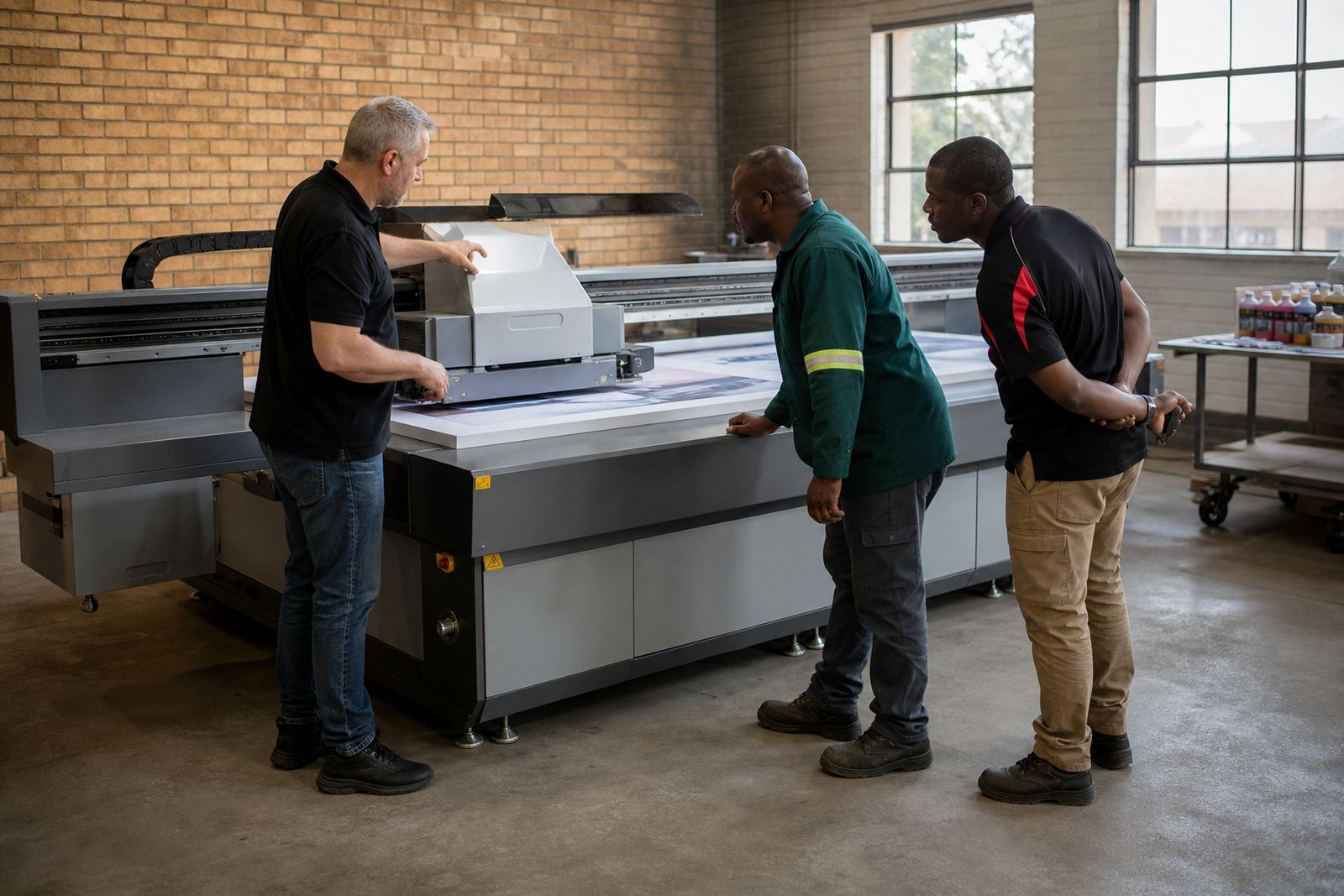
Our support visits are practical and focused on keeping production moving. We assist with installation, setup, workflow checks, operator training, preventative maintenance and breakdown support. If the issue is not solved on site, we can advise on next steps and coordinate follow up support.
Typical support requests include ink handling help, media testing, colour guidance, site preparation checks and production troubleshooting. For shops in Gauteng and along the coast, we also look at dust, humidity and voltage stability because these can affect curing, adhesion and print consistency.
- Printer installation and alignment checks
- Workflow planning and operator training
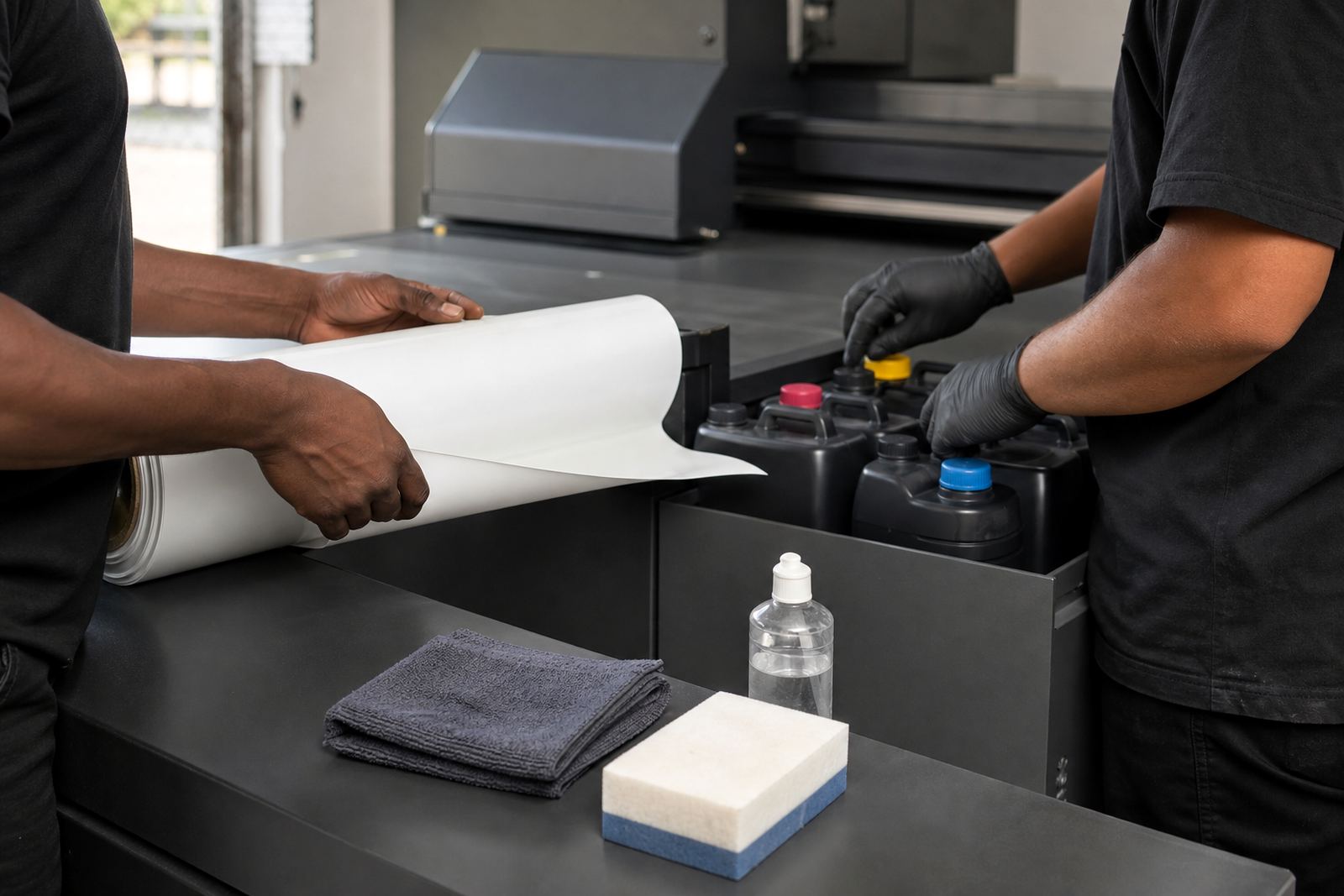
- Preventive maintenance and cleaning routines
- Remote support for quick fault isolation
Before The Technician Arrives
Good preparation shortens downtime. Make sure the machine area is clear, the power supply is stable and the operator who knows the problem is available. If there is a loading issue, keep the media and substrates close by so we can test them on site.
Please have any relevant information ready, such as recent alarm messages, print settings, curing settings and what was being printed when the fault appeared. If you have just moved premises in Germiston, Johannesburg or Pretoria, mention the new layout so we can plan access and safety on arrival.
Service Steps From Enquiry To Sign Off
We keep the process straight forward. Once your enquiry comes in, we review the job and confirm what is needed. Then we schedule the visit, plan for any parts or consumables that may be required, and send a technician or consultant to site.
On arrival we assess the issue, test the printer, confirm the likely cause and work through the fix with your team. If the service includes training or workflow changes, we show your operators what to do next so they can keep production running after we leave.
- Submit the enquiry form
- Share fault details and site access info
- Receive service planning and visit timing
- Technician attends and carries out the work
- We confirm the outcome and next steps
Preventative Maintenance For South African Conditions
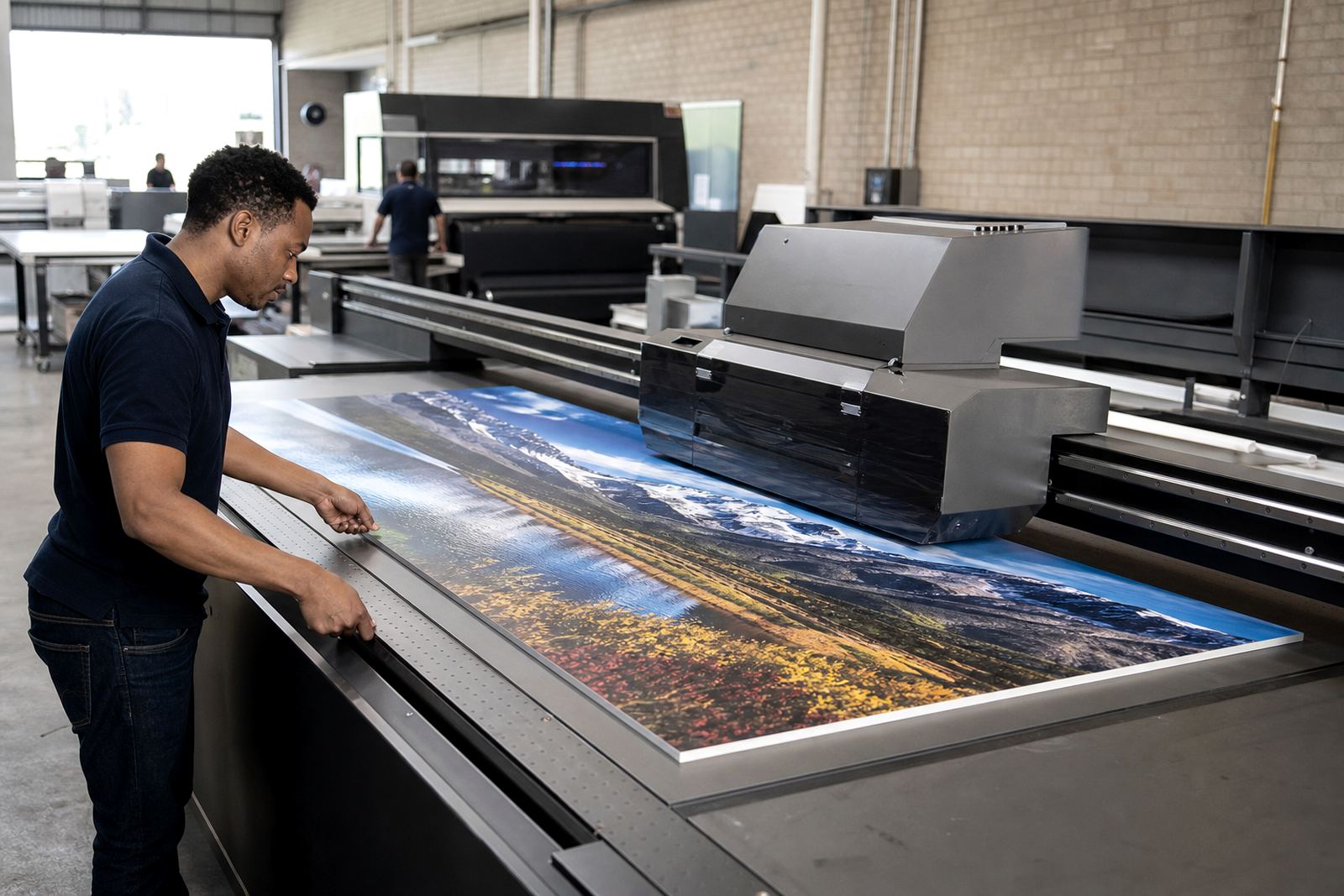
Flatbed UV equipment works best when it is kept clean, level and stable. In South Africa, load-shedding, dust, heat and coastal humidity can all affect performance. Regular maintenance helps protect print quality and reduces the risk of unplanned downtime.
We can help set up a sensible maintenance plan for your site in Cape Town, Durban, Gqeberha, Centurion, the East Rand and nearby areas. That may include nozzle checks, cleaning routines, ink handling practices, ventilation advice and routine inspection of moving parts. Small issues caught early are usually cheaper to fix, which is what most customers want.
- Scheduled checks to reduce stoppages
- Humidity and dust control advice
- Safe ink storage and handling guidance
- Simple operator tasks between visits
Where We Support Flatbed UV Users
Our base is in Germiston, Gauteng, and we support businesses across South Africa. That includes Johannesburg, Pretoria, Durban, Cape Town and Gqeberha, as well as East Rand and Centurion sites. If your operation is outside these main areas, send the details through and we will advise on the best way to assist.
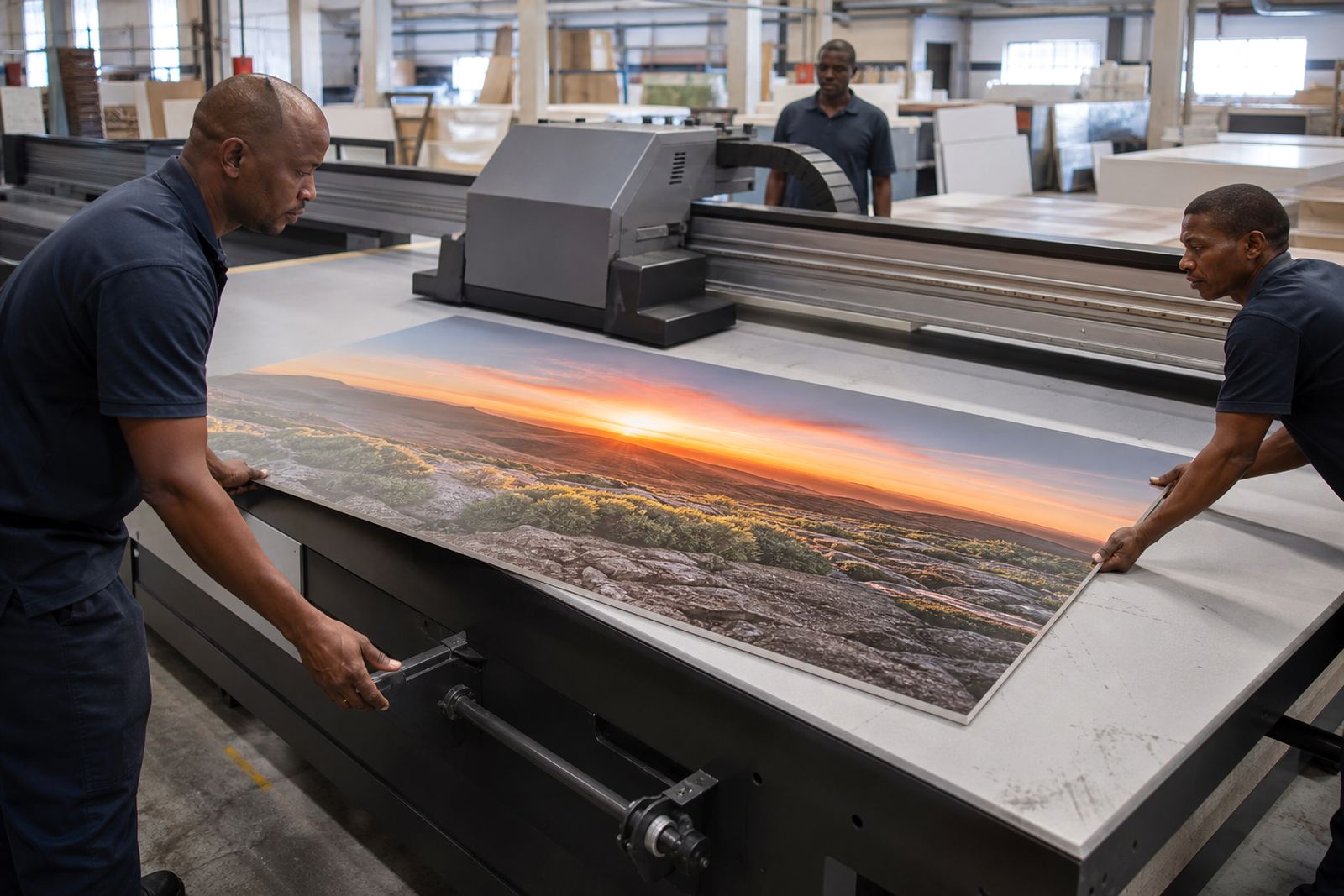
Whether you run rigid board jobs, signage production or mixed output, the aim is the same: keep the printer working, keep the team confident, and keep the workflow organised. If you need a visit for maintenance, setup help or fault-finding, start with the enquiry form and we will take it from there.