Getting started with a flatbed UV printer
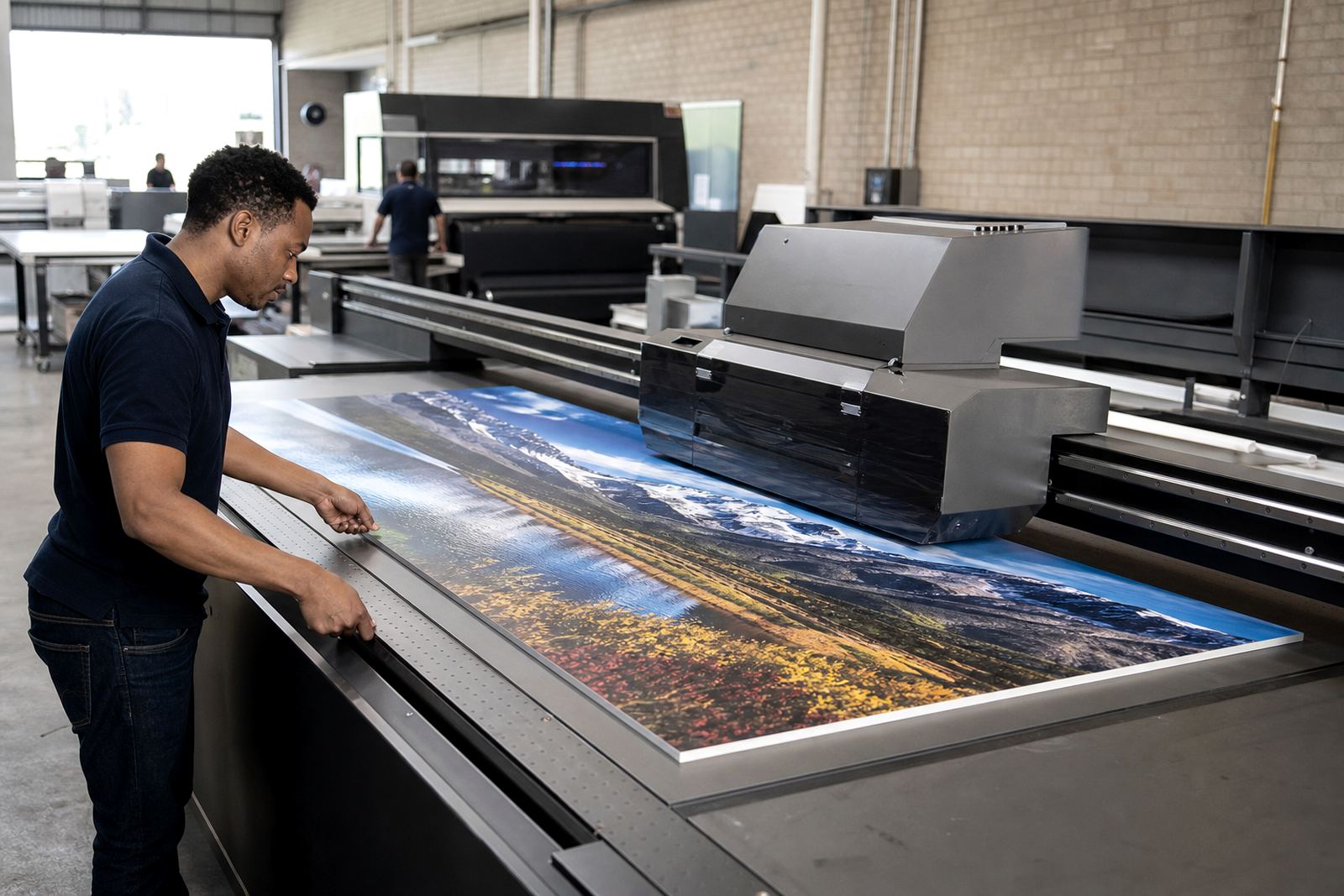
If you are setting up a new machine or adjusting an existing line, the first step is to check the room, the power supply and the movement space around the table. Flatbed UV printing depends on clean handling, level placement and a steady workflow, so small issues at the start can show up later in the print. We help with site preparation, machine positioning and first-run checks for rigid boards, signage panels and other flat materials.
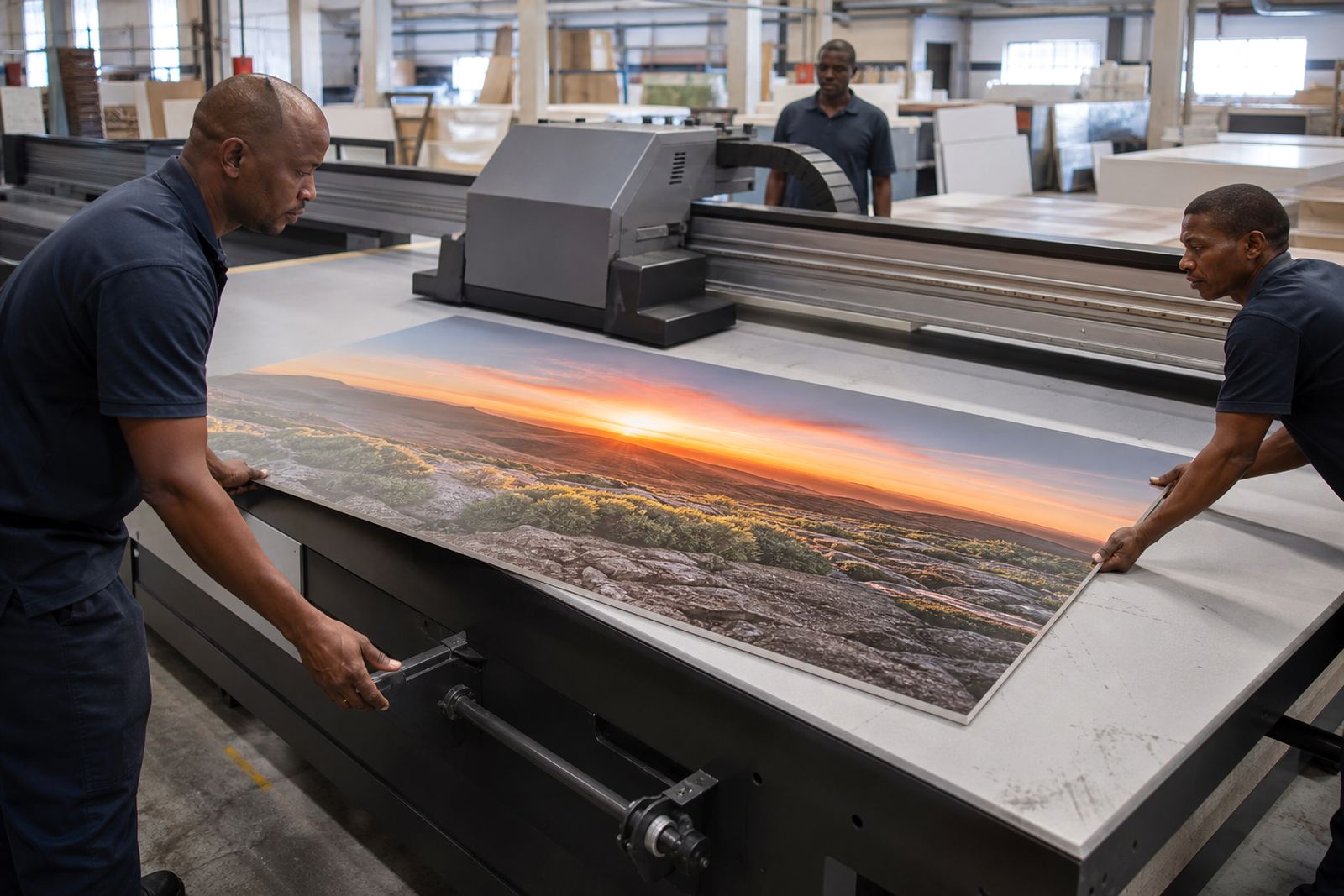
Before production begins, make sure the operator knows where the media will enter and exit, where wet prints can sit to cure, and how finished boards will be stacked. In a busy shop in Germiston or Johannesburg, that planning saves time. It also helps when load-shedding affects the day because you can restart in a controlled way instead of guessing what was left halfway through the job.
- Check floor space, access and the route for boards
- Confirm power, ventilation and clean working conditions
- Set a clear staging area for unprinted and printed media
- Keep a simple run sheet for each job
Media handling for rigid boards and signage
Flatbed UV printing is only as good as the media it lands on. Boards should be clean, dry and flat, with no dust or surface oil. If the substrate is bowed or damaged, the print can show banding, adhesion issues or uneven curing. For this reason we always recommend media testing before committing to a full batch, especially when you are trying a new board, foam sheet or sign panel.
In coastal areas like Durban and Gqeberha, humidity can change how some materials behave. Even inland, boards stored near roller doors or open loading bays can take up moisture and move slightly. Keep stock on pallets, off the floor and away from direct sun. If a material is sensitive, let it sit in the print room before use so it can settle to the same temperature and moisture level.
- Store rigid media flat and off the floor
- Test new substrates before a full production run
- Wipe dust and loose particles from both sides
- Allow boards to acclimatise in the print room
Working with UV inks and colour
UV inks cure as they print, which makes them useful for signage, boards and display work that needs handling soon after output. Good results depend on the right ink setting for the media, proper curing and a colour workflow that stays consistent from job to job. If colours are drifting, the cause is often not the artwork alone. It may be ink condition, profile choice, media surface or operator setup.
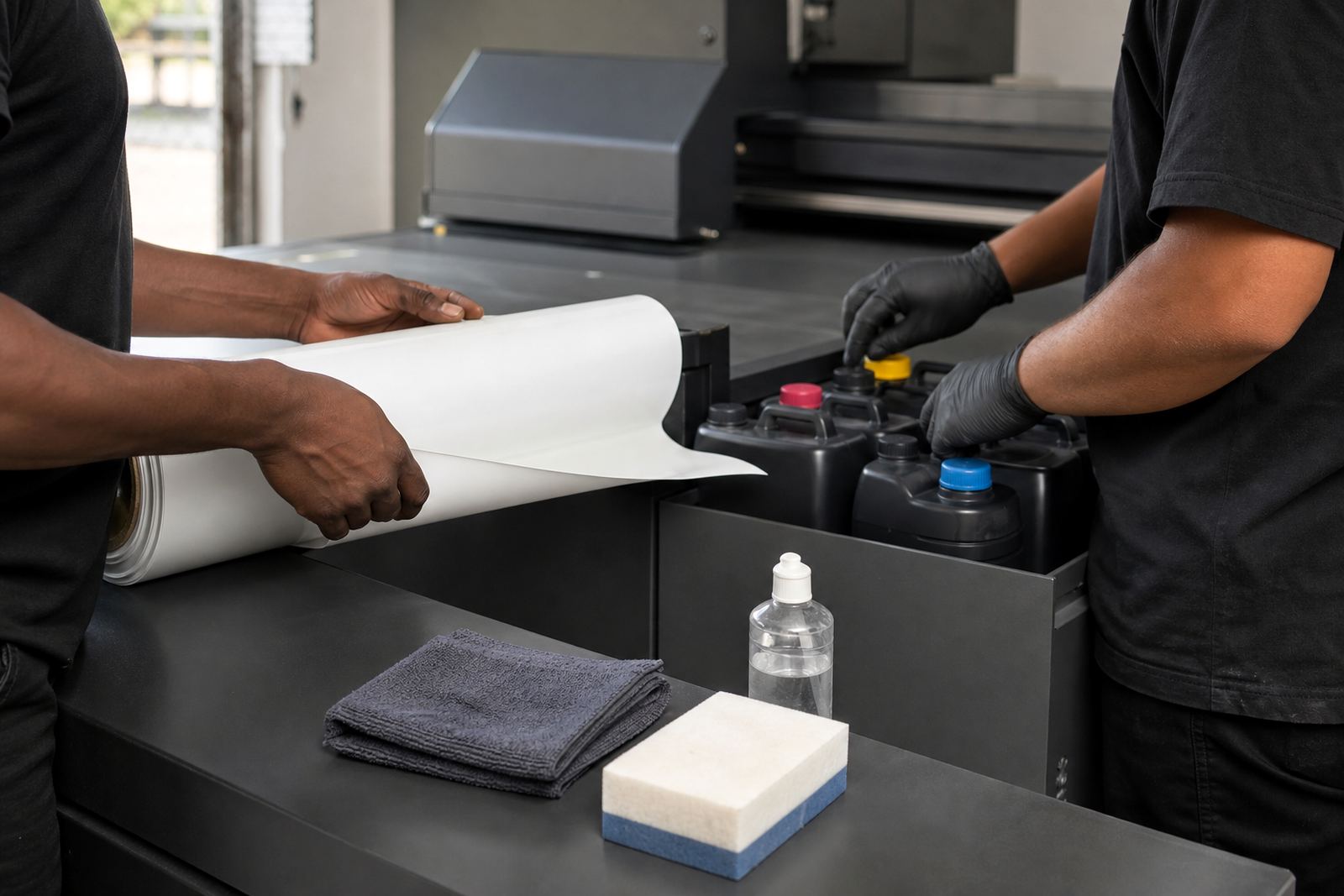
We advise clients to keep ink containers sealed, follow the handling notes for each batch and avoid unnecessary exposure to heat or dust. If a system has been idle for a while, it is worth checking the print path, doing a short test and confirming that curing is even across the full width. Our colour guidance support helps teams match expectations before a large retail or event run starts.
- Use the same setup for repeat jobs where possible
- Keep ink sealed and stored correctly
- Run a test strip before production
- Check cure and adhesion on the actual media
Daily workflow tips for smoother production
Most support calls are easier to avoid with a simple daily routine. Start with a visual check of the table, gantry area and media path. Then confirm that the board size, print direction and job notes are correct. A clear workflow matters when several people touch the same job, especially in print shops that run signage, point-of-sale material and event boards in one shift.
A good habit is to keep one person responsible for job release and one for final checks. That reduces mix-ups and stops reprints caused by a missed setting or a damaged sheet. If your team works in shifts, write down what was done before handover so the next operator does not repeat a fault find from scratch.
- Inspect the machine before the first job of the day
- Confirm size, artwork and board type before printing
- Use one handover note per shift
- Keep finished work apart from new stock
When a job needs support
If output is not looking right, do not keep pushing through the same settings. Stop the job, note what changed and check the basics first. Look at the media surface, ink condition, cure output and recent operator steps. Many issues can be narrowed down quickly when the details are written down clearly. That saves time and avoids more waste on boards that cannot be reused.
Our breakdown support and remote support services are used by businesses across Gauteng and beyond when production cannot wait. We assist from Germiston, Johannesburg, Pretoria and the East Rand, and we also support teams in Durban, Cape Town and Gqeberha. If a machine needs a site visit, we will guide the next step and help with spares coordination where needed.
- Pause the job and keep the affected sample
- Note the media, ink and settings used
- Check whether the issue started after a power interruption
- Send a clear description through the enquiry form
Training, maintenance and long-term support
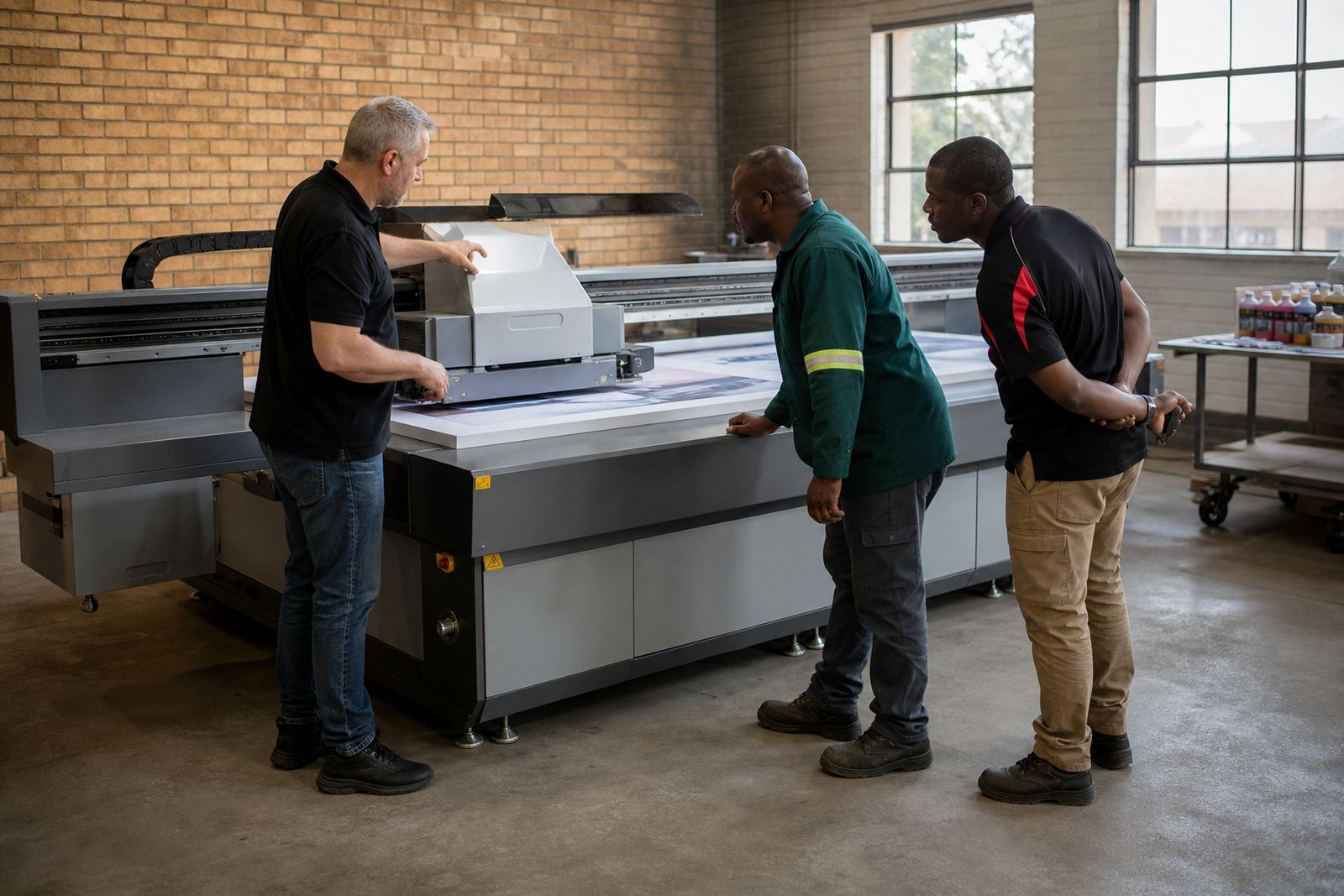
Flatbed UV systems last better when operators are trained and maintenance is done before faults grow. Our team supports printer installation, operator training, preventive maintenance and production consulting for shops that want a steadier output. We also help with ink handling, media testing, workflow planning and spares coordination, so your crew is not chasing small problems every week.
Sibusiso Mthembu leads the business from Germiston with support from Lerato Nkosi, Johan van der Merwe, Ayanda Dlamini, Michael Naidoo and Zanele Khumalo. That mix of sales, technical and production support helps clients get practical answers without unnecessary delay. If you are in Pretoria, Centurion, Cape Town or any other part of South Africa, use the enquiry form on our contact page and we will come back with the next step.
- Arrange routine checks before faults build up
- Train new operators before they work alone
- Review colour and workflow when jobs change often
- Use the enquiry form for local or national support