Start With Clean, Controlled Ink Handling
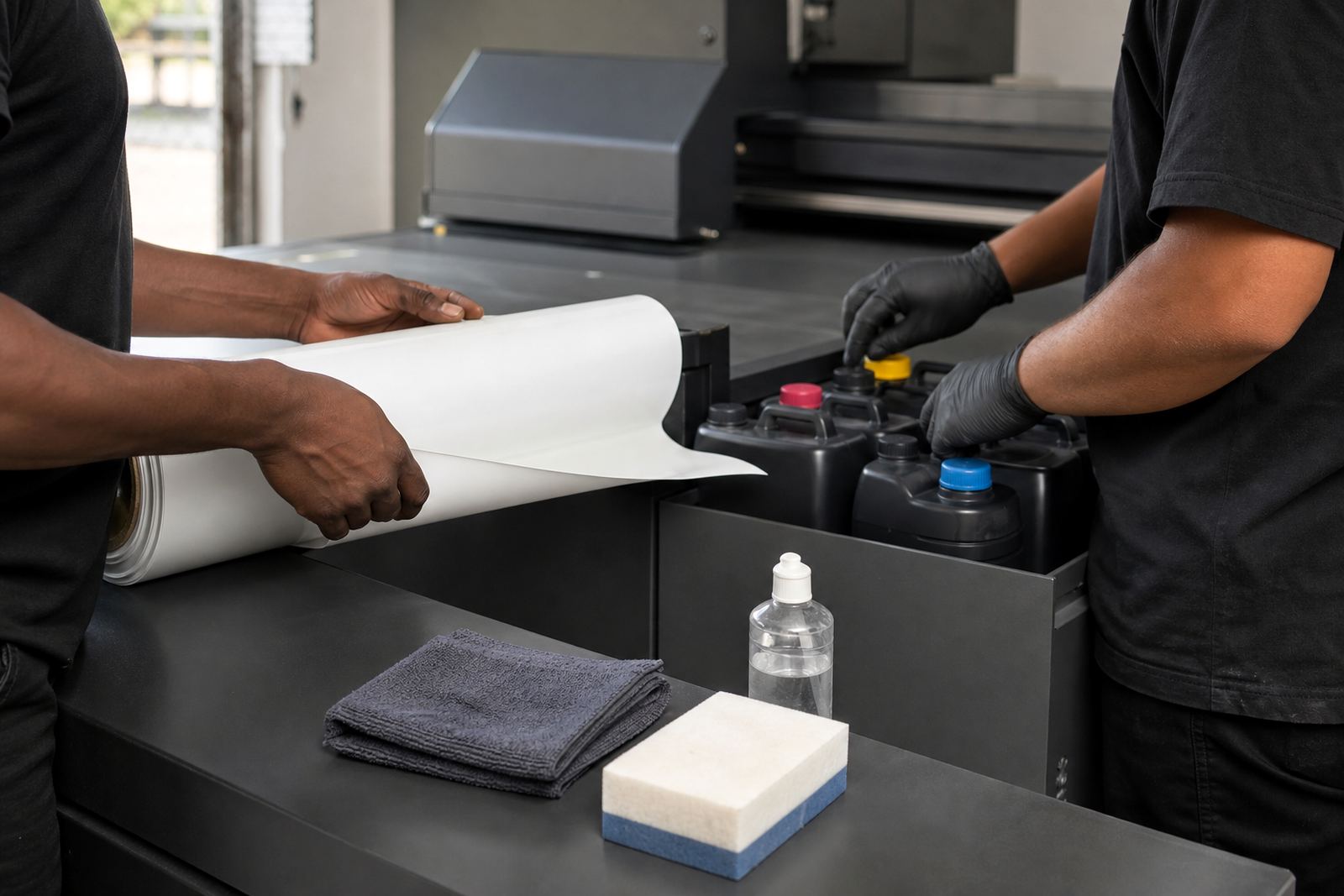
UV inks need careful handling from the moment a container is opened. Keep lids closed when ink is not in use, wipe drips straight away and use clean funnels, syringes or transfer tools that are kept for one ink type only. Mixing tools between white, clear and colour sets can cause contamination and poor curing.
Before topping up, check that the container is well mixed where required and that the ink is within its use date. In workshops around Germiston, Johannesburg and Pretoria, dust and heat are common problems, so keep the filling area clean and out of direct sunlight. If a container has been standing for some time, inspect for settling, skinning or any unusual smell before using it.
- Label every opened container with the opening date.
- Keep caps, nozzles and funnels sealed and dust free.
- Do not return unused ink to the main container.
- Wipe hands and gloves before moving to another colour channel.
Store Ink So It Stays Usable
Good storage starts with a stable room. UV ink should be kept in a cool, dry place away from windows, heaters and direct floor contact. Coastal humidity in Durban, Cape Town and Gqeberha can affect storage conditions, while Gauteng summers can push temperatures up fast in unventilated rooms. A locked store room with steady airflow is usually better than a hot print bay.
Keep stock on shelves rather than on the floor and rotate older containers first. If your operation runs on load shedding backup power, make sure the storage area still remains within a sensible temperature range when machines are off. Sudden heat changes can affect viscosity and print consistency. Never leave open containers in a vehicle between sites, especially on long trips between branches or client premises.
- Store upright on labelled shelves.
- Avoid sunlight and damp concrete floors.
- Separate unopened stock from partly used stock.
- Rotate stock by opening date, not by guesswork.
Set Up a Workflow That Protects Print Quality
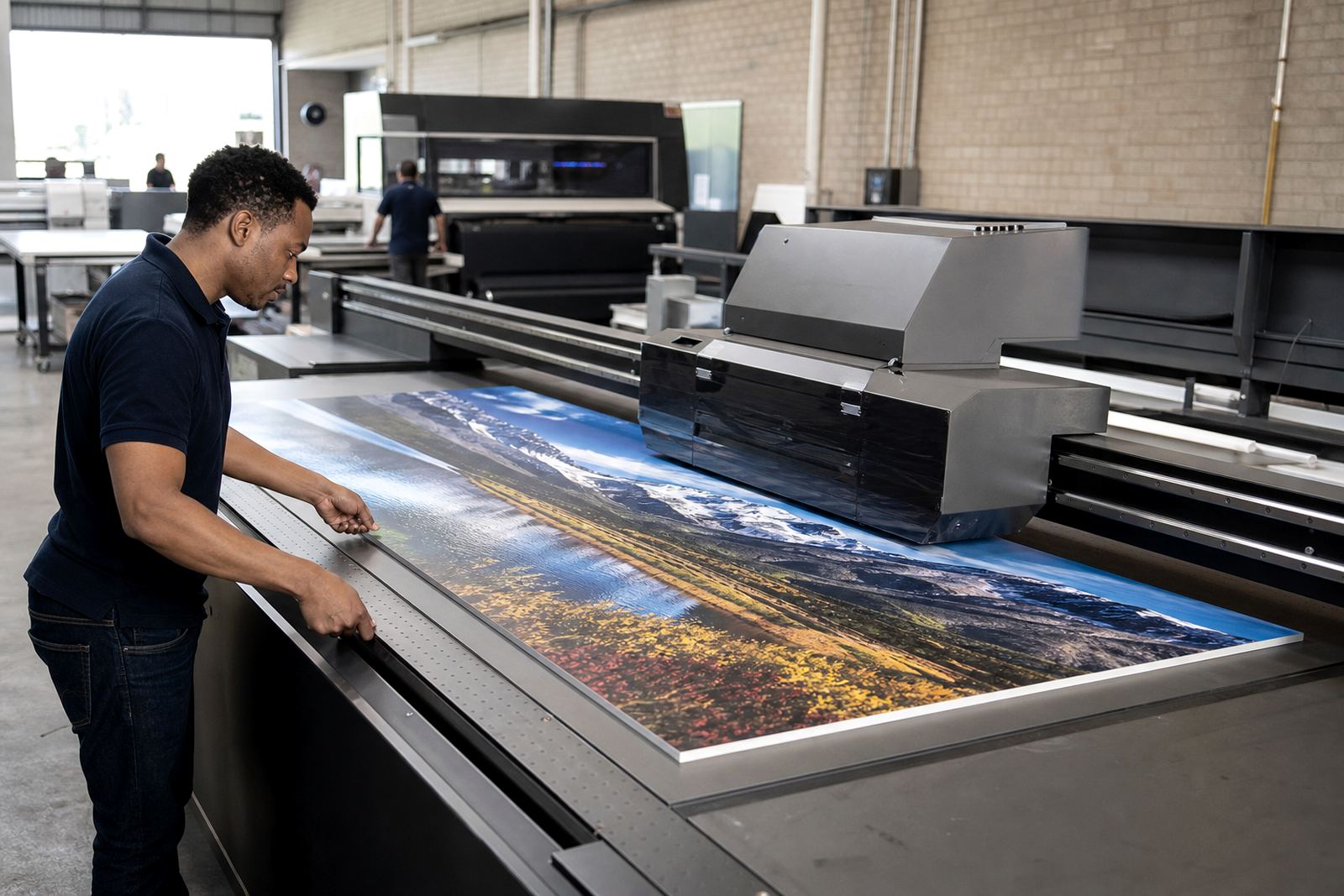
Ink handling is not only about the bottle. It is part of the full workflow from file prep to finished board. Before starting production, confirm the media type, the curing plan and the print order for each job. If you are moving between different rigid boards or signage materials, keep a simple job sheet that records the ink set used, the media tested and any changes made during the run.
For mixed work, plan the sequence so that high coverage items are printed with enough drying or curing space between stacks. If you are running white ink, a clear layer or multiple passes, allow time for circulation and test pieces before the main run. Small workflow changes, like using the wrong order for colour checks or skipping a purge after a pause, can lead to blocked nozzles or poor adhesion.
- Confirm media type before loading the first board.
- Test a small section before full production.
- Record pass settings and cure notes for repeat orders.
- Keep a separate area for wet or newly cured jobs.
Know What to Watch For During Production
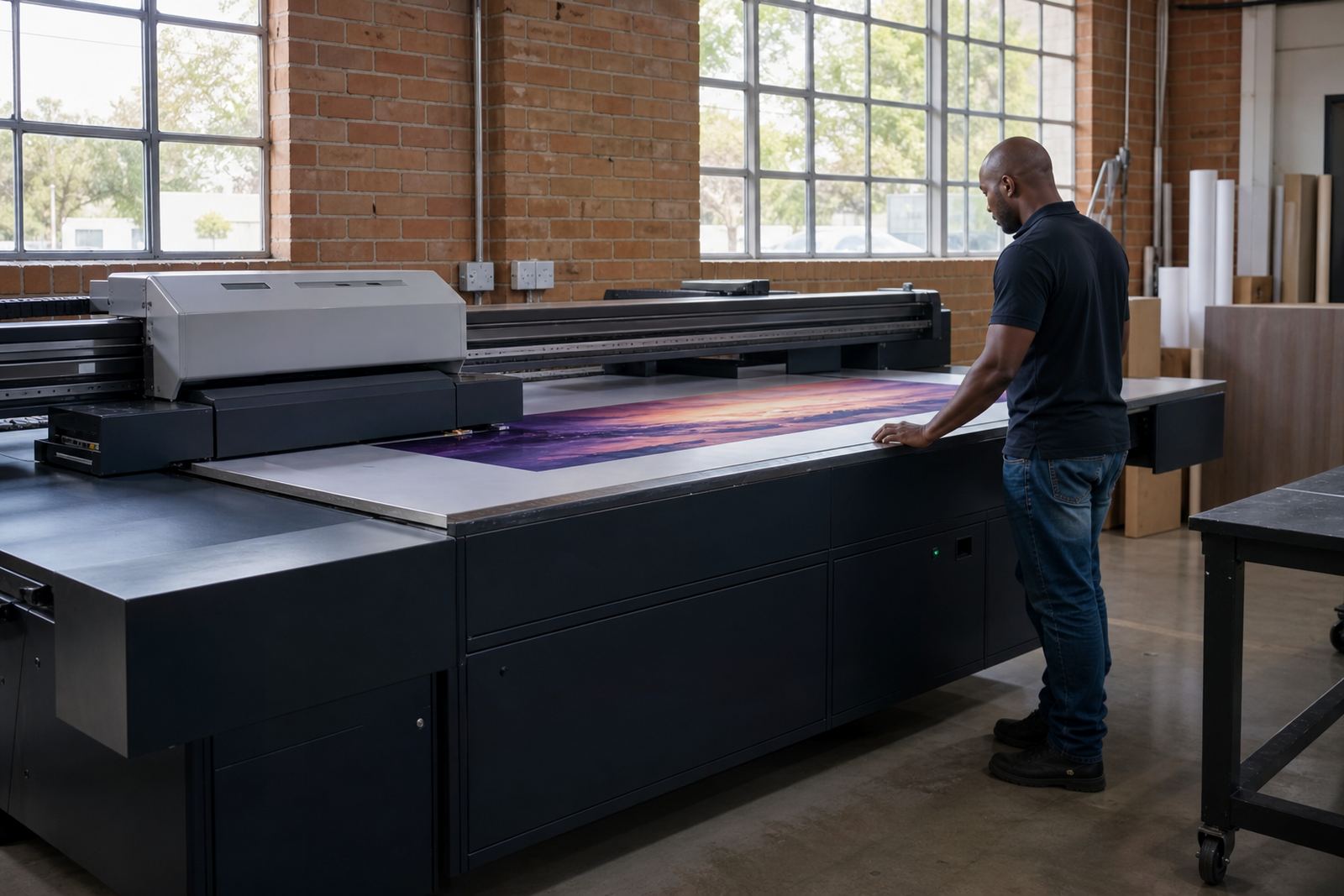
Most print faults show early if you know what to look for. Faded areas, banding, poor adhesion, pinholes or chalky surfaces can point to ink handling issues, media problems or workflow errors. Sometimes the cause is simple, such as a dirty fill point or a bottle that has not been shaken or circulated as needed. Other times it may be a mismatch between ink laydown and the board surface.
If a job starts looking uneven, stop and check the basics before pushing on. Confirm that the ink path is clear, the media is free of dust and the curing step is doing its job. In signage work, a rushed restart can waste sheets and time, especially when the board supplier has already delivered cut stock for a deadline. It is better to catch a small fault early than carry it through a full run.
- Check for dust, fingerprints and board contamination.
- Look for changes in colour density across the sheet.
- Inspect the first and last board of every run.
- Log repeat faults so the cause can be traced.
Use The Right Support For Colour And Media Testing
Colour guidance and media testing go hand in hand with good ink practice. If your print looks different from one board batch to the next, test on the actual material before committing to the full order. Rigid boards vary in coating, absorbency and surface texture, so a setup that works on one board may not suit another. The same applies when you change from indoor signage to outdoor display work.
When comparing results, use the same file, the same curing approach and the same viewing light each time. That makes it easier to judge whether the ink, media or workflow needs adjustment. For sites in Centurion, the East Rand or further afield, a simple sample log can save a lot of time when the same job returns months later.
- Test colour on the exact board you will use.
- Keep one reference sample for each common job type.
- Note the date, media, ink set and curing method.
- Store samples flat and away from direct sunlight.
Get Help Before Small Problems Become Downtime
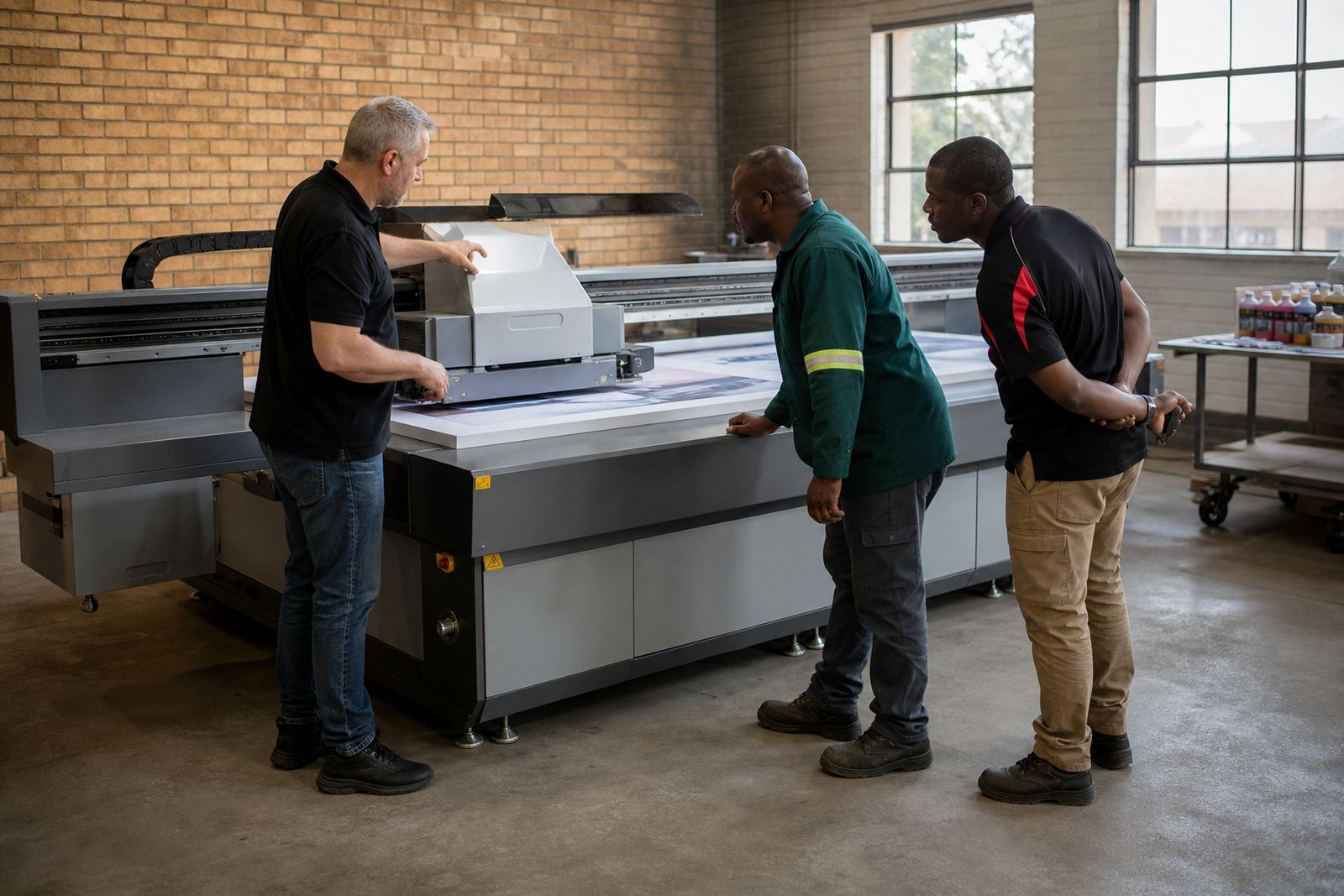
If you are unsure about ink storage, handling or production flow, ask for guidance before the next run. Small changes in routine can prevent blocked heads, wasted media and unnecessary callouts. Flatbed UV supports printer installation, site preparation, operator training, workflow planning, colour guidance, preventive maintenance, breakdown support, remote support, ink handling help, media testing, spares coordination and production consulting from Germiston to Johannesburg, Pretoria, Durban, Cape Town and Gqeberha.
When you contact us through the enquiry form, include the type of media, the ink issue you are seeing and whether the problem happens during setup, printing or curing. That helps the team guide you toward the right checks faster. If you are training new operators, we can also help set a clearer routine for storage, handling and daily production checks so the whole team works from the same process.
- Describe the fault as clearly as possible.
- Note when the issue started and what changed first.
- Include the media type and job size.
- Ask for remote help before reprinting a full batch.