When remote support is the fastest fix
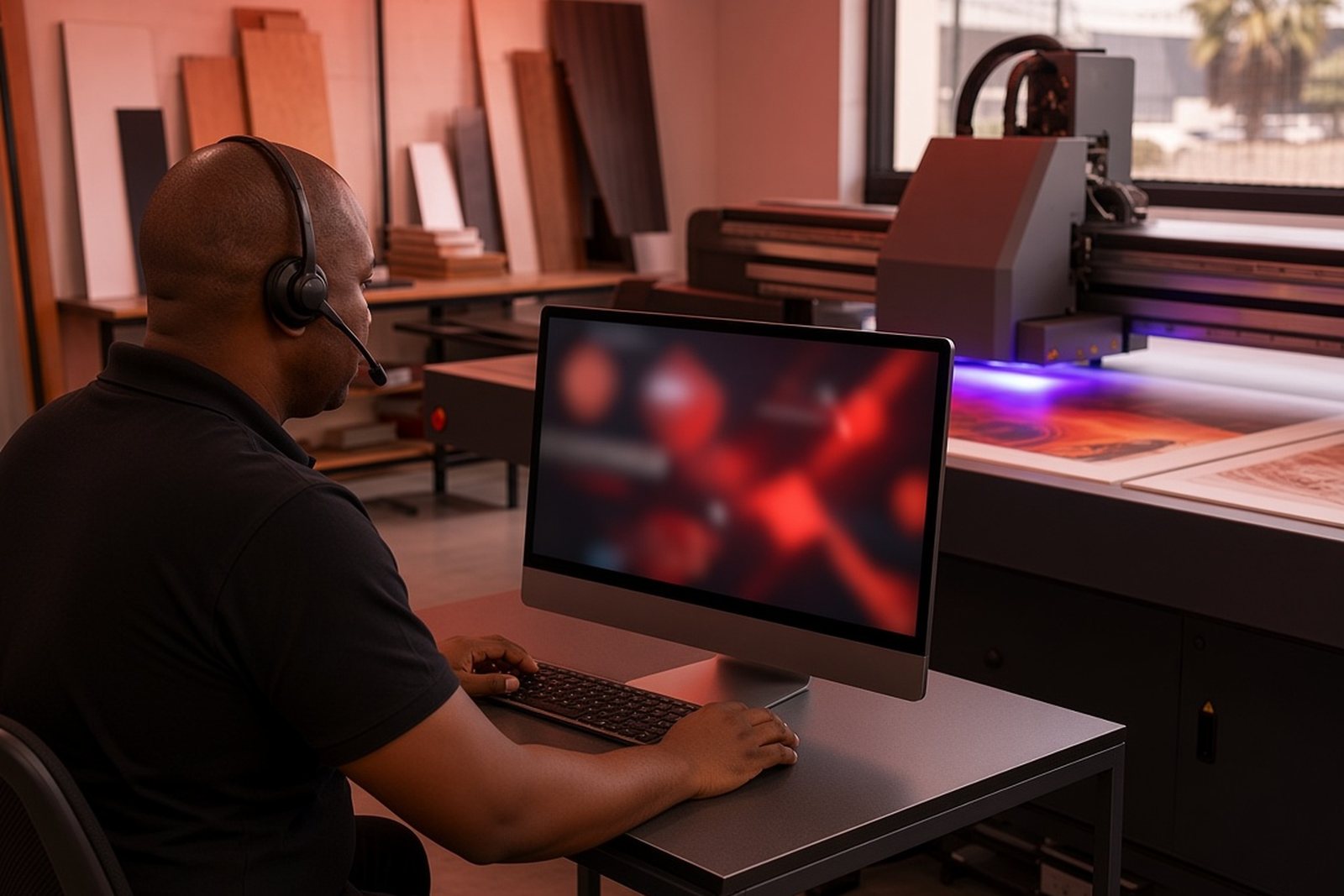
Remote support is the first step when a print job stops, colours look off, or a setting needs checking before you run another board. It lets our team review the workflow with your operator, talk through the issue in plain language and help you decide what can be corrected immediately and what needs a site visit in Germiston, Johannesburg or further afield.
For many production rooms, the quickest solution is not a long wait for a technician. It is a short call or remote session that confirms media setup, file prep, ink handling and curing settings are still in line with the job at hand.
- Settings checks for print mode, pass count and media type
- Workflow questions for incoming artwork and board preparation
- Basic fault finding before a job is sent to production again
What we can check during a remote session
Remote assistance is practical for many common questions that come up in flatbed UV work. We can talk through the job file, the board size, the print order and the steps your team is taking at the machine. If the issue is related to software settings, media selection or operator process, remote guidance can save a lot of time.
It also helps with production decisions where the answer depends on the substrate. Rigid boards, signage panels and coated surfaces all behave differently, and coastal humidity in places like Durban or Gqeberha can affect how media stores and how the ink sits on the surface.
- Artwork checks for layout, scale and bleed
- Colour guidance when a job is drifting from target output
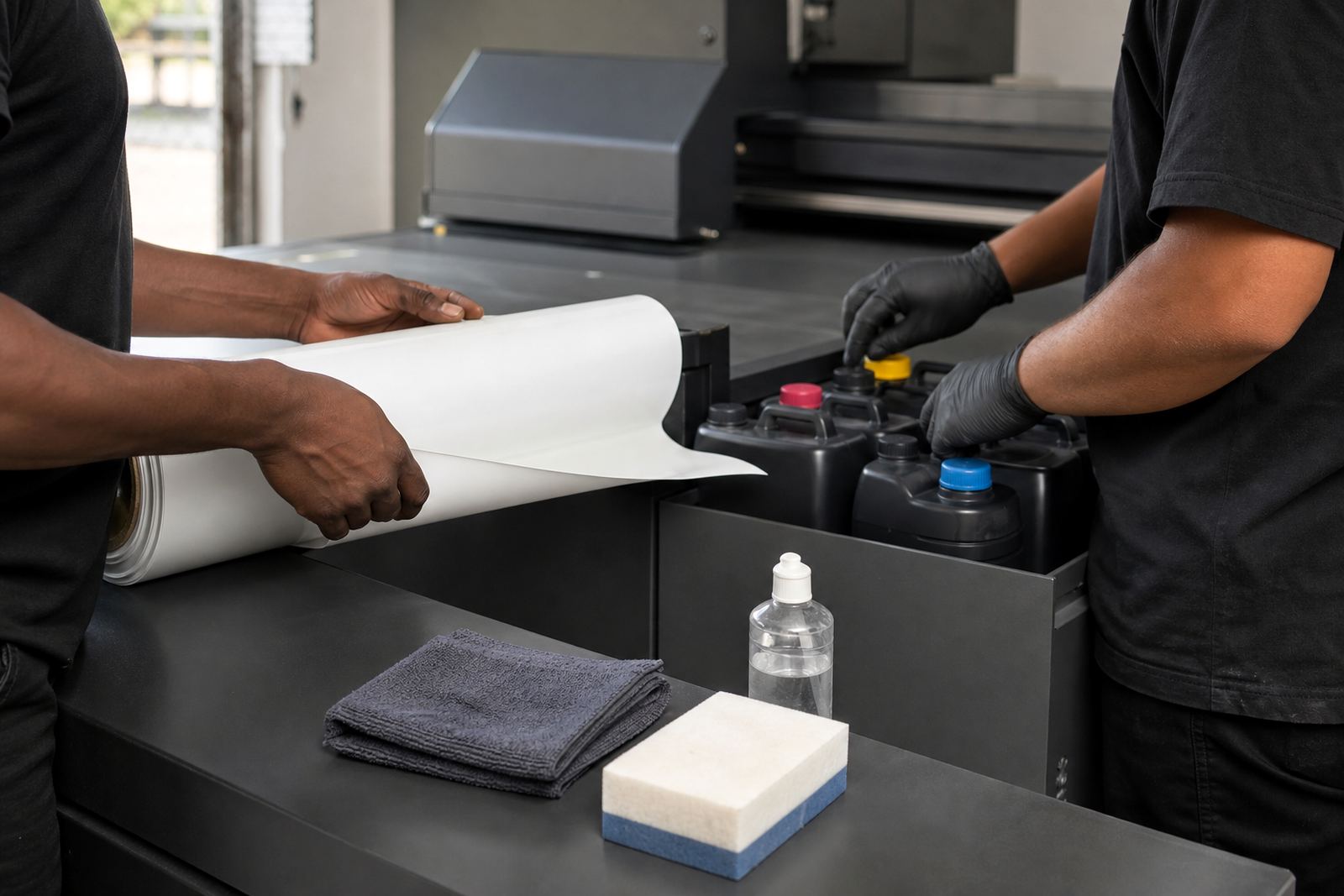
- Ink handling help for storage, mixing and day to day use
- Media testing advice for unfamiliar board or sign material
How to prepare before you contact support
A few details make remote troubleshooting much smoother. Before you contact us through the enquiry form on the contact page, have the job information ready and keep the printer area clear enough for the operator to check the machine safely while talking through the steps.
You do not need a long report, just the essentials. A clear photo or two can help, as can a note on what changed just before the issue started. That might be a new board supplier, a different ink batch, a file from a new designer, or load-shedding that interrupted the last run.
- Job name, board type and size in metres or millimetres
- What the printer was doing when the problem started
- Any recent change to media, ink, power or settings
- Photos of the print result, control panel or error message
Step by step remote support process
Our remote support process is straightforward. First we confirm the issue and the urgency of the job. Then we guide your operator through the checks that matter most, from media setup and file handling to print parameters and cleaning routines. If the fault is simple, the team can often continue production the same day.
If the issue points to a deeper technical problem, we will advise on the next step, which may include spares coordination, a preventive check or a booked site visit. This keeps the line of communication open and avoids guesswork on the shop floor.
- Log the issue through the enquiry form on the contact page
- Share the job details and clear photos if available
- Follow the guided checks with your operator on site
- Confirm whether the job can continue or needs further support
Keeping production moving during load-shedding and pressure jobs
In South Africa, production rarely stops for one reason only. Load-shedding, voltage swings and rushed turnaround times can all affect a flatbed UV workflow. Remote support helps teams reset their process after an interruption, check whether a board can still be used and decide if the job should be re-run or adjusted.
We also help teams work through municipal and site constraints where printing areas are shared, access is tight or ventilation and power arrangements need careful planning. A short remote session can prevent a bigger issue later, especially when deadlines are close and there is no room for repeat waste.
If a problem cannot be solved remotely, the conversation still saves time because the technician arrives with a clearer picture of what needs attention.
Local support with national reach
Our base is in Germiston, Gauteng, and remote support is available for operators and production teams across South Africa. That includes Johannesburg, Pretoria, Durban, Cape Town and Gqeberha, as well as East Rand and Centurion sites where fast turnaround is often part of the daily schedule.
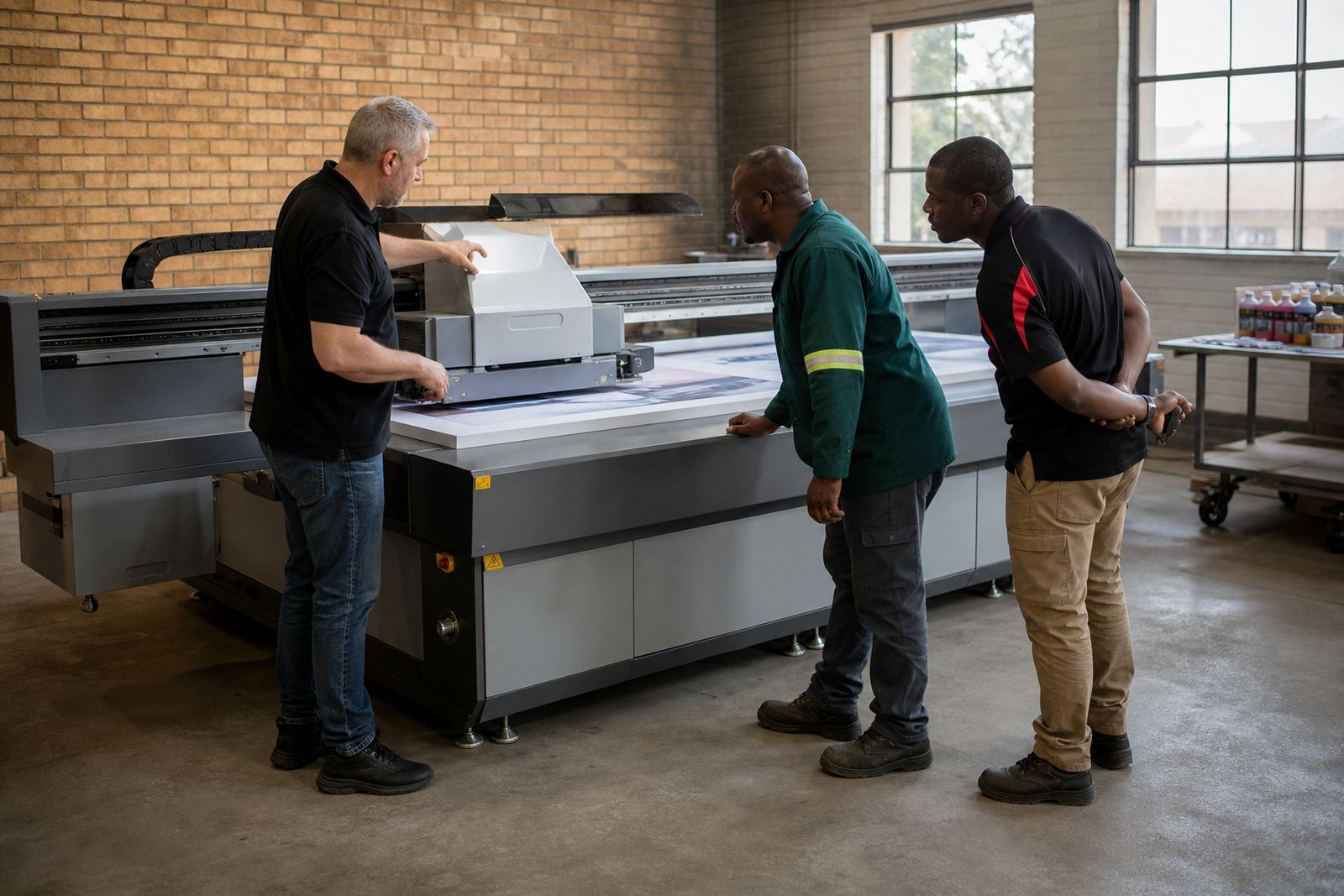
Remote assistance sits alongside installation, training, preventive maintenance and breakdown support. It is especially useful after new operator training, when a team wants a second opinion on workflow, or when a print room needs quick guidance before starting a batch of signage boards.
We keep the advice practical and specific to your production setup, not generic. That means the support you get is tied to the way your team works, the media you use and the kind of output you need from the printer.
What to expect after the session
Once the immediate issue has been dealt with, we note the next steps clearly so your team knows what to watch for on the next run. That may include a cleaning routine, a change to the order of operations, a media test or a follow up for parts and maintenance. The aim is to keep the printer producing without unnecessary downtime.
If you need help again, the next session starts from the facts already gathered, which makes future support quicker and more effective. It also helps your operators build confidence, so they are less likely to freeze when a fault appears in the middle of a busy shift.