Start the shift with a clean visual walkaround
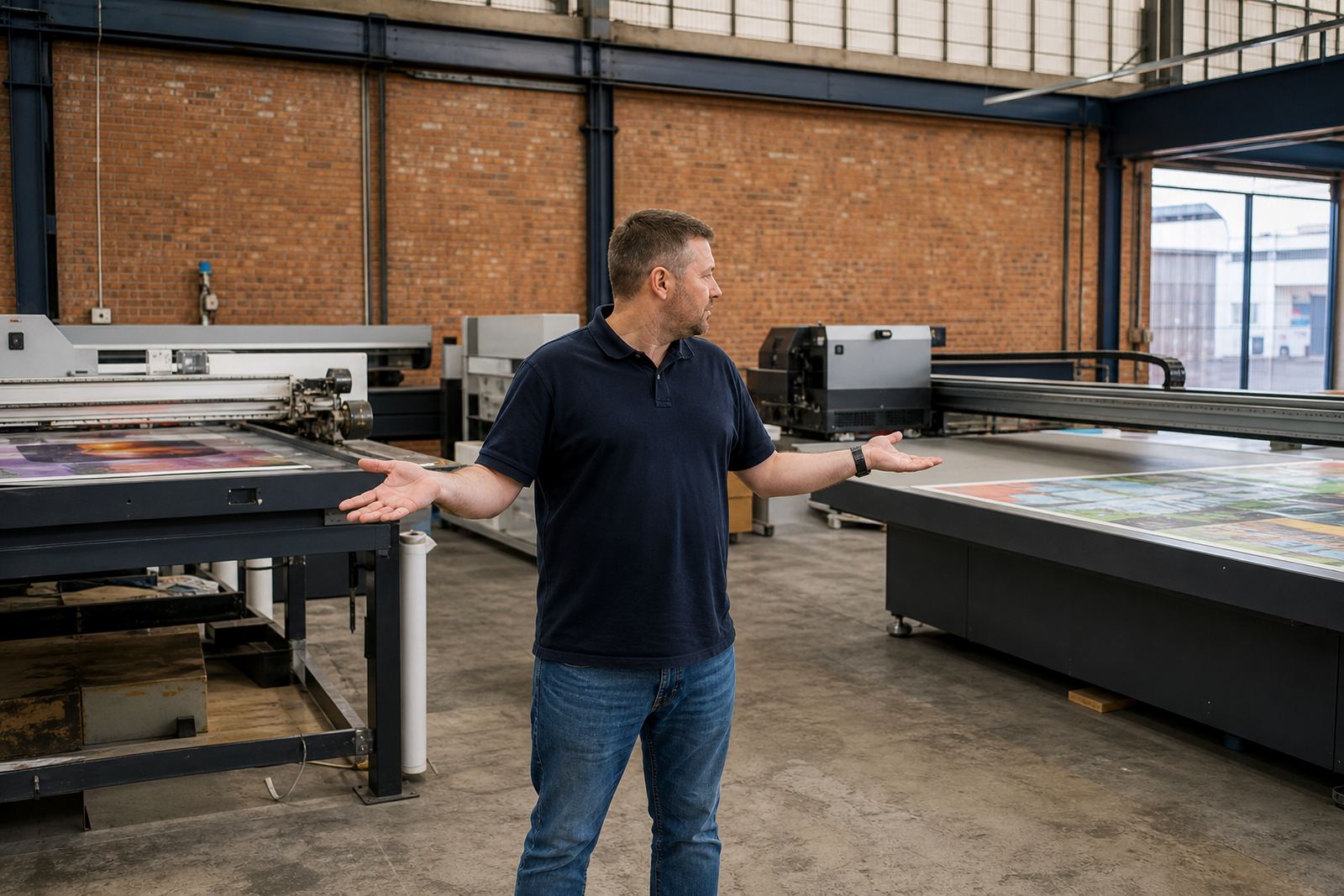
Before the first board goes onto the bed, take a slow look over the machine and the work area. This is where many operators spot the small things that later become stopped production, such as dust build-up, loose media, labels left on a jig, or a board that is slightly warped. In a busy Germiston workshop, that quick walkaround can save a full run of rigid signage from being scrapped.
Check that the bed is clear, the vacuum zones are ready if your setup uses them, and there are no offcuts or packing straps near moving parts. Look for any spills around the ink station, and make sure the floor is dry enough for safe handling. If the area is humid, especially in coastal places like Durban or Gqeberha, pay extra attention to moisture on boards and on stored media. It does not take much damp to affect adhesion and curing behaviour.
- Confirm the bed is clean and free of grit
- Check that boards are flat and dry before loading
- Remove loose packaging, tape and offcuts from the area
- Make sure safety guards and access points are in the correct position
Check ink, fluid paths and curing readiness
UV printing depends on consistent ink delivery and proper curing, so the daily check should always include the consumables side of the machine. Operators should look at ink levels, confirm the correct channels are active, and inspect for any visible leaks or residue around caps, lines and purge points. If ink handling has been rough, settled pigment can sometimes show up as weak colour or inconsistent coverage at the start of the day.
It also helps to verify that curing systems are responding as expected. You do not need to overcomplicate the process. A short test pass on a scrap board or test strip can show whether the print is curing properly, whether there is smearing, and whether the finish feels tacky. On a load shedding day, it is worth checking that the production plan still makes sense if power interruptions have affected warm-up or readiness. A printer may look fine at a glance but still need a slower start after an outage.
- Check ink levels and channel status before loading production media
- Look for leaks, dried residue or blocked purge areas
- Run a small test print to confirm curing and colour response
- Keep a note of any unusual odour, sound or heat behaviour
Use the board itself as a quality check
The substrate is part of the job, not just something to print on. Every morning, operators should assess whether the rigid board or sign panel is suitable for the run ahead. MDF, foam board, PVC sheet, acrylic and composite panels all behave differently. Some materials hold dust, some carry static, and some may bow slightly after storage. If the board is not ready, the print will show it very quickly.
Check the edges for chips, bends and moisture marks. If the material has been stored near a loading bay or in direct sun, give it time to settle to room temperature before printing. This is especially important for sites where material is moved between hot delivery vehicles and cooler production floors. A board that appears straight on the pallet can still shift once it is on the bed, so a quick test fit helps.
- Inspect boards for warping, edge damage and surface contamination
- Keep different media types labelled and separated
- Allow material to acclimatise after transport
- Test a first-off board before starting the full batch
Watch the print area, not only the machine
Good operator checks also include the workflow around the printer. A neat job queue, clear file naming and the right job size on the bed all reduce mistakes. If the same operator is handling print, board loading and finishing, then the handoff points matter even more. A simple misread on artwork size can waste expensive media and tie up the machine while the team remakes a panel.
Daily checks should include the surrounding print room conditions too. Dust from cutting, poor ventilation, or an open roller shutter can all affect print quality. In some Gauteng industrial areas, fine dust from nearby traffic or fabrication work gets into the room by mid-morning. That is why cleaning between shifts is not a once-a-week task. It should be part of the operator routine.
- Confirm the correct artwork file and board size before printing
- Keep cutting, printing and packing zones separated where possible
- Reduce dust movement near the printer bed
- Check that operators know which job is next in the queue
Build a habit of recording small faults
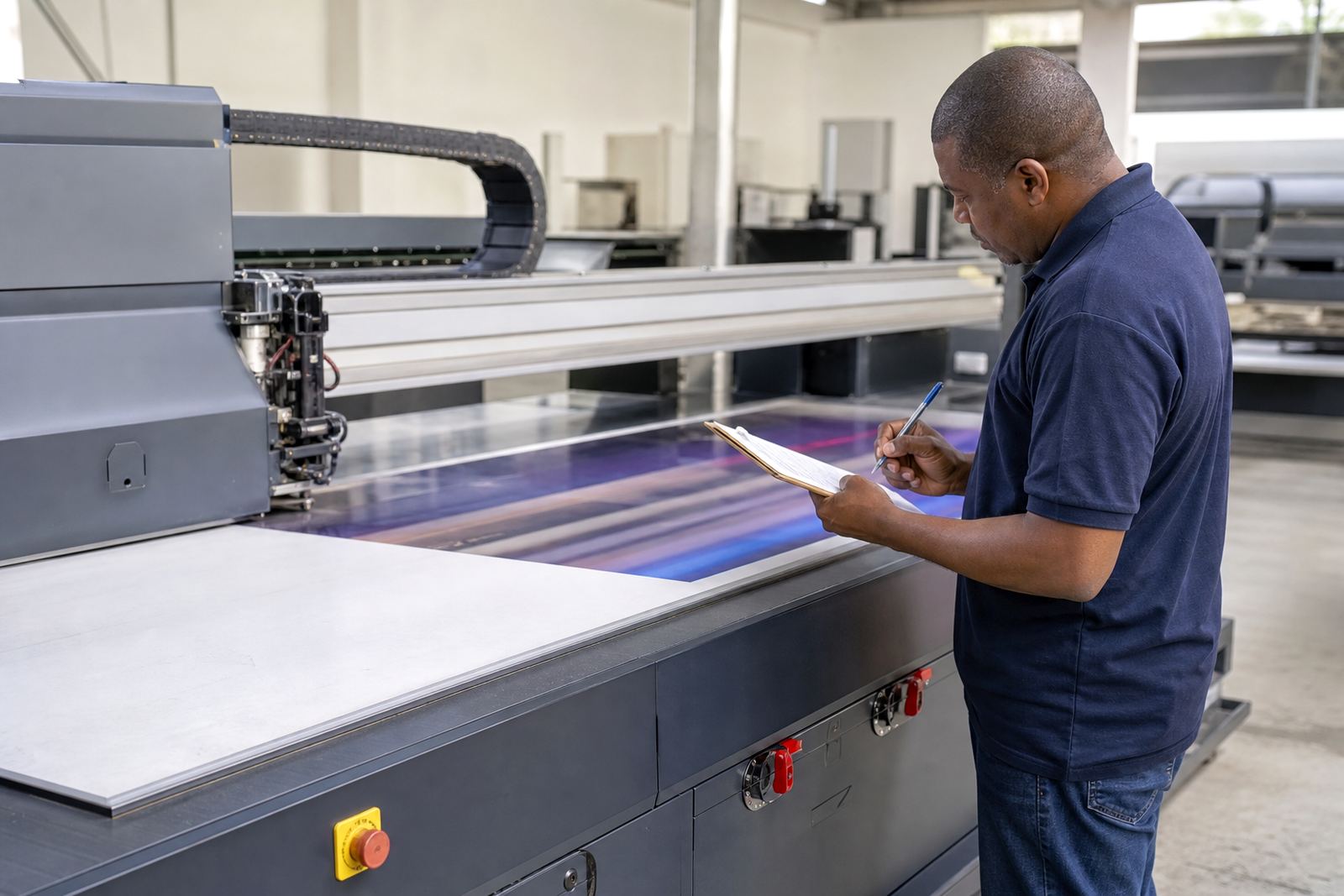
A daily check only works if the findings are written down and followed up. Operators should record anything unusual, even if the machine still runs. That includes a slight colour shift, a blocked nozzle, a noisy carriage, or a board that needs extra alignment. Small notes make it easier for the technical team to see a pattern before it becomes a real stoppage. One missed line today can become a repeat problem next week.
Keep the record simple and practical. Date, shift, job type, issue, action taken and whether the fault returned. This works well for sites in Johannesburg, Pretoria and Centurion where multiple operators may use the same machine across different shifts. A clean log also helps when a service technician visits, because the history is clear and no one has to rely on memory alone.
- Write down faults immediately, not at the end of the week
- Include the board type and job size with each note
- Mark whether the issue was resolved, monitored or escalated
- Share repeat faults with the service team before they grow
A Germiston shift example that saves the day
Consider a signage workshop in Germiston handling retail panels for a rush order. The operator arrives early, checks the bed, cleans a patch of dust from a previous cut job, confirms the boards are dry, and runs a small test print. The test shows a slight curing issue on one edge, so the job is paused while the team checks lamp output, media placement and room conditions. The fault is found before ten boards are printed wrong.
That kind of routine matters across South Africa because delivery windows are tight and many jobs go straight from print to installation. A missed fault in Cape Town may mean a crew standing on site with nothing ready. In Durban, humidity may change the way a board behaves. In Gqeberha, coastal conditions may affect stored media more than expected. Daily checks are not about being fussy. They are about keeping production moving in places where delays cost time and money.
For operators, the goal is simple: do the same checks every day, in the same order, and do not skip the small things. The machine will usually tell you what is wrong if you give it a proper look. Not every problem needs a technician immediately, but every problem should be seen early enough to act on it.