Start With the Finished Size, Not the Artwork Size
When a flatbed UV job comes in, the first thing to confirm is the final finished size. That includes trimming, drilled holes, folded sections, cut-outs and any allowance needed for mounting. A file that is built to the wrong size can throw out the whole job, especially when signage needs to fit an existing frame or wall position in Johannesburg, Pretoria or Germiston.
For rigid boards, it is best to set up the file around the exact board dimensions and then mark the safe area clearly. If artwork must sit close to an edge, leave enough margin so text and logos do not land in the trim zone. This matters even more on boards that will be cut, routed or fixed with screws, because a few millimetres can make a visible difference.
It helps to confirm whether the job will be viewed from close range or from across a forecourt, retail floor or event area. Close-up work needs sharper detail and cleaner file structure. Large directional signs can be more forgiving, but the size still needs to be correct from the start. A small mistake here often creates delays later, and nobody wants that on a Monday morning when production is already full.
Build Files for Flatbed UV Output, Not Just Screen Viewing
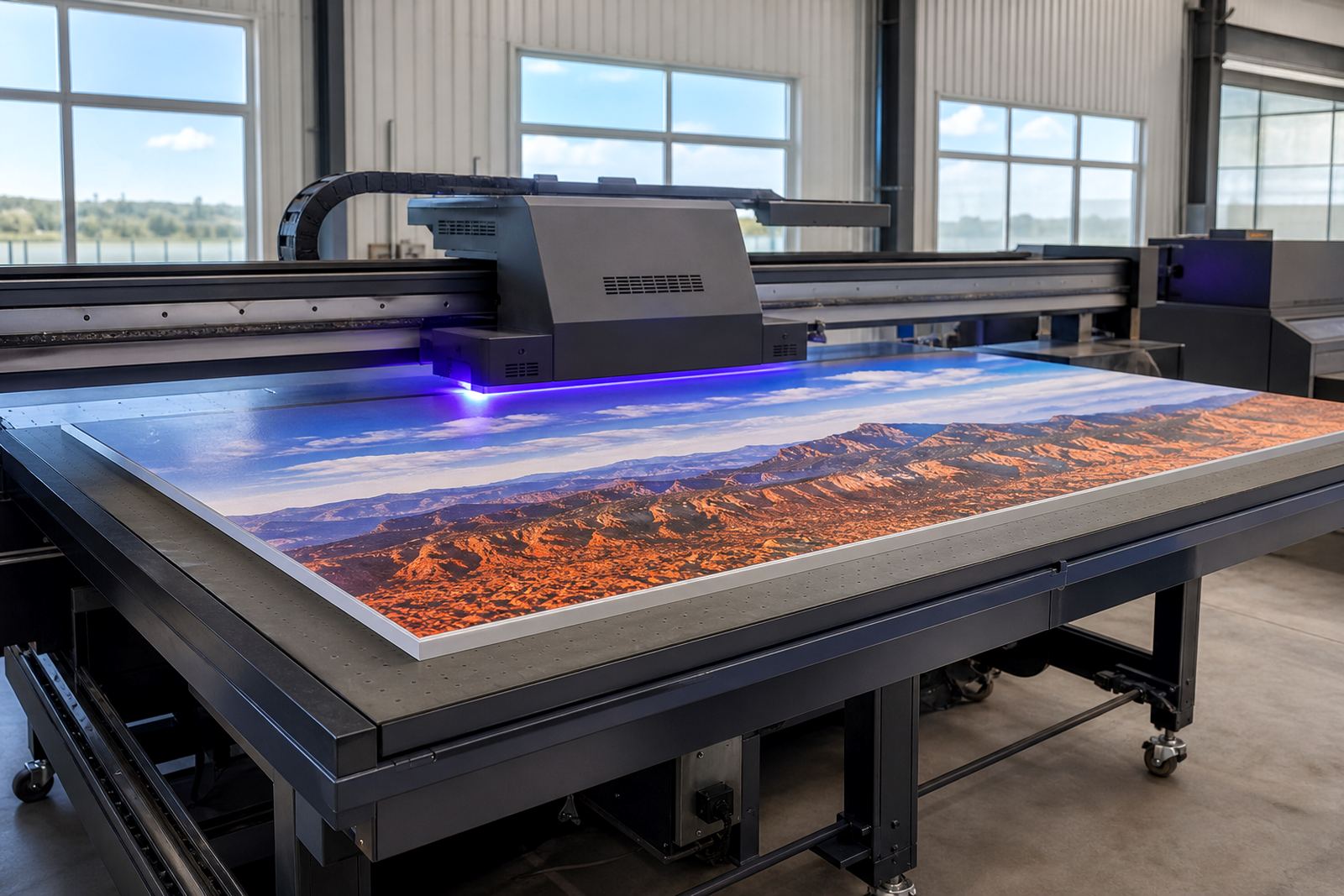
Flatbed UV printing is different from a screen image. Files should be prepared with clean vector text where possible, and raster images should be set at a suitable resolution for the final output size. A logo that looks fine on a laptop may print soft or pixelated if it was saved too small. The same goes for photos with heavy compression, which can show banding or rough edges once ink is laid down on the board.
Keep line work simple and avoid thin strokes that may disappear on textured media. Black text should be checked carefully, especially where it sits on a coloured background. In production, rich black and plain black can behave differently, so it is better to set the file up properly than to rely on automatic fixes later.
Use the right colour setup for the print process and keep all linked images in one folder. That makes it easier to check missing files before the job gets loaded. If a file is built in layers, name the layers clearly so cut paths, spot colours and varnish areas can be identified quickly. That small bit of order saves a lot of back-and-forth, especialy when more than one person is working on the artwork.
- Keep fonts outlined or packaged so they do not change on opening.
- Remove hidden objects, stray points and unused swatches.
- Use clear names for versions, for example final, revised or approved.
- Check that transparencies and effects export cleanly.
Match the Media to the Board and the Site
Flatbed UV printing can be used on many rigid materials, but not every board behaves the same way. Foamex, PVC, acrylic, aluminium composite, corflute, timber and other rigid media each react differently to ink, handling and mounting. Some surfaces hold colour very well, while others may need extra testing before the full run begins.
In South Africa, site conditions matter too. A sign that will go into a coastal area like Durban or Gqeberha may need different handling from one used in a dry indoor showroom in Centurion. Humidity can affect storage, board flatness and the way materials are kept before production. If boards are warped, dusty or stored in direct sun, print quality can suffer.
Before the job is released, confirm whether the media is suitable for the intended use. Will it be indoors or outdoors? Will it face rain, strong sun or regular cleaning? A retail display in Cape Town may need a different finish from a safety board in a factory yard in Germiston. The more that is known upfront, the better the media choice and the cleaner the result.
- Test new board stock before a large run.
- Wipe surfaces clean so dust does not affect adhesion.
- Store boards flat to reduce bowing and edge lift.
- Allow materials to acclimatise to the print room where possible.
Prepare Artwork for Colour Consistency and Reprints
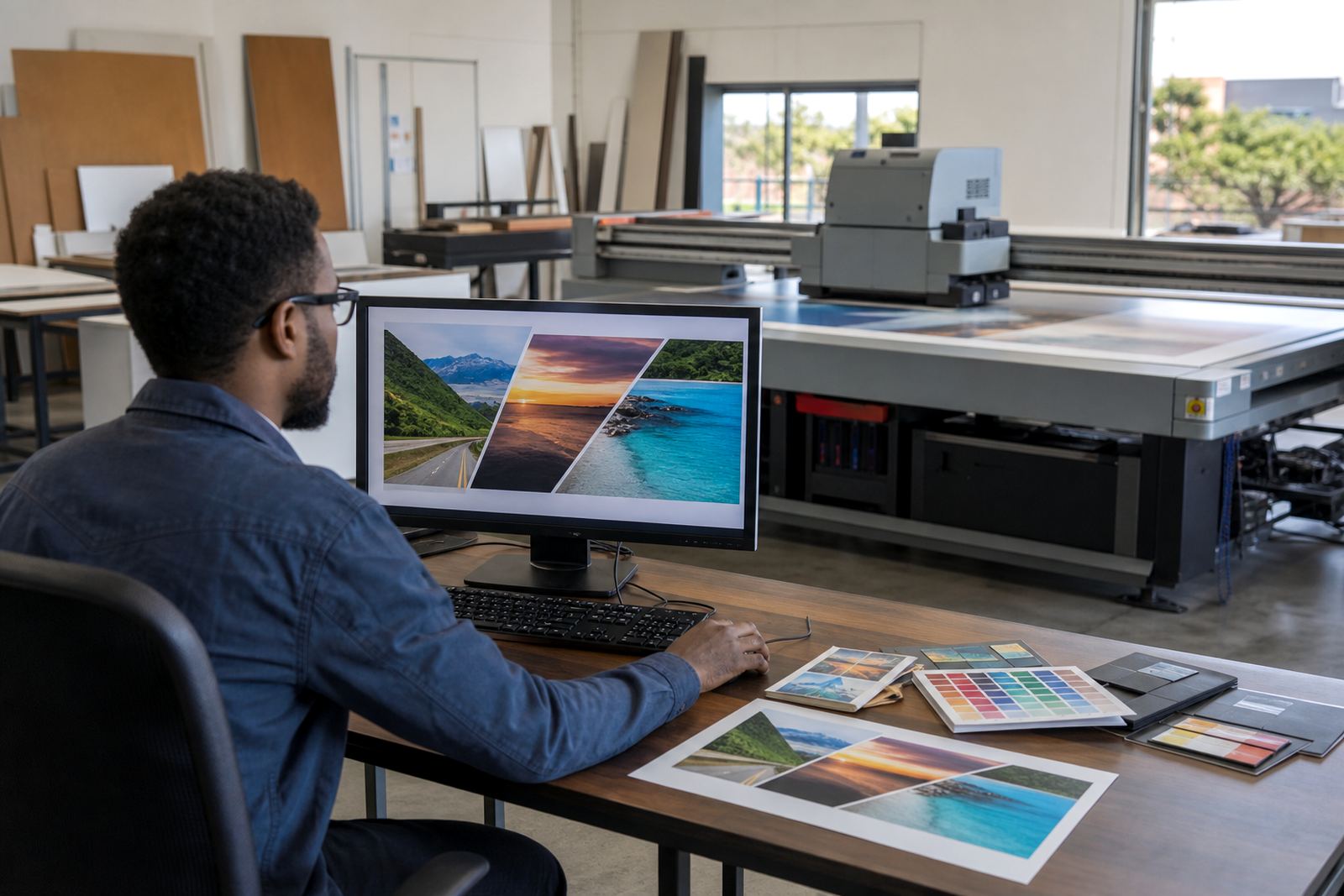
Colour can shift for many reasons, especially when the same artwork is reprinted weeks later. Different file versions, uncalibrated screens and changed image settings can all lead to variation. Good preparation starts with a clear master file and a simple approval process. If a customer approves one version and then sends a revised file later, the changes should be tracked so production does not print the wrong version by mistake.
For branded signage, keep a record of the approved colours, logos and text placements. If the file is for a chain store, office park or vehicle bay sign, even a small shift in tone can be noticed. A red that leans too orange or a blue that looks too dark can make the finished board look off. This is where proper proof checking matters. It is also where a clear note from the client helps, especially when multiple people are involved in sign-off.
If spot colours are important, note them clearly in the artwork file and in the job instructions. If a white underprint is needed, the layer setup must be tidy and easy to read. The same applies to varnish or special finish areas. The production team should not have to guess which elements are meant to stand out, or which parts must stay clear for mounting and fixing.
Check the Job Against Real-World Installation Needs
Good print files are not only about appearance. They must also support the way the sign will be installed. If a board needs to be drilled, hinged, framed or mounted with standoffs, the file should show the fixings, cut-outs and no-print zones. This avoids last minute changes on site, which can slow the installer and create avoidable waste.
In many cases, a customer in Johannesburg or Pretoria will already know where the sign must go, but the wall condition may only be confirmed on site. That is why site preparation and print file prep go hand in hand. If a wall is uneven, if there are plugs or steel supports behind the mounting area, the file may need to be adjusted before production starts. It is better to catch that early than to trim around it later.
When the job involves multiple panels, use clear panel marks so the sequence is easy to follow. Panel 1, panel 2 and panel 3 may sound basic, but they prevent confusion when a sign is being installed under time pressure. For event work or retail rollouts, that simple structure can save hours.
- Mark drill points and keep them away from key artwork.
- Show bleed, trim and safe zones clearly.
- Separate each panel or section in a logical order.
- Leave notes for any site-specific fitment issues.
A Germiston Example: One File Check Can Save a Full Day
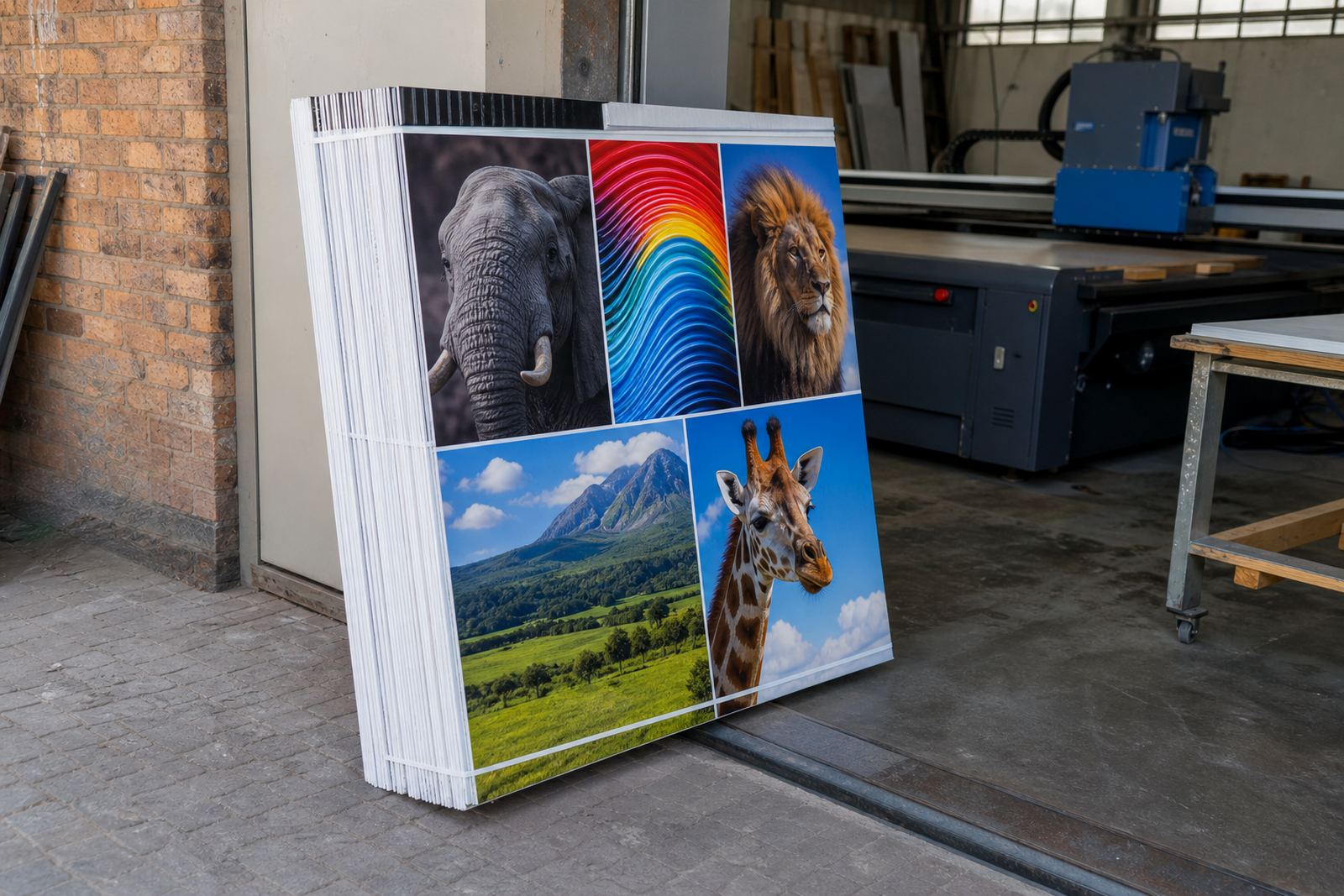
A practical example comes from a recent rigid board order prepared in Germiston for a retail rollout. The customer had artwork that looked fine on screen, but the board dimensions on the file did not match the actual panels on site. There was also a logo placed too close to the edge, which would have been trimmed out during finishing. Because the files were checked before printing, the layout was adjusted and the boards were produced with the correct safe areas and mounting positions.
That kind of pre-check is often the difference between a job that moves straight through and one that needs rework. It also reduces pressure on the production side, especially when several boards are being printed for different branches across Gauteng or sent further afield to Durban, Cape Town or Gqeberha. If the files are sorted early, the print run can stay on schedule and the installer gets a cleaner result on site.
For businesses that print often, a consistent workflow matters just as much as the ink and media choice. Good file naming, clear approval notes and proper board setup all help to reduce waste. That is important when power interruptions, delivery timing and weather can already complicate the week.