Start With the Store Requirement, Not the Artwork
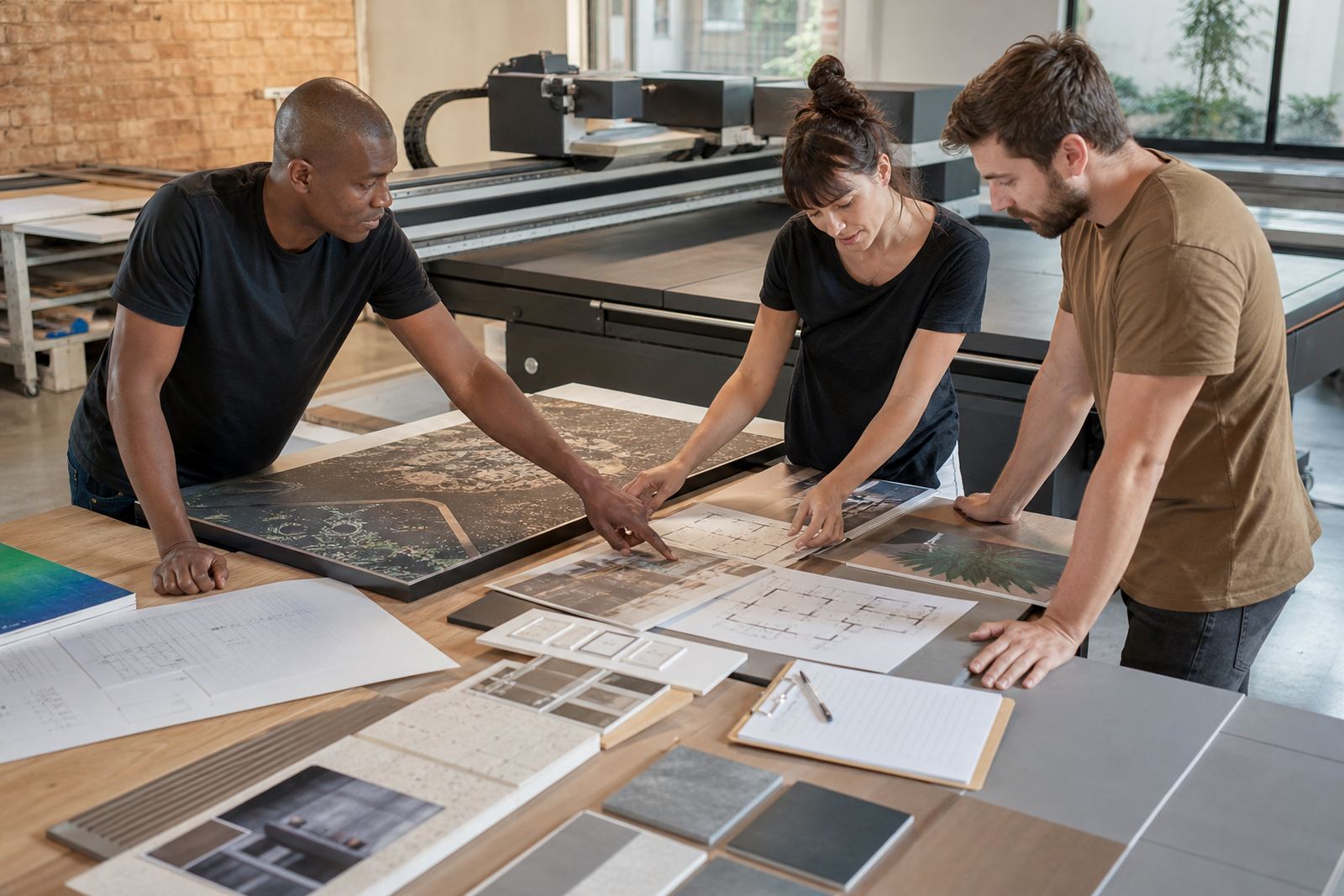
A good retail workflow begins with the end use. A panel for a temporary promotion, a window display, or a permanent in-store sign all need different handling, even when the artwork looks similar on screen. Before printing, confirm where the piece will be fixed, how close customers will stand, whether it will face direct sun, and if the site has any mall or municipal rules on size, mounting, or fire safety.
In Gauteng and the coastal cities, the environment also matters. A board that performs well in a dry storeroom may react differently once it reaches humid Durban or a shopfront in Cape Town with strong sunlight and salt in the air. That affects media choice, ink laydown and the way the finished piece is packed for delivery.
- Confirm the final size, fixing method and viewing distance.
- Check if the panel is for indoor, covered outdoor, or full outdoor use.
- Ask who will install it and when the site can receive the job.
- Keep a written sign-off for colours, spelling and finish.
Choose the Right Board and Finish for the Job
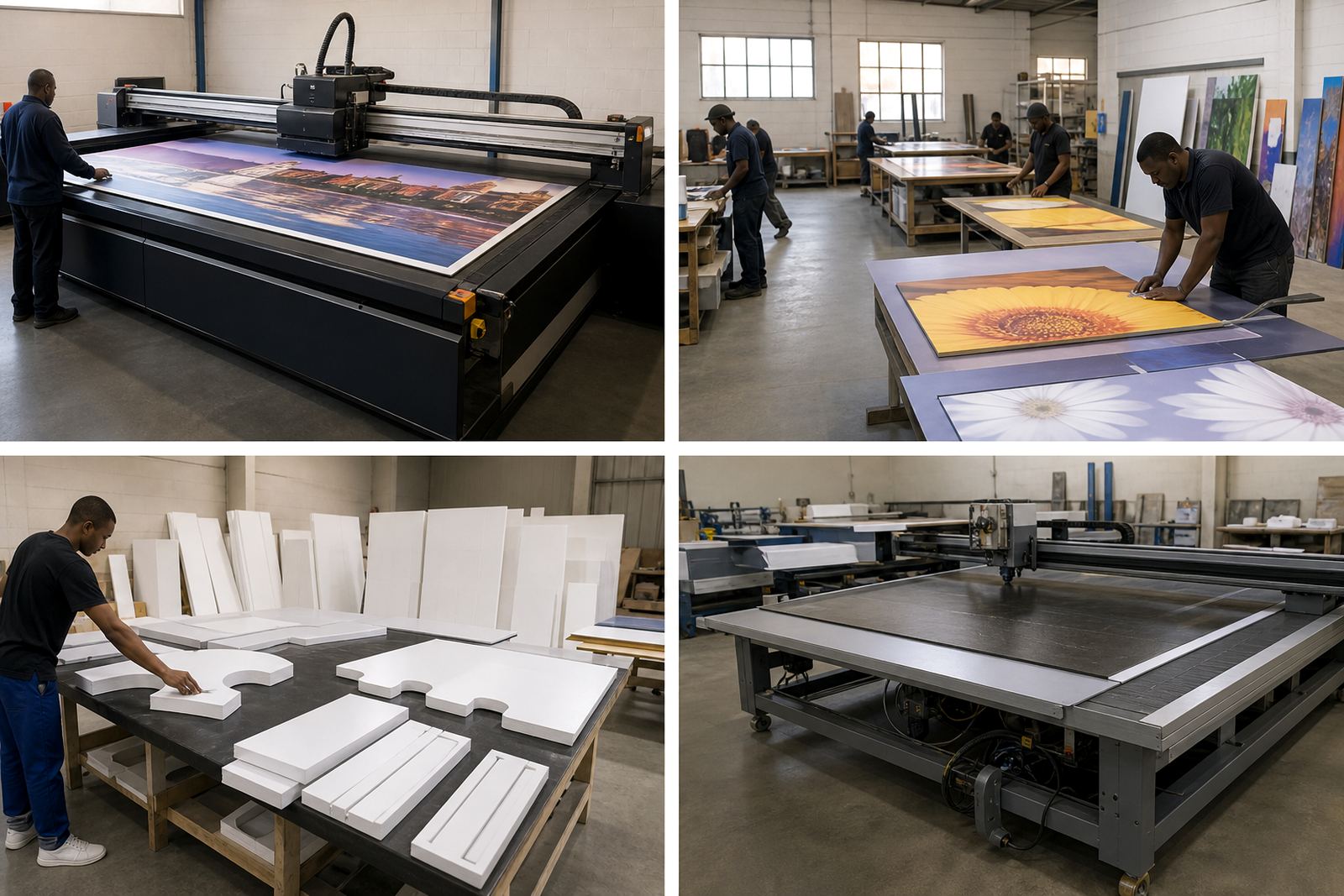
Flatbed UV printing works well on rigid boards because the print sits directly on the media and can be used for short-term promotions or longer retail runs, depending on the board and the ink system. The important part is to match the media to the use. Some jobs need a clean matte look with low glare under shop lights, while others need a brighter finish for window-facing displays. For high-touch areas, you may also need a surface that can handle regular cleaning.
When retail teams rush, they often order one board type for everything. That can cause problems later, especially if the job includes shelf talkers, hanging panels, free-standing signs and wall panels in the same campaign. The better approach is to group jobs by use and choose the material after the installation method has been confirmed.
- Use a board that suits the mounting system, not just the image quality.
- Separate indoor point-of-sale items from window and exterior-facing signage.
- Test colour on the chosen media before committing to the full run.
- Keep spare sheets from the same batch for replacements and reprints.
Build a File Path That Reduces Rework
Retail print rooms lose time when files arrive in different formats, with missing bleed, poor image resolution or last minute changes to pricing and copy. A simple workflow helps. One person should receive the brief, check the artwork and release the job only when everything is ready for print. That sounds basic, but it prevents a lot of waste on rigid boards where mistakes are harder to fix after production.
Use one naming system for every campaign. Keep the approved version separate from the working file and store the printer-ready file with the board size, finish and installation date. If the job will be repeated for different branches, keep the master layout stable and only update the local details. It saves time when the same promotion needs to go to Johannesburg, Pretoria and Centurion in the same week.
- Check spelling, pricing and barcodes before print release.
- Keep bleed, trim marks and safe zones consistent on every panel.
- Store artwork by campaign and site so reprints are simple.
- Lock the approved version once the client has signed off.
Set the Print Room Up for Consistent Output
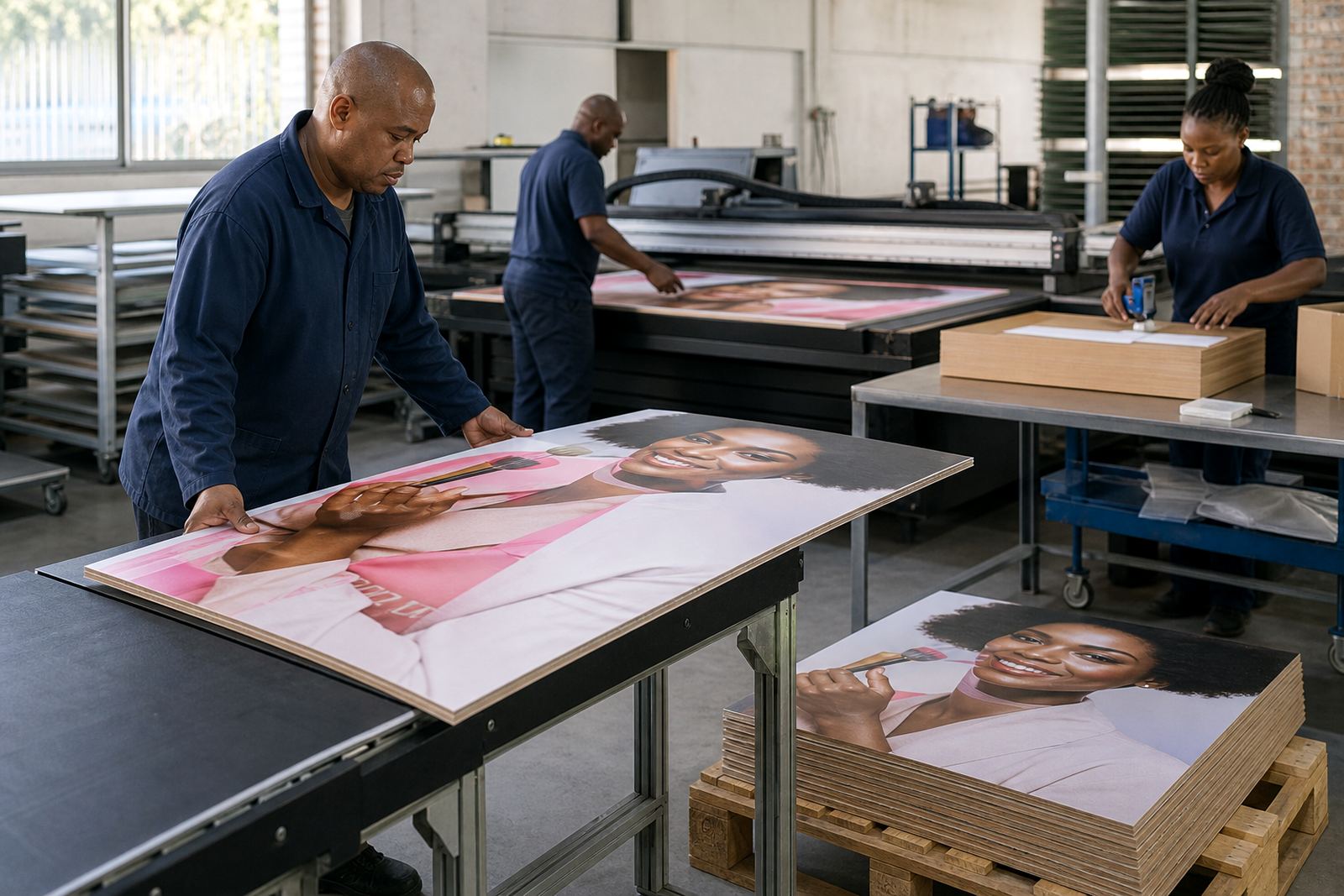
Flatbed UV jobs depend on steady handling from start to finish. Boards should be clean, dry and flat before printing. In a retail workflow, that means unwrapping media early enough to settle, checking dust on the surface, and making sure the loading area is free of grit that can mark the underside of the board. If the site runs during load shedding, the plan should include safe recovery, orderly restart and a clear queue for the next job.
Ink handling also needs discipline. Keep containers closed, label opened stock and train staff not to mix materials between jobs. A small mistake in the print room can show up as a colour shift on a large retail wall panel. That is why a simple production checklist works better than relying on memory, especially when the team is handling a mix of POS items and larger display boards in the same day.
- Clean the media before loading to reduce dust marks and pinholes.
- Use a checklist for board size, orientation, ink type and finish.
- Allow for power interruptions and safe restart procedures.
- Keep a clear dry area for curing, packing and inspection.
Inspect, Pack and Deliver for Site Conditions
Retail panels should leave the production floor ready for site fitting, not just looking good in the shop. Inspect each piece under lighting that is close to the installation environment. A display that looks fine in the workshop can show marks or banding once it is under bright retail lighting. Before packing, check edges, corners and fixing points because those are the first places to suffer in transit.
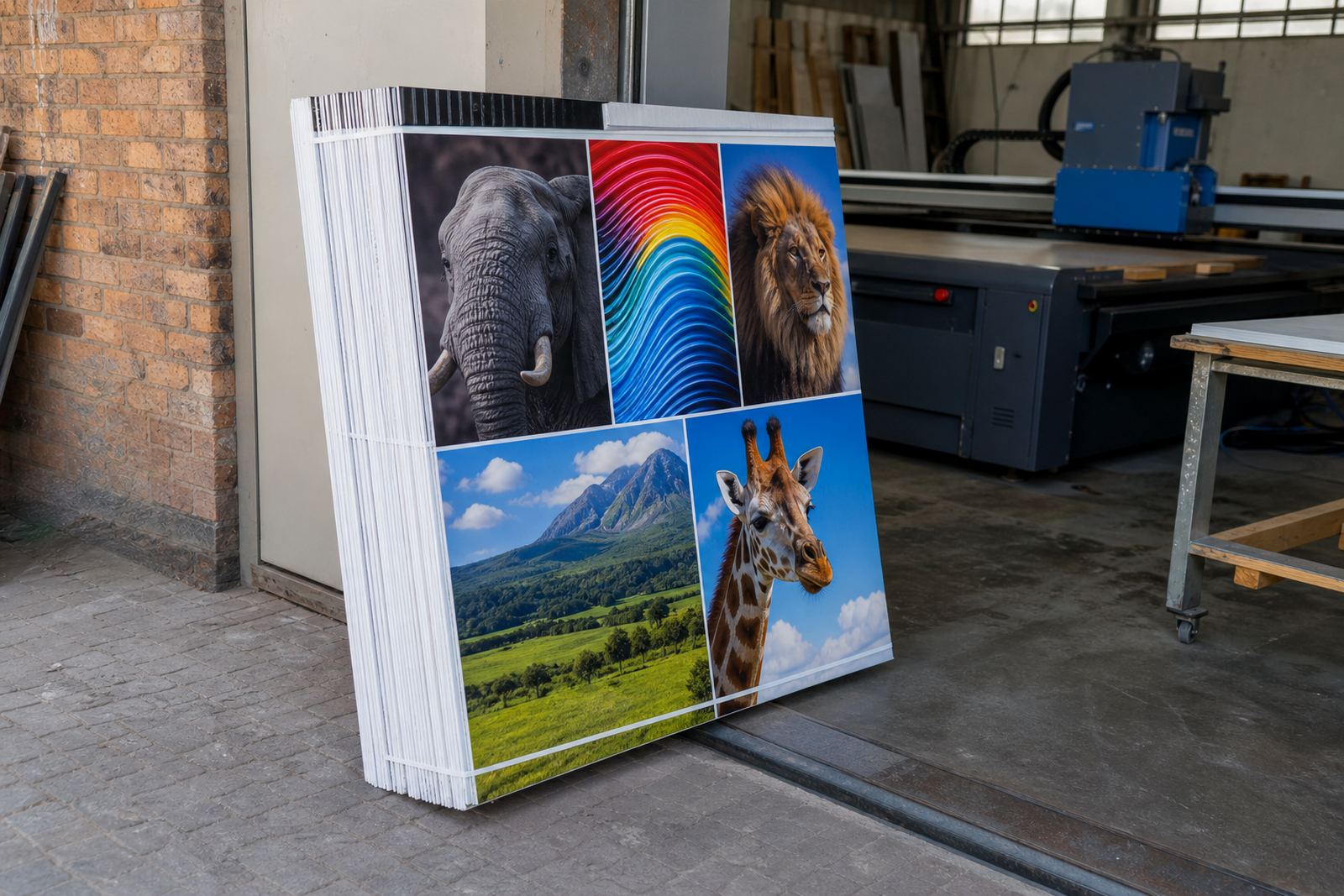
For stores in busy centres like Germiston, Johannesburg and Pretoria, delivery windows can be tight and loading bays can be awkward. In coastal areas, pack so the board is protected from moisture and sudden temperature changes. If the installation team is travelling the same day, include all fittings, labels and any backup pieces in one organised pack, not scattered across boxes.
- Inspect each board in full light before it leaves the shop.
- Protect edges and corners for courier or own transport delivery.
- Bundle fixings, labels and spares with the correct job sheet.
- Mark the pack clearly for site, branch and installation date.
Plan for Reprints, Repairs and Branch Rollouts
Retail campaigns do not end when the first batch is delivered. Shops change prices, boards get damaged and promotions are often repeated in another town. A proper workflow keeps the print room ready for that. When the customer asks for a quick update, the team should be able to find the file, match the board and confirm the colour path without starting over.
That is where local support matters. A Germiston base can handle production planning for Johannesburg, Pretoria, Durban, Cape Town and Gqeberha, but the process still needs clear handover. The best results come when installation, training and maintenance are treated as part of the same job, not separate tasks. For retail groups with regular rollouts, that approach saves time and keeps the look consistent from one branch to the next.
- Keep a record of board type, ink setup and finish for each campaign.
- Store installation notes so replacement panels match the original.
- Plan repeat work around branch opening times and delivery access.
- Build in preventive maintenance so production does not stall mid-campaign.