Start the week with a proper visual check
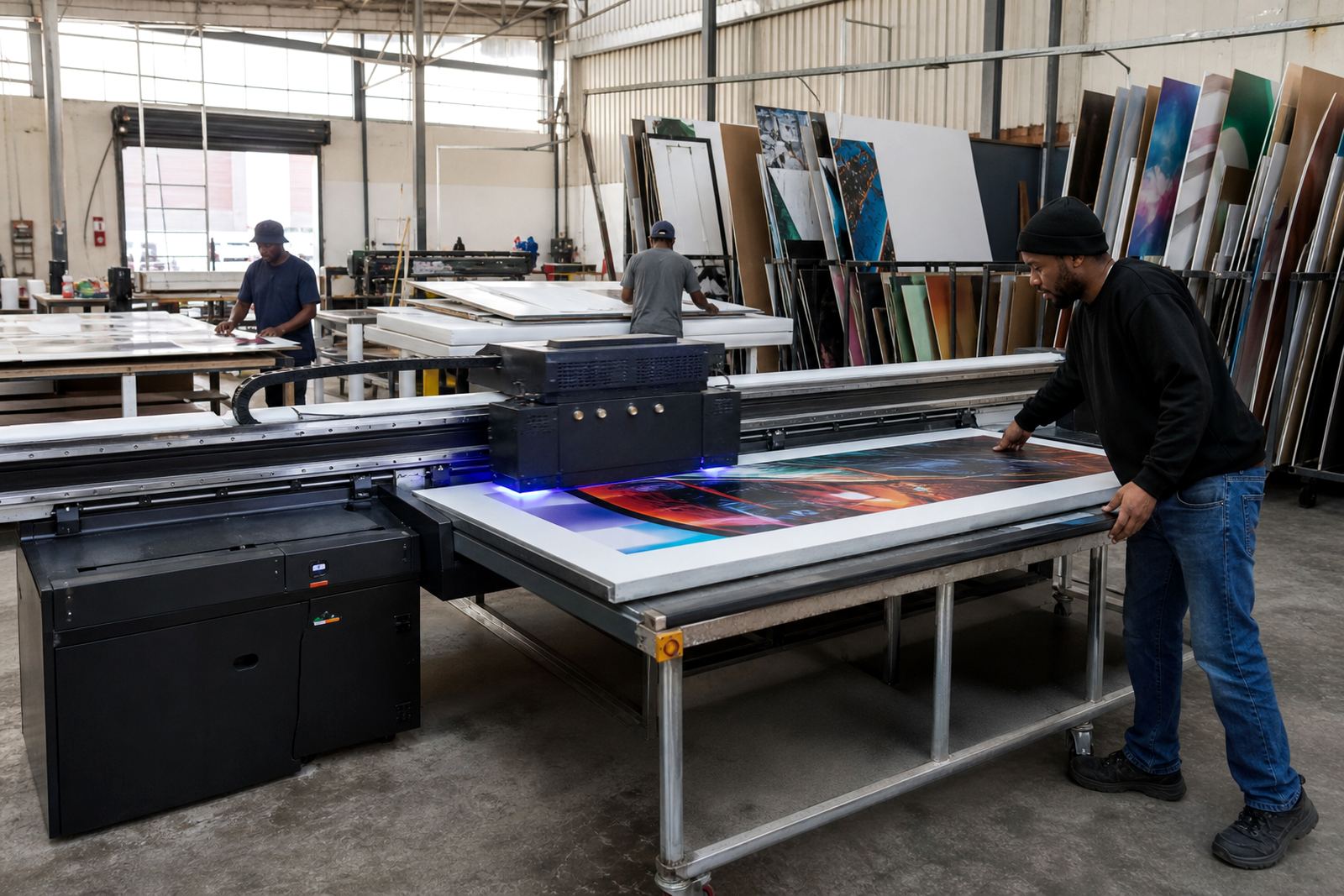
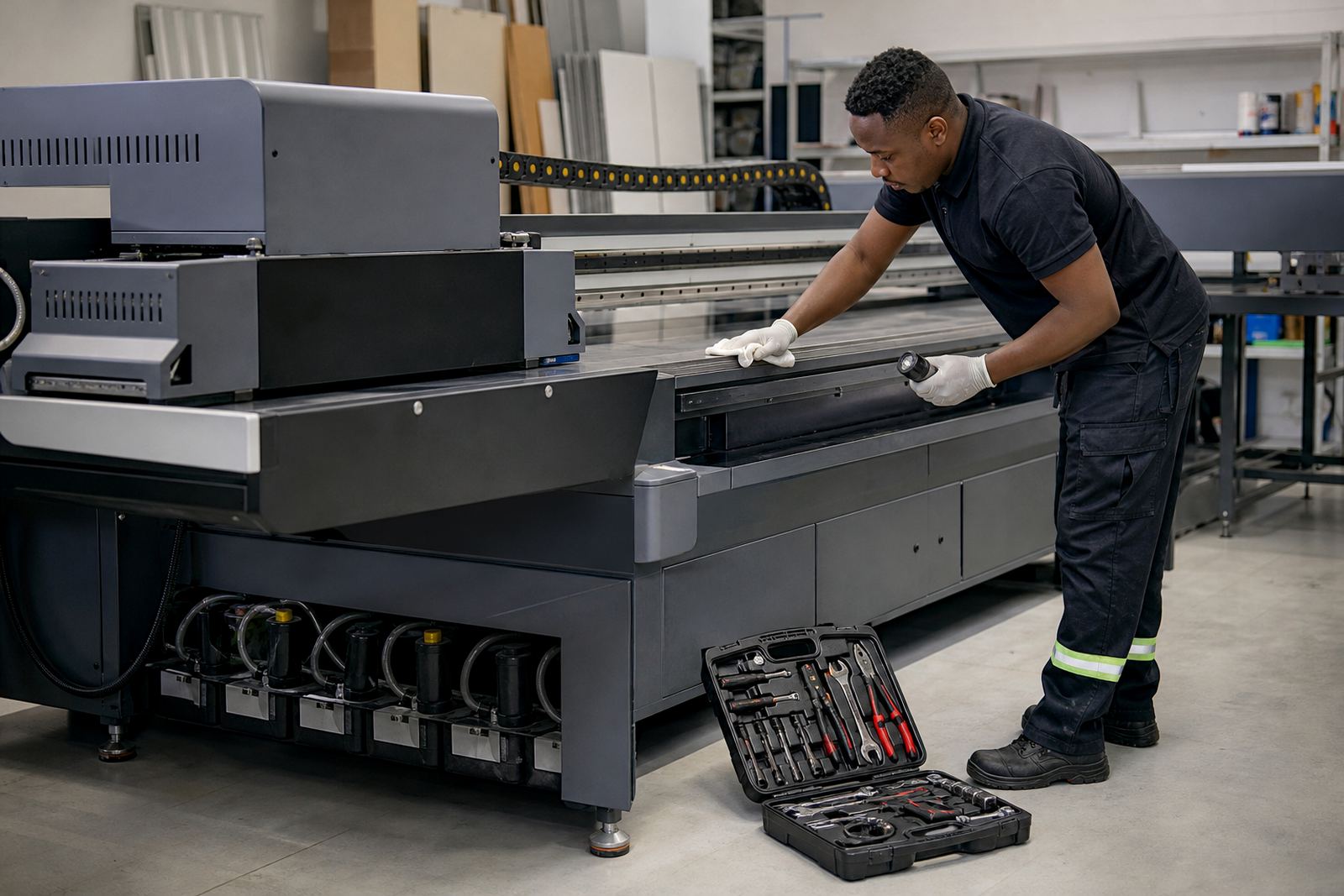
Before the first run on Monday, walk around the machine and look for anything that has shifted, loosened or built up over the past few days. Dust, ink mist and small media offcuts can collect quickly, especially in busy shops where boards are loaded and unloaded all day. In Germiston and across the East Rand, workshops often deal with a mix of fine dust and temperature changes, so a weekly inspection is not optional, it is basic care.
Check the print bed, rails, cable routes and surrounding floor area. Make sure there is no pooled ink, no obstruction near the carriage path, and that boards are being handled cleanly. If the printer sits near a roller door or open bay, keep an eye on windblown dirt and moisture as well.
- Wipe visible dust from safe external areas
- Check that covers, guards and access points are properly closed
- Look for loose screws, worn cables or signs of rubbing
- Confirm that the work area is dry and clear of debris
Clean ink paths and curing areas before residue builds up
UV ink is made to cure quickly, but residue can still collect on caps, wipers, heads and nearby surfaces. A weekly cleaning routine helps prevent blocked nozzles, unwanted marks and poor adhesion. The aim is not to force anything or use random cleaners. It is to follow a consistent method that suits the printer and the ink set in use.
Pay special attention to areas where cured specks can harden over time, because once they set it becomes harder to remove them without risking damage. If the printer has been working long shifts on rigid boards such as foamboard, PVC, acrylic or aluminium composite, inspect the curing zones and the board support points for build-up.
- Remove cured ink specks from accessible surfaces
- Check wiper and cap condition for wear or contamination
- Inspect the curing area for dust or overspray
- Make sure the cleaning materials used are suitable for the machine
Keep an eye on ink handling and storage
Good print output starts with clean ink handling. Weekly habits should include checking expiry dates, container seals and storage conditions. In Gauteng summers, heat can affect how materials behave in the workshop, while coastal humidity in Durban or Gqeberha can change how people store consumables. Ink should be kept in a stable place, away from direct sun and away from contaminated tools.
Operators should also check whether lids have been closed properly after use and whether any product has settled unevenly. Even small handling slips can affect colour consistency or cause messy fill routines later in the week.
- Check containers for damage, leaks or poor sealing
- Store consumables in a clean dry cabinet or room
- Use dedicated tools for filling and cleaning tasks
- Record any unusual smell, separation or contamination
Test media before a full production run
Weekly media testing saves time and material. Rigid boards are not all the same, and different batches can vary in surface texture, coating quality and rigidity. A test strip or sample board can show you whether adhesion, colour density and curing are still within the right range before a full job starts. That matters when the week includes retail panels, directional signage or event boards that must look correct the first time.
This is also the point where crews should check board flatness and loading behaviour. Warped material can throw off print height, while dusty stock can affect finish. If a substrate is prone to static or dust attraction, make that part of the weekly routine too.
- Run a sample on each main media type used that week
- Check for adhesion, rub resistance and colour consistency
- Note any surface issues before production begins
- Set aside problem boards rather than pushing them through
Review print quality and workflow notes with the team
A weekly review helps the whole operation stay on the same page. It is not only about the machine, but also how operators load boards, set passes, prepare files and release jobs. In busy shops around Johannesburg, Pretoria and Centurion, the print room often changes hands during a shift, so clear handover notes make a real difference.
Take a few minutes to check what worked, what caused delays, and where people had to stop and call for help. This is where training gaps show up early. If a new operator is still learning how to handle rigid boards or interpret colour shifts, that should be noted before it turns into waste.
- Review repeat faults, colour changes and reprints
- Confirm that file prep and job naming are still consistent
- Note any operator questions that came up during the week
- Update the job log with maintenance actions and observations
Plan for power cuts, interruptions and recovery time
South African print rooms know that load-shedding and short interruptions are part of normal trading. Weekly maintenance should include a check of how the printer is shut down, restarted and protected during power loss. A controlled routine can prevent unnecessary strain on the system and reduce the chance of messy restarts after an outage.
It also helps to confirm that the backup plan still works. If the workshop uses a generator or inverter support, test the changeover process and make sure the team knows who is doing what. A slow careful restart is better than rushing a production line back online after the power returns.
- Confirm safe shutdown steps for outages
- Check whether backup power support is ready to use
- Review how long the machine needs before resuming production
- Keep a clean record of interruptions and recovery steps
Make service calls easier by logging small issues early
Weekly maintenance is not only about cleaning and checking. It is also about spotting patterns before a breakdown happens. If a nozzle line is behaving oddly, if media support is inconsistent, or if a carriage sound has changed, write it down straight away. That record helps when you need breakdown support, remote support or spares coordination.
For businesses in Germiston and across South Africa, this habit saves time when a technician needs to step in. A short note about when the fault started, what media was being used, and what the printer was doing at the time can speed up diagnosis. It can also reduce repeat visits and unnecessary downtime, which matters when customers are waiting on signs, panels or exhibition work.
Flatbed UV printing is dependable when the workflow stays clean, the materials are checked, and the team follows the same weekly routine. Small tasks done on time keep the printer ready for the next job instead of waiting for a repair.