Direct-to-board printing for rigid media
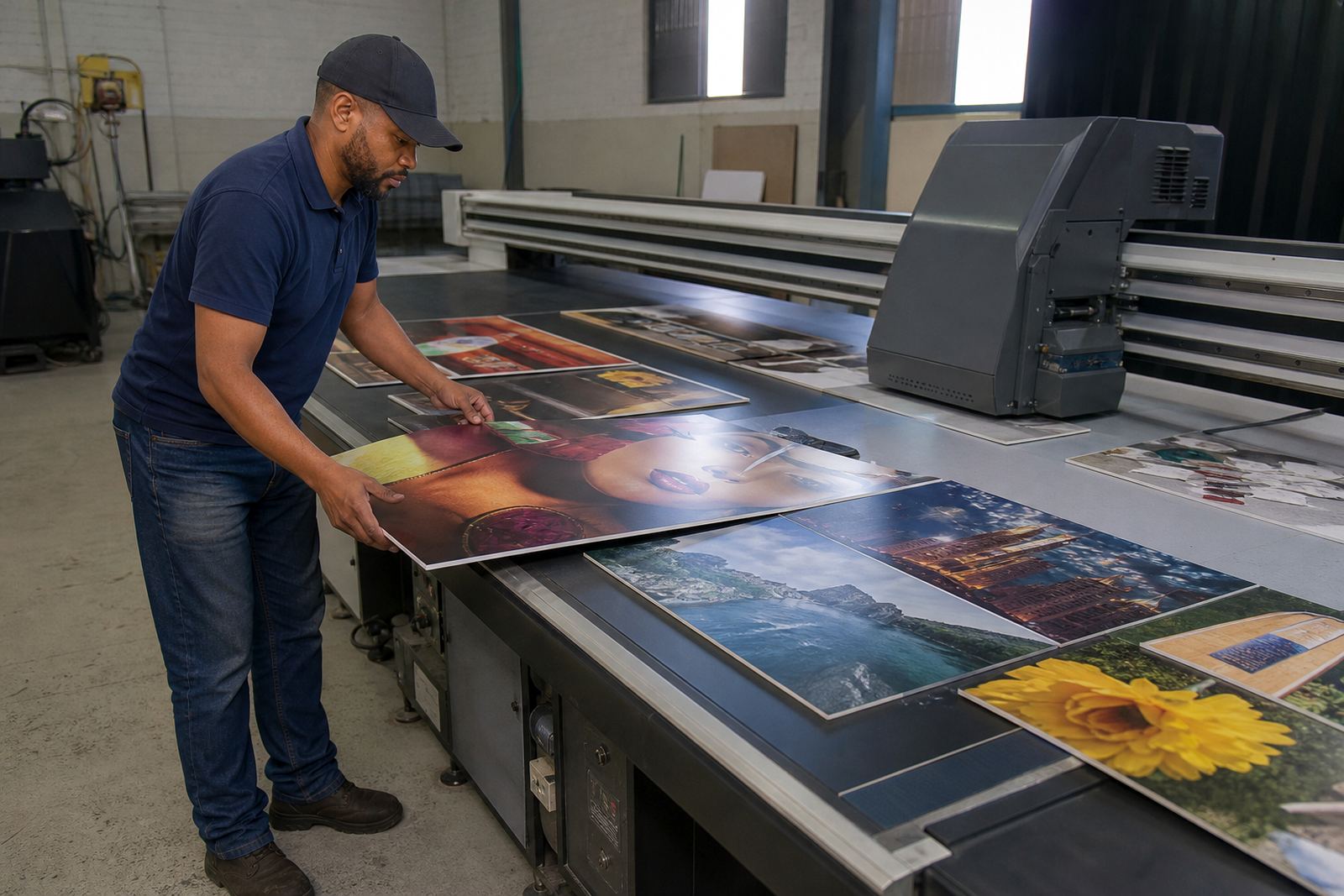
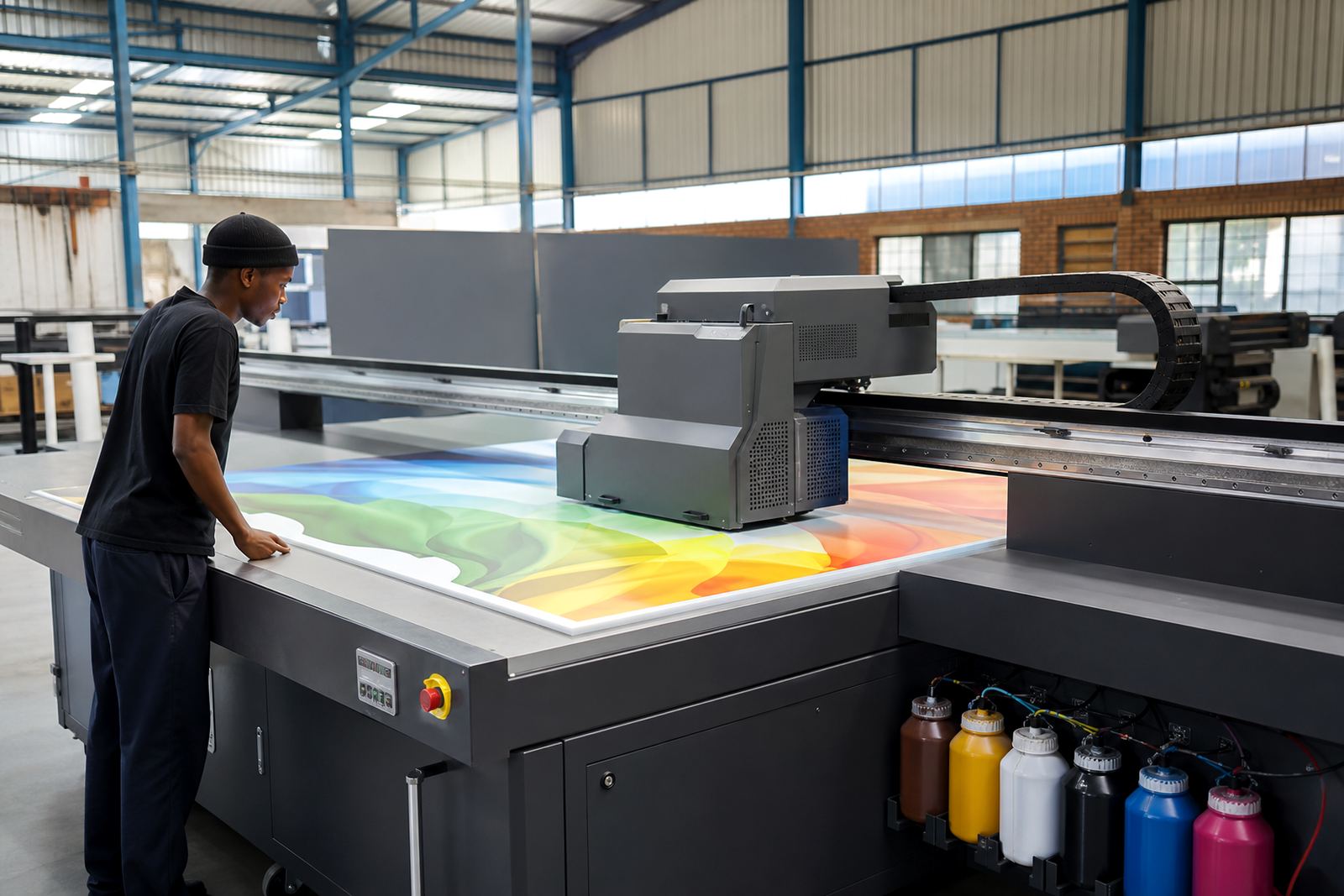
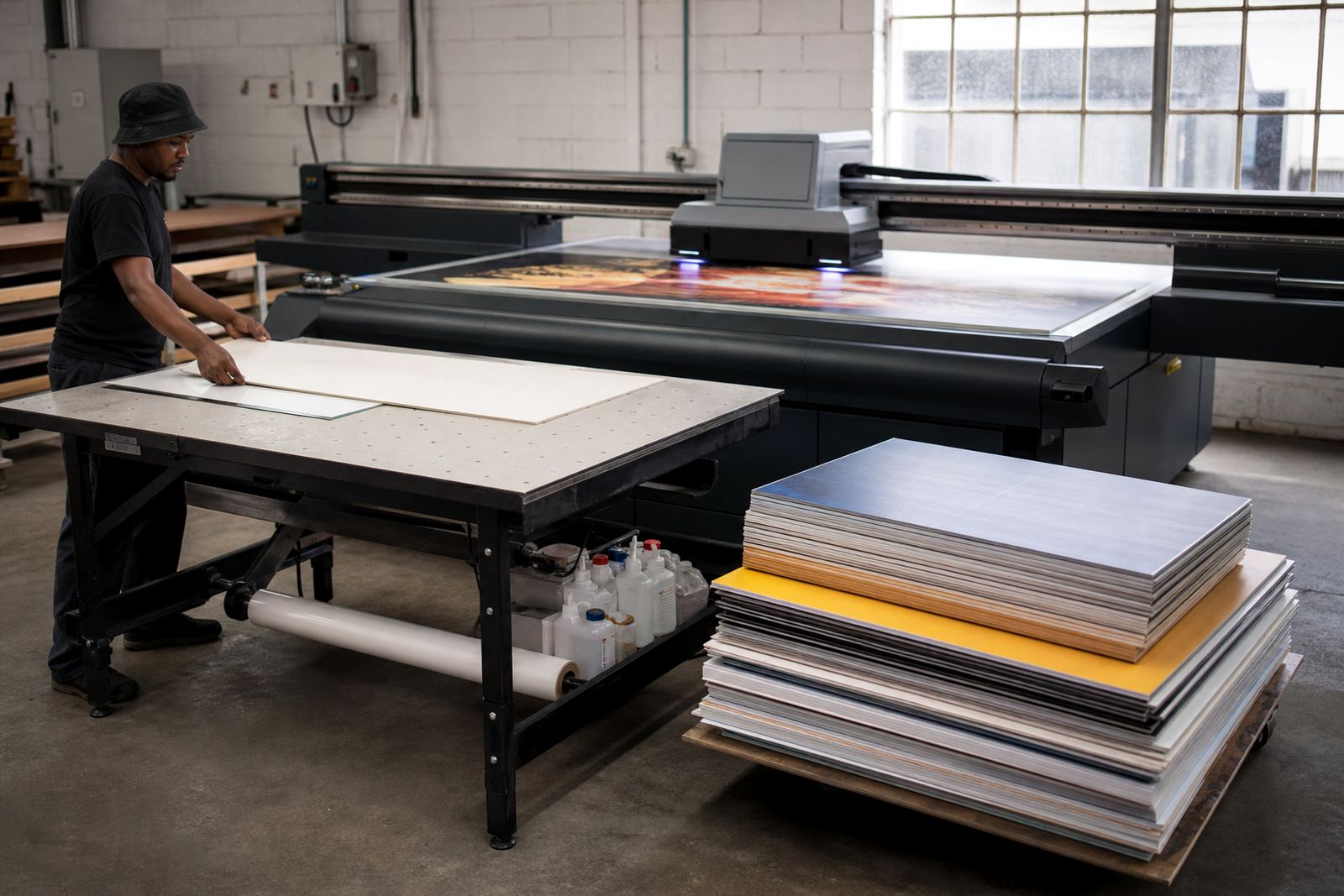
A board printing printer places UV ink straight onto rigid sheets, so there is no need for mounting printed vinyl onto board after the fact. That gives you a cleaner workflow for signage, display panels, point of sale boards and short run production where turnaround matters. It suits foam board, PVC sheet, fluted board, acrylic, ACP panels and other flat materials that can pass through a flatbed system.
For print shops in Johannesburg, Pretoria, Durban, Cape Town and Gqeberha, this format is often chosen for indoor display work and short to medium production runs. It is also useful where colour consistency and neat edge coverage matter, especially for retail, exhibitions and contractor signage. In humid coastal conditions and dusty workshop spaces, the right handling of media and curing settings makes a real difference.
- Prints straight onto board and sheet media
- Useful for signage, display panels and exhibition graphics
- Works with coated and uncoated rigid substrates depending on the job
- Suited to short runs, repeats and custom sizes
Typical sizes, options and workflow choices
Board printers are usually chosen by the size of sheet you want to process, the volume you need to push through in a shift, and the type of finishes your customers expect. Some buyers need an entry level format for smaller board work. Others need a wider bed for full signage sheets, nesting multiple jobs, or handling taller display panels without trimming down standard material sizes.
Options can include vacuum hold-down, white ink for dark or clear media, varnish effects, variable drop printing and different table sizes. The right setup depends on whether you mainly print simple flat signage or more demanding work with layered colour, spot white or fine text on rigid surfaces. If you are running work from Germiston to surrounding industrial areas, it helps to choose a machine that matches your daily sheet sizes rather than the biggest bed you can fit.
- Table size matched to your sheet formats
- Vacuum assist for flatter board positioning
- White ink for coloured or transparent media
- Multiple heads or print modes depending on finish and throughput
Where a board printer suits best
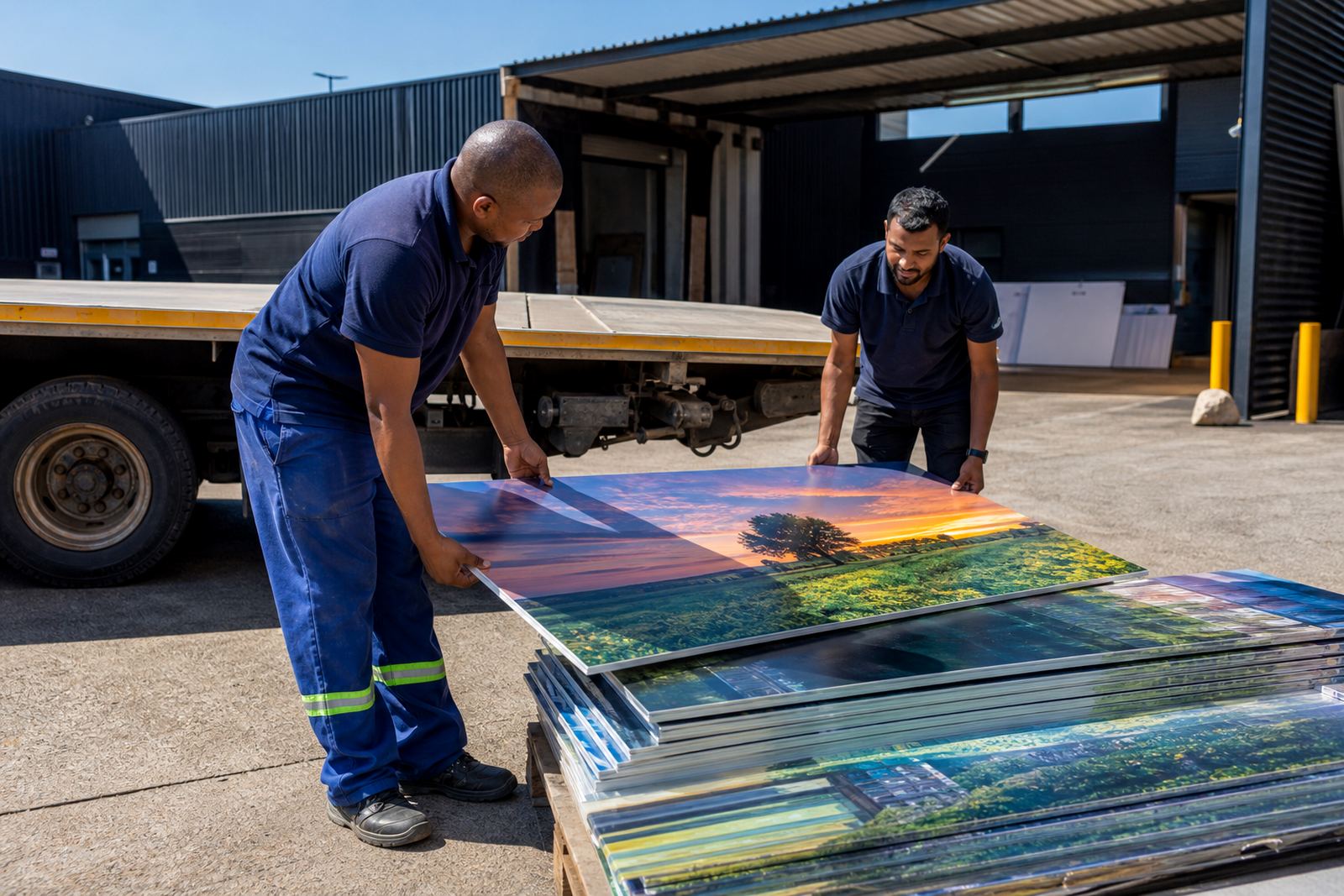
This type of printer is a practical fit for shops that produce indoor and outdoor signage, retail displays, exhibition panels, directional boards and promotional boards. It also suits businesses that need to handle customer supplied boards, municipal notice boards, site boards and temporary campaign material. If your work includes same day collections or you need to replace damaged boards quickly, direct printing cuts out a few steps.
It is commonly used by sign makers, print houses, advertising workshops, event suppliers and production teams that need controlled repeatability. The printer can be worked into a small team workflow, or into a broader production line where cutting, laminating and finishing happen before and after print. One thing that is often overlooked is media choice. Not every foam board or PVC sheet behaves the same under UV ink, so testing matters before full production.
- Retail and shop fitting boards
- Event signage and exhibition panels
- Industrial and site communication boards
- Short run custom boards for local businesses
Installation, power and site preparation
Before installation, the room needs enough floor space for the printer, operator movement, loading area and finished board staging. A level floor, good lighting and proper dust control help keep output consistent. Power should be checked early, because load shedding, voltage dips and weak cabling can interrupt production and cause avoidable downtime. Where backup power is planned, the installer must confirm what the printer needs during printing, curing and start up.
Depending on the model and workflow, a board printer may need a dedicated electrical circuit, stable earthing and enough space for extraction or ventilation. Some systems use vacuum beds and curing systems that need proper power planning. No gas is normally required for the printer itself, but the site may need compressed air or extraction support for the wider finishing area. We assist with site preparation so the machine is ready for regular use, not just the day it is switched on.
- Check floor space, access and board loading room
- Plan for stable power and load shedding backup
- Confirm earthing, ventilation and dust control
- Allow for curing, cleaning and maintenance access
Care, cleaning and ongoing servicing
UV printing on board is dependable when the machine is kept clean and the workflow is disciplined. Heads, caps and ink paths need regular attention. Board dust, loose paper fibres and static can affect print quality if media is not stored and handled properly. In coastal areas, humidity can change how certain boards sit on the bed, while inland dust can affect wipe-down routines and moving parts.
Preventive maintenance helps reduce breakdowns and keeps colour output steady. That includes routine checks, ink handling help, media testing, spares coordination and operator refreshers. If a printer is left idle for too long, or the wrong cleaning routine is used, nozzles and flow can suffer. A little care saves time later, and that is especially true for shops doing urgent board jobs with tight deadlines.
- Daily wipe-downs and head checks
- Keep boards flat, clean and acclimatised to the room
- Use a set maintenance schedule rather than waiting for faults
- Store inks and media according to workshop conditions
What to check before you order
When you are comparing board printers, start with the jobs you print most often. Ask whether you need white ink, larger sheet handling, faster turnaround or better accuracy on small text. Check the type of board you plan to print, because foam board, PVC and composite sheets can behave differently. If you produce for different towns or branches, it is worth planning for repeatable settings so operators can follow the same workflow.
It also helps to confirm what support is included after delivery. Installation, operator training, workflow planning, colour guidance and breakdown support can be just as important as the machine itself. Flatbed UV works from Germiston, Gauteng, with support for Johannesburg, Pretoria, Durban, Cape Town, Gqeberha, East Rand and Centurion. Clients usually reach us through the enquiry form on our contact page. Sibusiso Mthembu leads the business as Managing Director, with support from the sales, technical, training and service team. If the machine is going into a live production room, ask how commissioning, testing and handover will be managed so nothing gets missed.
- Sheet size and board thickness range
- Ink set, including white ink if needed
- Power supply and backup plan for load shedding
- Training, servicing and spare part support
Key facts
| Print method | Direct-to-board UV printing for rigid media |
|---|---|
| Compatible media | Foam board, PVC sheet, acrylic, fluted board and similar flat substrates |
| Ink system | UV-curable colour inks, with optional white ink depending on setup |
| Typical format | Available in board sizes suited to small, medium and larger sheet work |
| Workflow | Load board, set origin, print, cure and finish |
| Support | Installation, training, preventive maintenance and breakdown support |