What a Display Panel Printer Does
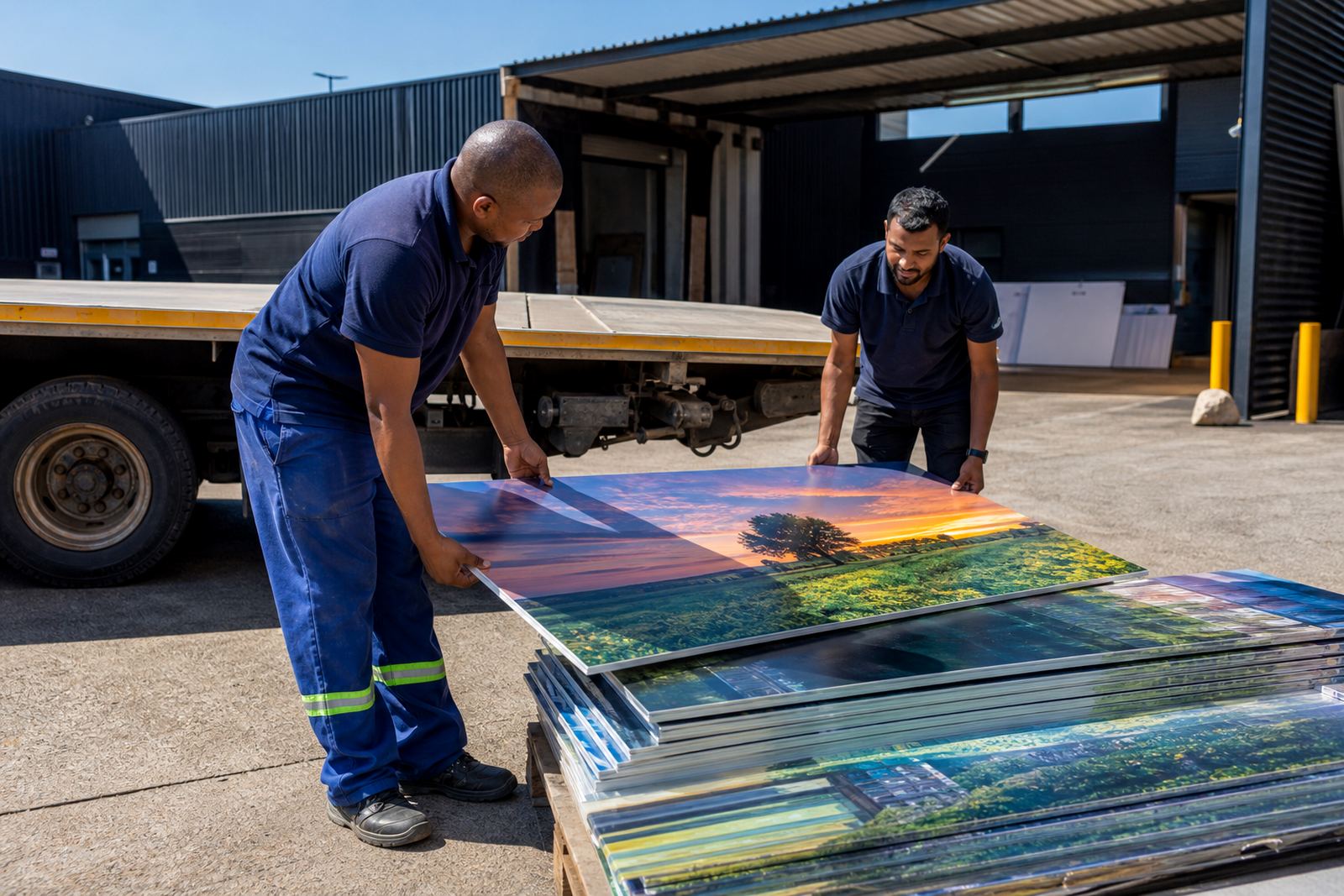
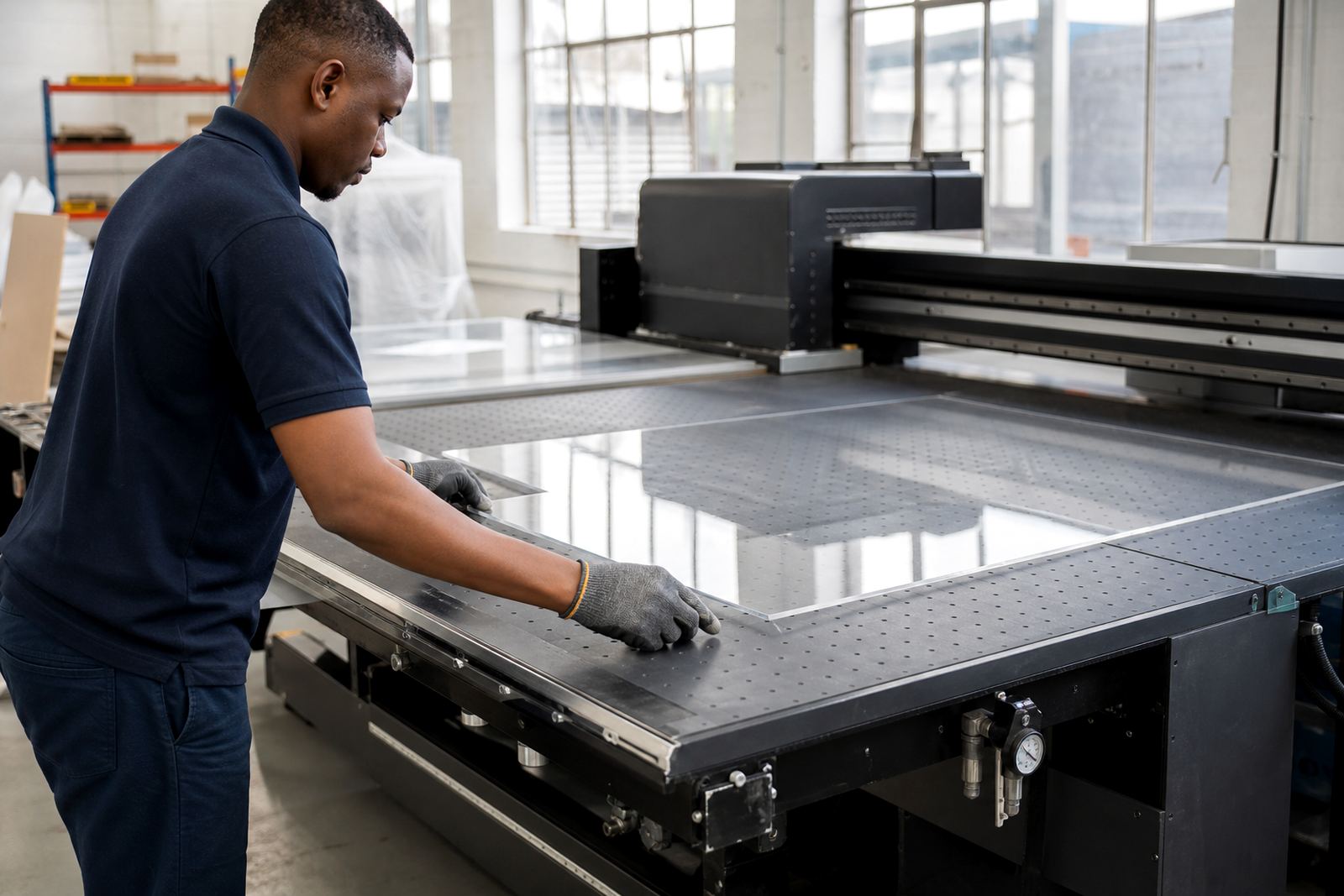
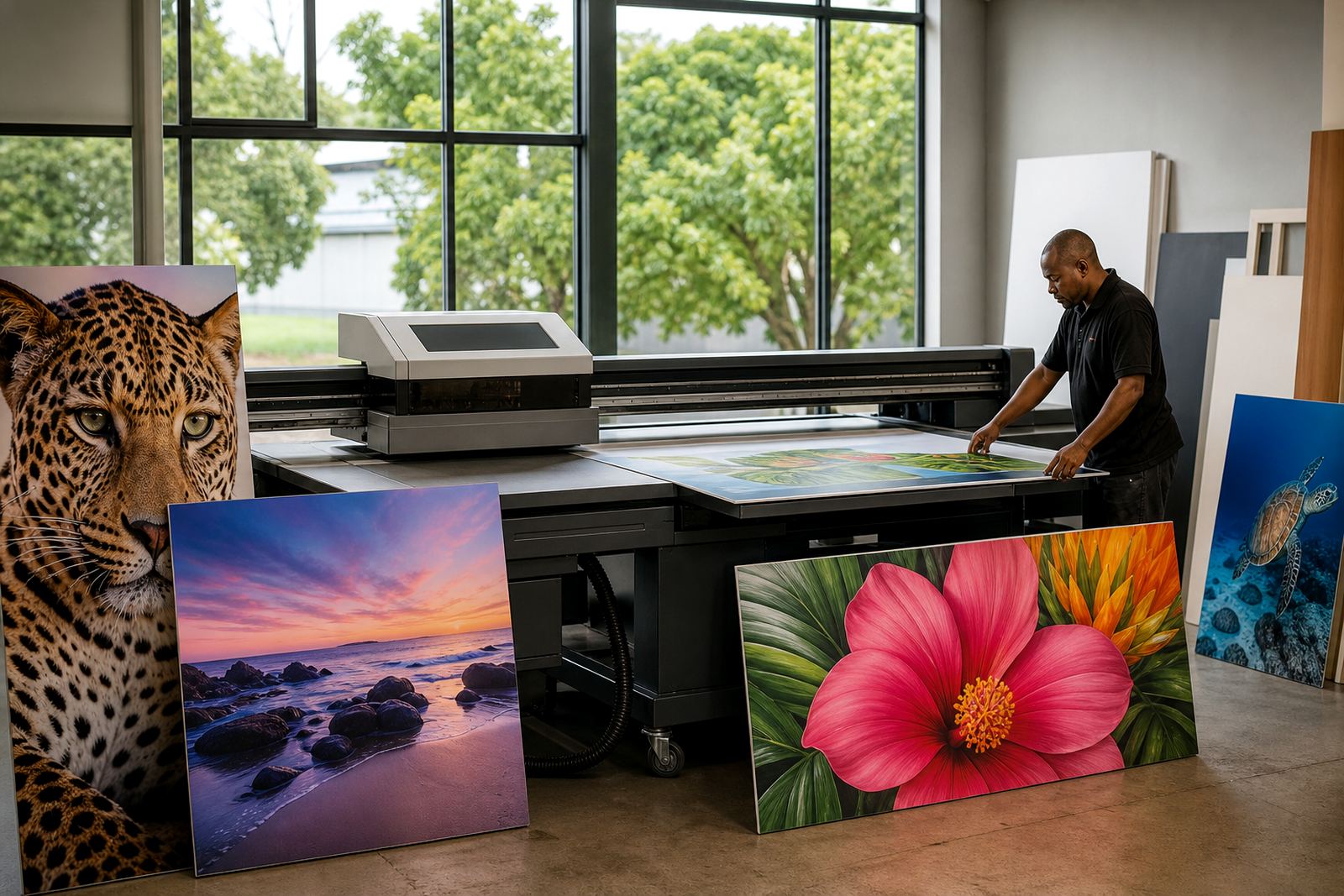
A display panel printer uses UV-curable inks that are cured under light as the print is laid down on the media. That means you can print directly onto rigid sheets such as foam board, PVC board, composite panels, acrylic, corrugated plastic and other sign materials used in shops and exhibition stands. The process is suited to short runs, repeat jobs and mixed artwork where colour accuracy matters and turnaround time is tight.
For businesses in Germiston, Johannesburg and Pretoria, it is a practical option for production rooms handling daily signage, promotions and branded displays. It also works well for coastal work in Durban, Cape Town and Gqeberha where moisture, handling and transport can affect the life of printed boards. The cured ink forms a tough surface, so panels can be moved, mounted and installed with less risk of scuffing, though correct media choice still matters.
- Direct printing onto rigid sheets and boards
- Suitable for retail displays, exhibition graphics and interior signage
- Short-run and on-demand production
- Colour and white ink workflows for varied substrates
Typical Sizes, Options and Output Range
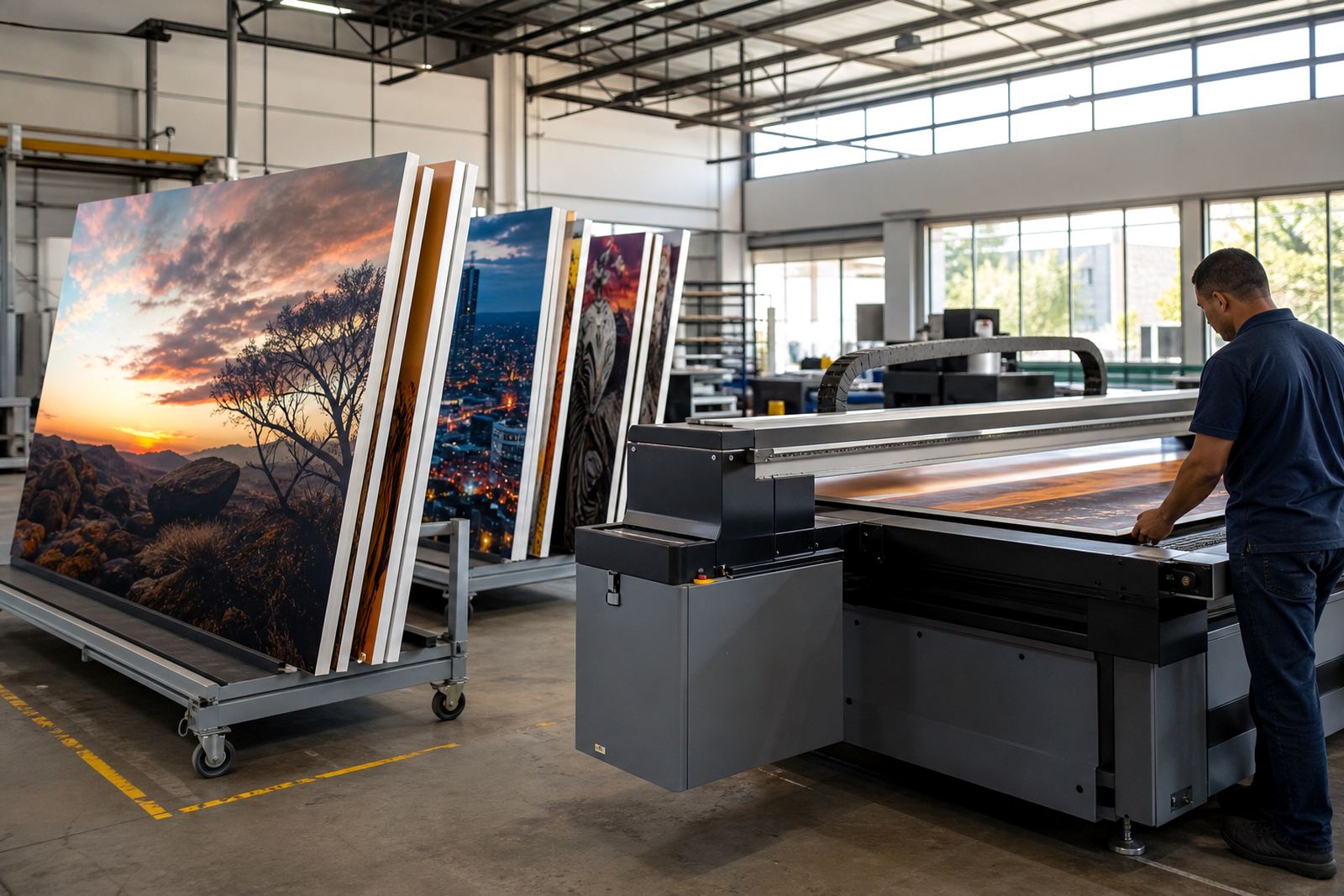
Display panel printers are commonly chosen for medium to large sheet sizes so that full panels can be printed in one pass. The right setup depends on the size of your boards, the volume you produce and whether you need white ink, varnish effects or layered printing. Some users focus on standard sign panels while others need mixed board sizes for custom retail work, exhibition graphics and internal branding.
Options often include vacuum hold-down for stable media placement, zoning for smaller boards, and print modes that let you balance speed with finer detail. If you are producing store panels, it helps to allow for a little extra margin around the finished size so trimming can be done cleanly after printing. In busy shops, a consistent workflow with clear board sizing saves time and cuts waste, which is important when material prices shift.
- Rigid board formats for standard signage and custom panels
- White ink option for coloured or clear media
- Gloss, matt or special effect layering where required
- Variable speed settings to suit detail level and throughput
Where This Printer Fits Best
This type of printer suits print shops, signage companies, fit-out teams and in-house marketing departments that need dependable panel output for branded spaces. It is commonly used for retail point-of-sale displays, wall graphics, directional boards, menu panels, event branding and exhibition stands. It is also useful for school, corporate and municipal signage where flat rigid boards are part of the daily workload.
For businesses serving South Africa’s mixed conditions, material choice is important. Coastal humidity can affect some boards, while Gauteng dust and temperature swings can influence handling and storage. If you print for both indoor and semi-outdoor use, you need to check ink adhesion, board flatness and how the finished panel will be mounted. The printer itself is only part of the picture, the workflow from artwork to packing matters too.
- Retail display production
- Exhibition and event panels
- Wayfinding and internal signage
- Short-run branded boards for stores and offices
Installation, Power and Site Readiness
Before installation, the room should be checked for floor strength, access, dust control and enough clear space for loading boards. A flatbed printer needs proper positioning so operators can move sheets safely and so service access stays open. In Germiston and the East Rand, many sites work from warehouse space or production rooms, so the route from receiving to finishing should be planned before the machine arrives.
Power supply must be stable and sized for the printer and its support equipment. Some sites also need backup power planning because load-shedding can interrupt production and affect curing cycles, heaters or computer work. Gas is not normally part of the printer itself, but if the site uses other finishing equipment or shop services, those requirements should be considered in the same room layout. Good extraction, clean power and a dry environment make a difference to uptime.
- Check floor space and access before delivery
- Allow for safe board loading and offloading
- Plan power capacity and backup support
- Keep the room clean and dry for better print consistency
Care, Servicing and Daily Handling
Flatbed UV equipment needs steady care if you want clean output and fewer interruptions. Daily checks usually include nozzle health, head cleaning, ink levels, vacuum performance and media surface condition. Operators should also watch for dust on boards, edge lift and any movement during printing. If boards are warped or badly stored, print quality can drop and you may see banding, overspray or poor alignment.
Preventive maintenance is best handled on a schedule, not only after a fault. That can include filter checks, cleaning routines, software backups and inspection of belts, lamps and moving parts. For sites in Durban, Cape Town and Gqeberha, humidity and salt air can make storage and cleaning more important. It helps to keep spare consumables on hand and to train operators to spot early warning signs, because a small issue can become a long stop if ignored.
- Daily nozzle and surface checks
- Scheduled preventive maintenance
- Careful storage of inks and media
- Training for operators and shift staff
What To Confirm Before You Order
When ordering a display panel printer, start with the products you print most often. Check the board sizes, thickness range and surface types you need to run every week. If you print for exhibitions, stores and municipal work, ask whether the machine can handle white ink, layered effects and the speed you need for repeat jobs. It is worth confirming the full workflow too, from file prep to drying, packing and installation on site.
You should also check service access, training support and spare parts coordination. A machine may look right on paper, but if the room is not ready or the team is not trained, production slows down quickly. Ask what power is needed, how the media should be stored and what consumables are used in normal production. Good planning at the start saves time later, especially when deadlines are tight and there is no room for reprints.
- Board sizes, thickness and surface finish
- Ink set and print effect requirements
- Installation space and power availability
- Training, servicing and support coverage across South Africa
Key facts
| Print type | Direct-to-rigid board flatbed UV printing |
|---|---|
| Typical media | Foam board, PVC board, acrylic, composite panel, corrugated plastic and similar rigid sign media |
| Ink system | UV-curable inks with optional white ink workflows |
| Common uses | Retail panels, exhibition graphics, wayfinding, indoor signage and branded displays |
| Site needs | Stable power, clean loading area, suitable floor space and controlled dust |
| Support | Installation, operator training, preventive maintenance, breakdown support and remote help |