What An Indoor Display Printer Does Best
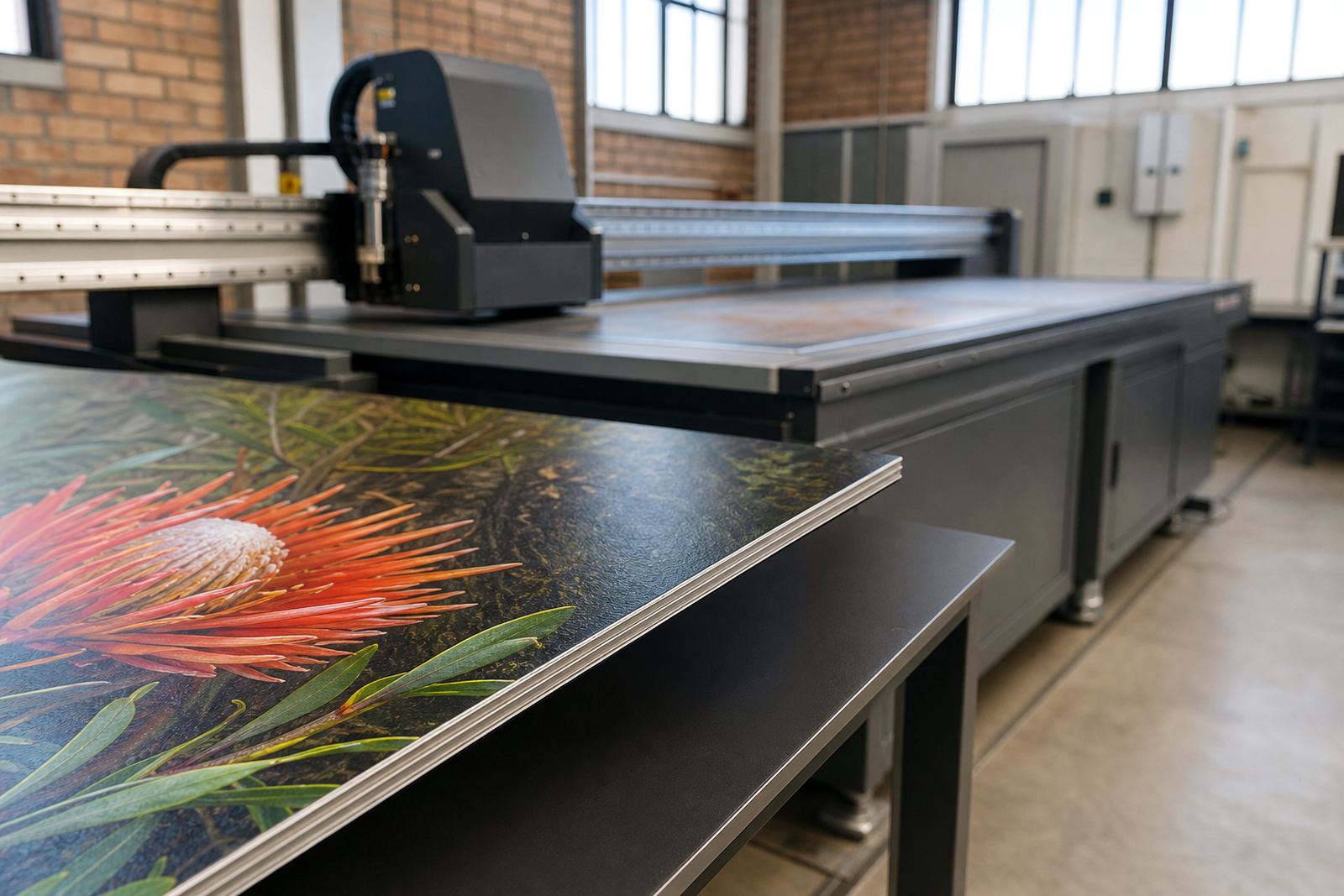
An indoor display printer applies UV ink directly to flat or board-based media and cures the print under UV light as it moves through the workflow. That gives you ready-to-handle output for indoor signs, point-of-sale boards, menu panels, directional signage, exhibition graphics and short-run promotional pieces. For many customers in Gauteng and the coastal cities, the key benefit is simple: you can print a job, pack it and move it without waiting overnight for drying.
This type of printer suits work where image quality, colour consistency and clean white coverage are important. It is often used for boards that stay indoors, although many operators also produce display pieces for covered entrances, retail windows and sheltered event spaces. The workflow can handle short runs well, which helps when a customer wants a handful of boards or when artwork changes often.
Because the print is cured during production, the process is more controlled than traditional wet ink methods. That makes it practical for busy shops dealing with same-day collections, tight launch dates and the kind of last-minute amendments that come up all the time.
Sizes, Media And Print Options To Consider
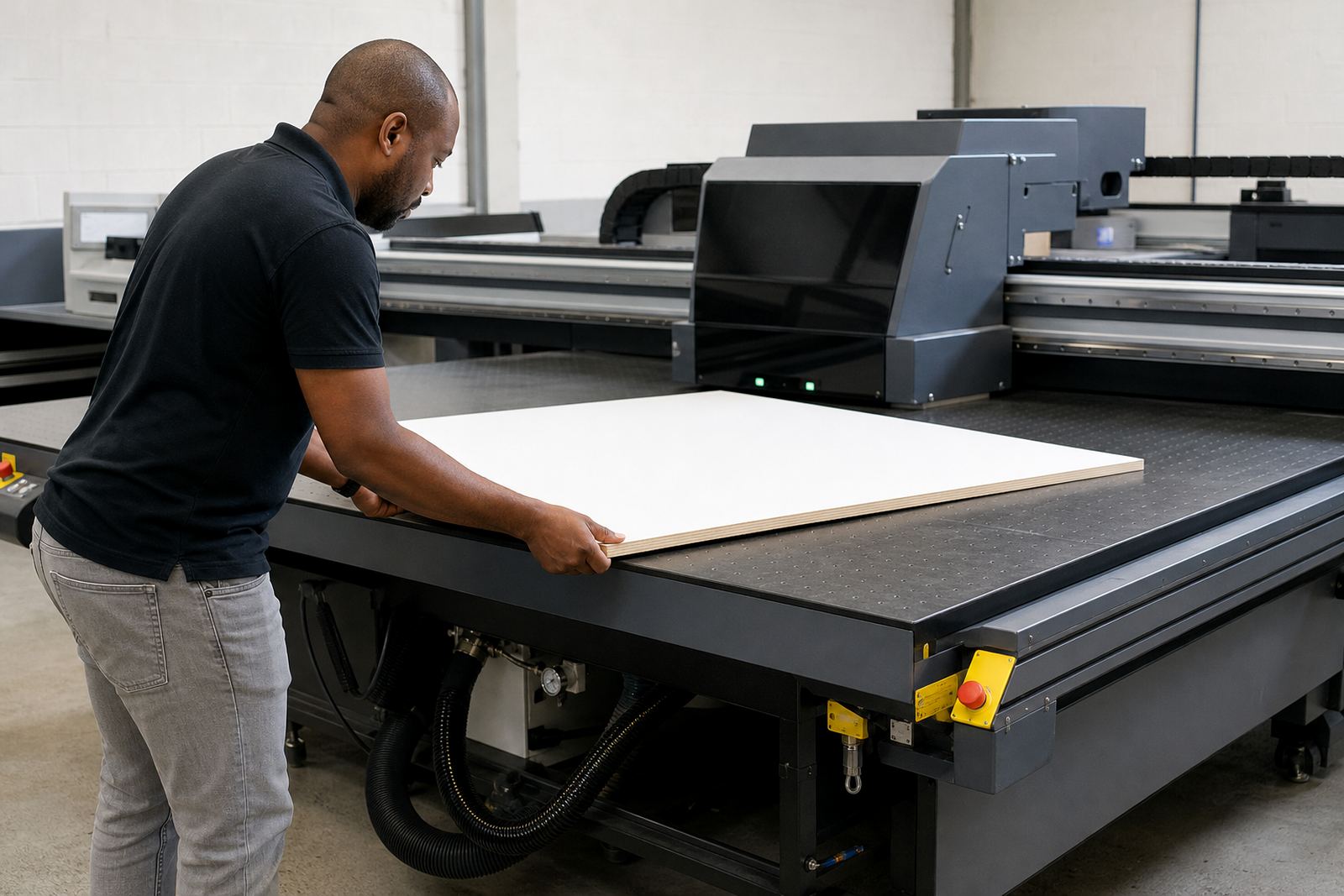
Indoor display printers come in different table sizes and configurations, so the right choice depends on the boards you produce most often. Common choices include compact formats for small signs and larger beds for full-size retail panels, display sheets and multiple items in one run. If you are producing mixed jobs, it helps to check how easily the machine handles different sheet sizes and how much clearance it allows for thicker media.
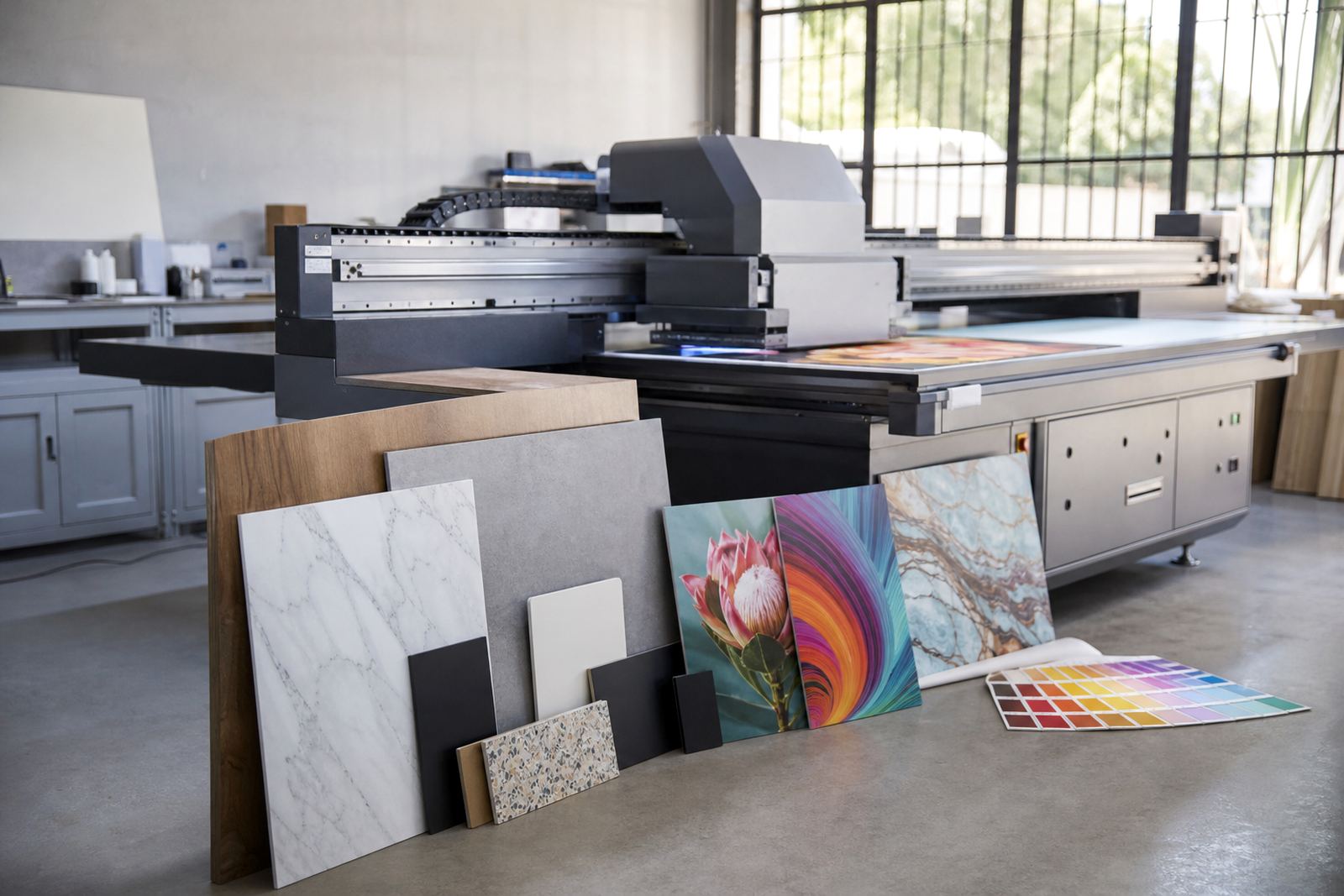
These printers are normally used with rigid or semi-rigid media such as foam board, PVC sheet, acrylic, composite panels, corrugated board and certain coated display materials. Some setups also support roll-to-board workflow with jigs or positioning guides, but the main focus is flat media. White ink, gloss effects and layered printing may be available depending on the configuration, which is useful for coloured substrates or darker promotional boards.
- Suitable for short-run indoor branding and display work
- Commonly used with rigid boards and sheet media
- Can support white ink, colour builds and spot effects where required
- Works well for single panels, repeat batches and mixed artwork sets
Where This Printer Fits In South African Workflows
For South African businesses, an indoor display printer often sits in the middle of a fast-moving production line. It suits print shops, sign makers, exhibition stand contractors, retail fit-out teams and in-house marketing departments that need local control over turnaround times. In Johannesburg and Pretoria, it is often used for branches, launches and retail refreshes. In Durban, Cape Town and Gqeberha, it is also chosen for display work that must stand up to humidity during handling and storage.
The printer is useful when customers need small batches, frequent artwork changes or a mix of sizes from one day to the next. It also helps when municipal or site requirements call for neat indoor signage that is easy to place and remove. For malls, office parks and public-facing spaces, clean edges and good colour matching matter more than heavy weather protection, so the workflow can be tailored for those conditions.
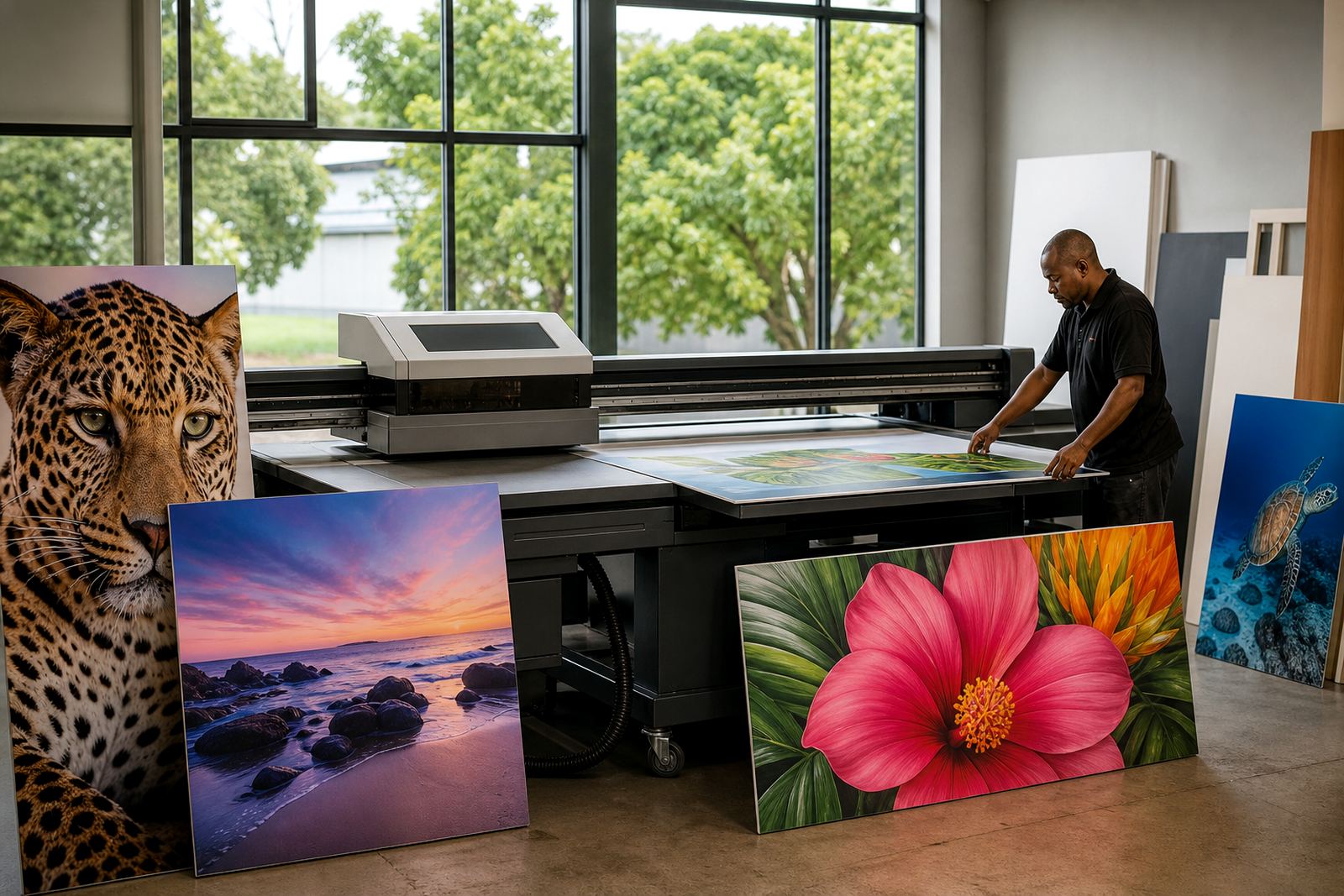
Many operators use it to support events, showroom displays, promotions and seasonal campaigns. That can include retail boards, reception graphics, product headers and wayfinding panels. If your work is mostly indoor and promotional, this is often a more practical option than equipment aimed at outdoor billboard production.
Installation, Power And Site Preparation
Before installation, the site should be level, clean and easy to access for loading sheets and servicing. You need enough floor space around the machine for operator movement, board staging and routine checks. Good lighting, stable temperature and sensible dust control all help with print quality and day-to-day reliability. In Germiston and the East Rand, this also means planning for workshop traffic, forklifts and general production movement so the printer is not placed in a cramped corner.
Power requirements depend on the configuration, but the key point is stable supply. With load-shedding still part of life across South Africa, many customers plan for backup power, voltage protection and a proper shutdown routine. It is not enough to keep the machine on during an outage, because sudden interruptions can affect curing, carriage movement and board alignment. A clean electrical install with the right breakers and protection is a good idea.
- Check floor level and access for large boards
- Allow space for loading, output and servicing
- Plan for power protection and outage procedures
- Keep the area free of dust, loose packaging and moisture
Care, Servicing And Day-To-Day Operation
UV printers need regular care if you want consistent colour and fewer interruptions. That includes routine nozzle checks, keeping the print area clean, managing ink correctly and following the recommended start-up and shutdown sequence. In humid coastal areas, media and boards should be stored properly before use, because moisture can affect adhesion and flatness. In dry inland conditions, static and dust become the bigger issue, especially on board surfaces and around the print path.
Preventive maintenance matters more than waiting for a breakdown. Heads, curing components, carriage movement and media handling parts all need attention over time. If you run the machine hard during seasonal peaks, set up a service plan so wear items are checked before they become a problem. Operators should also know how to handle ink safely, store open containers and keep white ink moving where applicable, since that can reduce stoppages and wasted material.
Training is part of the job. A printer can be technically capable, but if the team does not know how to set jobs correctly, test media or clean up after runs, production quality will suffer. Good workflow planning and simple house procedures often save more money than another machine purchase.
What To Check Before You Order
Before placing an order, it helps to match the printer to the kind of work you actually do. Think about board sizes, daily volume, media thickness, white ink requirements and how often you switch between materials. If your team produces display work for retail, exhibitions and internal signage, you may need a machine that handles short batches quickly rather than one tuned only for one large format job type.
It is also wise to confirm service access, spare parts coordination and training support. A printer is only useful if the team can run it properly and keep it moving when orders come in. Ask how the machine is installed, what checks are done on site, and whether workflow planning is included so your production area is set up sensibly from the start.
- Confirm the largest board size you need to print
- Check media compatibility, including thickness and surface type
- Ask about colour handling, white ink and curing method
- Plan for installation, operator training and ongoing service
- Make sure backup support is available for busy periods
Clients across Johannesburg, Pretoria, Durban, Cape Town and Gqeberha can reach the team through the enquiry form on the contact page for product guidance, installation planning and support. The Germiston base supports customers throughout South Africa, including East Rand and Centurion work, with practical help for site setup, training and maintenance.
When An Indoor Display Printer Is The Right Choice
If your business needs high-quality indoor boards, promotional panels and short-run display pieces, this type of printer is often the right fit. It gives you direct-to-media production, fast turnaround and a clean workflow for rigid signage. That is especially useful when the job needs to be done in-house, the deadline is tight, or the print run is too small to justify outsourcing.
For many South African print rooms, the value lies in control. You can test materials, manage colour, and keep production moving without waiting on outside suppliers. With the right installation, training and maintenance, an indoor display printer becomes a steady part of daily output rather than a machine that sits idle between peaks.
Key facts
| Print method | UV curing direct onto rigid or sheet media |
|---|---|
| Best use | Indoor branding, retail display, promotional boards and signage |
| Media support | Foam board, PVC sheet, acrylic, composite panels and similar display media |
| Ink options | CMYK with optional white ink depending on configuration |
| Workflow | Short-run production, same-day turnaround and batch printing |
| Support | Installation, training, preventive maintenance and breakdown support across South Africa |