What An Entry Flatbed UV Printer Does
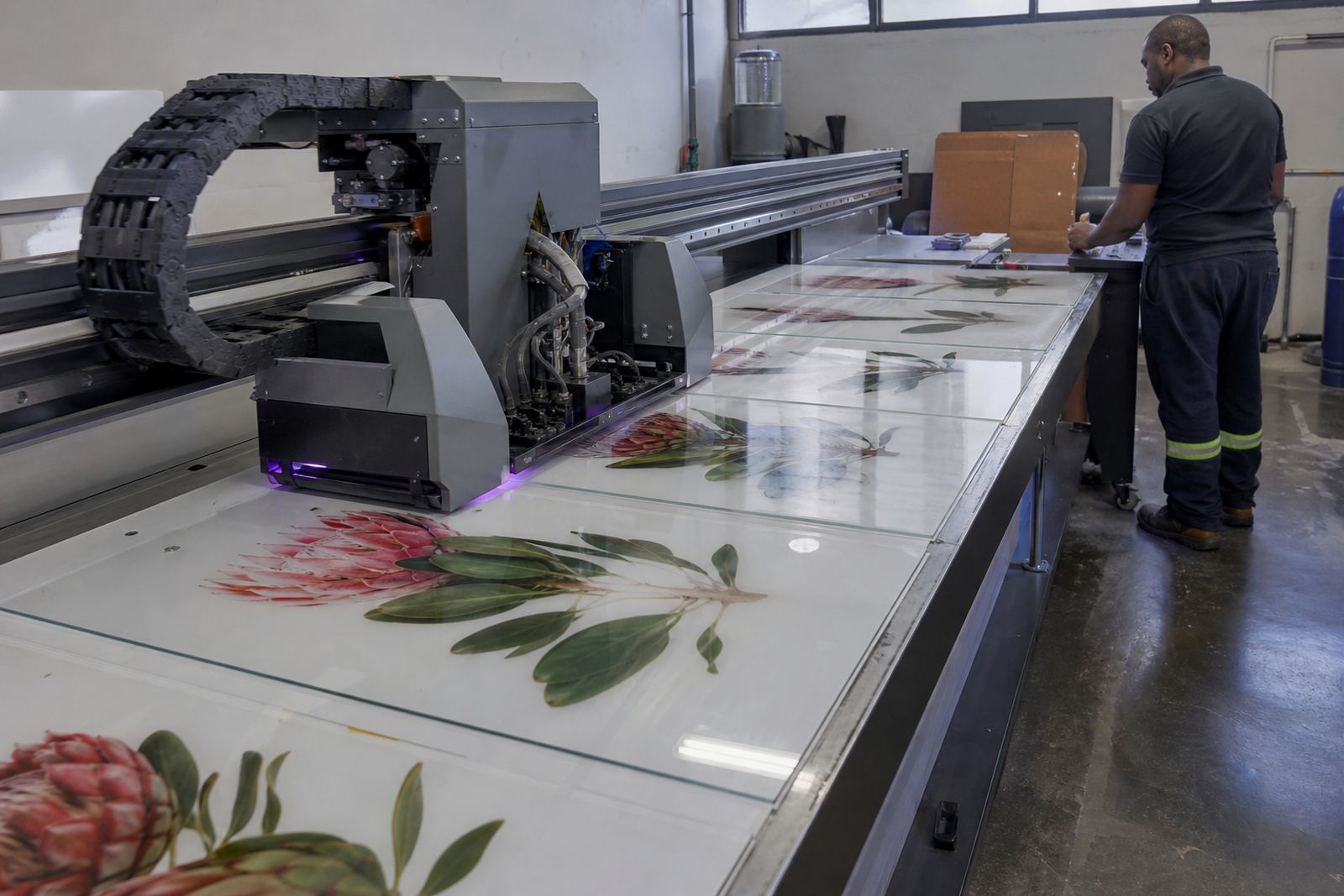
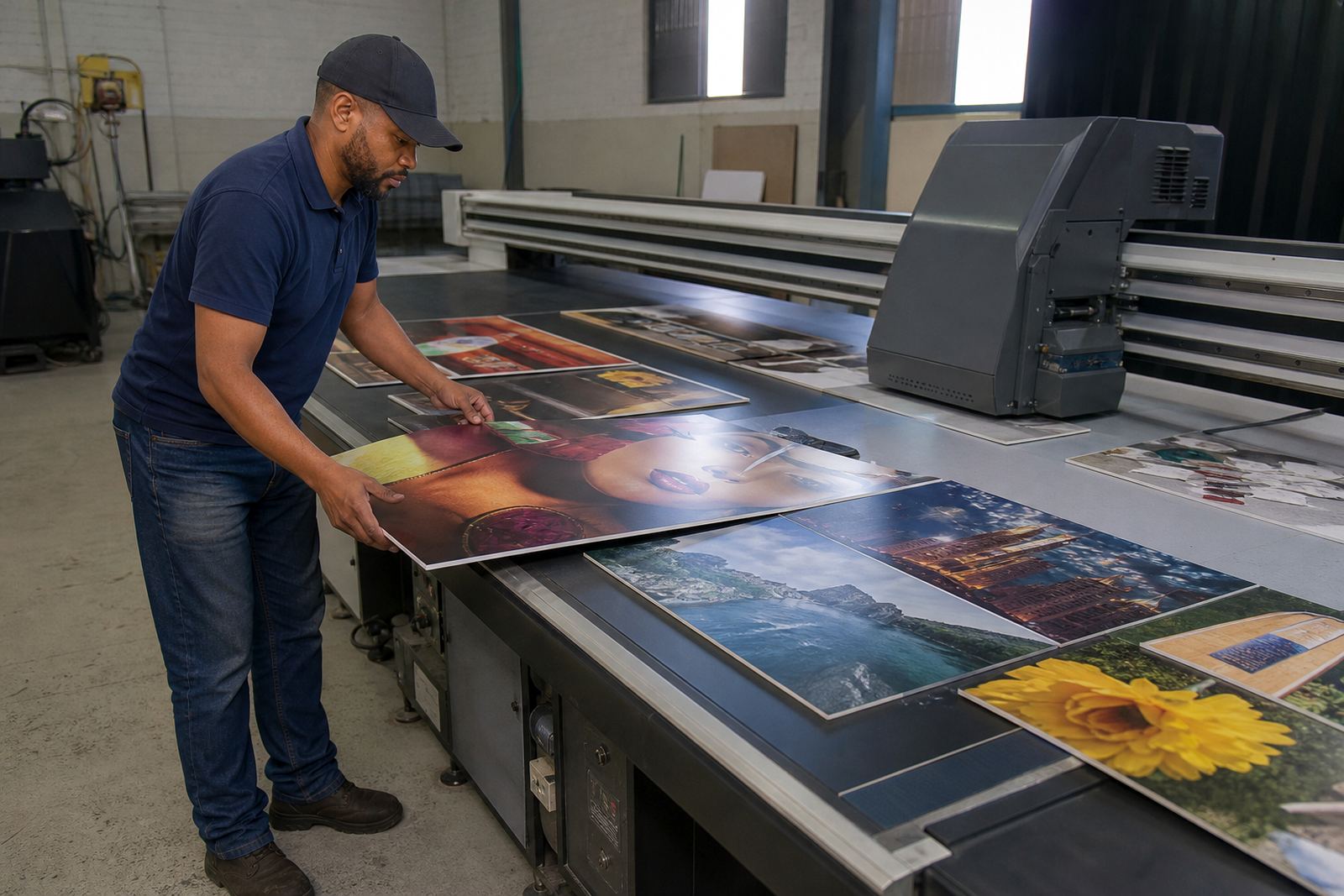
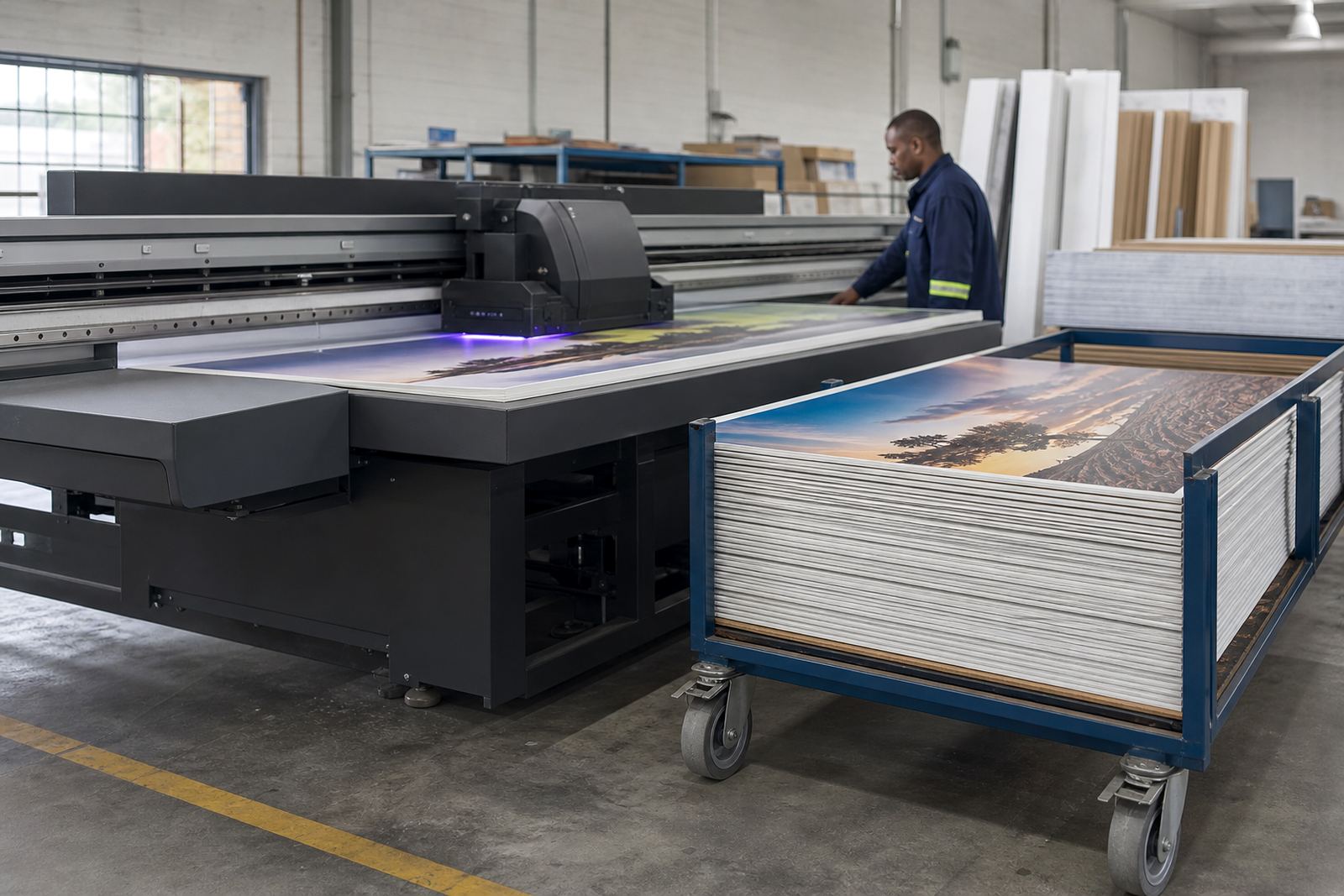
An entry flatbed printer is used to print directly onto rigid boards and sheet materials rather than onto roll media. It suits work such as shop signs, promotional boards, display panels, name boards, menu boards and short-run interior branding. The print is cured with UV light as it goes through the machine, so the surface is ready to handle soon after printing and does not need long drying time.
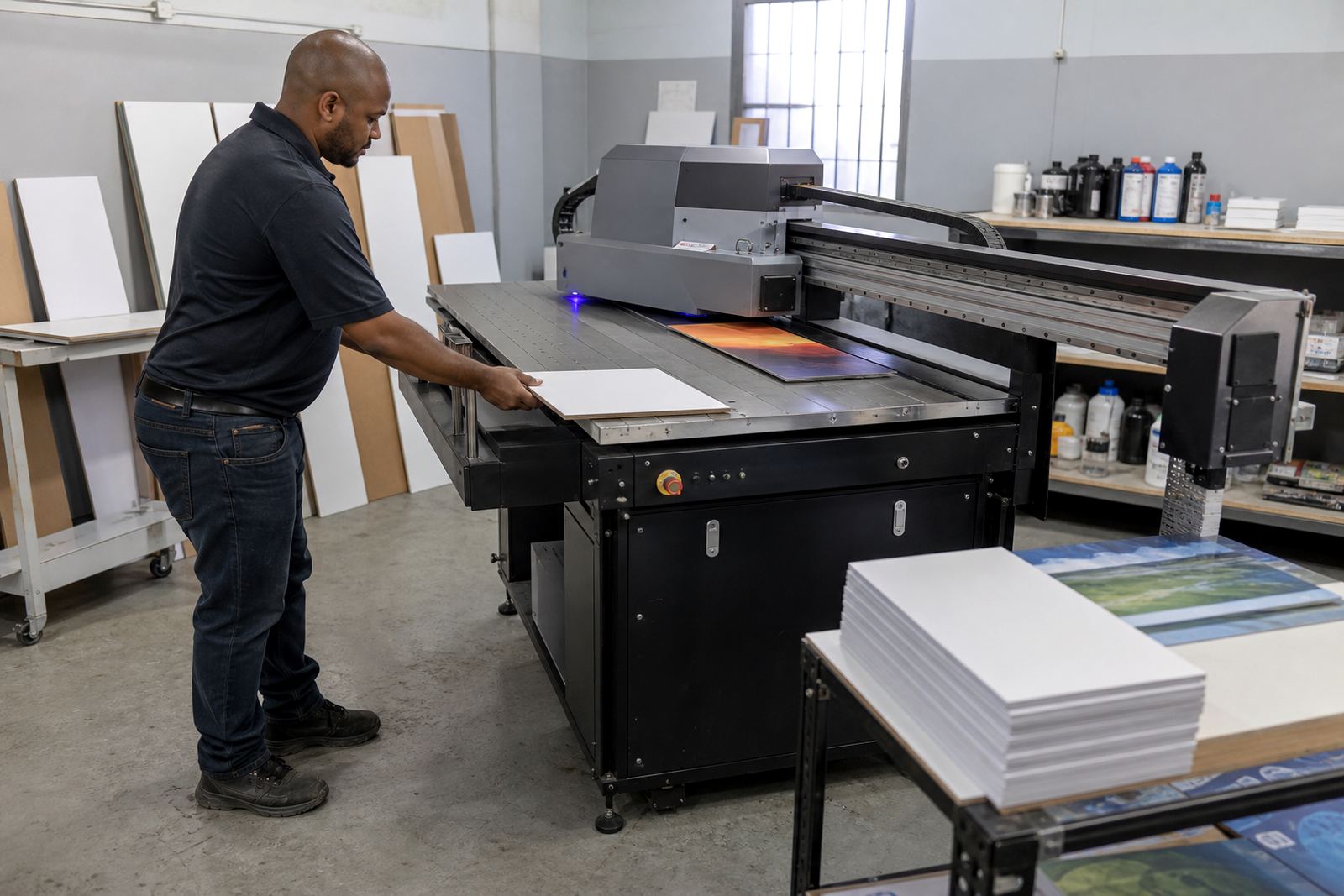
For businesses in Johannesburg, Pretoria, Durban, Cape Town and Gqeberha, this type of printer is often the first step into board printing because it keeps the workflow simple. You load the sheet, set the artwork, print, then move the board to cutting, mounting or finishing. It is a practical way to take on direct-to-board jobs without relying on outwork for every rigid sign.
Flatbed UV printing is commonly used on PVC board, foam board, acrylic, aluminium composite, wood panels and other flat materials. On the right media, it gives clear text, solid colour and good detail for both indoor and outdoor use. The exact finish depends on the ink set, print mode and the surface of the board, so it is worth testing samples before a full run.
Typical Sizes, Options And Print Setup
Entry models are generally chosen for standard board sizes used by sign shops and print rooms. The working area depends on the machine, but most buyers look for a size that can handle common sheet formats with some room for registration and margin. When comparing options, check the usable bed size, the number of print heads, whether white ink is available and if the machine can print raised layers or gloss effects. Not every entry machine does all of these, so the job list should guide the choice.
For many South African sites, a practical setup is one that can fit through the workshop door, has a level floor and allows easy loading from the front or side. If you are in a smaller production space in Germiston or the East Rand, check the footprint carefully and allow enough room for board handling, daily cleaning and service access. A machine that is easy to move around in the shop is worth more than one that looks larger on paper.
- Working area size for common rigid boards
- Flatbed vacuum or hold-down system, where applicable
- CMYK printing, with white ink as an option on some models
- Adjustable print height for mixed media thicknesses
- Rip software and file prep workflow for production use
Where This Printer Suits Your Work
This type of printer suits businesses that produce signage in house and need a direct route from file to board. It works well for retail signs, point of sale panels, event boards, directional signs, exhibition graphics and internal branding. If your customers want quick turnarounds, an entry flatbed printer can help you keep work under your own roof instead of waiting on outside suppliers.
It is also useful where repeat work is common. Once a board size, colour profile and print setting are saved, the next job can be run with less setup time. That matters for shops serving schools, property agents, corporates, churches and local events. In coastal areas like Durban and Gqeberha, the printer room should be kept dry and clean because humidity can affect board storage and ink handling, especially if sheets are left open for too long.
In Gauteng, load-shedding planning is part of the daily reality. For reliable production, many workshops plan for stable power, proper earthing and backup support for the computer, RIP station and printer if needed. If the power is unstable, boards can still be damaged by interrupted jobs, so a proper shutdown routine matters.
Installation, Power And Site Preparation
Installation should be planned before the machine arrives. The floor must be level, the path into the workshop should be clear, and the final position needs enough space for loading, cleaning and maintenance. Site preparation also includes checking door widths, floor loading if the machine is going upstairs, and making sure the area is dust controlled. A flatbed printer does not like a workshop full of cutting dust or loose board offcuts.
Power needs vary by model, so confirm the supply requirements before ordering. Some machines use standard single or three phase power, while others need a dedicated supply and surge protection. Air supply may be required for certain functions depending on the setup. Do not leave these questions for delivery day. The right answer depends on the printer model and the rest of your workflow, including curing, ventilation and computer support.
For installations across South Africa, our Germiston team can assist with site preparation, printer installation and operator handover. If you are setting up in Johannesburg, Pretoria, Durban, Cape Town or Gqeberha, the same practical checks apply. A good start saves time later and cuts down on avoidable stoppages.
Ink, Media And Colour Control
UV inks are designed to cure on the surface of the media under UV light, which makes them suitable for many rigid board applications. On the right material, the print can be handled soon after curing and can go on to cutting, mounting or final installation. White ink is often important for clear, coloured or dark substrates, while varnish or clear layers may be used for special finishes on some systems.
Media testing is worth doing before you commit to stock. Different boards behave differently, even when they look similar. Some surfaces need better adhesion, some need a primer or cleaner wipe, and some show banding or texture more easily. Colour guidance also matters because the same artwork can look different on gloss board, matte board or textured material. If the print room has multiple operators, write down the agreed settings and keep a sample board on file.
Ink handling should be neat and controlled. Keep cartridges, bottles or bulk supply sealed and stored correctly, and never leave open containers near dust or heat. In warm weather, especially on busy production floors, careless handling can lead to blocked lines, wasted ink or poor curing. Small habits make a big difference.
Care, Servicing And What To Check Before You Order
Like any production machine, a flatbed printer needs daily cleaning, regular inspection and proper servicing. Heads, wipers, caps, filters and rails should be checked on schedule. Preventive maintenance is cheaper than breakdown support because it reduces blocked nozzles, print defects and sudden downtime. If the machine will be used every day, ask how often the servicing intervals are recommended and what the operator should do at the start and end of a shift.
Before ordering, confirm the exact board sizes you plan to run, the thickness range you need, whether white ink is required and how much room you have for installation. Also check who will train your operators, who handles remote support if you need help later, and how spares are coordinated. If your business will print in short runs and on different substrates, ask for a workflow plan that suits your actual production, not a generic setup. A neat workflow saves a lot of headaches.
For South African buyers, it also helps to ask about service cover beyond Germiston. We support customers through Johannesburg Support, Pretoria Support, Durban Support, Cape Town Support, Gqeberha Support, East Rand Support and Centurion Support, with training and service arranged to suit the site. Clients reach us through the enquiry form on our contact page when they want a practical product discussion, installation support or help matching the printer to the job mix.
Key facts
| Product type | Entry flatbed UV printer for rigid boards and signage |
|---|---|
| Print method | Direct-to-board UV printing with instant or near-instant curing |
| Media compatibility | Rigid boards, panels and selected flat sheet materials |
| Ink options | CMYK, with white and special layers on some models |
| Workflow | Artwork prep, board loading, print, cure, then cut or finish |
| Support coverage | Installation, training and service from Germiston across South Africa |