What a Glass Panel Printer is used for
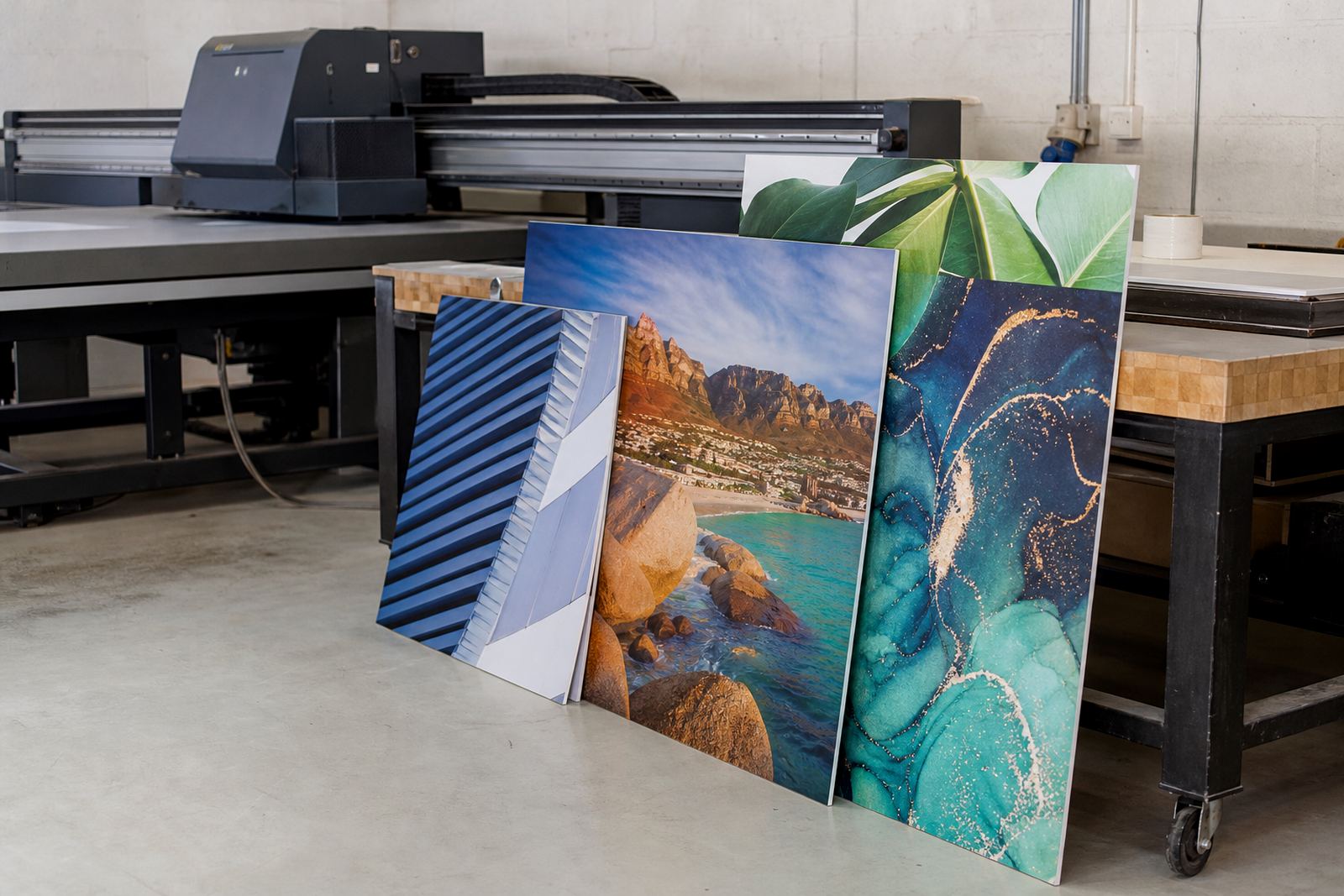
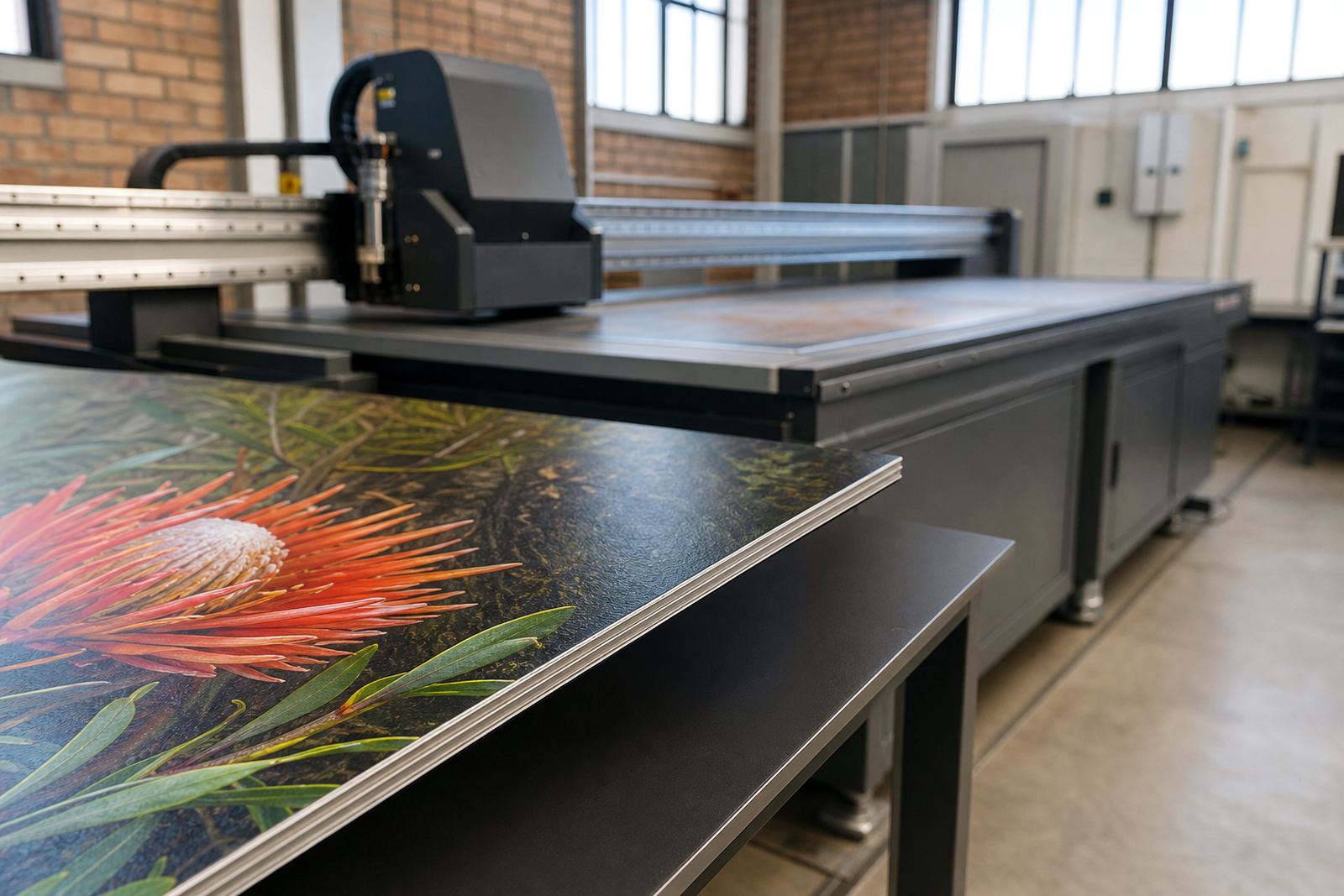
A glass panel printer is a UV flatbed printer set up for direct printing onto selected glass panels and related rigid substrates. In practice it is used for signage, feature walls, retail displays, privacy panels, wayfinding pieces and branded interior elements where the finished panel needs to look clean and hold up to daily handling.
The print process uses UV curable inks that are laid down in layers and cured during printing. On glass, the workflow often includes white ink as an underbase or highlight layer, which helps colour show properly on clear, tinted or backlit panels. For some jobs, a primer or adhesion treatment may be needed depending on the glass type and the finish required. The final result is generally suitable for indoor use and selected protected outdoor applications, depending on the job spec and installation method.
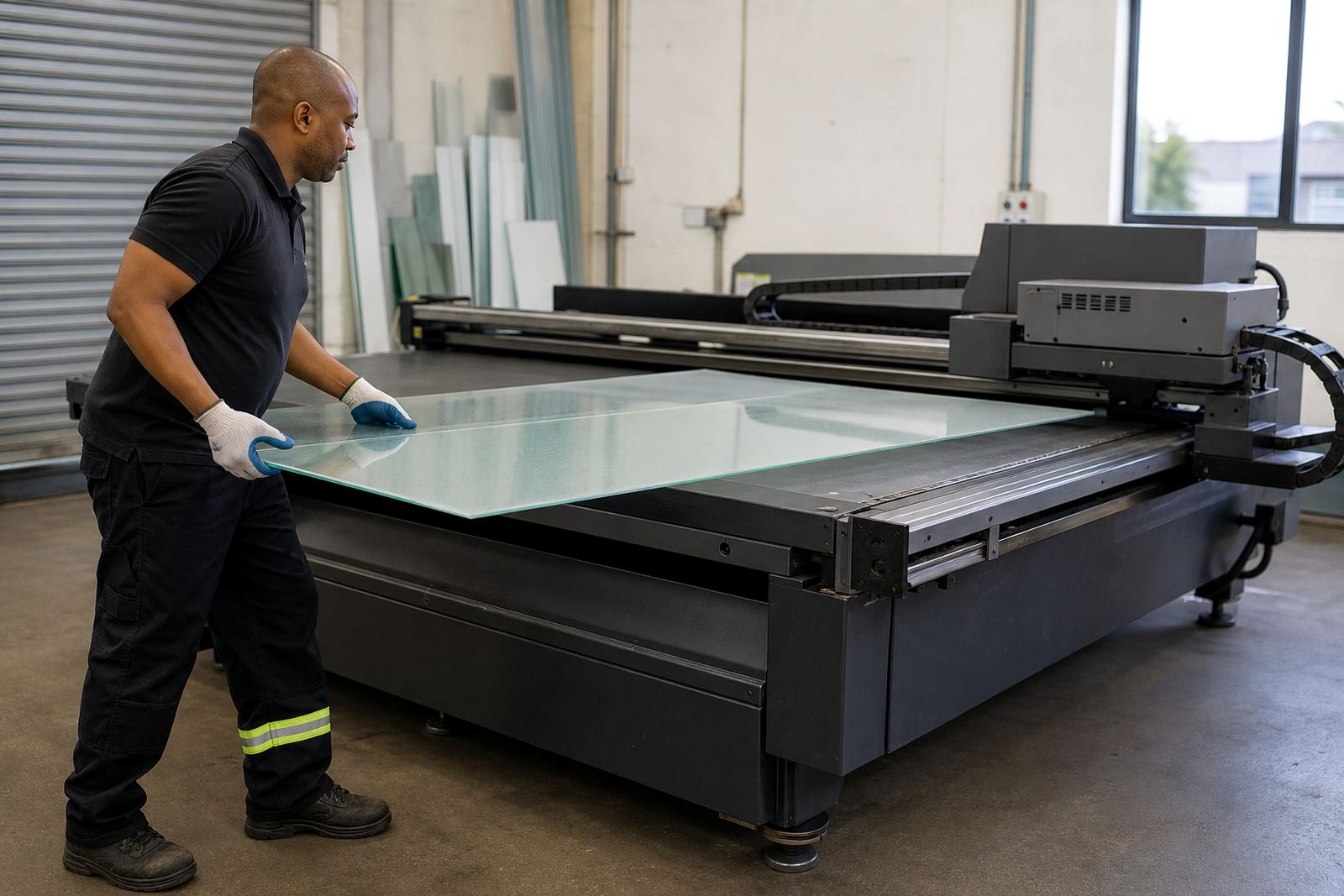
Glass is unforgiving if the prep is poor, so we always look at panel type, edge finish and handling before a run starts. That saves time later and helps keep the print clean.
Typical sizes, formats and print options
Flatbed UV systems for glass work are usually chosen for rigid media handling rather than roll printing. The exact bed size depends on the machine model, but common options cover smaller sample pieces through to full size panels used in retail and interior work. If you are printing for a shopfront in Sandton, a boardroom in Pretoria or a hospitality fit out in Cape Town, panel size and loading space matter as much as print width.
Useful options to look for include variable layer printing, white ink, spot varnish effects and the ability to print on clear, frosted or coloured glass where the surface has been prepared correctly. Some users also need batch repeatability for sets of panels, so registration and file workflow should be simple enough for your operator to follow without guessing.
- Flat rigid bed for direct panel loading
- White ink support for clear and dark glass
- Layered print for texture or special effects
- Suitable for glass, coated panels and other rigid substrates
- Media handling that allows careful placement and alignment
Where glass panel printing fits best
This printer suits businesses that work with interior branding, retail décor, office fit outs, hospitality graphics and selected signage jobs. It is a good fit where panels need to be neat, easy to wipe down and consistent from one piece to the next. Glass can be used for feature walls, partition inserts, branded wall pieces, directional signs and display panels in malls or showrooms.
For coastal work, especially in places like Durban and Gqeberha, the handling and storage side matters because humidity can affect substrates, packing and edge protection. In Gauteng, dust and load shedding are more of the day to day issue, so having a stable workflow with proper shutdown steps and backup power planning helps keep production moving. If your team works from Germiston and sends jobs to Johannesburg, Pretoria or Centurion, a repeatable process is important for keeping finishes consistent across branches or sites.
- Retail and showroom graphics
- Interior branding and fit outs
- Offices, receptions and meeting rooms
- Hospitality and leisure spaces
- Wayfinding and decorative glass panels
Installation, power and site needs
Installing a glass panel printer starts with the floor, access path and power supply. Glass work normally needs careful loading space, a clean production area and enough room for operators to move panels without bumping edges. The machine should sit on a level surface, with stable power and sensible ventilation for the room. No gas supply is needed for UV flatbed printing, but a proper electrical setup is essential.
We usually check single phase or three phase availability, site earthing and the ability to run the printer alongside computer control and curing systems. If the site has regular load shedding, a backup plan is worth sorting early, whether that is battery support, generator planning or scheduling production around stable power windows. For offices and shops, it is also sensible to think about noise, dust and access control if the machine is in a shared production space.
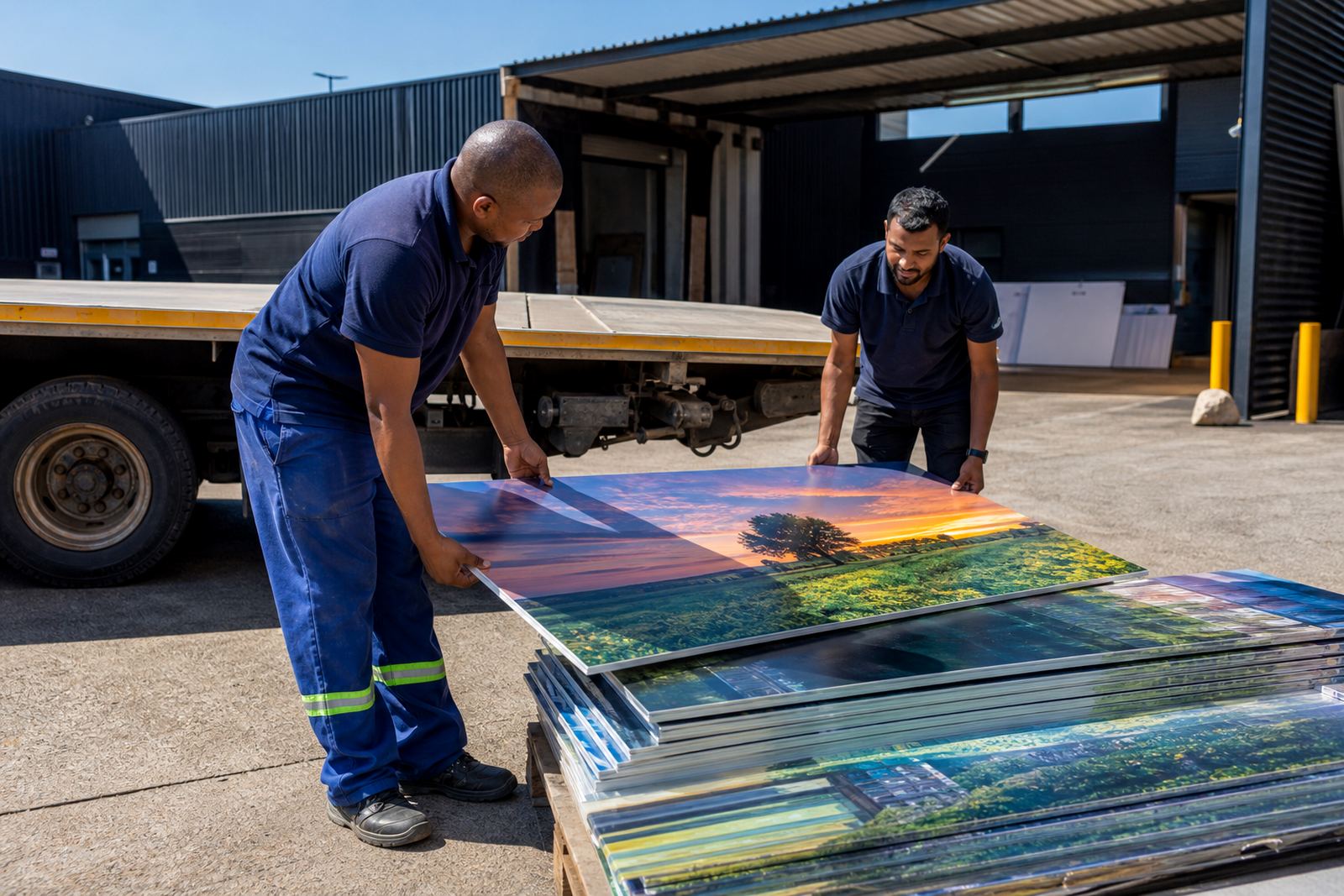
Site preparation can include access measurements, crate handling, floor loading checks and making sure there is space for material staging. In some cases, you may also want climate control for the room, especially if you are storing printed glass before dispatch.
Care, cleaning and servicing in daily production
Glass panel printing needs routine care because the surface is smooth and any dust, oil or finger marks can affect adhesion. Operators should clean the substrate before loading, keep the bed tidy and follow a set start up routine each day. That includes checking heads, wiping the relevant areas, confirming ink levels and running test prints before production starts.
Preventive maintenance is important for any UV system, especially in busy shops that print through the week. Filters, capping areas, print heads and curing components all need attention on schedule. If the machine is idle for long periods, it should be shut down correctly and kept in a clean condition so ink does not settle where it shouldnt. We also recommend keeping spare consumables and a small cleaning kit on hand for basic operator care.
- Daily checks before the first job
- Keep glass surfaces clean and dry before printing
- Do not leave panels exposed to dust before loading
- Follow ink handling and storage instructions closely
- Arrange periodic servicing before faults interrupt production
What to confirm before you order
Before ordering a glass panel printer, confirm the type of glass you want to print, the panel sizes you handle and whether the work is mainly indoor or also exposed to weather. You should also know if you need white ink, clear coat effects or special layer builds. Those choices affect both workflow and the final finish, so it is better to plan them early.
Ask about media testing if you are unsure how your preferred glass or coated panel will behave. Some jobs need surface treatment or a trial print to confirm adhesion and colour appearance. It is also worth checking operator skill level, spare parts support and how quickly breakdown help can reach your site from Germiston, Johannesburg, Pretoria, Durban, Cape Town or Gqeberha.
- Panel sizes and maximum media thickness
- Required print finish, including white ink or special effects
- Power supply and site readiness
- Need for training, maintenance and remote support
- Storage, handling and installation access on site
Support across South Africa
Flatbed UV works with businesses that need practical support after installation, not just a machine drop off. Our team in Germiston supports printer installation, site preparation, operator training, workflow planning, colour guidance, preventive maintenance, breakdown support, remote support, ink handling help, media testing, spares coordination and production consulting across South Africa.
Clients from Johannesburg, Pretoria, Durban, Cape Town, Gqeberha, East Rand and Centurion often need the same thing: a printer that is set up properly, runs consistently and stays easy for the team to use. If you are planning a glass panel workflow for a new project or replacing an older system, we can help with the practical parts that keep production moving.
Enquiries come through the contact page form, and we respond from the Germiston base with local support for the job at hand. If your work involves clear panels, frosted effects or branded interior glass, a proper setup now can save a lot of rework later.
Key facts
| Print technology | UV flatbed direct printing for rigid glass and selected boards |
|---|---|
| Media type | Clear, tinted, frosted or coated glass where suitable after testing |
| Ink set | UV curable inks with white ink option for underbase or highlight use |
| Finish options | Solid colour, layered print, spot effects and selected decorative output |
| Installation needs | Level floor, safe loading access, clean workspace and suitable electrical supply |
| Service support | Installation, training, maintenance, remote help and spares coordination |