Built for daily board work
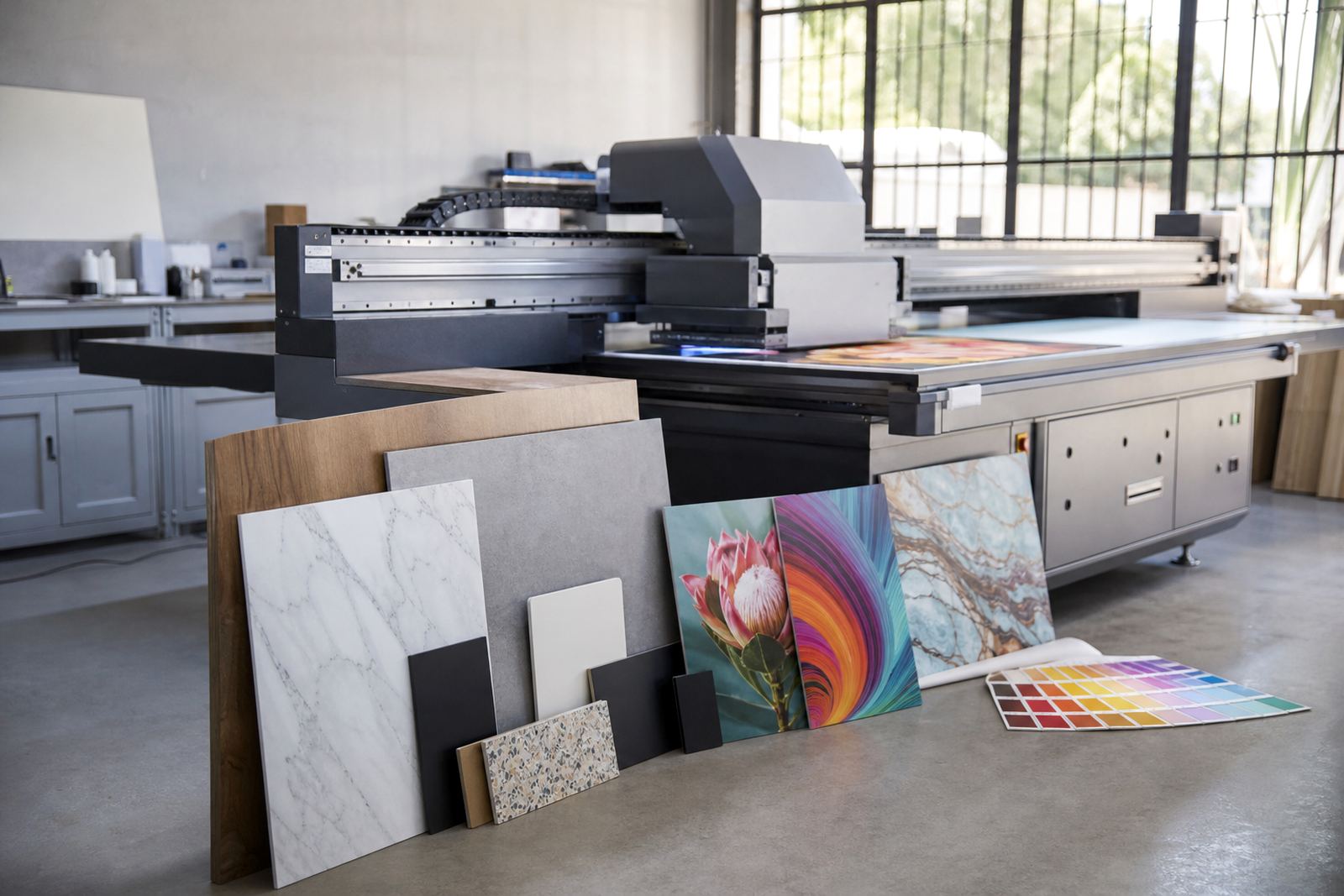
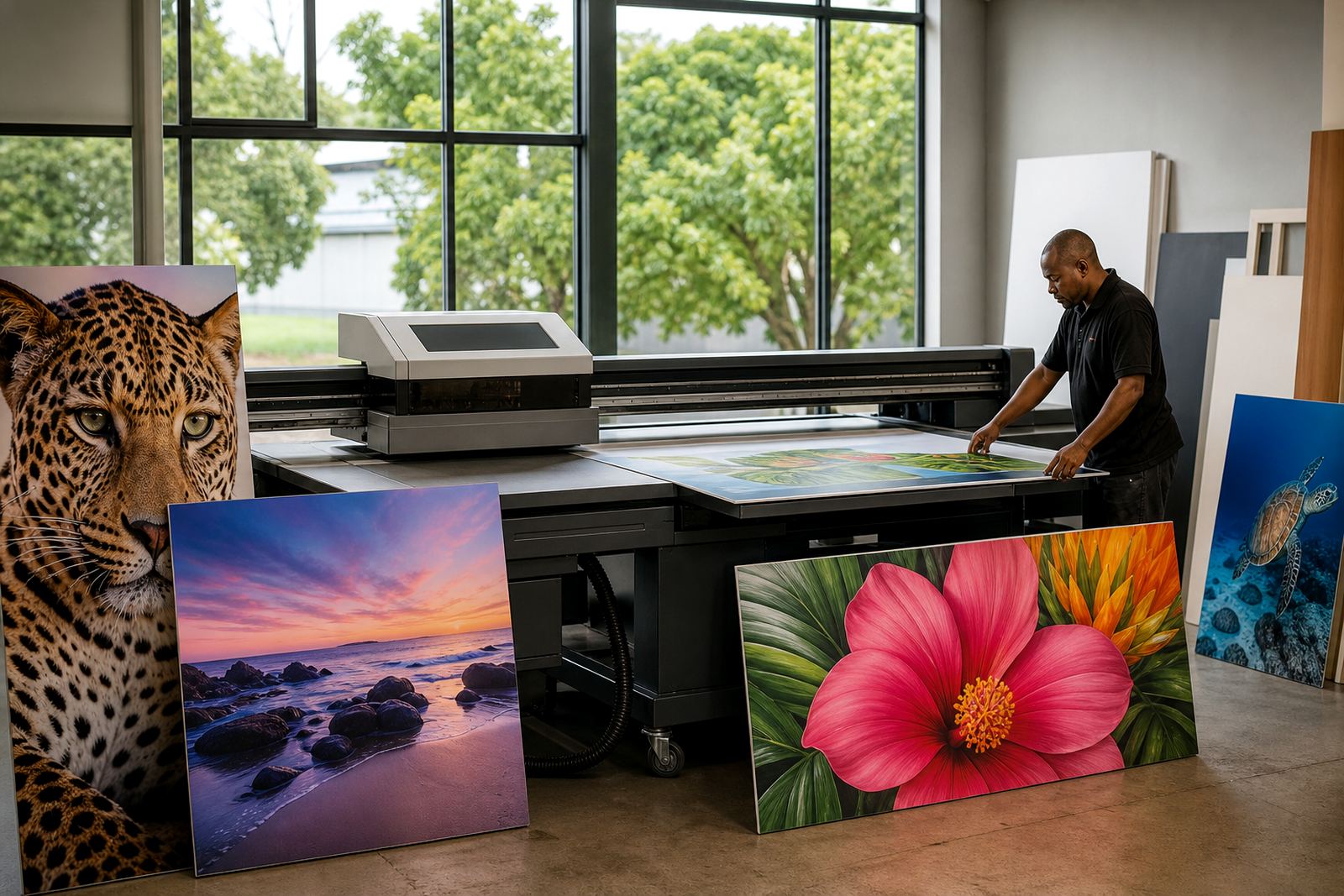
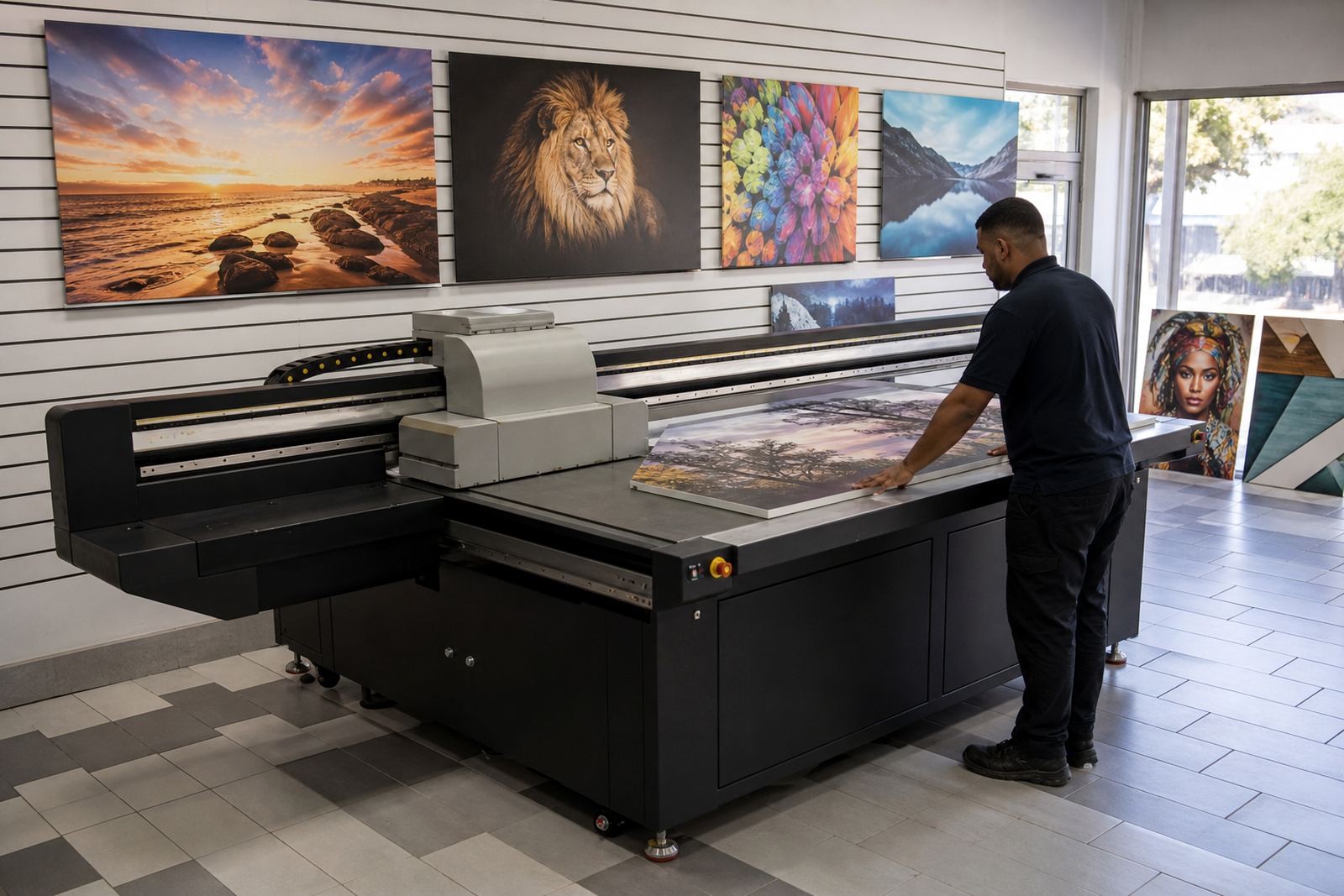
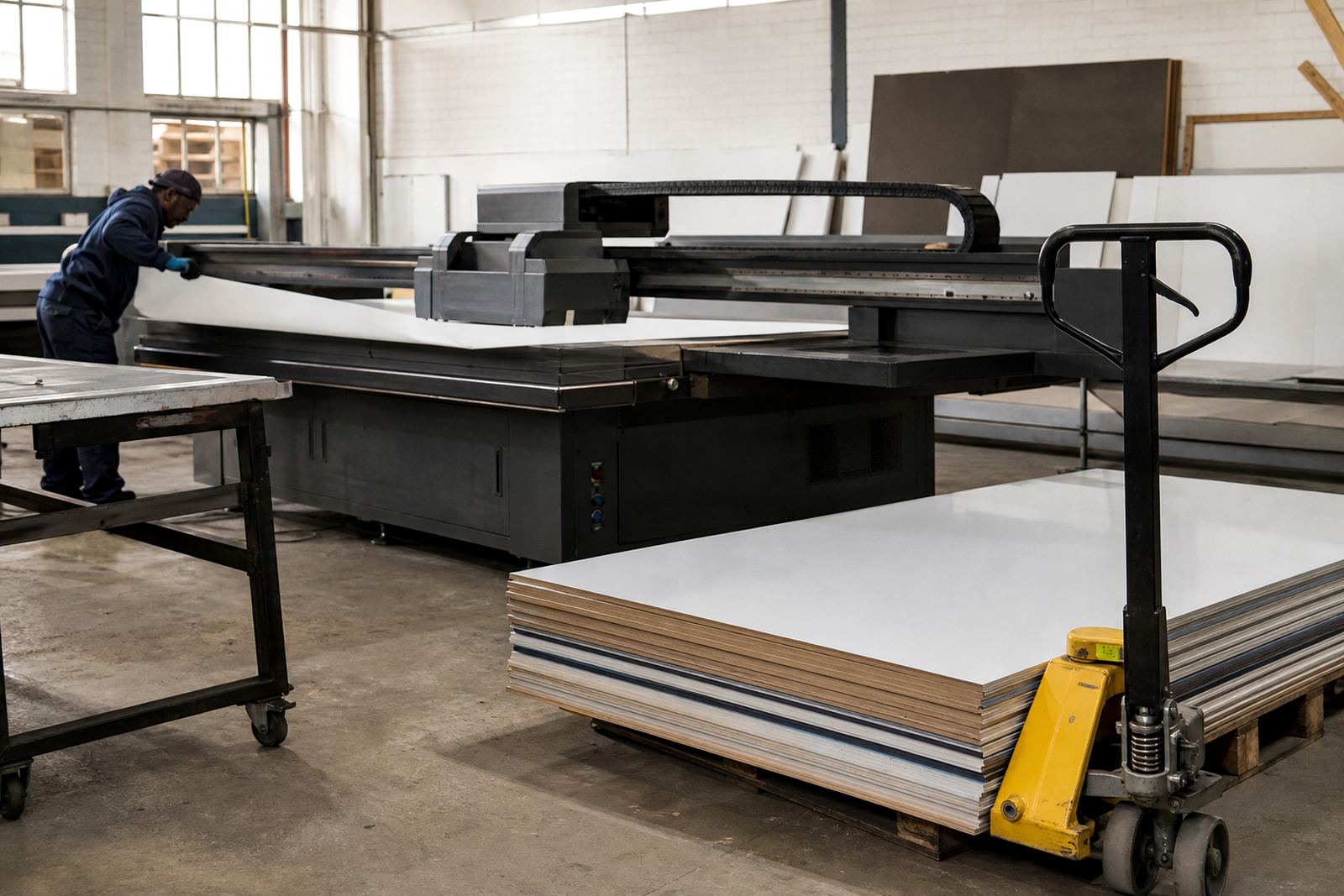
An industrial board printer is a flatbed UV printing setup made for repeated loading and unloading of rigid sheets. It is suited to board runs where you need accurate placement, solid ink adhesion and less movement during print. For shops in Germiston, Johannesburg, Pretoria and beyond, the main advantage is simple: you can keep production moving when the work is boards, not rolls.
UV inks cure as they print, so the finished panel can usually be handled soon after output, depending on the media and ink laydown. That helps with turnarounds for signage panels, promotional boards, wayfinding and point of sale items. The finish is generally durable, with good resistance for indoor use and many protected outdoor applications, though the right media and print setup must always be matched to the job.
- Suited to rigid board handling and flat sheet work
- Works well for shorter runs and repeat board jobs
- Useful where consistent colour and edge clarity matter
- Helps reduce waiting time between print and finishing
Common board sizes and print options
Flatbed setups are normally selected around the largest board size you need to process, plus the allowance needed for loading, registration and safe operator movement. Some businesses need compact boards for retail displays, while others work with larger sheets for shopfitting, exhibitions or signage fabrication. The right machine size should match your standard stock, your doorway access and your workshop floor space, not just the biggest job you might get once in a while.
Options vary by production needs. You may want a machine with vacuum hold-down zones, multiple print modes, white ink capability for dark or clear media, and a configuration that supports both one-off boards and longer production batches. If you often print on coated boards, foam board, acrylic, PVC sheet or similar substrates, it helps to check how the machine handles thickness and surface texture before you order.
- Standard and larger format flatbed sizes available by workflow need
- Support for white ink on dark or transparent media where required
- Print modes for speed, quality, or a balance of both
- Vacuum bed options for cleaner board positioning
Where this printer suits best
This type of printer suits shops that handle signs, display panels, internal branding and board-based communication work. It is a practical fit for retail graphics, events, property signage, education boards, municipal notices and industrial labels mounted on rigid stock. If your work depends on regular board turnover and neat presentation, the flatbed format is often a better match than a roll-only setup.
It also suits operations that need more control over media choice. Boards vary in coating, stiffness and surface smoothness, so a print room that can test substrates and keep a controlled workflow usually gets better results. In coastal areas such as Durban and Gqeberha, humidity can affect board storage, so a dry staging area is important. In Gauteng, dust control and proper stacking matter just as much.
- Retail display and point of sale panels
- Exhibition signage and event boards
- Wayfinding, wall graphics and directional panels
- Property, municipal and site signage
Installation, power and workshop preparation
Before installation, the site should be measured properly for access, clear working space and service clearance around the machine. The floor must be level and able to support the equipment and the board handling area. If the printer is going into a shared production space, plan for loading tables, drying or curing space, storage for boards and safe movement of finished panels.
Power requirements should be checked early. Industrial print equipment normally needs a stable electrical supply, correct cabling and protection against surges and load-shedding interruptions. A qualified electrician should confirm the supply and any backup power arrangement. Some workshops also need compressed air or a clean, controlled environment for certain printroom tasks, depending on the setup and workflow. It is worth getting this right before delivery, because rushing the site often causes problems later.
- Check floor space, access routes and turning room
- Confirm power supply, surge protection and backup plans
- Allow space for board loading and finished stock
- Plan dust control and dry storage for media
Care, servicing and uptime planning
Like any industrial printer, this equipment performs best when it is kept clean and used on a proper schedule. Daily checks usually include nozzle testing, wipe-downs, ink level checks and general inspection of the print area. Regular maintenance helps protect print quality and reduces avoidable stoppages. If the printer sits unused for long periods, ink handling and circulation should be managed carefully.
Preventive servicing should be planned around the amount of work you do, not only the calendar. In a busy shop, small issues can become expensive if they are ignored, so it pays to keep spare parts coordination and breakdown support in mind from the start. Training also makes a difference. Operators who know how to read output, check media and spot changes early can save a full day of lost production, sometimes more.
- Keep the print area clean and dry
- Run routine checks on heads, ink flow and curing
- Store media flat and protected from humidity
- Schedule servicing before quality drops
What to check before you order
When ordering an industrial board printer, start with your real production mix. Consider the board sizes you use most often, the thickness range, the print quality you need and whether you print white ink or layered work. If your business serves multiple towns or branches, think about operator availability, service access and how quickly you need support when there is downtime. A machine that suits a busy board workflow in Johannesburg may still need different planning for a coastal site or a smaller Gauteng workshop.
It also helps to ask about workflow planning, media testing and colour guidance before finalising the setup. That gives you a clearer picture of how the printer will perform on your actual stock, not just on paper. The same goes for spares coordination and maintenance planning. If you are handling boards every day, small details matter, and a printer that fits the way your team works is usually the better buy.
- Confirm maximum board size, thickness and loading method
- Check ink set, white ink need and curing method
- Ask about installation, training and service access
- Test your main media before committing to production
Key facts
| Print method | Flatbed UV printing for rigid boards and signage |
|---|---|
| Media compatibility | Board stock, PVC sheet, foam board, acrylic and similar rigid substrates |
| Ink system | UV-curable ink system with fast curing during print |
| Workflow features | Vacuum hold-down options, white ink support and production mode selection |
| Installation needs | Level floor, stable power supply, clear access and dry media storage |
| Support coverage | Installation, training and service across South Africa from Germiston, Gauteng |